
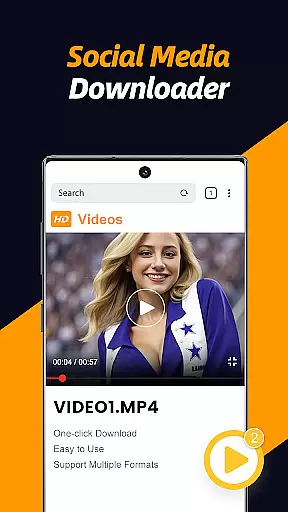
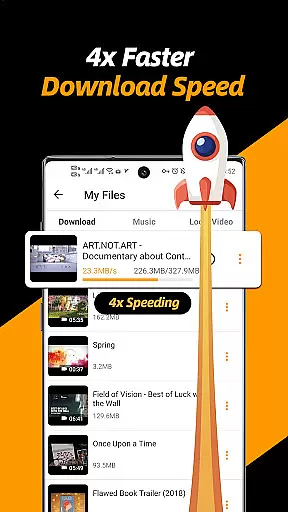
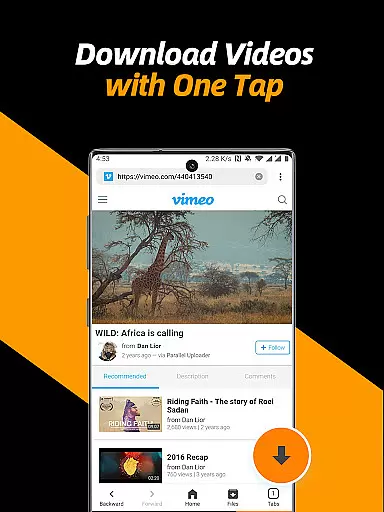
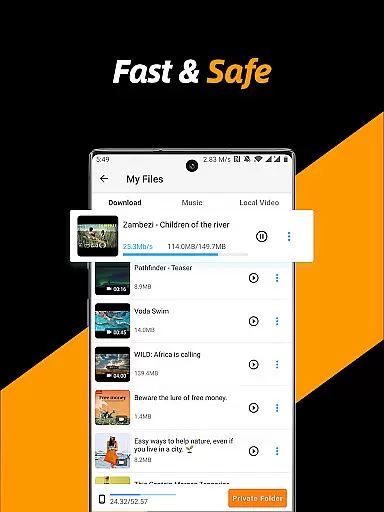
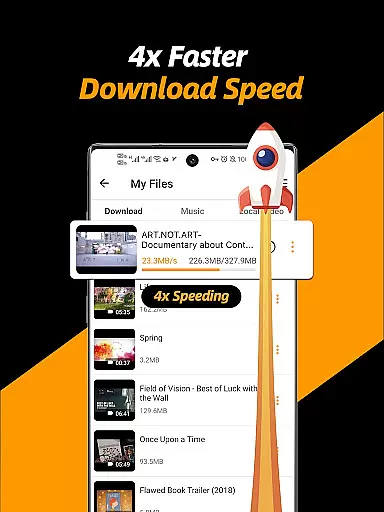
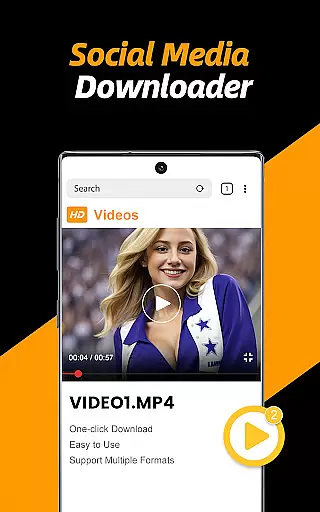
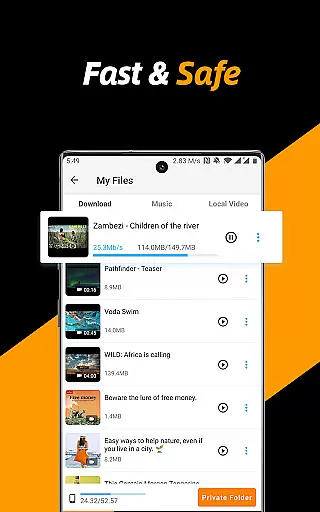
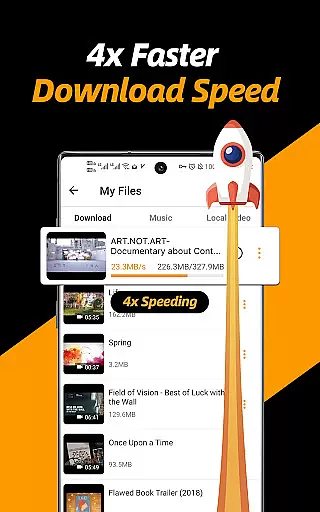
Video Downloader & Video Saver is a premier tool for downloading and managing video content across social media platforms. With its 4x faster download speed, users can swiftly save HD videos and images while enjoying robust file security.
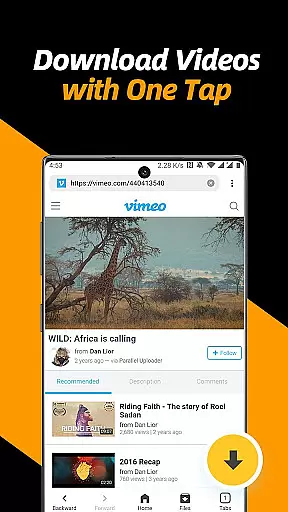
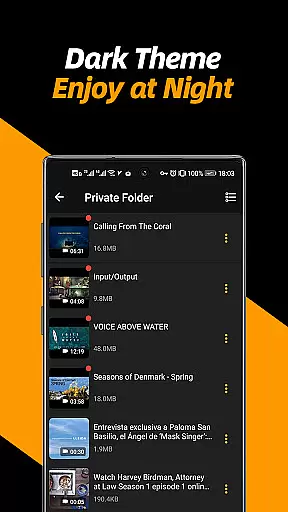
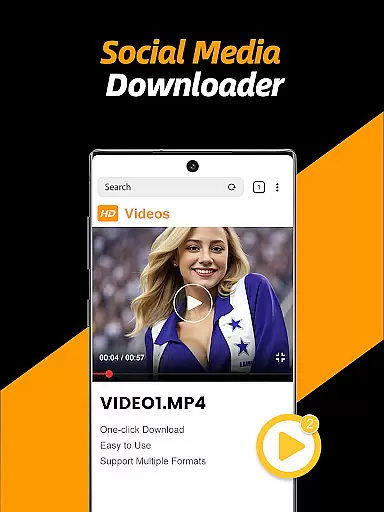
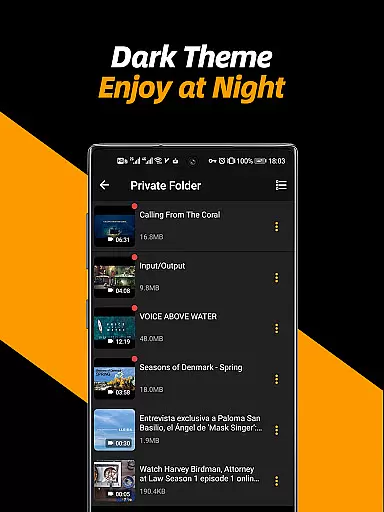
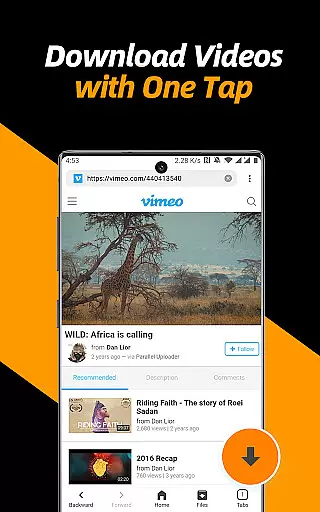
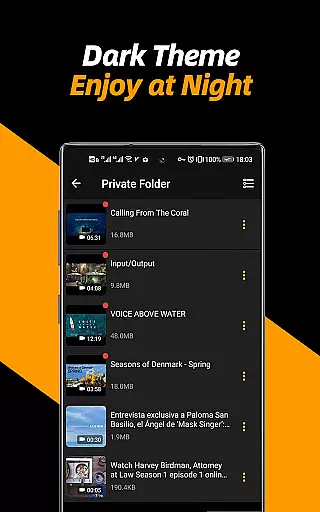
This all-in-one app features a built-in browser that automatically detects downloadable videos, allowing one-tap downloads. It also includes a private folder option secured by a password, ensuring privacy protection. The app supports multi-threading downloads, various resolutions, and background downloading, making it an indispensable utility for avid content collectors.
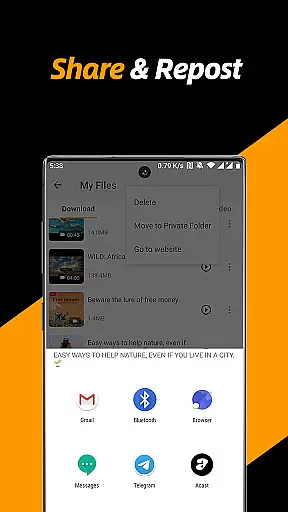
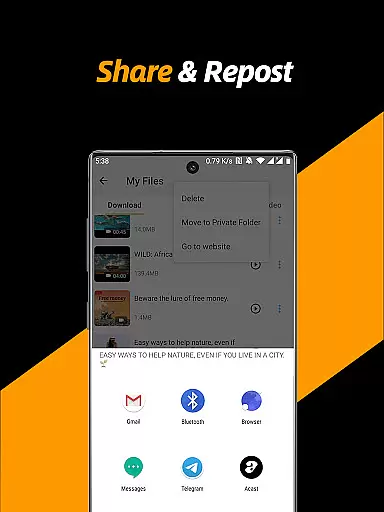
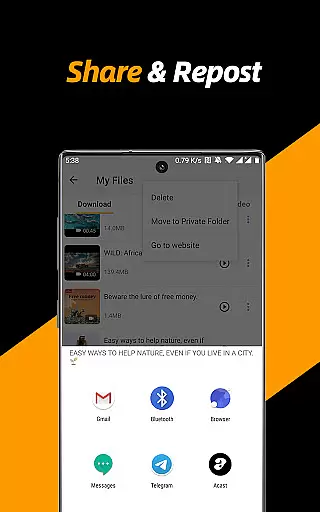
Whether you're looking to repost videos or manage your downloaded files efficiently, this app caters to all needs with ease and reliability, enhancing your digital experience on Android devices.
Video Downloader & Video Saver stands out with its comprehensive feature set tailored for efficient media management. The app's built-in browser simplifies the process of detecting and downloading videos from any website, streamlining the user journey from discovery to download.
Advanced functionalities include multi-threading support which significantly accelerates download speeds, and resolution selection that optimizes storage space and video quality according to user preference. Users can download multiple files simultaneously and even continue downloads in the background, ensuring no interruption in their regular device usage.
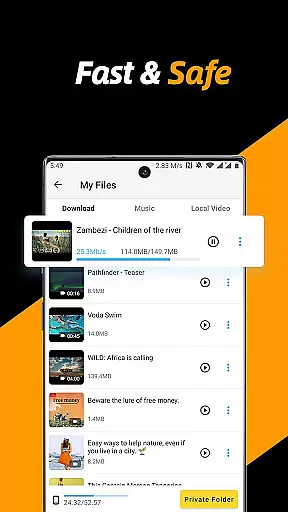
Moreover, the integrated file manager allows for seamless organization, playback, sharing, and deletion of files. A private folder feature adds an extra layer of security, enabling users to protect sensitive content behind a password. This combination of speed, flexibility, and security makes the app a top choice for managing digital media libraries.
Video format compatibility is a crucial feature for any video player and editor, ensuring that users can work with a wide range of video files without compatibility issues. The Video Downloader & Video Saver app excels in this area by supporting all video formats and different resolutions, making it a versatile tool for downloading and managing video content.
This app allows users to select different resolutions, offering the flexibility to save space by choosing smaller file sizes or to enjoy high-definition videos by opting for higher resolution downloads. This adaptability caters to various user preferences and device storage capacities, enhancing the overall user experience.
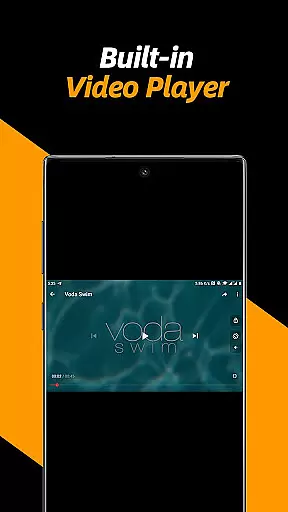
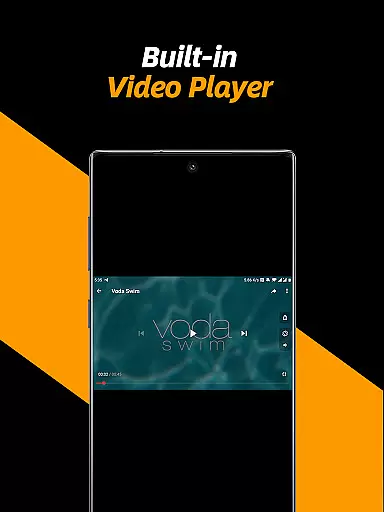
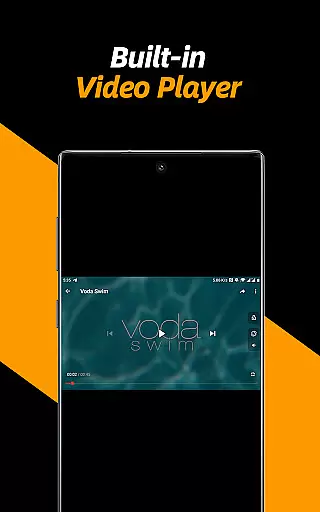
Moreover, the built-in video player within the app supports adjusting video playback speed and repeat video modes, providing additional customization options for users. The ability to convert videos into audio files easily adds another layer of utility, appealing to users who require audio extracts from their video files.
By supporting multiple file formats and offering extensive playback and conversion options, the Video Downloader & Video Saver app ensures that users can download, manage, play, share, and delete all their video files seamlessly. This comprehensive compatibility makes the app an indispensable tool for anyone looking to back up social media videos and enjoy them anytime, anywhere.
AI-powered editing features are transforming the landscape of video players and editors by introducing intelligent tools that simplify complex editing tasks. The Video Downloader & Video Saver app incorporates such advanced functionalities, elevating the video management experience through smart automation and enhanced usability.
One standout feature is the app's multi-threading support, which accelerates video downloads several times over traditional methods. This technological advancement not only speeds up the download process but also optimizes the handling of large video files, ensuring stable and safe downloads every time.
In addition to expediting downloads, the app offers intelligent file management capabilities. Users can pause, resume, and remove downloads as needed, while also renaming, playing, sharing, and deleting files effortlessly. These AI-driven enhancements streamline the entire video management process, saving users valuable time and effort.
The app further distinguishes itself with a private folder feature, secured by a password, allowing users to protect their files and privacy effectively. By combining robust AI-powered editing features with user-centric design principles, the Video Downloader & Video Saver app delivers a fast, safe, and efficient solution for managing video content on Android devices.
User-friendly interface
Fast download speeds
Multi-threading support
Private folder option
HD video support
No YouTube support
Limited format options
Ads may appear
Requires permissions
Occasional bugs

Client application for NextPVR software
 3.00
3.00
You can play SWF format file!
2.50
Create & edit videos with AI
4.30
All format media Player, no need video converter any more!
4.00
Turn your phone into a wireless camera!
4.20
AI Video Editor:AI Music, Text to Video,Text to Speech,Auto Caption,Video Effect
4.00
Mix with Virtual DJ directly from your phone or tablet !
3.10
Browser for Sony TV to stream web videos, online movies and live tv
3.20
Watch IPTV on your Android device
4.60
Video Trimmer, Video to MP3 Converter. Extract music from video, Easy & Fast.
4.80
An easy-to-use and all-round screen recorder with audio
4.80
All in one HD video downloader & player for multiple formats with full privacy
4.70
A Simple app to download Video & Music from the Internet.
4.70
?100% FREE! Download & save videos? safely in this app. All formats supported.
4.60
Cast movies, tv shows and live streams to Chromecast, Roku, DLNA, Fire TV & more
4.60
Powerful video player with advanced hardware acceleration and subtitle supports
4.20
Powerful, professional, versatile teleprompter. Developed by an active film crew
4.00
Manage your IPTV live channels and VOD playlists (no playlist included)
3.80
The essential companion to your Blue Iris PC software
2.50


User Reviews