
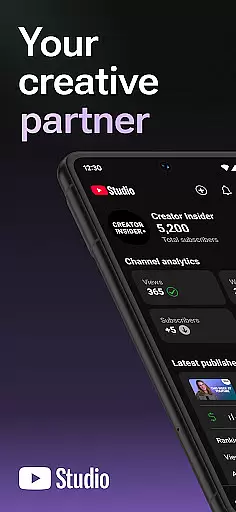
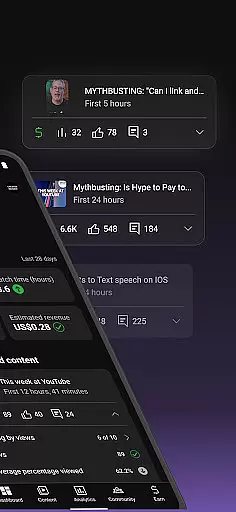
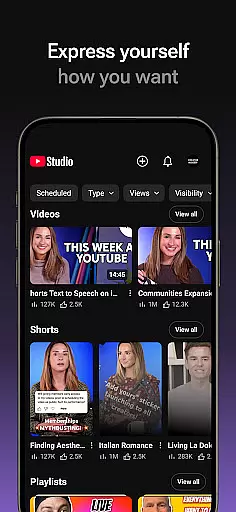
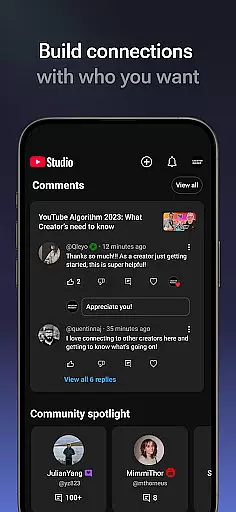
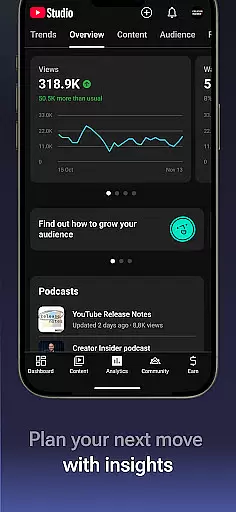
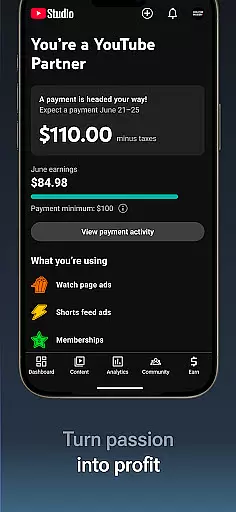
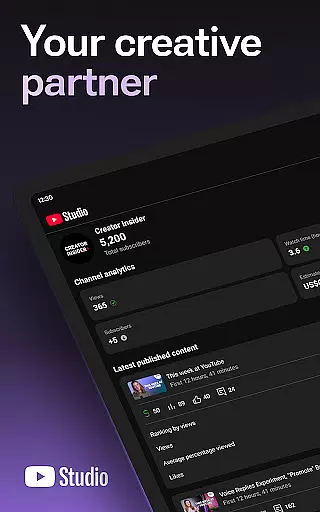
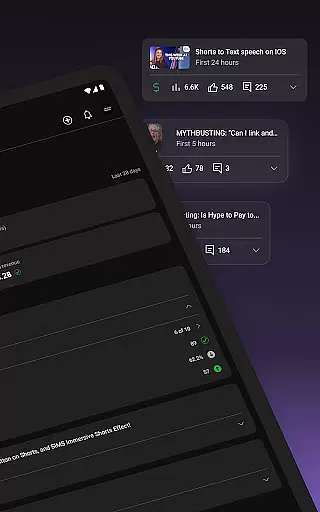
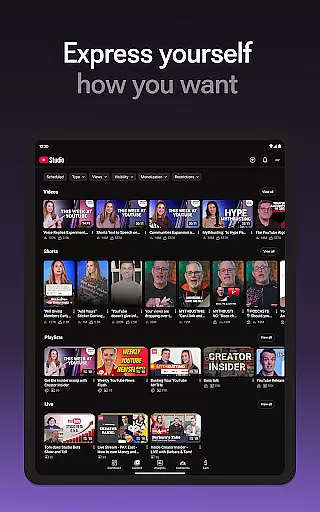
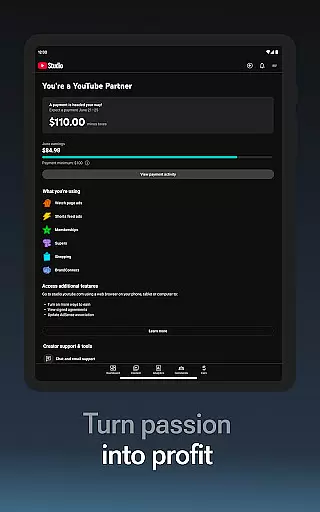

YouTube Studio is the official mobile app designed for content creators to manage their YouTube channels effectively. The app provides a comprehensive suite of tools that enable creators to monitor channel performance, engage with their audience, and customize content directly from their mobile devices. With features like the Channel Dashboard, detailed Analytics, and comment management, it serves as an all-in-one solution for YouTubers looking to optimize their channel's growth and community engagement.
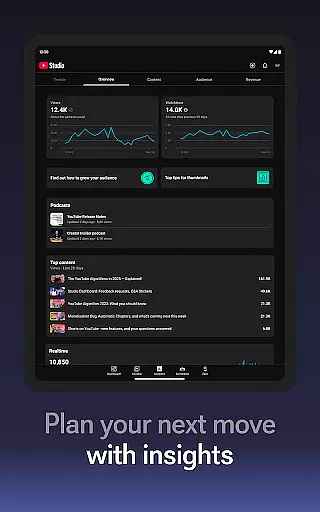
One of the standout capabilities of YouTube Studio is its powerful analytics functionality. Creators can access in-depth data about how different types of content are performing, including videos, shorts, and livestreams. This allows them to make informed decisions on content strategy. Additionally, the app offers monetization opportunities through the YouTube Partner Program, making it not just a management tool but also a platform for business growth.
Whether you're a beginner or an experienced creator, YouTube Studio ensures you have everything you need at your fingertips. From updating video information to responding to crucial comments, the app helps maintain an active and engaged YouTube presence, which is vital in today's competitive content landscape.
YouTube Studio stands out with its robust feature set tailored specifically for content creators. One of the key highlights is the Channel Dashboard, which provides a quick snapshot of your channel's overall performance. This includes metrics such as views, watch time, and subscriber growth, giving creators immediate insights into how well their content resonates with viewers.
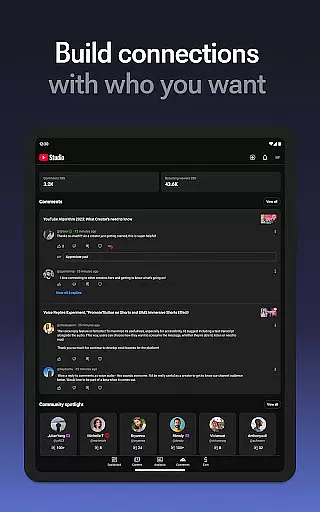
The app also excels in offering detailed Analytics. Users can drill down into specific types of content, such as videos, shorts, and live streams, to understand what drives engagement and viewer retention. These analytics help creators refine their content strategies and focus on producing material that yields the best results. Furthermore, YouTube Studio allows users to sort and filter comments, helping them prioritize important conversations and build stronger relationships with their audience.
Customization and management features are equally impressive. Creators can easily update video details, change thumbnails, and even alter the look and feel of their channel directly from their mobile device. For those interested in monetizing their content, the app streamlines the process of applying to the YouTube Partner Program, opening up revenue-generating opportunities without needing a computer.
Video format compatibility is a crucial feature for any video player and editor, including YouTube Studio. This app supports a wide range of video formats, ensuring that creators can upload and manage content without worrying about format restrictions.
YouTube Studio allows users to update information for individual videos, shorts, and livestreams, which means you have the flexibility to work with different types of video content. Whether you're uploading high-definition videos or short clips, the app ensures that your content is displayed correctly and looks great on all devices.
The benefit of this extensive format support is that it enables creators to focus on their content rather than technical limitations. With YouTube Studio, you can be confident that your videos will reach your audience in the best possible quality, regardless of the original format.
Moreover, the app's compatibility with various formats enhances the user experience by providing seamless integration with other tools and platforms. This ensures that creators can efficiently manage their content and maintain a consistent presence across multiple channels.
AI-powered editing features are transforming the way creators produce and manage video content. YouTube Studio incorporates advanced AI technologies to provide users with powerful tools that simplify the editing process and enhance video quality.
One of the standout AI features in YouTube Studio is its ability to analyze video performance through detailed analytics. Creators can see how different types of content perform, allowing them to make data-driven decisions about future content creation. The app also offers smart suggestions for video improvements based on these analytics.
In addition to performance analysis, YouTube Studio uses AI to help manage community interactions. The app can sort and filter comments, making it easier for creators to engage with their audience and foster a deeper connection. This AI-driven comment management saves time and ensures that important conversations don't get overlooked.
By leveraging AI-powered editing features, YouTube Studio not only streamlines the content management process but also empowers creators to optimize their videos for better engagement and growth. These intelligent tools are designed to help creators succeed in an increasingly competitive digital landscape.
User-friendly interface
Comprehensive analytics
Real-time performance tracking
Monetization opportunities
Mobile convenience
Limited advanced editing
Occasional bugs
Restricted desktop features
Ads in free version
Learning curve for new users

HD video & music player - All format support with floating & PIP mode!
 3.80
3.80
A Quick and Pro Video Editor
4.70
Cast to Chromecast, Xbox, Fire Stick, Roku, DLNA, Smart TV & No Feature Limited!
4.50
KineMaster, Your Ultimate Video Editor!
4.40
VLC Remote lets you control your VLC Media Player on Mac, PC or Linux.
4.60
GENRAL PRO - General Pro is the best video player that fully supports all formats.
4.70
Cast to Smart TV, Fire TV. Cast video, photo - Fast & Stable!
3.90
Add date and time watermark to photos and videos
4.50
Browser + Remote for Roku to stream webvideos, online movies and livestreams
4.60
Video Trimmer, Video to MP3 Converter. Extract music from video, Easy & Fast.
4.80
AI Video Editor with Music, Filter, Slideshow, Effect, Merge & Trim Video.
4.80
?100% FREE! Download & save videos? safely in this app. All formats supported.
4.60
Snaptubè Video Downloader app allows to download videos and music in Snaptube. .
4.60
Search & download videos from net with all video downloader, auto-detect & safe.
4.60
IPTV Loader, loads your own Playlist. DOES NOT CONTAIN ANY LIST OR CHANNELS
4.60
Video Downloader, Multiple Resolution Options, Video Player
4.50
Powerful Video Editor & Photo Editing App —— Quick Edits & Stunning Effects!
4.30
IPTV-Smarters Player Pro M3U - Watch Live Stream TV Channels with Chromecast
4.00
The essential companion to your Blue Iris PC software
2.50


User Reviews