
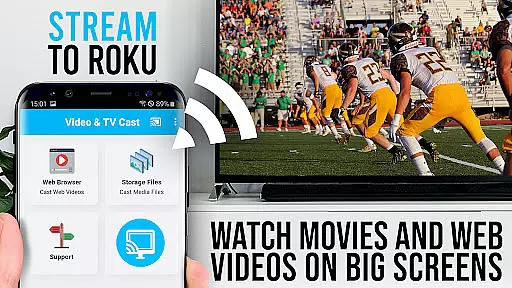
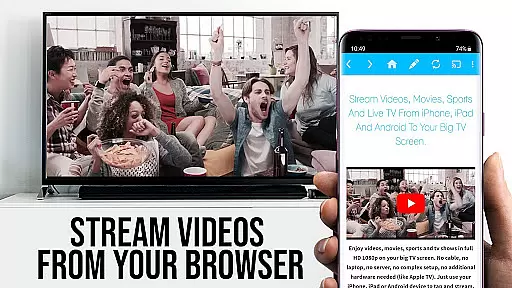
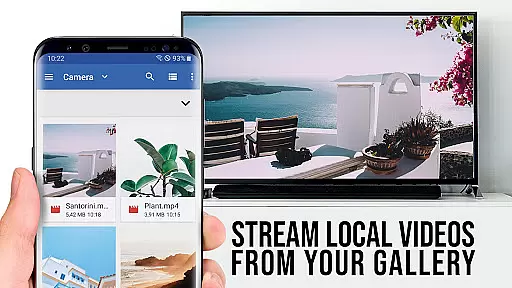
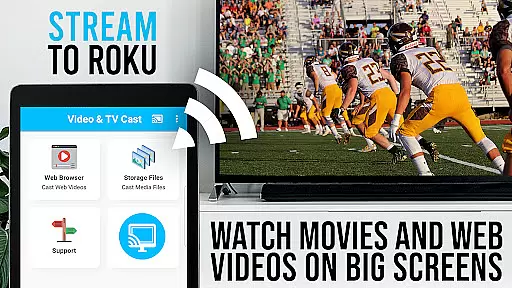
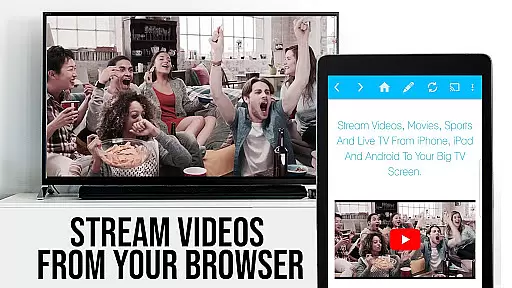
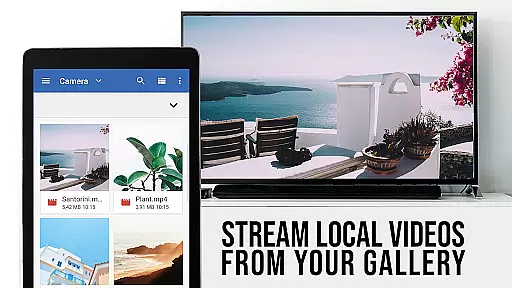
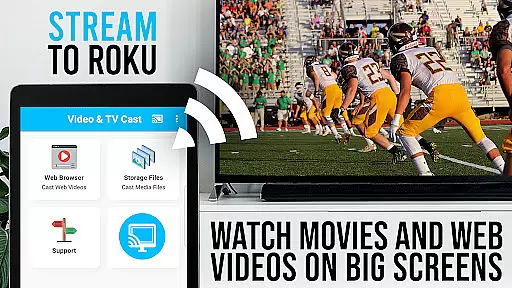
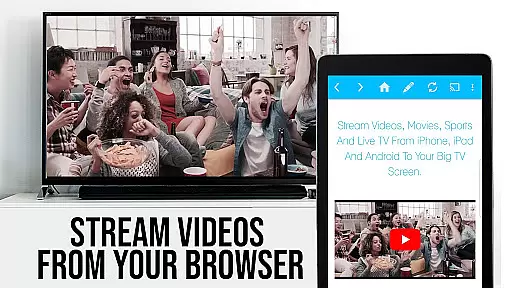
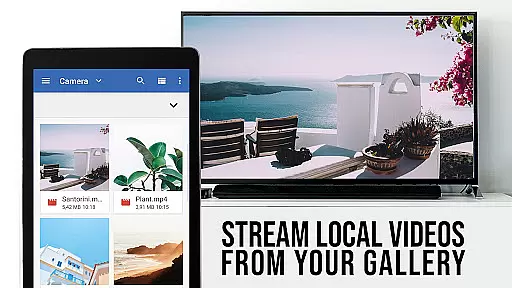
TV Cast Pro for Roku is the ultimate solution for streaming web videos, online movies, livestreams, and live TV shows directly to your Roku device. This application supports a wide range of video formats including mp4, m3u8, hls livestreams, and Full HD content over https.
With an integrated Roku Remote, users can effortlessly control their Roku devices. The PRO edition offers all premium features unlocked, allowing you to cast videos from websites with a single tap, bookmark favorite sites, and even cloak your device as a desktop for an enhanced browsing experience.
Ideal for those looking to expand their Roku's capabilities, this app bridges the gap between web content and your big screen, providing seamless streaming entertainment tailored to your preferences.
TV Cast Pro for Roku stands out with its comprehensive feature set designed to enhance your streaming experience. It allows you to browse the web and cast any video to your Roku device, supporting various formats like mp4, m3u8, and Full HD over https.
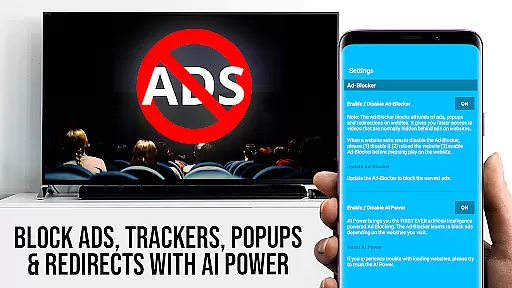
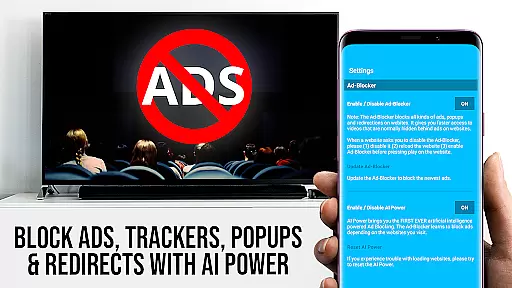
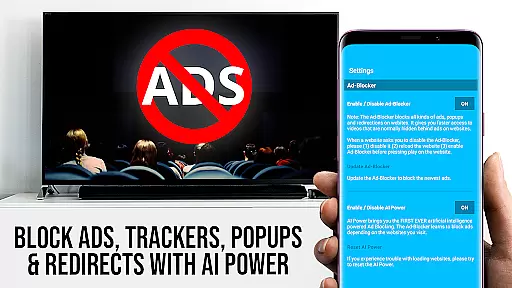
The integrated Roku Remote lets you control video playback, switch channels, and manage volume. With the Ad-Blocker feature, you can enjoy an uninterrupted viewing experience by blocking ads and popups on most websites. Additionally, the Desktop Mode enables loading desktop versions of websites, expanding the range of castable content.
Other notable features include the ability to create bookmarks for easy access to favorite sites, change the homepage for personalized browsing, and enter video URLs directly for instant streaming. These functionalities ensure that you have full control over your content and how it's displayed on your Roku.
TV Cast Pro for Roku stands out with its extensive video format compatibility, ensuring users can stream a wide variety of content without technical hindrances. The app supports popular formats such as MP4, M3U8, and HLS livestreams, making it versatile for different types of videos available online.
This compatibility is crucial for users who wish to enjoy web videos, online movies, livestreams, and live TV shows directly on their biggest screen. By supporting Full HD, the app guarantees high-quality streaming that enhances the viewing experience on Roku devices.
Moreover, the ability to enter or paste full video URLs in the browser address bar allows direct playback on Roku. This feature simplifies accessing specific video files, catering to users who prefer straightforward methods to reach their desired content.
The app's design ensures that even if certain websites serve Flash videos in desktop mode, users are still empowered to cast a broad spectrum of video content, optimizing accessibility and convenience.
While TV Cast Pro for Roku focuses primarily on streaming capabilities, it incorporates AI-powered features that enhance user interaction and streamline the casting process. Although not a traditional video editor, the app leverages intelligent algorithms to detect video links embedded within websites, automatically preparing them for casting.
This detection mechanism is vital for users navigating through web content, as it simplifies the task of identifying and sending videos to their Roku devices. With just a single tap, discovered videos are displayed below the browser and immediately sent to the Roku, showcasing an intuitive approach to managing multimedia content.
Additionally, the integrated Roku Remote provides control over video playback, allowing users to forward, rewind, pause/play videos, and switch between Roku channels seamlessly. These functionalities mimic basic editing controls by giving users command over their streamed content's presentation.
By prioritizing user-friendly features like the Ad-Blocker and Desktop Mode, TV Cast Pro ensures an uninterrupted and customizable viewing experience. Such innovations underline the app's commitment to delivering smart solutions tailored for efficient media consumption.
User-friendly interface
Wide format support
Integrated Roku remote
Ad-blocking feature
Desktop mode option
No support for Flash
Limited Roku models
DRM protected videos
Device mirroring absent
Refunds within 24 hours

Video Player - Unlimited features, 30 days money back guarantee.
 4.60
4.60
Stream high quality video from your camera over NDI protocol
4.1
Download videos easily & play them all in one smart, powerful video manager.
3.40
Fast & Private Video Downloader App. Save all videos easily from the Internet.
4.40
IPTV Loader, loads your own Playlist. DOES NOT CONTAIN ANY LIST OR CHANNELS
4.60
Manage your IPTV live channels and VOD playlists (no playlist included)
3.80
Browser for Samsung TV to stream webvideos, online movies and livestreams in HD
4.10
A Simple app to download Video & Music from the Internet.
4.70
VLC for Android is the best open source video and music player, fast and easy!
4.10
AI Video Editor with Music, Filter, Slideshow, Effect, Merge & Trim Video.
4.80
A Quick and Pro Video Editor
4.70
HD Video player all format, HD Videos, Cast & Subtitle. No annoying ads.
4.60
VLC Remote lets you control your VLC Media Player on Mac, PC or Linux.
4.60
Photo and Music Video Creator into Stunning Videos—Effortlessly
4.40
KineMaster, Your Ultimate Video Editor!
4.40
Web Browser for LG TV to stream webvideos, online movies and livestreams in HD
4.20
Make your own Animations, Video and Photo Edits, Visual Effects, and more!
4.00
Live TV, anywhere in your home
3.80
Video player with powerful streaming playback and various convenient features.
2.10


User Reviews