
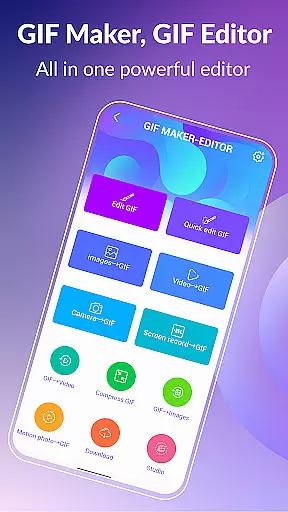
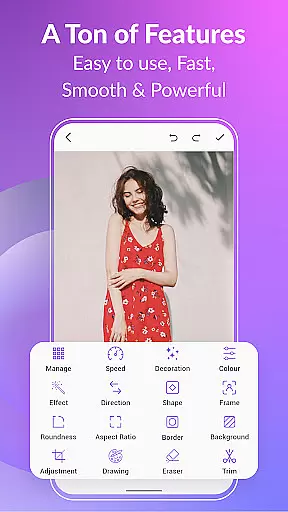
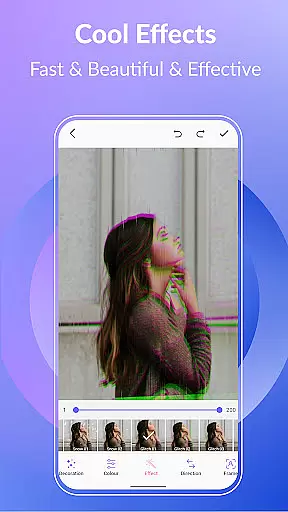
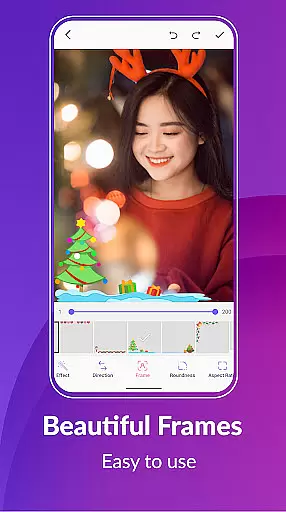
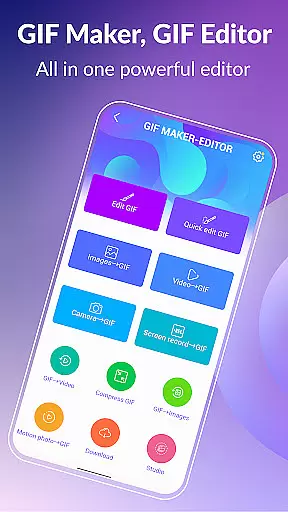
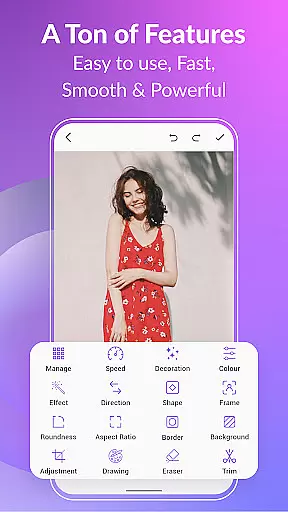
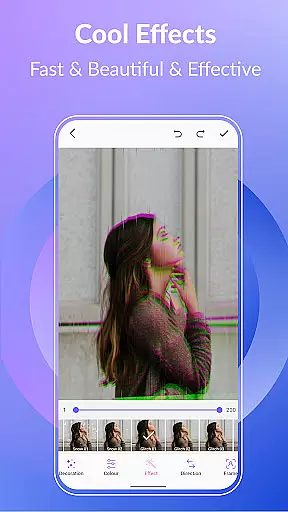
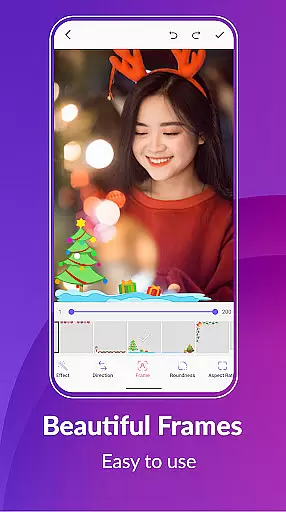
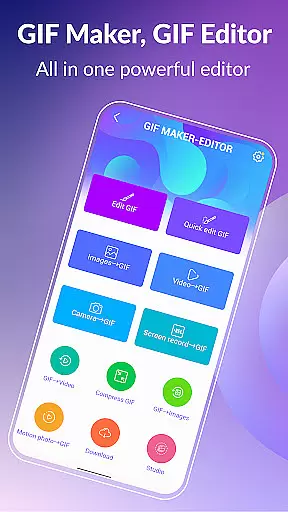

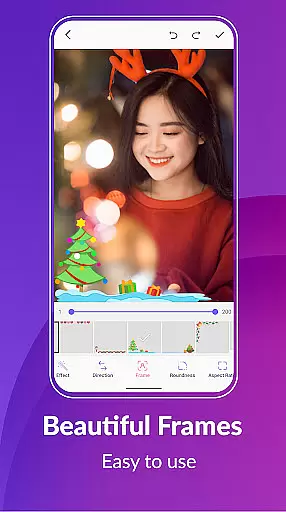
GIF Maker, GIF Editor Pro is a comprehensive photography app designed for creating and editing high-quality animated GIFs without watermarks. With support for up to 600 frames and HD resolution (720x1280 pixels), this app offers an intuitive interface that allows users to transform images, videos, screen recordings, and existing GIFs into stunning animations.
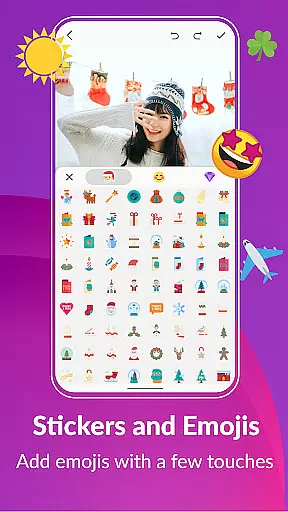
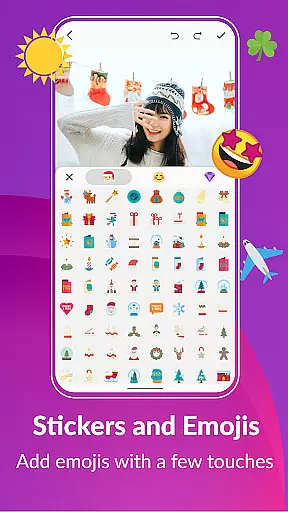
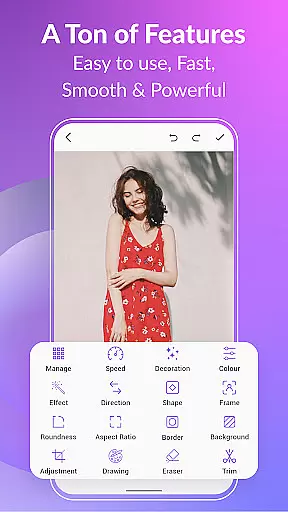
The app supports various popular formats including PNG, JPEG, MP4, MPEG, FLV, 3GP, and GIF. It provides extensive customization options such as cropping, resizing, speed adjustment, adding emojis, filters, trimming, stickers, aspect ratio modification, and more. Whether you're looking to create GIFs from videos or images, GIF Maker, GIF Editor Pro ensures your creations are saved in high quality without any watermarks.
GIF Maker, GIF Editor Pro stands out with its versatile features tailored for both beginners and advanced users. The app allows you to convert videos to GIFs, compress GIFs for easier sharing, and even convert GIFs back to videos while maintaining the original quality and resolution.
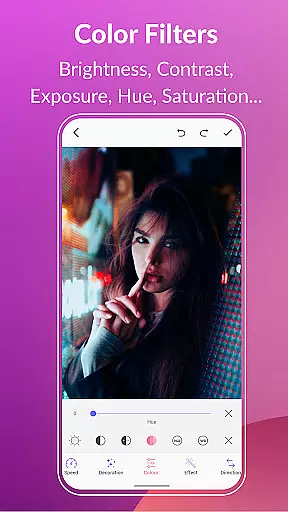
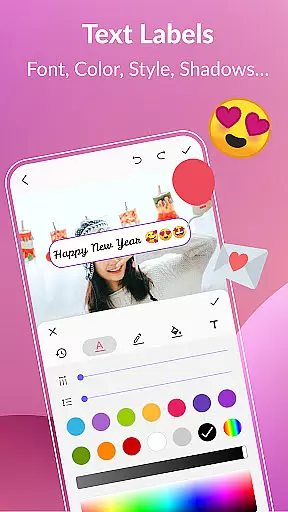
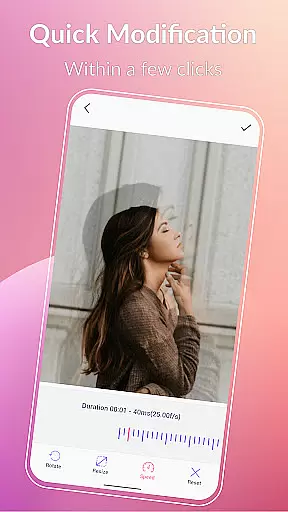
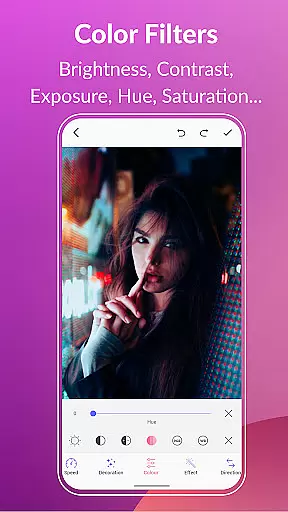
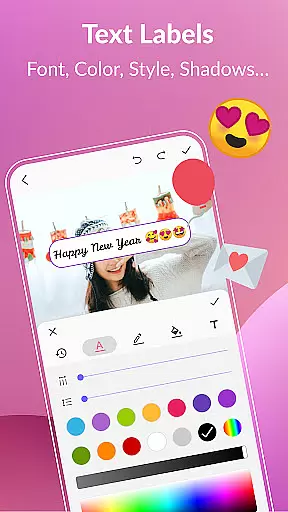
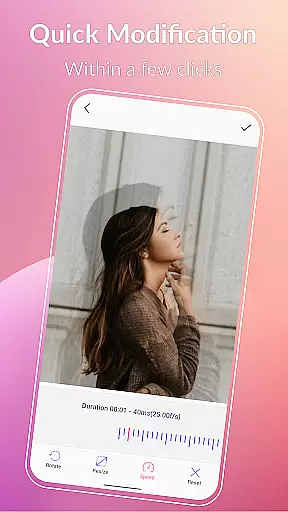
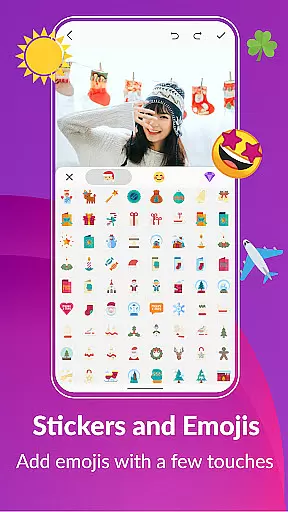
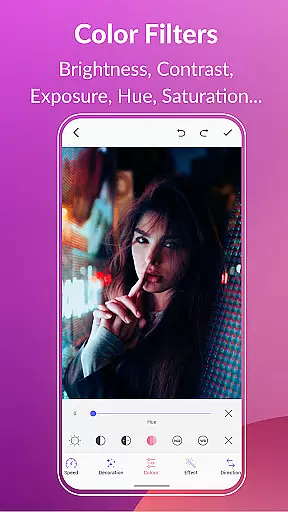
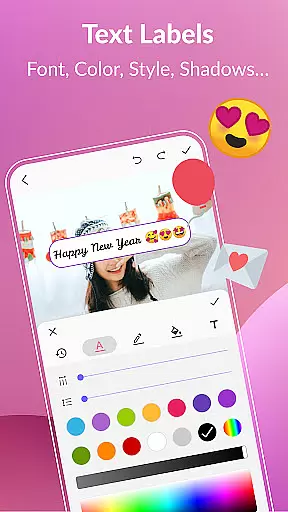
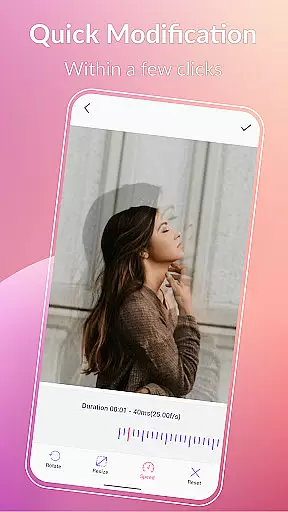
Additional functionalities include background options like transparent, solid colors, gradients, and blur effects. Quick edit tools let you resize and adjust play speed effortlessly. You can also enhance your GIFs with color filters, text labels, memes, stickers, and emojis. Manage your entire GIF collection within the app, extract frames from GIFs, and share your creations on platforms like WhatsApp, Facebook, Twitter, and more.
Real-time capture and preview functionality is essential for any photography or GIF creation app. This feature allows users to see exactly what their final output will look like while they are still in the process of creating it. With GIF Maker, GIF Editor Pro, you can transform images, videos, and even screen recordings into animated GIFs with live previews at every step.
The application supports a wide range of formats including PNG, JPEG, MP4, MPEG, FLV, 3GP, and more. This versatility ensures that no matter what type of media you're working with, you'll be able to see your changes in real time. Whether you're adjusting filters, adding text labels, or applying color corrections, the live preview feature helps ensure that your creative vision is accurately represented before you finalize your work.
For users, this means greater control over the creative process. You can experiment with different effects, stickers, and emojis, seeing how each change impacts the overall look and feel of your GIF without committing to it permanently. This immediate feedback loop not only enhances user experience but also significantly reduces the time spent on trial and error, making the entire editing process more efficient and enjoyable.
AI beauty and enhancement features have become increasingly popular in photo and video editing applications. These tools leverage advanced algorithms to automatically enhance visual content while maintaining a natural appearance. In GIF Maker, GIF Editor Pro, AI-driven enhancements allow users to elevate their GIFs with improved clarity, color balance, and overall aesthetic appeal without making them look overly processed or artificial.
The app offers a variety of AI-powered features such as brightness adjustment, contrast optimization, exposure correction, hue tweaking, saturation enhancement, and white balance calibration. These tools work together seamlessly to bring out the best in your GIFs, ensuring that colors are vibrant, details are sharp, and the overall mood of the animation is preserved. Additionally, options like background customizationu2014including transparent, solid color, gradient, and blur effectsu2014further enhance the natural feel of your creations.
For creators, these AI enhancements mean achieving professional-quality results with minimal effort. The software intelligently applies adjustments based on the content of each frame, so whether you're converting a video clip or combining multiple images, the end result will always appear polished yet authentic. This capability empowers users to produce high-quality, visually appealing GIFs that stand out across various platforms like WhatsApp, Facebook, Twitter, and others.
User-friendly interface
High-quality output
Extensive format support
Versatile editing tools
Ad-free experience
Limited free features
Subscription required
Advanced tools may overwhelm beginners
Occasional bugs reported
Large file sizes for high-quality GIFs

How would you look like with a differently shaped nose, chin or lips?
 3.90
3.90
Add Watermark - Sign your pictures with a text or logo. Effective, quick, easy!
4.50
Safe & smart flight with Go Fly drone controller for 40+ drone camera, zone map
4.50
1M influencer's special filter
4.60
Create collages easily! Nice pic collage maker & background eraser for Instagram
4.50
Create amazing frames with up to five photos. Rounded corners, effects and more!
3.60
Future baby face generator: AI kids generator, kid face! What my baby look like?
4.40
A unique animation app. Powerful, easy to use, and lots of fun.
4.30
Try an anime version, cartoon yourself, and generate AI hug or aging videos!
3.70
AI Photo Editor with 100+ Filters, Effects! Remove BG, Retouch & Photo Enhancer.
4.80
Gallery show photo, video, slideshow, is perfect 3D effect private photo albums.
4.80
Amazing Photo Effects - The most fun you can have with your photos!
4.70
Virtual makeup, hair filters & body tuner—edit from face to full body!
4.20
Create AI Photos, Improve and restore quality of blurry, old or damaged pics.
4.20
Luminar: Photo Editor - easy picture editing with AI
4.20
All-in-One Editor & AI Photo Enhancer, Collage, Cartoonify, Funny Stickers & BGS
4.10
Professional quality photo edits with the new Snapseed.
4.00
Remote control of the phone camera from your Wear OS smartwatch
3.70
Pet Camera
3.70


User Reviews