
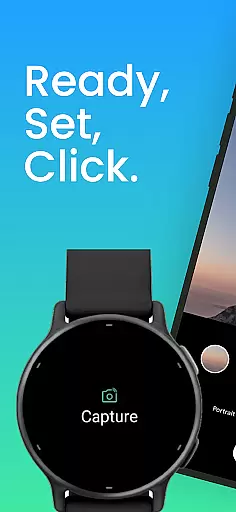
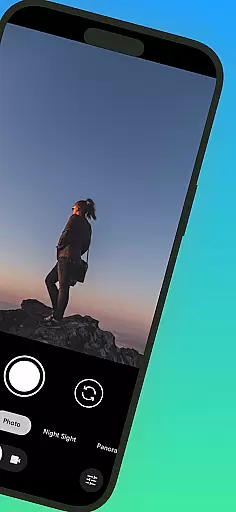
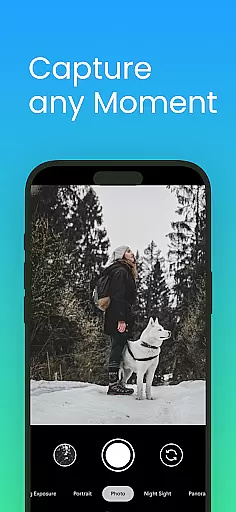
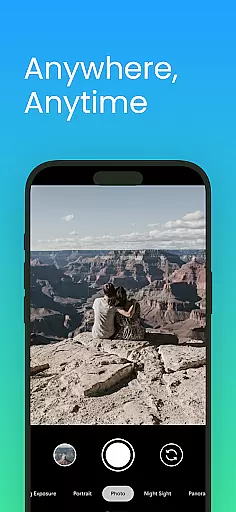
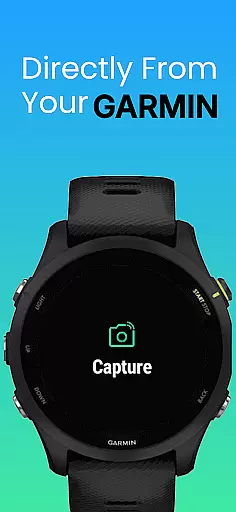
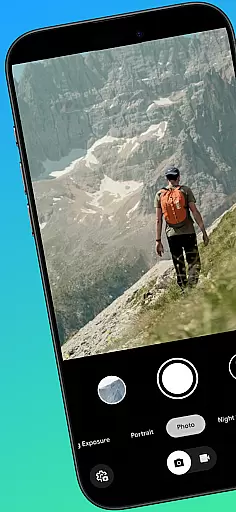
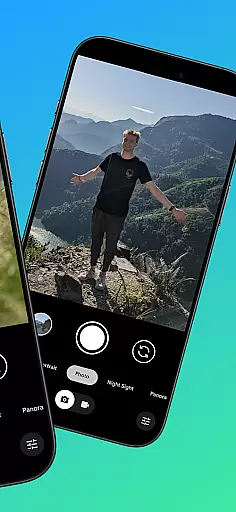
CameraClick is a powerful photography app that connects your Garmin smartwatch with your Android phone, enabling wireless remote control of your camera. This seamless integration allows users to capture photos and videos directly from their wrist, making it ideal for group shots, solo adventures, or any scenario where holding the phone isn't practical.
The app leverages your phone's native camera app, ensuring that all your preferred settings—such as quality, lens choice, and storage paths—are preserved. By using Android’s AccessibilityService, CameraClick works across a wide range of devices and camera apps, providing flexibility and reliability for creators, athletes, and everyday users alike.
One of CameraClick's standout features is its compatibility with your existing camera app, meaning you don't have to compromise on quality or settings. The app triggers your phone's native camera functionality, allowing you to maintain full control over how your media is captured while operating remotely via your Garmin smartwatch.
Additionally, CameraClick supports a broad spectrum of Android devices, including popular brands like Google, Samsung, Motorola, Xiaomi, and more. Its reliance on Accessibility permissions ensures that it integrates smoothly with various camera apps, offering a consistent experience regardless of your device type. Whether you're recording a workout, capturing nature scenes, or taking hands-free selfies, CameraClick delivers an intuitive and reliable solution for remote photography.
Real-time capture and preview functionality is essential for ensuring that users can take photos or record videos with precision and confidence. CameraClick excels in this area by providing seamless integration between your Garmin smartwatch and Android phone.
The app leverages the native camera application on your phone, meaning you get to use the camera interface and settings you're already familiar with. This ensures that the quality of your captures remains consistent with your preferences, whether you're adjusting exposure, choosing lenses, or setting storage paths.
With CameraClick, you can trigger the camera shutter directly from your smartwatch. This wireless control allows you to capture moments without needing to physically interact with your phone, making it perfect for group shots, solo adventures, or recording video from a distance.
By using Androidu2019s AccessibilityService, CameraClick interacts directly with the camera's shutter button, offering compatibility across a wide range of devices and camera apps. This means you retain full control over how your photos and videos are captured while enjoying the convenience of remote shooting.
While CameraClick does not focus heavily on AI beauty and enhancement features, its ability to work with your phone's native camera app ensures that any built-in beautification or enhancement tools you have will function as intended. This preserves the natural look of your photos without introducing artificial elements.
The app's primary function is to provide a seamless remote shooting experience, allowing you to take photos and record videos without needing to touch your phone. This can be particularly useful when aiming for natural-looking shots, as you can set up your phone at an ideal angle and distance, then trigger the camera from your watch.
CameraClick has been tested on a variety of popular Android devices, including those from Google, Samsung, Motorola, Xiaomi, Fairphone, OPPO, Honor, Nothing, and OnePlus. This extensive testing ensures that the app works reliably across different hardware and software configurations, maintaining the natural quality of your captures.
For creators, athletes, and everyday users who prioritize authenticity in their photography, CameraClick offers a dependable solution that respects your existing camera settings and delivers consistent results.
User-friendly interface
Wide device compatibility
Preserves native camera settings
Wireless convenience
Reliable performance
Requires specific hardware
Limited to Android
Needs Accessibility permissions
No iOS support
Dependent on Garmin ecosystem

Photo editor: face & body editor, beauty cam, filters and quality enhancer.
 4.00
4.00
Android Native system HD camera app. Never been so simple and faster.
4.70
Photo editor: AI filters, photo enhancer, pic collage maker, AI art generator.
4.80
Transform photos into videos! Create realistic or anime-style images easily!
4.50
Cartoon and artistic effects for your photos and videos
4.70
Future baby face generator: AI kids generator, kid face! What my baby look like?
4.40
Professional quality photo edits with the new Snapseed.
4.00
Turn photos into cartoons & avatars! - Photo Editor, Cartoon Face!
3.90
RAW video capture with advanced controls
4.40
Amazing Photo Effects - The most fun you can have with your photos!
4.70
A collection of tools and reference tables for DPs, ACs, DITs and Operators.
4.70
Enhance, upscale, and transform your images — on your device, without limits
4.70
1M influencer's special filter
4.60
PhotoSync Bundle Add-On License. Enables all features and services in PhotoSync.
4.60
Turn your phone into a professional camera - full DSLR manual photography
4.30
Be your best in every shot! Fix, edit and retouch your face in selfies & photos.
3.70
GCamera allows all GCam features on all phone models! Better photos with GCamera
3.30
An interval timer to automate photo taking process for timelapse
2.90
HD Photo gallery and photo manager to edit, hide private photos, videos & albums
4.1


User Reviews