
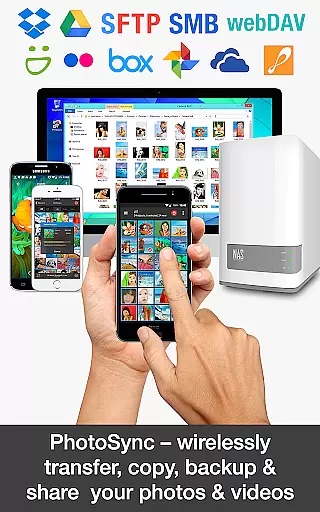
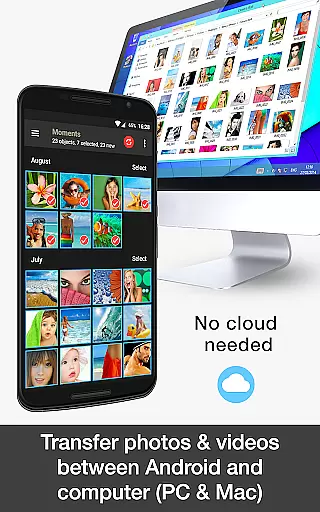
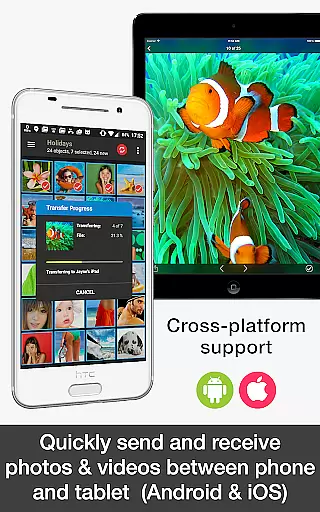
PhotoSync Bundle Add-On is an advanced activation license that enhances the free version of PhotoSync, a leading cross-platform solution for wireless photo and video management. This add-on enables users to seamlessly transfer, backup, and share multimedia content between Android devices, iOS, Windows, Mac, NAS, cloud services, and more.
With over 10,000 positive reviews and millions of successful transfers, PhotoSync stands out as a reliable and secure software with ten years of market presence. The bundle includes Autotransfer, NAS, and Cloud add-ons, offering automatic uploads, extensive NAS compatibility, and integration with major cloud services while removing ads from the application.
Ideal for photographers and everyday users, PhotoSync ensures total control over media transfers, making it an essential tool for anyone seeking efficient and customizable photo management.
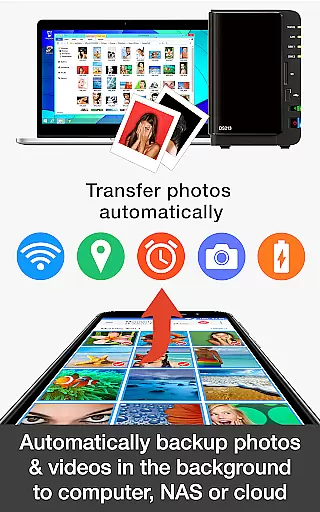
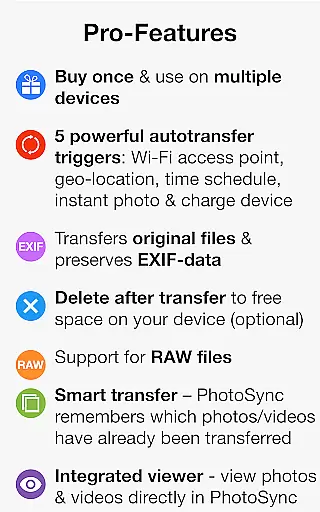
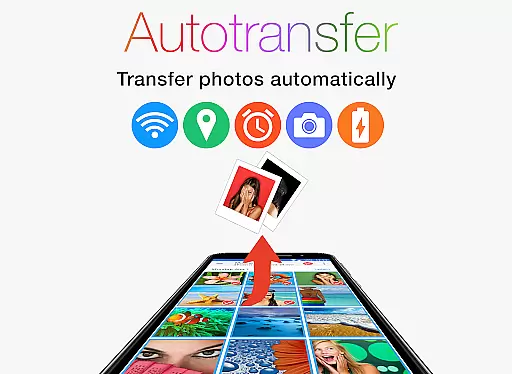
The PhotoSync Bundle Add-On introduces powerful capabilities designed to streamline photo and video management. It supports automatic transfers based on triggers like Wi-Fi network connection, geolocation, device charging, or time schedules, ensuring your media is always backed up without manual intervention.
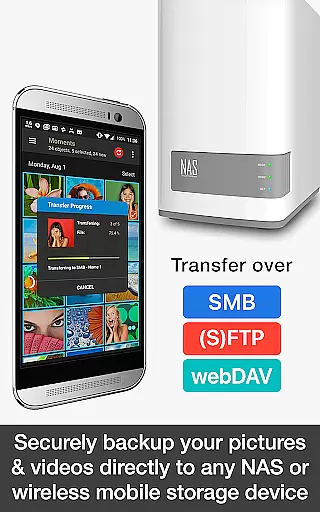
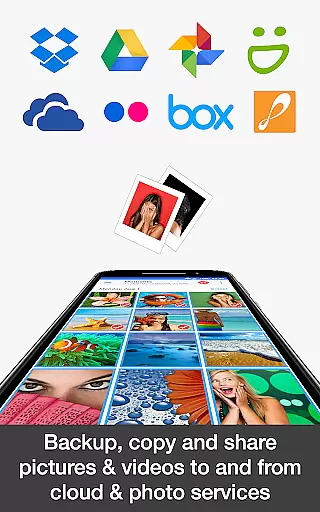
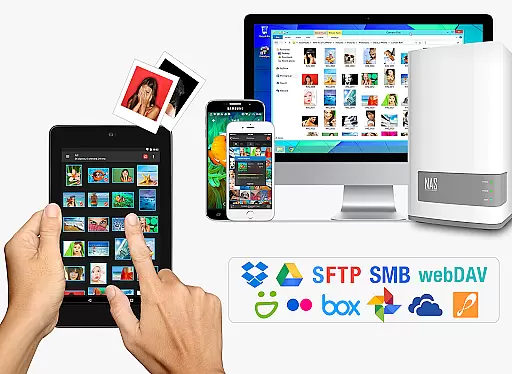
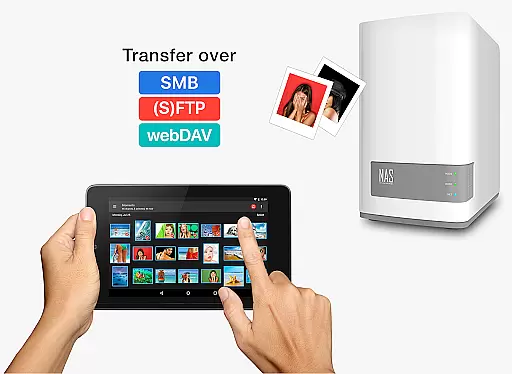
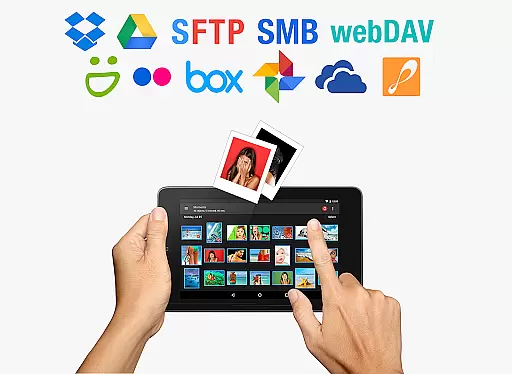
For NAS users, the add-on provides secure backups to various storage solutions such as Synology, QNAP, and Western Digital, along with support for protocols like SMB, (S)FTP, and WebDAV. Additionally, its Cloud Add-On allows seamless uploads and downloads to services including Google Drive, Dropbox, and OneDrive, enhancing accessibility and collaboration.
These features collectively offer a comprehensive solution for managing multimedia across multiple platforms, empowering users with flexibility, security, and ease of use in their digital workflows.
Real-time capture and preview functionality is essential for ensuring that users can seamlessly transfer, backup, and share their photos and videos without delays. PhotoSync Bundle Add-On excels in this area by providing instant transfer options.
With the PhotoSync Autotransfer Add-On, media files are automatically backed up or shared as soon as they are captured. This feature supports various triggers such as taking a new picture, connecting to a specific Wi-Fi network, reaching a geolocation, charging the device, or meeting a preset schedule.
This immediate handling of media ensures that users never miss a moment, offering peace of mind that their precious memories are safely stored or shared almost instantly. The real-time aspect enhances user experience by reducing wait times and streamlining the entire photo management process.
By integrating these capabilities, PhotoSync not only meets but exceeds user expectations for fast and reliable photo handling, making it an indispensable tool for anyone looking to manage their digital assets efficiently.
While PhotoSync Bundle Add-On does not focus on AI beauty enhancements, it emphasizes the natural and secure transfer of photos and videos. However, its comprehensive suite of features ensures that your media retains its original quality during transfers.
The NAS and Cloud Add-Ons provide secure and reliable methods to store and access media files. Whether backing up to a NAS, remote server, or popular cloud services like Dropbox and Google Drive, PhotoSync maintains the integrity and natural state of each file.
Users benefit from high-quality uploads and downloads, ensuring that their photos and videos remain as vivid and clear as when they were first captured. This commitment to preserving media quality mirrors the goal of AI beauty tools that aim for natural enhancement.
Ultimately, PhotoSync delivers a robust solution for managing digital media with authenticity and reliability, ensuring that every transferred image and video retains its intended impact without artificial alterations.
Comprehensive feature set
Secure and reliable transfers
Extensive NAS and cloud support
Automatic backup options
Ad-free experience
Requires separate app installation
Premium cost for full functionality
Complex setup for beginners
Limited standalone utility
Dependent on main PhotoSync app

Pet Camera
 3.70
3.70
Create collages easily! Nice pic collage maker & background eraser for Instagram
4.50
Future baby face generator: AI kids generator, kid face! What my baby look like?
4.40
Snap photos remotely using your Garmin watch as the camera trigger
4.3
Catch sunlight, sunrise sunset times and sun phases with the AR sun tracker.
4.10
Enhance, upscale, and transform your images — on your device, without limits
4.70
Remote control the phone camera shutter from your smartwatch and take a picture
1.60
Edit photos with the picture generator: PS2 & AI Clay filters, cartoon effects.
4.50
Photo & Video Gallery app to manage albums and save WA Status easily.
4.70
Collage your moments in one tap: 1000+ layouts, filters, stickers, and texts.
4.90
Photo prints, cards, & gifts at Walgreens. Easy ordering & fast local pickup !
4.80
Easily create custom gifts, cards, photo books & more on the Shutterfly app!
4.60
Safe & smart flight with Go Fly drone controller for 40+ drone camera, zone map
4.50
Cut and paste photo editor & eraser to customize photos easy and swap faces fun
4.50
[3DSteroid Pro] is a stereoscopic application for Android.
4.30
A light meter for true photographers.
4.20
Professional quality photo edits with the new Snapseed.
4.00
USB Storage Access for Photos, Videos, Music and Documents
3.80
Professional video recording application with manual controls for filmmakers!
2.80


User Reviews