
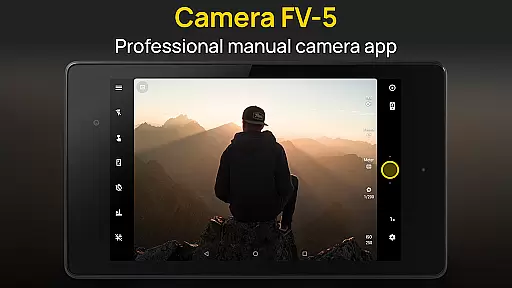
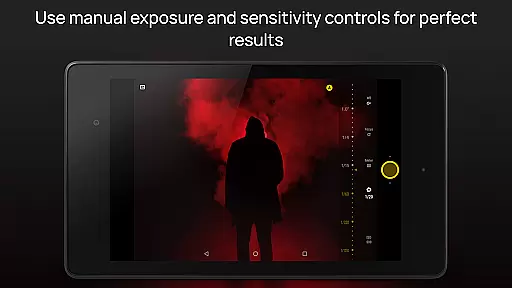
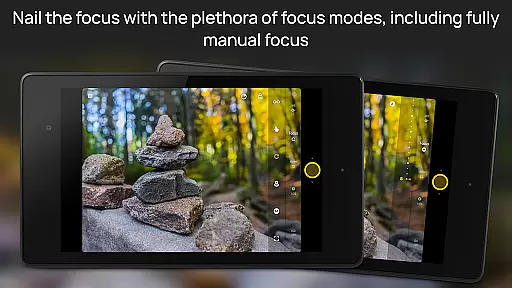
Camera FV-5 is a professional-grade camera application designed for mobile devices, offering DSLR-like manual controls. It caters to enthusiast and professional photographers by providing the capability to capture high-quality raw photographs for post-processing. With features like exposure compensation, ISO adjustment, and various focus modes, it ensures users can achieve stunning results limited only by their creativity.
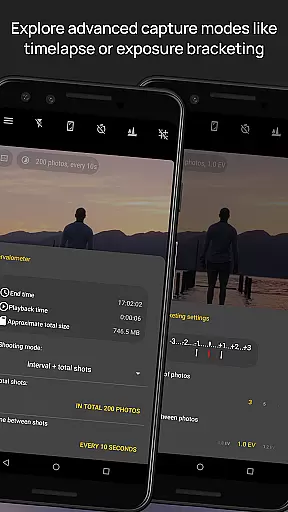
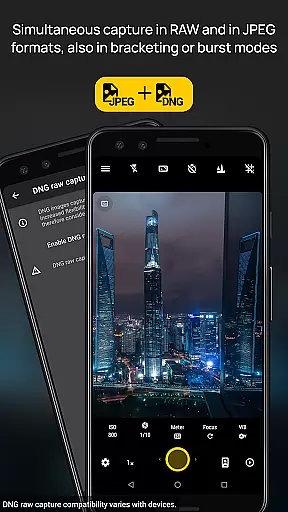
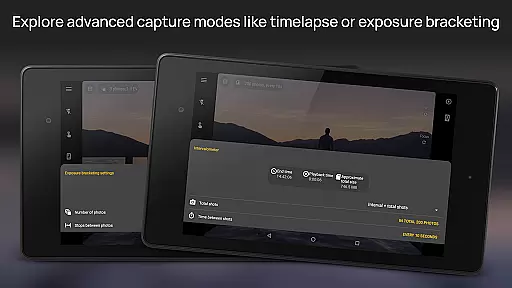
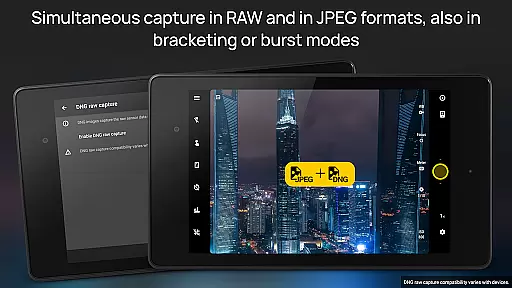
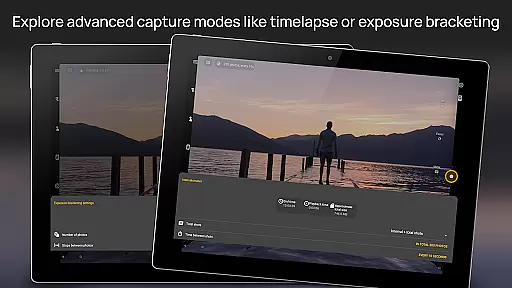
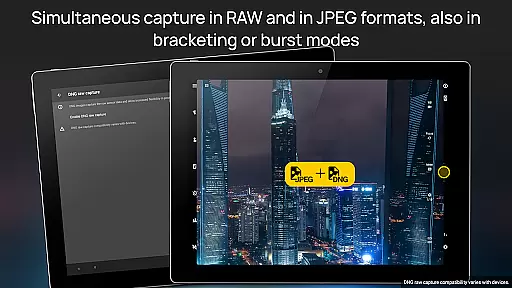
The app supports advanced functionalities such as exposure bracketing, intervalometer for timelapses, and long exposure times up to 30 seconds. It offers multiple photo capturing formats including JPEG, true 16-bit RAW in DNG format, and lossless PNG, making it versatile for different photography needs. Its interface is available in over 30 languages, ensuring accessibility for a global audience.
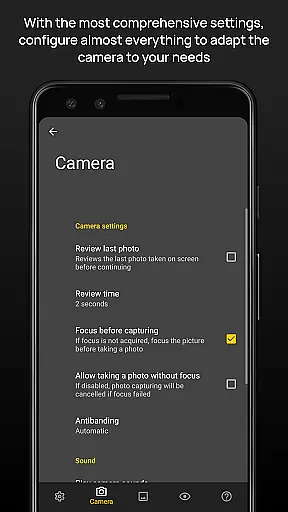
Camera FV-5 stands out with its comprehensive set of features tailored for professional photography. The app provides full manual control over photographic parameters such as ISO, light metering, focus modes, and white balance, akin to a DSLR camera. This allows photographers to fine-tune every aspect of their photos directly from their mobile device.
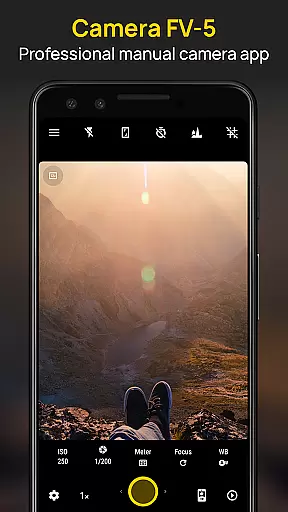
One of the key highlights is the DSLR-like viewfinder that displays exposure time, aperture, and stops in real-time. Additionally, the built-in intervalometer and support for long exposure photography enable users to experiment with creative techniques like timelapses and light trails. The app also includes an advanced electronic viewfinder with live RGB histogram and several grid overlays, aiding in precise composition.
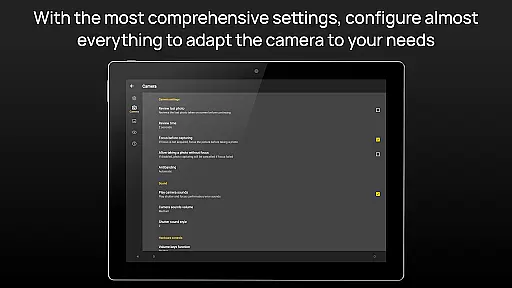
Other notable features include program and speed-priority modes, autofocus lock, autoexposure, and auto white balance locks. The ability to assign camera functions to volume keys enhances usability, while digital zoom and multitouch gestures provide further control. These robust features make Camera FV-5 a powerful tool for both amateur and professional photographers looking to elevate their mobile photography experience.
Real-time capture and preview functionality is essential for photographers who need precise control over their shots. Camera FV-5 offers a DSLR-like viewfinder display that provides real-time information such as exposure time, aperture, and stops with EV and bracketing settings. This allows users to make informed decisions before capturing an image.
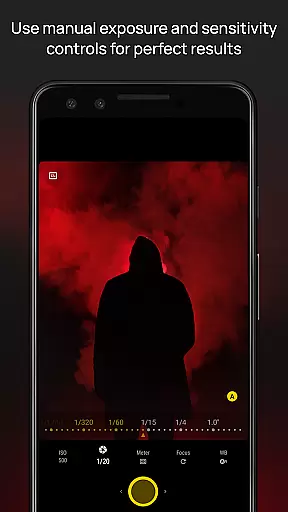
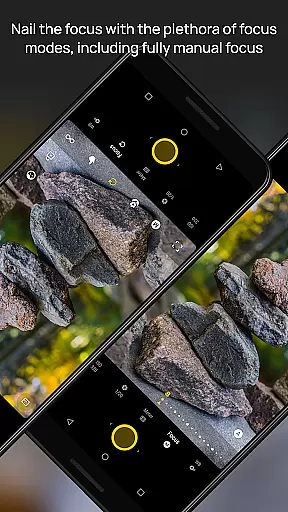
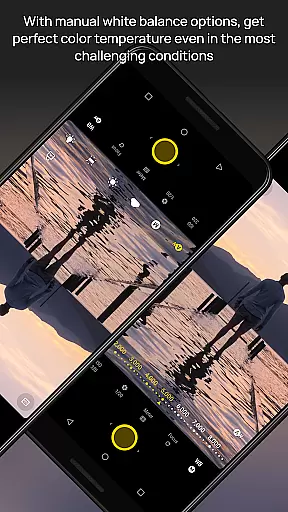
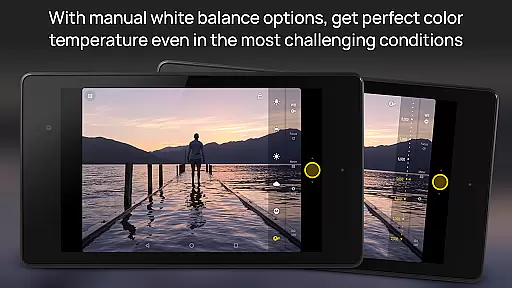
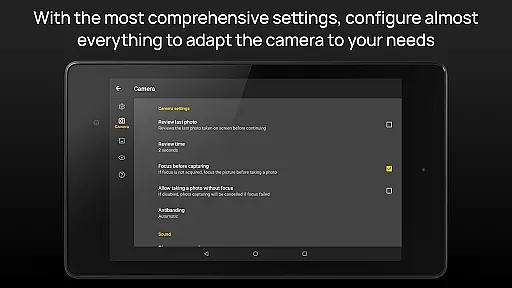
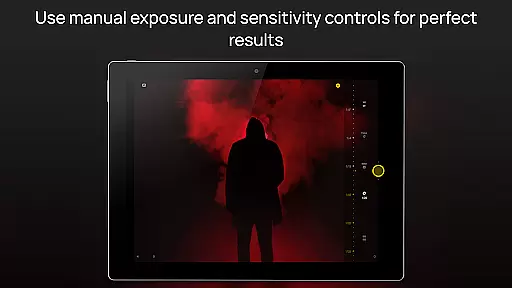
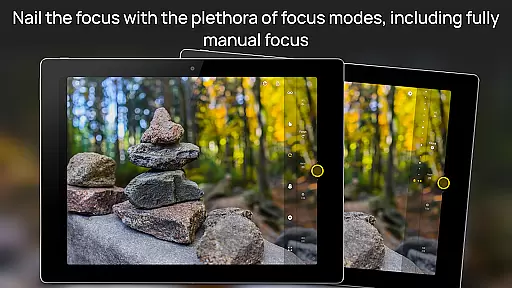
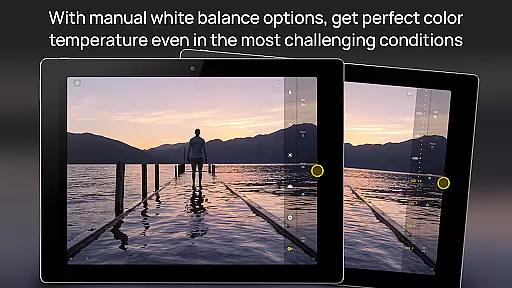
The application supports manual adjustments of various photographic parameters including ISO, light metering mode, focus mode, and white balance. These controls are easily accessible, empowering photographers to fine-tune settings on the fly. With this level of control, users can achieve desired effects in different lighting conditions without compromising image quality.
One standout feature is its support for long exposure photography, enabling stunning night photos and light trails with exposure times up to 30 seconds. This capability ensures that even in low-light environments, photographers can produce sharp and vibrant images. The ability to see these adjustments reflected immediately in the viewfinder enhances the overall user experience.
Ultimately, Camera FV-5's real-time capture and preview functions bridge the gap between mobile photography and professional-grade equipment. By offering advanced tools typically found only in DSLRs, it empowers photographers to unleash their creativity while ensuring they never miss a critical moment due to inadequate preparation or subpar technology.
While Camera FV-5 does not focus heavily on AI beauty enhancements, it excels in providing natural-looking results through meticulous manual controls. Unlike many apps that rely on automated filters which can distort facial features unnaturally, Camera FV-5 allows users to adjust settings like white balance and exposure compensation manually for more authentic outcomes.
The appu2019s true 16-bit RAW format support in DNG ensures high-quality captures suitable for extensive post-processing. Photographers can tweak aspects such as color temperature using volume keys during shooting, ensuring each photo maintains its original essence without artificial alterations. This approach prioritizes genuine representation over exaggerated enhancements.
Additionally, Camera FV-5 includes powerful organization options and customizable file names, facilitating efficient workflow management. Users benefit from background photo processing capabilities that allow uninterrupted camera operationu2014a boon when capturing fleeting moments where speed matters most.
In summary, while Camera FV-5 may not emphasize AI-driven beautification tools, its emphasis on delivering unaltered yet aesthetically pleasing photographs makes it invaluable for enthusiasts seeking realistic portrayals rather than digitally altered illusions.
DSLR-like controls
Advanced exposure settings
Multiple photo formats
Intervalometer feature
Professional viewfinder
Complex for beginners
High battery usage
Limited device support
No automatic mode
Premium price tag

How would you look like with a differently shaped nose, chin or lips?
 3.90
3.90
[3DSteroid Pro] is a stereoscopic application for Android.
4.30
Easily stitch panoramas from multiple photos or video.
4.40
What celebrity do you look like? Celebs will find your celebrity match!
4.10
Perfect body tune & face app - photo retouch, makeup, slim body & beautify face.
4.80
AI photo editor with hair editor, retouch tools, hair color changer & filters!
4.50
A reflected light meter with spot metering and incident light metering.
4.40
USB Storage Access for Photos, Videos, Music and Documents
3.80
Solocator stamps photos you take with GPS location, Compass Direction, Date/Time
3.80
Collage your moments in one tap: 1000+ layouts, filters, stickers, and texts.
4.90
1M influencer's special filter
4.60
Enhance, retouch & create your story - Share the moment with Photoshop Express.
4.60
PhotoSync Bundle Add-On License. Enables all features and services in PhotoSync.
4.60
HD Camera Pro with HD Video shooting, Panorama, Photo editor , Beauty Camera.
4.50
The #1 app for B&W film developing featuring an advanced darkroom timer.
4.10
Perfect photos with body shaping, BG changer and object remover.
3.70
An interval timer to automate photo taking process for timelapse
2.90
Long exposure camera with computational photography
2.60
Add a dreamy vibe to your selfies and videos with soft style filters
4.3


User Reviews