

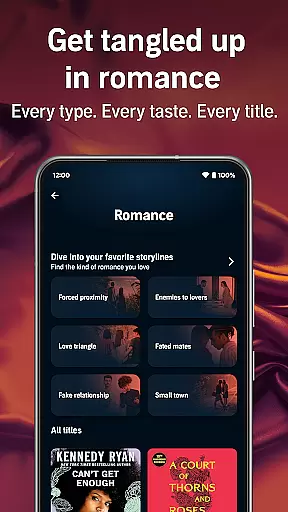
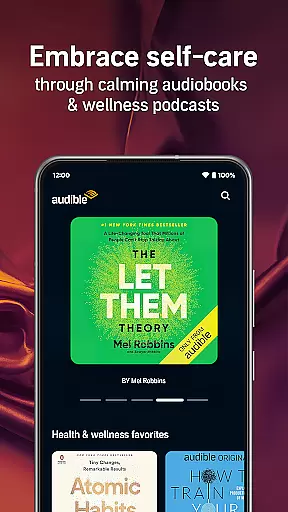
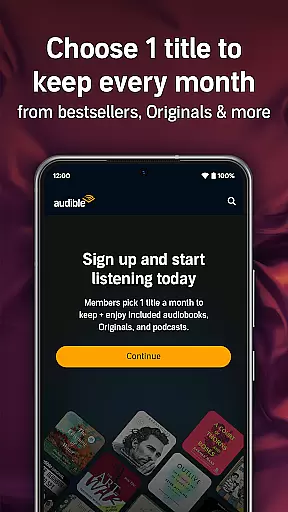
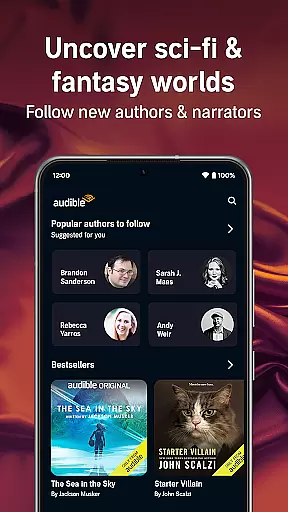
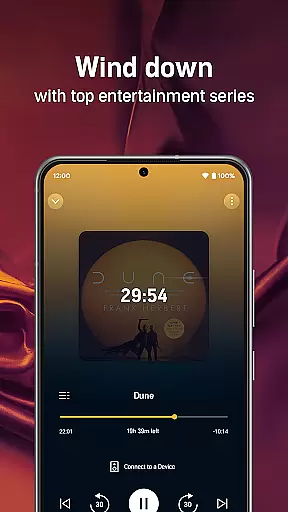
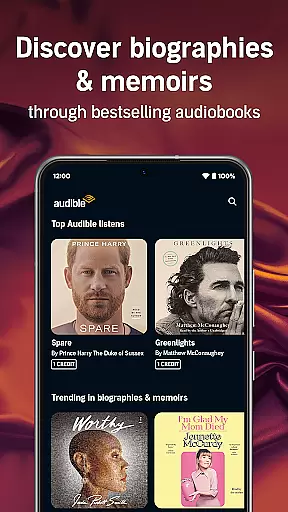
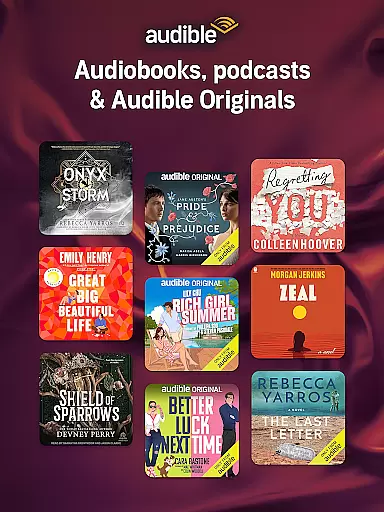
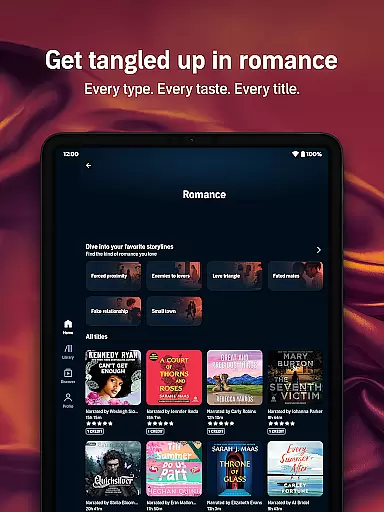
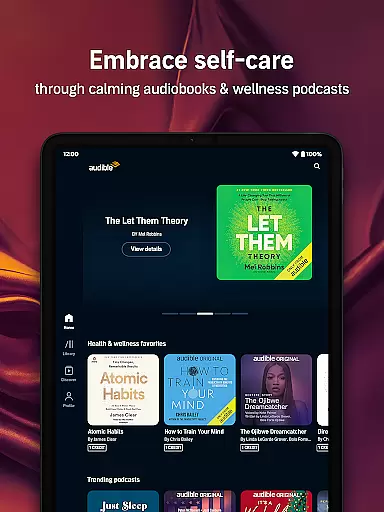

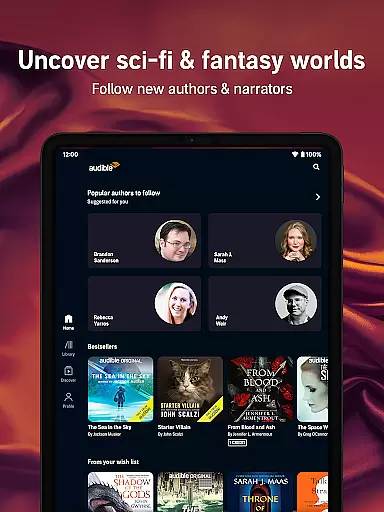
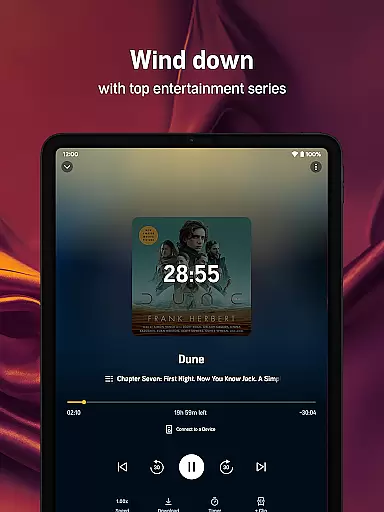
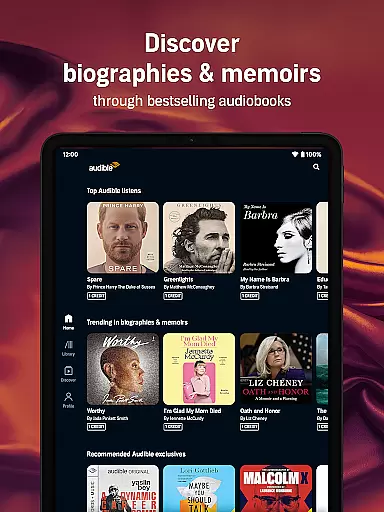
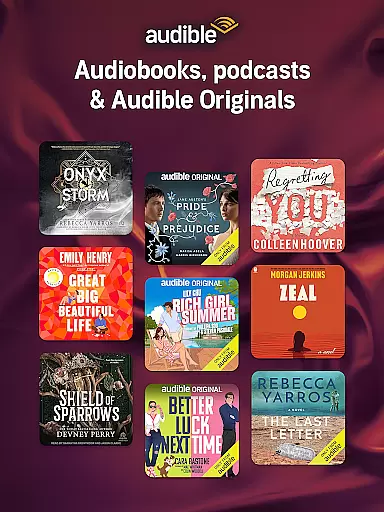
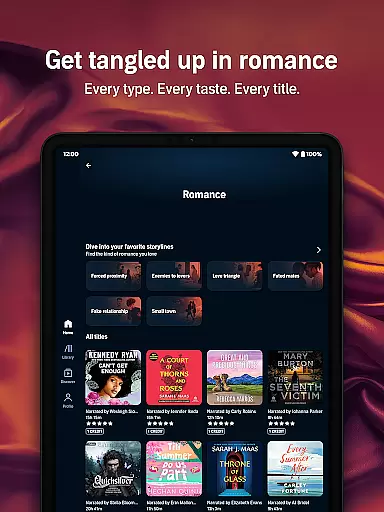
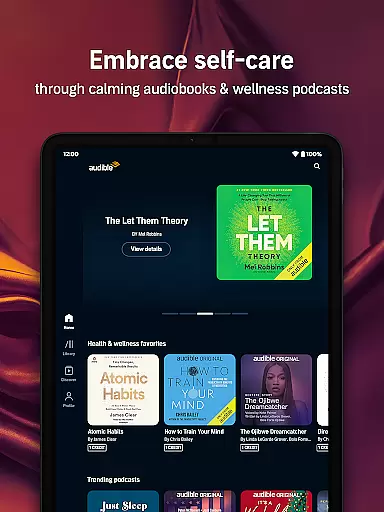

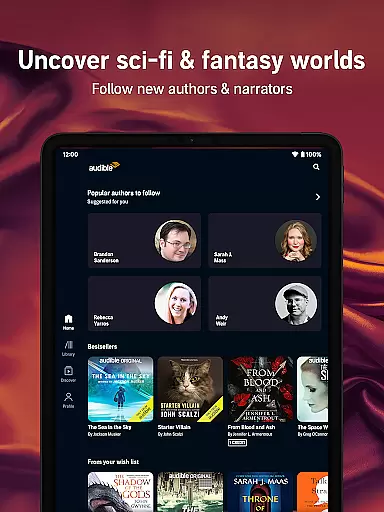
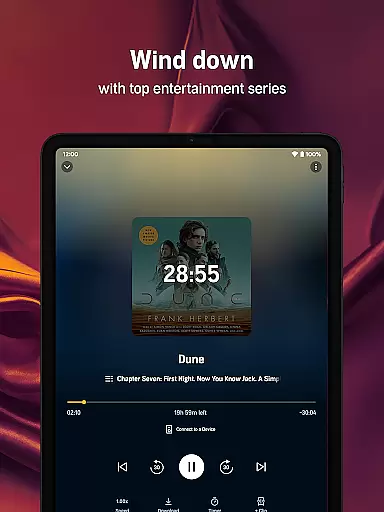
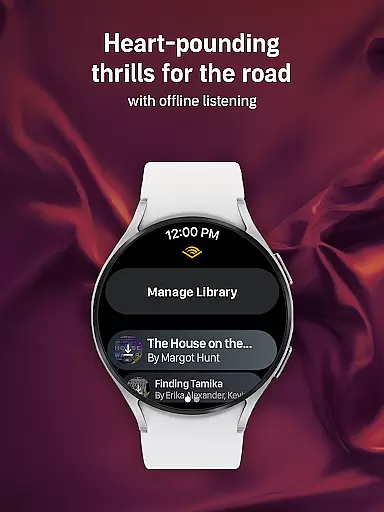
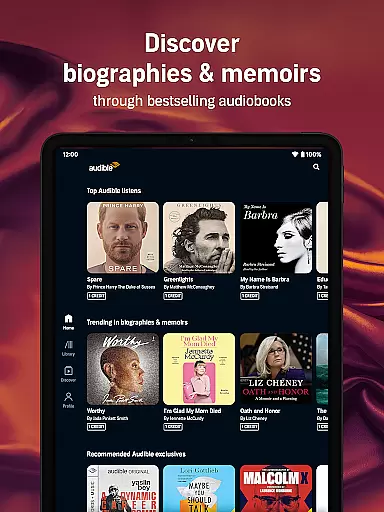
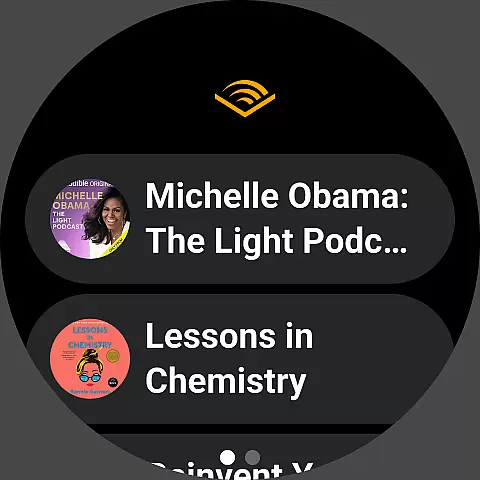
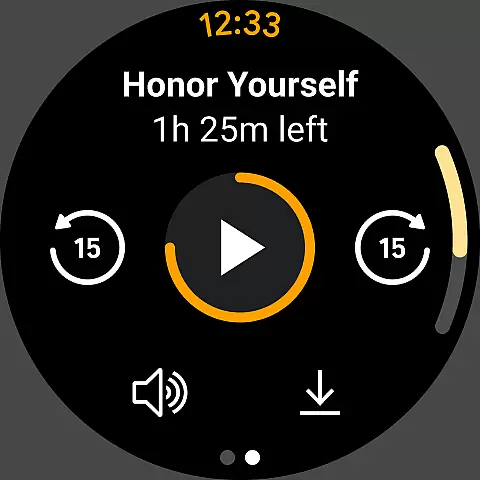
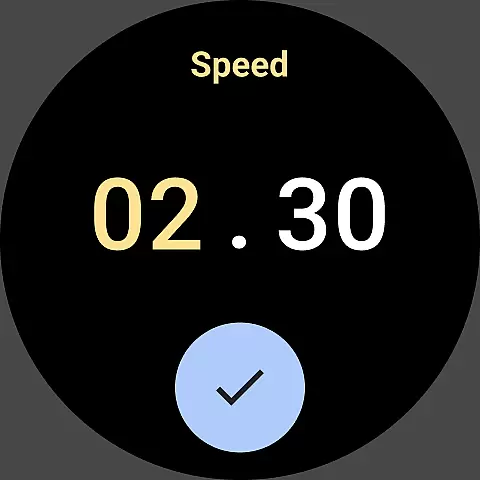

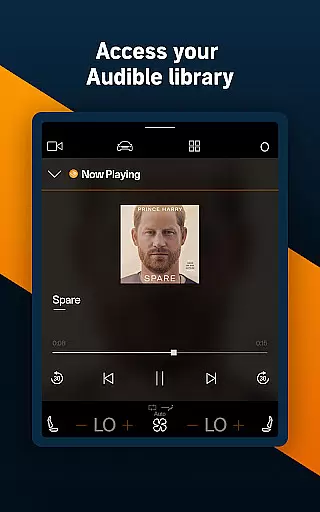
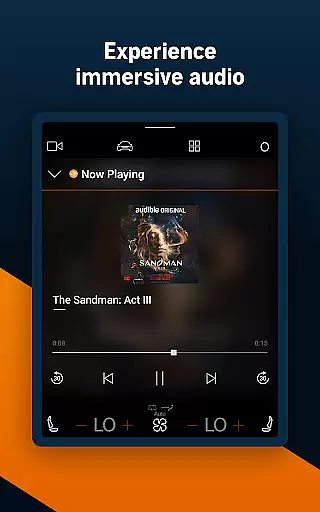

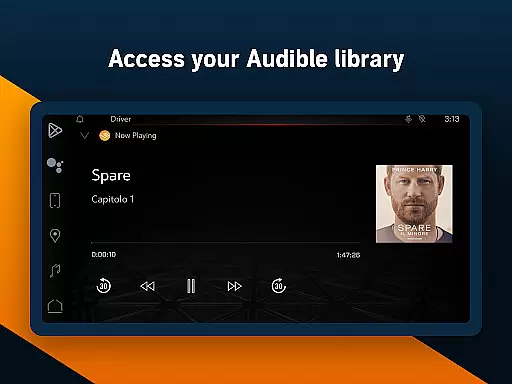
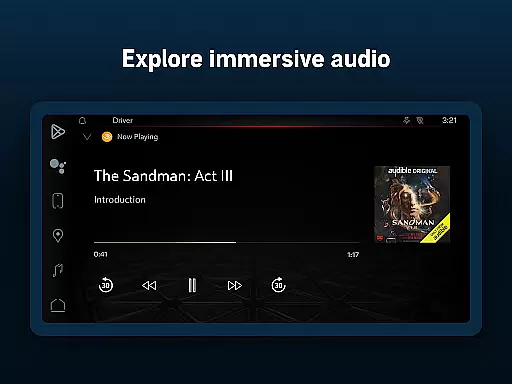
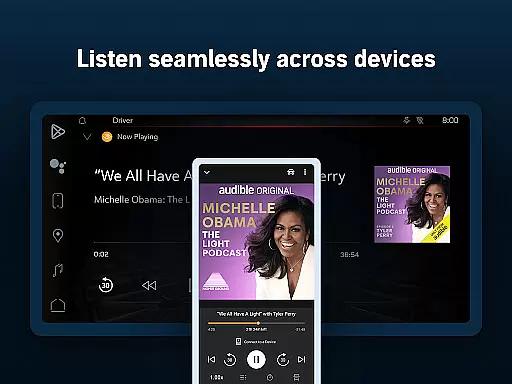
Audible is the premier destination for immersive audio content, offering a vast selection of audiobooks, exclusive podcasts, and Audible Originals. With adjustable narration speed, sleep timer, and offline downloads, it provides a personalized listening experience across genres like mystery, romance, sci-fi, and more.
Whether you're commuting, working out, or relaxing at home, Audible transforms your routine into an engaging storytelling journey. Stream bestsellers, explore wellness content, or dive into exclusive series before they hit screens—all while enjoying seamless integration with Wear OS and Alexa-enabled devices.
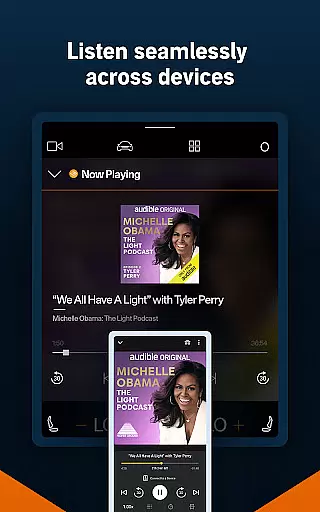
Audible stands out with its Plus Catalog, featuring thousands of titles including audiobooks, podcasts, and Originals that can be downloaded without credits. The app supports offline listening, Car Mode for road trips, and cross-device syncing, allowing users to switch between Kindle reading and audio playback effortlessly.
Customization options include adjustable narration speeds up to 3.5x, personalized playlists, and features like bookmarks and notes. As part of Amazon Prime or Audible Premium Plus memberships, users gain access to credits, extended libraries, and permanent ownership of purchased titles—even after subscription cancellation.
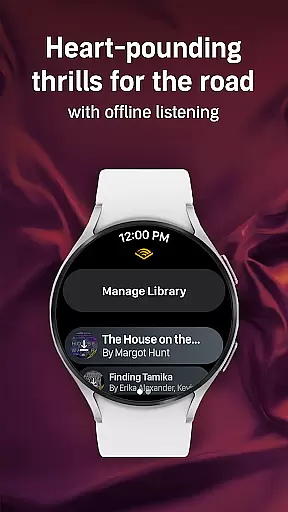
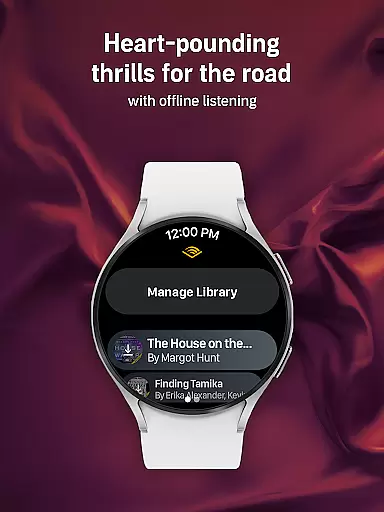
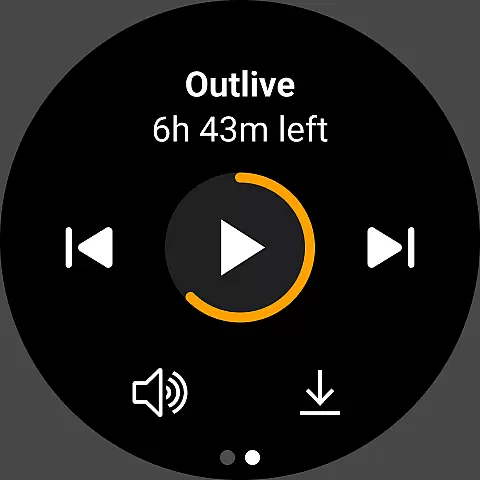
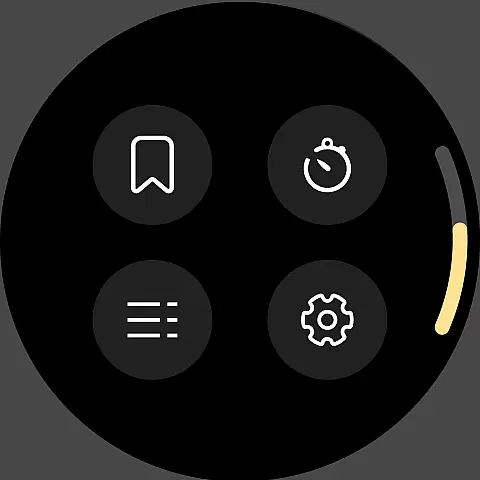
Companion app integration is essential for users who want a seamless experience between their mobile devices and wearable technology. Audible ensures that its Android Wear application works in harmony with its main mobile app, providing users with the ability to control playback directly from their smartwatch. This feature allows listeners to pause, play, or skip through chapters effortlessly, without needing to reach for their phone.
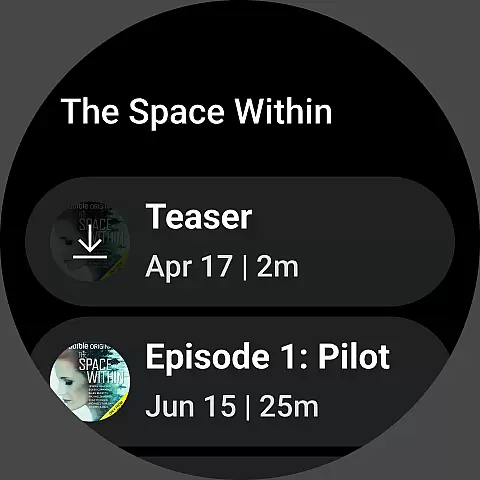
The Audible app's companion integration also supports downloading audiobooks and podcasts directly to the wearable device. This means that whether you're on a run or doing household chores, your favorite titles are readily accessible, even when your phone isn't nearby. The synchronization between devices ensures that your listening progress is always up-to-date, no matter which device you use last.
Furthermore, Audible's Android Wear app provides timely notifications about new releases or personalized recommendations. These alerts keep users engaged with fresh content tailored to their interests. With such comprehensive companion app integration, Audible enhances user convenience and enriches the overall listening experience across multiple devices.
Device compatibility is a critical factor for apps designed for wearable technology like Wear OS. Audible excels in this area by ensuring its application runs smoothly on a wide range of Wear OS devices. Whether you own a smartwatch from Samsung, Fossil, or any other major manufacturer, Audible is optimized to deliver consistent performance and reliability.
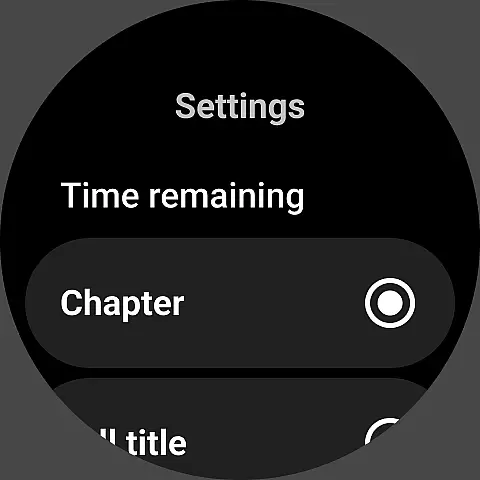
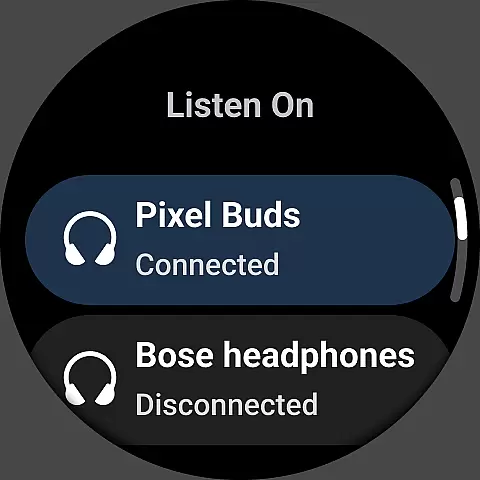
Audible takes advantage of Wear OS features to offer an intuitive user interface specifically designed for smaller screens. The app's layout makes navigation simple, allowing users to browse their library or control playback with minimal effort. Additionally, Audible supports various input methods available on Wear OS devices, including touch gestures and voice commands, making it versatile for different user preferences.
Beyond basic functionality, Audible ensures that advanced features like adjustable narration speed and sleep timers are fully operational on Wear OS. This commitment to compatibility means that users can enjoy the full suite of Audible's capabilities without compromise. By prioritizing Wear OS/device compatibility, Audible guarantees a high-quality listening experience regardless of the specific hardware configuration.
User-friendly interface
Extensive audiobook library
Offline listening capability
Adjustable narration speed
Premium membership benefits
Subscription costs may add up
Limited free content
Some features require membership
Occasional connectivity issues
Heavy storage usage for downloads

Christmas Theme Watch Face for Wear Os
 5.00
5.00
Christmas - Festive - Christmas Village - Winter - Christmas lights
5.00
Analog watch face with 8 complications and expedition styling
4.0
Beautiful, colorful and practical watch face. For Wear OS devices.
5.00
Let's celebrate Thanksgiving - Wear Os watch face
4.20
The most customizable minimal watch face. For Wear OS 5.0, API 34+ and later
4.70
Gym & home workout plans with strength training, exercise tracking, HIIT & more.
4.60
Daily Weather forecast with 15 weather images for Day & Night plus Big Bold time
4.10
Your music, your playlists, and more—offline and unlimited.
4.20
Digital, flexibly customizable watch face. For Wear OS 5.0, API 34+ and later.
5.00
Hyperlocal rain alerts by MyRadar using patent-pending technology, radar & more
4.80
WTW M17 is a premium and luxurious hybrid watch face
4.70
Be an elegant and classy secret agent, with this carefully detailed watch face
4.70
Simple, helpful messaging by Google
4.60
Bold weather Digital watchface with forecast & optional animated background
4.40
Locate your family members by GPS phone location tracker everywhere and anytime
4.30
Viewer for Wyze/Yi/Eufy/Arlo/ONVIF/RTSP/P2P IP cams w/ adv. features & DIY DVR
4.00
Christmas is near, let's count together the days left until Santa comes
4.0
Stunning modern digital watch face with 7 complications and strong contrast
4.2


User Reviews