
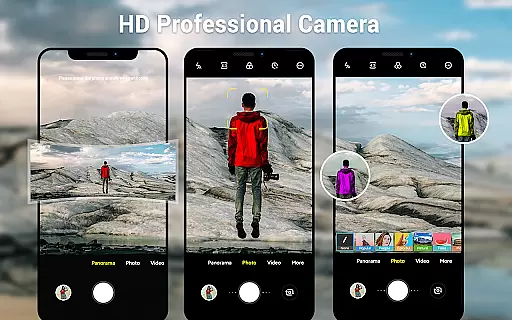
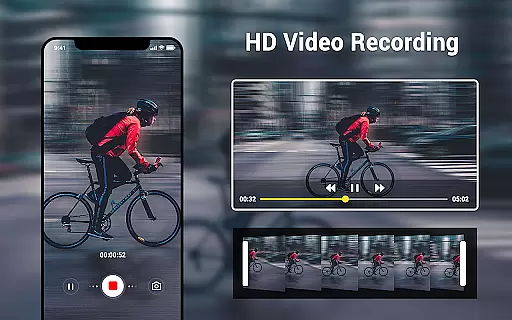
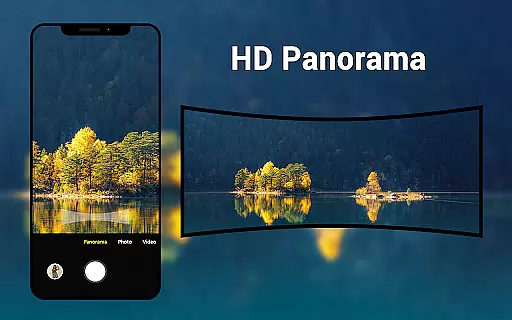
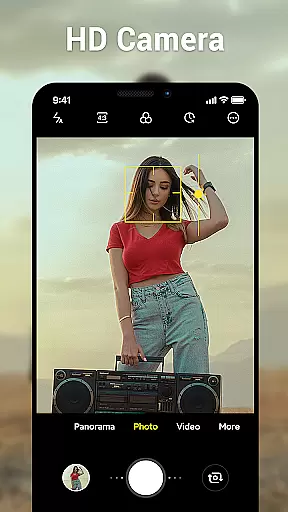
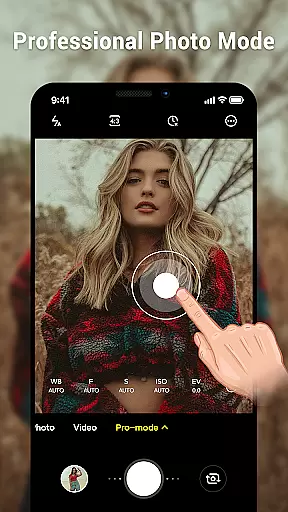
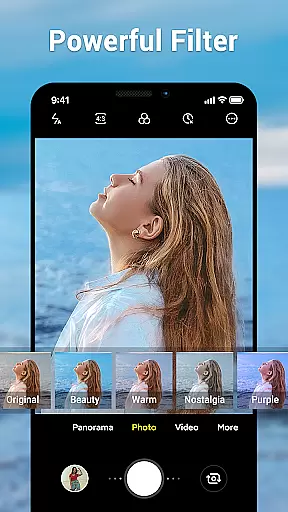
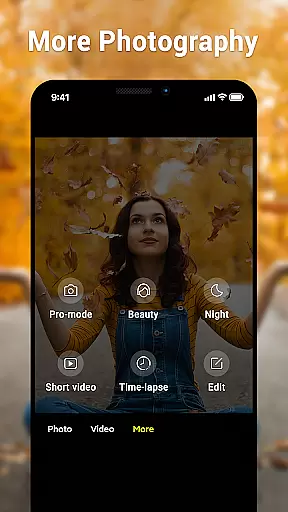
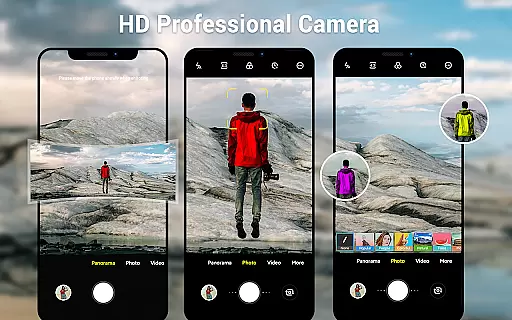
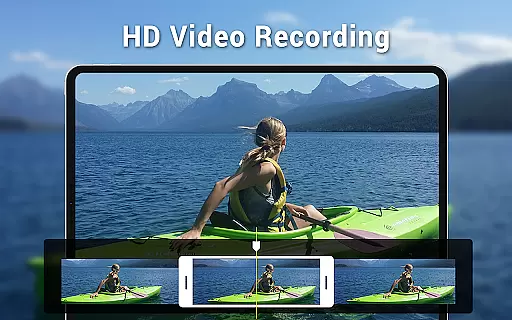
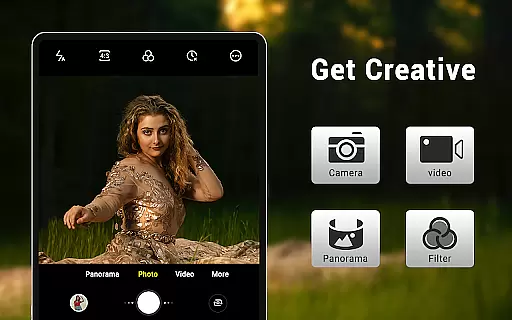
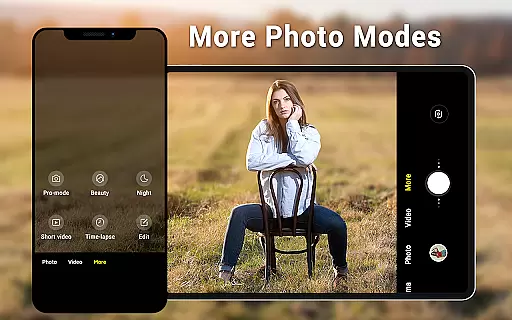
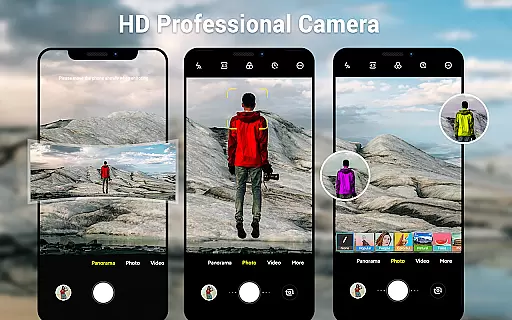
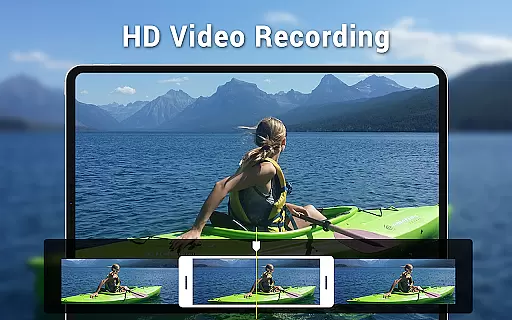
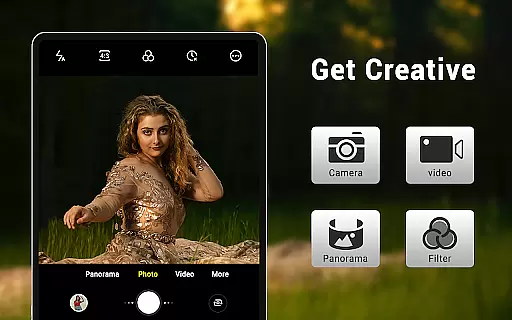
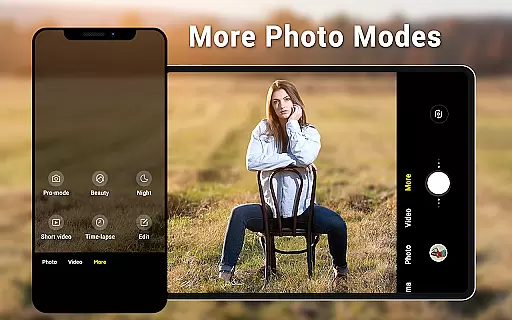
Camera for Android is a native system HD camera application designed to provide users with a simple and efficient way to capture high-quality photos and videos. The app supports multiple shooting modes including standard photo capture, video recording, and smart panorama functionality.
Key features of the app include pinch-to-zoom capability, countdown timer, dynamic user interface adaptable to both phones and tablets, and advanced settings such as white balance, exposure, and screen mode adjustments. These functionalities ensure that users can fully utilize their device's camera capabilities while enjoying a seamless experience.
Whether you're capturing everyday moments or creating professional-quality content, Camera for Android offers the tools necessary to achieve excellent results. Its intuitive design and comprehensive feature set make it suitable for both casual photographers and more demanding users seeking greater control over their photography experience.
One of the standout characteristics of Camera for Android is its versatility across different shooting modes. Users can switch between three primary modes: standard camera, video recorder, and panorama. Each mode is optimized for performance, ensuring high-definition output regardless of whether you're taking stills or recording video.
The app also includes several advanced features that enhance the overall photography experience. For instance, users can adjust picture quality settings, choose from various white balance options (Incandescent, Fluorescent, Auto, Daylight, Cloudy), and select specific screen modes (Action, Night, Sunset, Play). Additionally, functionalities like pinch-to-zoom, countdown timer, and exposure adjustment offer greater flexibility in capturing the perfect shot.
Another notable aspect is the app's adaptability to different devices. With a dynamic user interface that works seamlessly on both phones and tablets, Camera for Android ensures an optimal user experience across various screen sizes. Furthermore, features like location targeting and configurable volume keys add convenience and personalization options, making this app a comprehensive solution for mobile photography needs.
Real-time capture and preview functionality is essential for ensuring that users can accurately frame and capture their desired shots without delay. The Camera for Android app excels in this area by providing a seamless experience that leverages the native capabilities of Android devices.
This application offers an intuitive interface that responds quickly to user inputs, allowing for immediate adjustments to settings such as exposure, white balance, and screen modes. Users can take advantage of features like pinch-to-zoom and countdown timers, which enhance the shooting experience by giving them more control over their photography.
With real-time previews, users can see exactly what the camera sees, making it easier to compose high-quality photos and videos. This feature is particularly beneficial when capturing fast-moving subjects or fleeting moments, as it minimizes the lag between the action and the captured image.
The app's ability to deliver sharp and clear previews ensures that users can make necessary adjustments before taking a shot, leading to better outcomes and reducing the need for post-processing. Overall, the real-time capture and preview capabilities of Camera for Android significantly enhance the user's ability to capture perfect moments effortlessly.
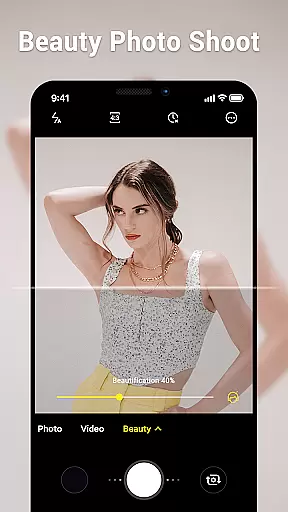
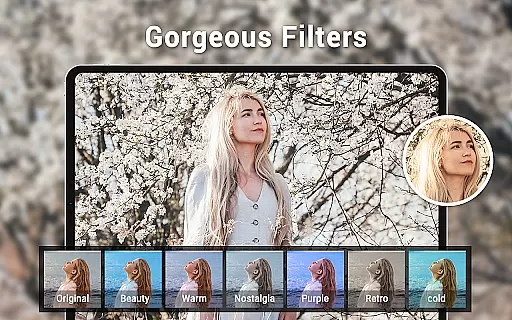
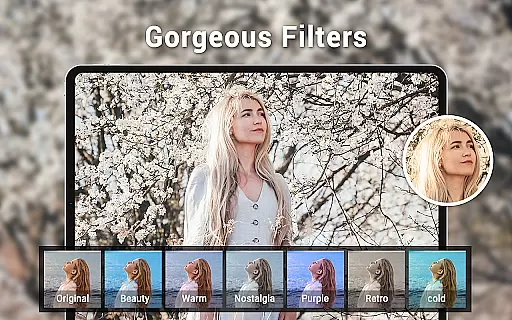
AI beauty and enhancement features have become increasingly popular in photography apps, offering users the ability to improve their photos with natural-looking effects. Camera for Android incorporates advanced AI algorithms to provide enhancements that maintain the authenticity of the original image while subtly improving its aesthetic appeal.
The app includes various beauty settings that automatically detect faces and apply gentle touch-ups, ensuring that skin tones remain true to life and facial features retain their unique characteristics. These enhancements are designed to be subtle, avoiding the overly processed look that can occur with less sophisticated tools.
Users can customize the level of enhancement according to their preferences, choosing from options like incandescent, fluorescent, daylight, and cloudy white balance settings. This flexibility allows for personalized adjustments that suit different lighting conditions and personal styles, resulting in photos that look both polished and genuine.
By focusing on naturalness, Camera for Android ensures that users can achieve professional-quality results without sacrificing the integrity of their images. Whether capturing everyday moments or special occasions, the AI-driven enhancements help users create stunning visuals that reflect their true experiences.
User-friendly interface
High-definition photo capture
Versatile shooting modes
Advanced camera settings
Optimized for all devices
Limited creative filters
No built-in editing tools
Basic panorama stitching
Occasional performance lags
Interface not customizable

A collection of tools and reference tables for DPs, ACs, DITs and Operators.
 4.70
4.70
Long exposure camera with computational photography
2.60
Perfect body tune & face app - photo retouch, makeup, slim body & beautify face.
4.80
Create collages easily! Nice pic collage maker & background eraser for Instagram
4.50
The #1 app for B&W film developing featuring an advanced darkroom timer.
4.10
Add a dreamy vibe to your selfies and videos with soft style filters
4.2
Professional quality photo edits with the new Snapseed.
4.00
Pro version: AR sun/moon tracker for any date. Tool for photographers & planners
4.90
Discover & download millions of art for The Frame TV or Hisense CanvasTV
4.60
Easily view, share, delete photos with Gallery.
4.70
Automatically backup your photos and videos to computer, NAS and Cloud services
4.60
A must-have app for landscape photographers
4.60
Enhance, retouch & create your story - Share the moment with Photoshop Express.
4.60
Easily stitch panoramas from multiple photos or video.
4.40
A reflected light meter with spot metering and incident light metering.
4.40
How would you look like with a differently shaped nose, chin or lips?
3.90
Turn photos into cartoons & avatars! - Photo Editor, Cartoon Face!
3.90
Astrophotography with your smartphone, photo live stacking and much more!
3.90
Hair color changer, AI haircut app, fun hair editor and buzz cut filter for all!
3.80


User Reviews