
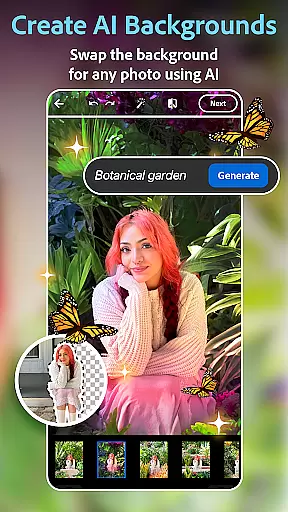
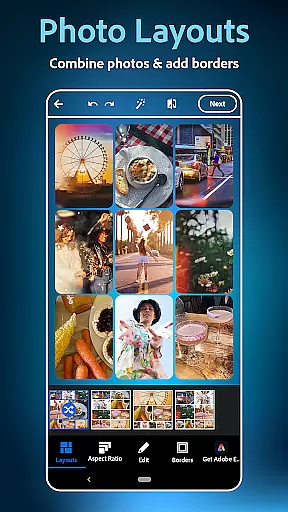
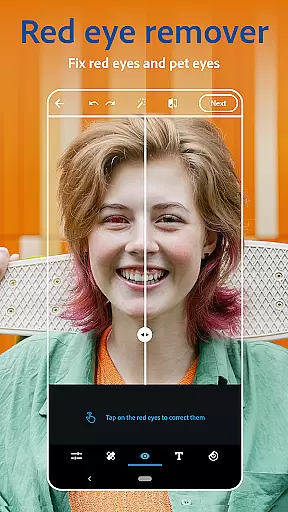
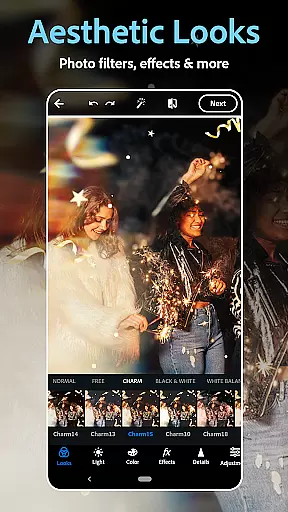
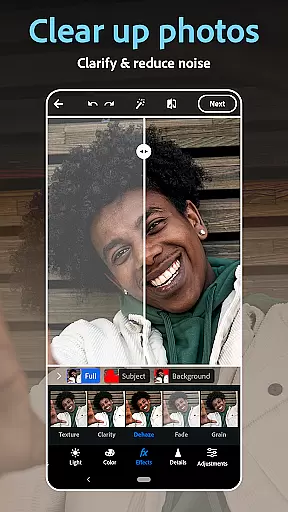
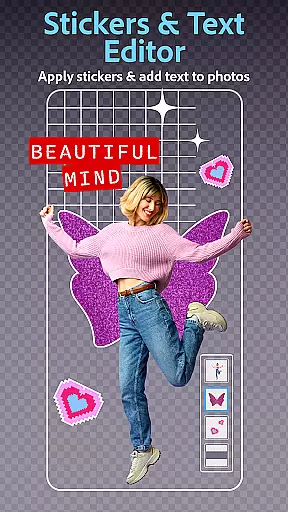
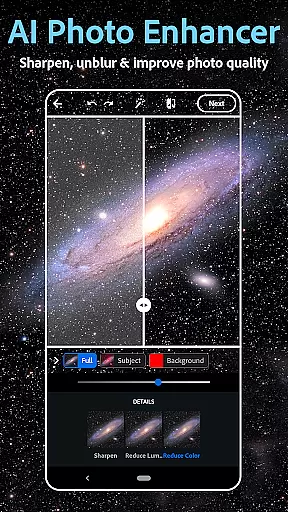
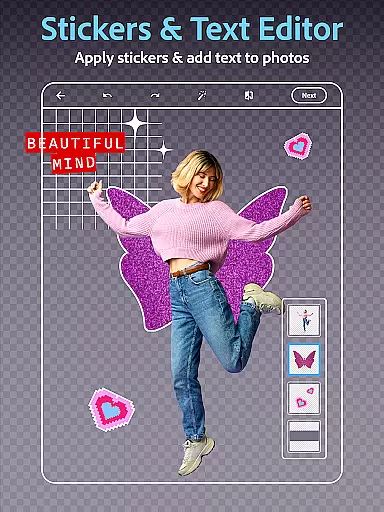
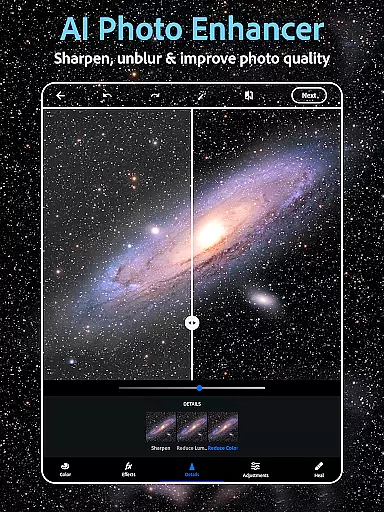
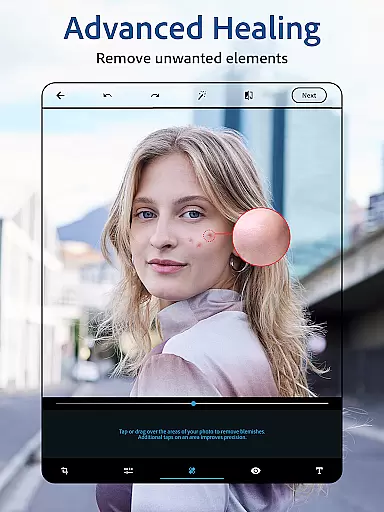
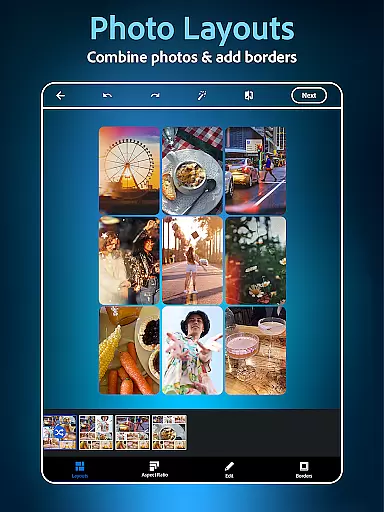
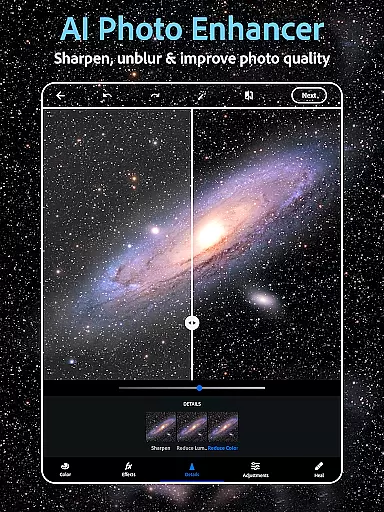
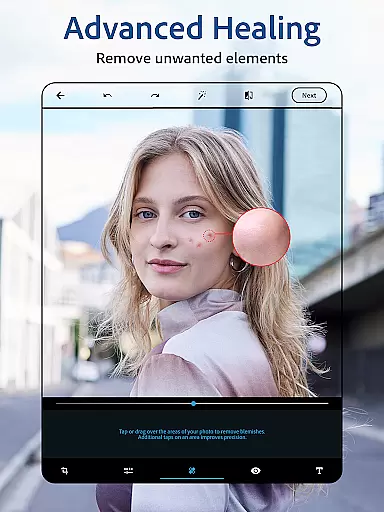
Photoshop Express is a versatile photo editing app that brings professional-grade tools to your fingertips. Designed for both amateur and experienced photographers, this application offers an intuitive platform to enhance images with minimal effort. The app provides a comprehensive suite of features including AI-powered retouching, one-tap filters, and advanced editing options.
With its user-friendly interface, Photoshop Express allows you to effortlessly apply vintage camera effects, add creative text overlays, and utilize a powerful collage maker. Whether you're looking to airbrush a selfie or create stunning compositions, the app's diverse toolset caters to various aesthetic preferences. Its standout AI image generator opens up new creative possibilities, making it easy to produce unique visuals from simple text prompts.
The app's practicality extends to social media enthusiasts who can quickly edit and share their photos across platforms like Instagram and Facebook. By combining powerful editing capabilities with straightforward functionality, Photoshop Express transforms ordinary moments into extraordinary memories, all within a few taps.
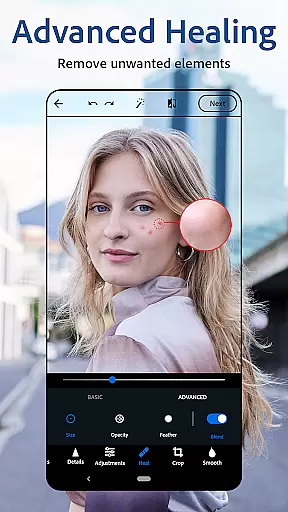
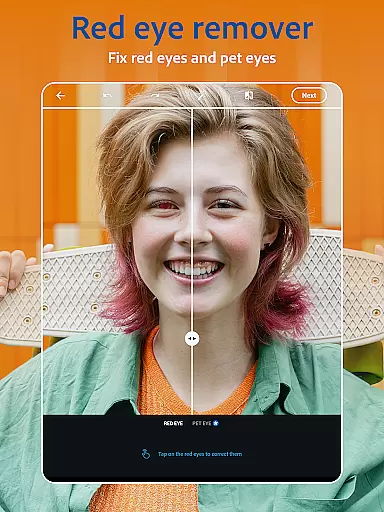
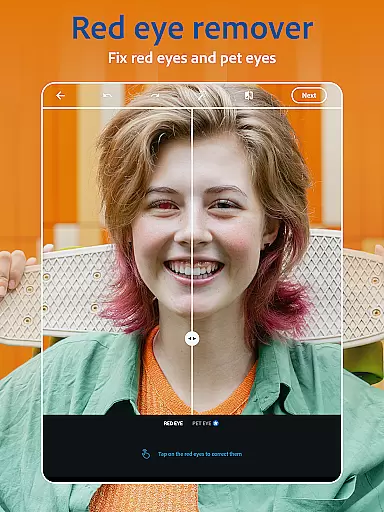
Photoshop Express stands out with its extensive feature set tailored for diverse photo editing needs. At its core, the app includes an advanced AI photo editor that enables users to perform complex tasks such as object removal and background replacement with remarkable ease. The face editor app provides specialized tools for blemish removal, red-eye correction, and spot healing, ensuring your portraits always look their best.
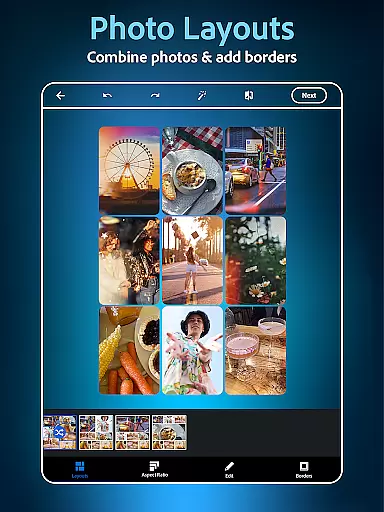
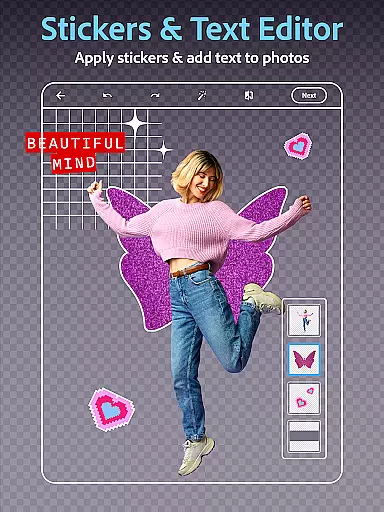
Creativity flourishes with the app's innovative text-to-image capabilities and customizable collage maker. Users can generate unique visual content through AI-driven prompts or create professional-looking compositions using pre-designed photo grids. The inclusion of thousands of fonts, layouts, and design elements empowers users to add personalized touches to their images while maintaining complete creative control.
Professional-grade tools extend to file compatibility and sharing options. The app supports various formats including RAW and TIFF, making it suitable for serious photography work. With seamless integration across social media platforms and cloud services, Photoshop Express ensures your edited masterpieces are always just a tap away from being shared with the world.
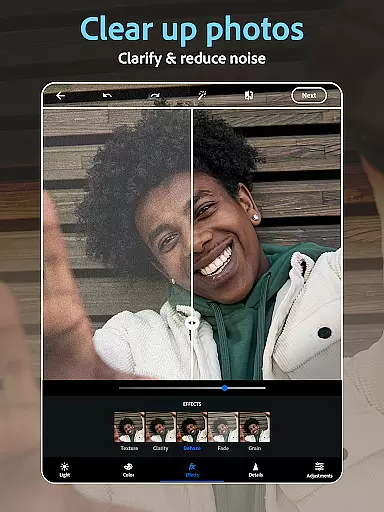
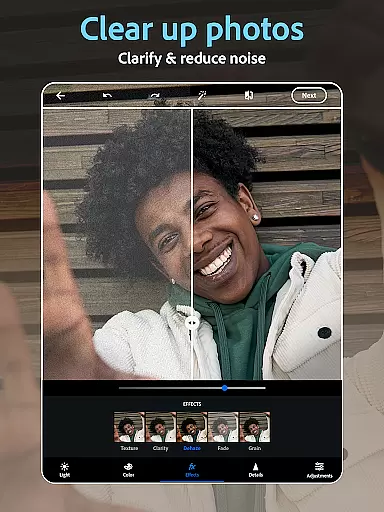
Real-time capture and preview functionality is essential for ensuring that every photo taken meets the desired quality standards. With Photoshop Express, users can instantly see the results of their edits as they apply filters, adjust settings, or add text to photos.
The application provides a dynamic editing environment where changes are reflected immediately, allowing users to fine-tune their images with precision. This instant feedback loop enhances the creative process, enabling photographers to experiment with different styles and effects without delay.
For those who enjoy capturing moments on the go, the app's intuitive interface ensures that even novice users can achieve professional-looking results. The real-time preview feature helps in making quick adjustments, ensuring that the final image aligns perfectly with the user's vision.
Ultimately, this capability empowers users to produce high-quality images efficiently, whether they're editing a single photo or creating a collage. By offering a seamless and responsive editing experience, Photoshop Express stands out as a versatile tool for both casual and serious photographers.
AI beauty and enhancement features have revolutionized the way we edit photos, providing tools that enhance natural beauty without compromising authenticity. Photoshop Express leverages advanced AI algorithms to offer airbrushing tools that smooth skin, remove blemishes, and correct imperfections while maintaining a realistic appearance.
The face editor app within Photoshop Express allows users to retouch selfies effortlessly. It includes features such as red-eye correction, healing brushes, and clone stamps that work together to create flawless yet believable portraits. These tools are designed to enhance the subject's natural features rather than distort them.
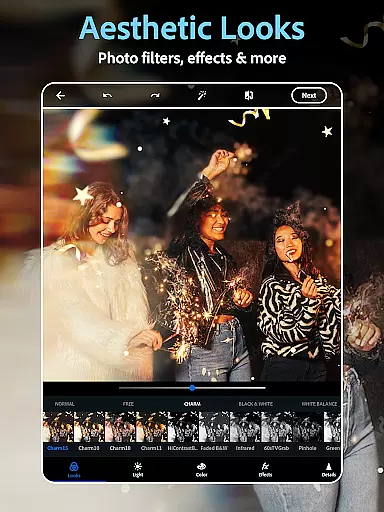
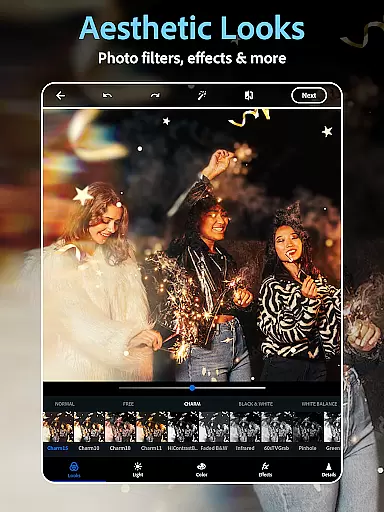
Moreover, the app offers a variety of camera filters that emulate film effects and vintage aesthetics, adding depth and character to photos. Users can choose from hundreds of options to find the perfect filter that complements their image without overwhelming it.
By focusing on natural enhancement, Photoshop Express ensures that edited photos retain their original charm and sincerity. This approach not only boosts confidence in sharing personal images but also elevates the overall quality of visual storytelling, making it an indispensable tool for modern photography enthusiasts.
User-friendly interface
Powerful AI tools
Versatile editing options
Wide format support
Excellent social media integration
Premium features locked
Occasional processing lags
Limited advanced controls
Basic collage templates
Subscription pricing

Photobooth mini FULL app will allow you to add more fun to your parties
 4.00
4.00
Take videos and pictures with the popular TikTok TIME WARP SCAN filter.
4.60
Transform photos into videos! Create realistic or anime-style images easily!
4.50
The #1 app for B&W film developing featuring an advanced darkroom timer.
4.10
USB Storage Access for Photos, Videos, Music and Documents
3.80
Collage your moments in one tap: 1000+ layouts, filters, stickers, and texts.
4.90
Easily create custom gifts, cards, photo books & more on the Shutterfly app!
4.60
A light meter for true photographers.
4.20
Your Family Calendar + Photos. Manage your Skylight Calendar and Skylight Frame.
4.40
Create funny photos and videos with the popular Time Warp Scan filter.
4.90
Photo editor: AI filters, photo enhancer, pic collage maker, AI art generator.
4.80
Android Native system HD camera app. Never been so simple and faster.
4.70
Viewfinder, Light meter, Reciprocity failure time, DOF & Bellows Extension
4.60
Unblur, enhance & restore photos with powerful AI photo enhancer tools.
4.60
Safe & smart flight with Go Fly drone controller for 40+ drone camera, zone map
4.50
Shooting photos and records video easily and efficient with professional Camera
4.30
Create AI Photos, Improve and restore quality of blurry, old or damaged pics.
4.20
Long exposure camera with computational photography
2.60
Add a dreamy vibe to your selfies and videos with soft style filters
4.4


User Reviews