
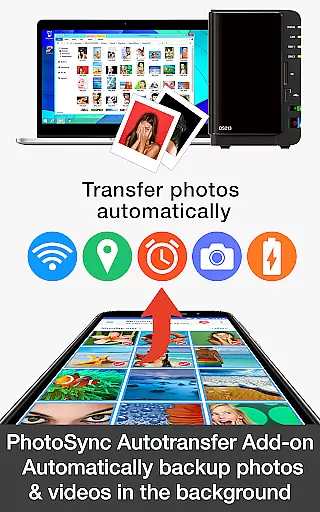
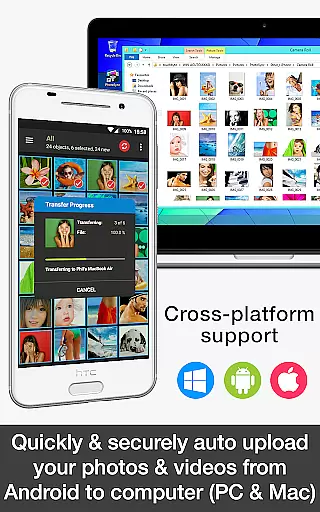
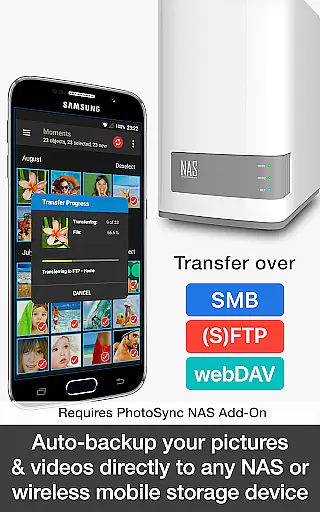

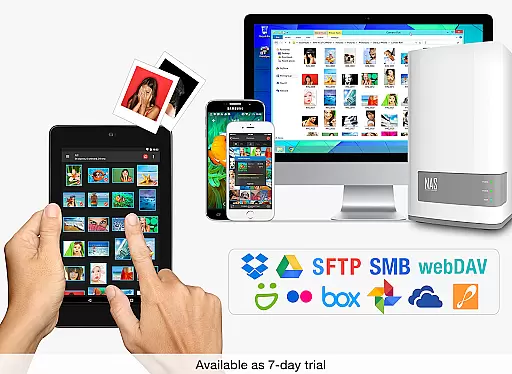
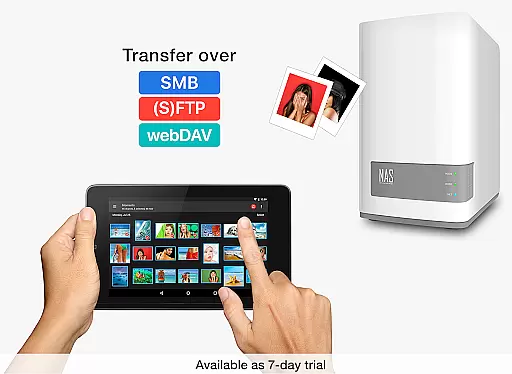
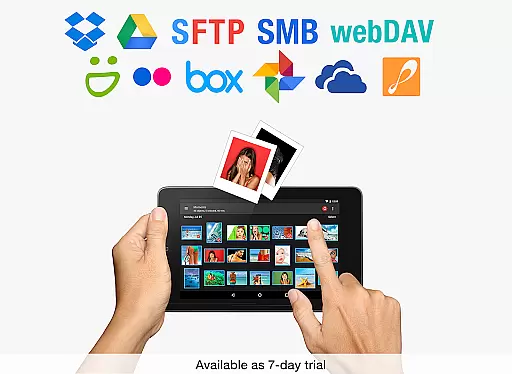
PhotoSync Autotransfer Add-On is an advanced activation license designed to enhance the free version of PhotoSync, a leading cross-platform solution for photo and video management. This add-on enables automatic wireless backup of multimedia files to various destinations including computers, private clouds, and NAS systems.
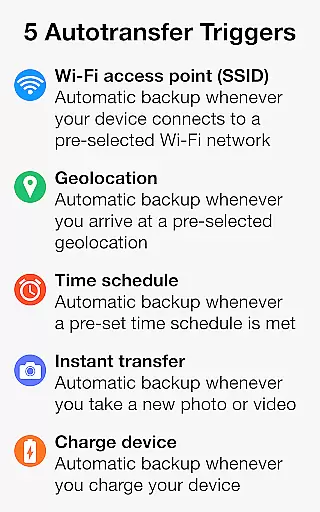
The product boasts over 10,000 positive reviews and has facilitated millions of photo transfers. It operates with total user control, offering five configurable autotransfer triggers based on Wi-Fi access points, geolocation, time schedules, device charging, and photo capture events.
By upgrading to the PhotoSync Autotransfer Add-On version, users can enjoy an ad-free experience while benefiting from secure and customizable backup solutions that cater to both personal and professional needs.
PhotoSync Autotransfer Add-On stands out with its comprehensive feature set tailored for seamless media management. The application supports automatic background backups to multiple targets such as computers, NAS devices, and cloud services, ensuring data safety and accessibility.
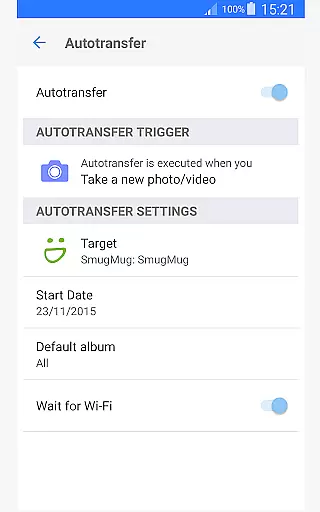
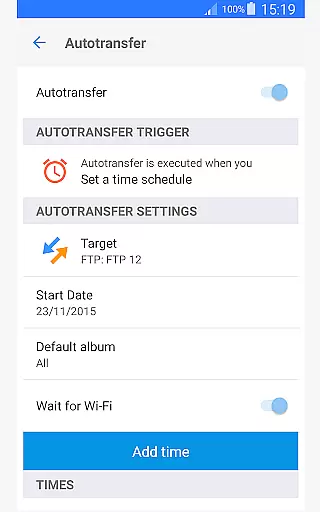
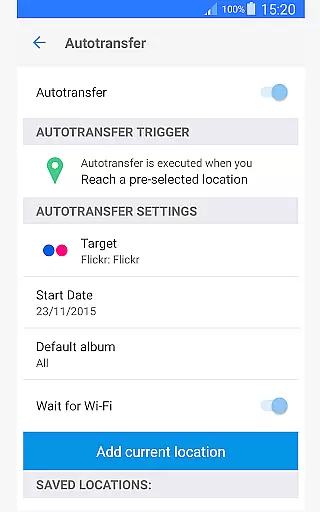
One of the key highlights includes five autotransfer options that trigger backups based on specific user-defined conditions. These include instant transfers upon capturing new media, location-based transfers when entering predefined areas, and scheduled backups according to set timeframes.
Additionally, the software provides extensive compatibility across Android, iOS, Windows, and Mac platforms, making it a versatile tool for users seeking reliable synchronization capabilities without compromising on security or ease of use.
Real-time capture and preview functionality is essential for ensuring that every photo or video taken meets the user's expectations without delay. PhotoSync Autotransfer Add-On excels in this area by providing instant feedback on media captured, allowing users to make necessary adjustments before finalizing their shots.
This application supports automatic wireless backup of photos and videos in the background, which means users can continue capturing moments without interruption. The app transfers media files to computers, private clouds, NAS, and supported cloud services seamlessly, ensuring that all content is safely stored.
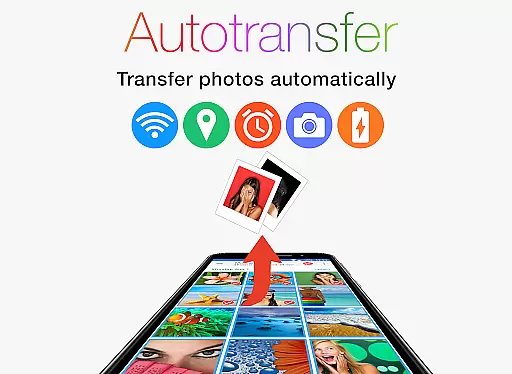
With five configurable autotransfer triggers including Wi-Fi access points, geolocation, time schedules, device charging, and taking a photo, users have comprehensive control over when and where their media is backed up. This flexibility enhances the overall photography experience by streamlining the workflow and reducing manual intervention.
By removing ads and adding advanced autotransfer capabilities, PhotoSync ensures a distraction-free environment that focuses solely on capturing and preserving memories efficiently and effectively.
AI beauty and enhancement features are increasingly important in photography apps, offering users the ability to refine and enhance their images naturally. While PhotoSync Autotransfer Add-On primarily focuses on seamless media transfer, it indirectly supports these enhancements by ensuring high-quality backups and storage solutions.
The app's robust transfer capabilities mean that users can quickly move their original files to more powerful editing environments on other devices. This allows them to apply sophisticated AI-driven beauty and enhancement tools without worrying about storage limitations or data loss on their mobile devices.
PhotoSync provides secure auto-backup options to various destinations such as computers, NAS, and cloud services. These backups maintain the integrity and quality of the original files, which is crucial for applying realistic AI enhancements that preserve the authenticity of the captured moment.
Although PhotoSync does not directly offer AI beauty features, its reliable and customizable transfer solutions lay a solid foundation for integrating such functionalities in post-production workflows, ensuring that users achieve natural-looking results with ease.
Automatic wireless backup
Customizable transfer triggers
Cross-platform compatibility
Secure data handling
Ad-free experience
Requires separate installations
Premium features need extra licenses
Limited free version functionality
Complex setup for beginners
Additional costs for NAS/Cloud add-ons

AI portrait generator and polaroid AI selfie, fun AI generated AI photo creator!
 4.30
4.30
Photo editor: face & body editor, beauty cam, filters and quality enhancer.
4.00
Trendy TikTok time warp scan funny filter app brings you unique photos & videos.
4.40
Create funny photos and videos with the popular Time Warp Scan filter.
4.90
Create Business Headshots, Polaroid Filter, Retake Photos,Profile Pics,AI Photos
4.50
Photo editor & gallery. Crop pictures & edit photos offline, no wifi!
4.50
Your personal guide to the sun and moon. Plan ahead, visualize and predict!
4.70
A light meter for true photographers.
4.20
A unique animation app. Powerful, easy to use, and lots of fun.
4.30
Take videos and pictures with the popular TikTok TIME WARP SCAN filter.
4.60
Movie camera, supports pro recording settings for filming. Try it and be amazed!
4.50
RAW video capture with advanced controls
4.40
[3DSteroid Pro] is a stereoscopic application for Android.
4.30
Turn your phone into a professional camera - full DSLR manual photography
4.30
Virtual makeup, hair filters & body tuner—edit from face to full body!
4.20
Luminar: Photo Editor - easy picture editing with AI
4.20
How would you look like with a differently shaped nose, chin or lips?
3.90
USB Storage Access for Photos, Videos, Music and Documents
3.80
Add a dreamy vibe to your selfies and videos with soft style filters
4.3


User Reviews