

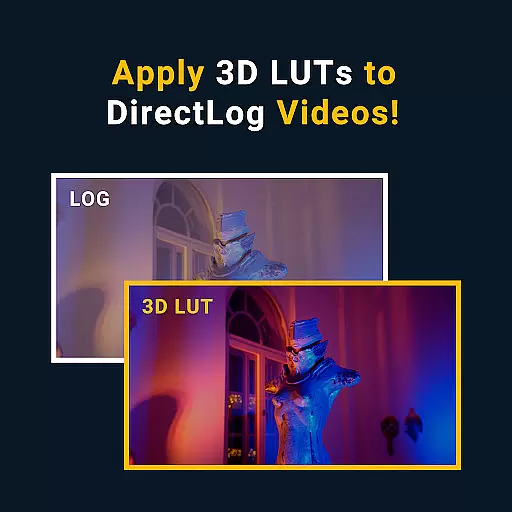




MotionCam Pro revolutionizes mobile photography by offering professional-grade tools directly on your smartphone. The app's standout feature is its ability to capture RAW video, a first for smartphone cameras. This allows videographers and photographers to retain maximum detail and flexibility during post-processing.
In addition to its groundbreaking video capabilities, MotionCam Pro enhances still photography through advanced computational algorithms. These replace standard camera software to produce stunning images with improved clarity, color accuracy, and dynamic range. Whether you're a professional photographer or an enthusiast, this app provides the tools needed to elevate your mobile photography game.
The hallmark of MotionCam Pro is its innovative approach to mobile imaging. By enabling RAW video capture, it empowers users to work with uncompressed footage that retains all details from the sensor. This is particularly valuable for professional videographers who require the highest quality source material for editing.
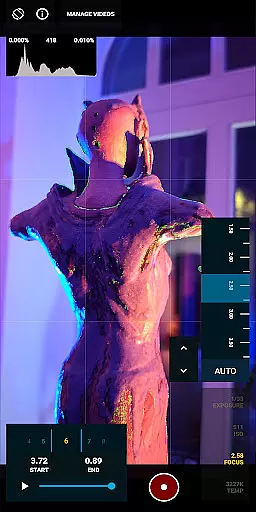
Beyond video, MotionCam Pro incorporates sophisticated computational photography techniques. These algorithms process images in real-time, optimizing various parameters such as exposure, white balance, and noise reduction. The result is photographs that rival those taken with high-end DSLR cameras. Additionally, the app offers manual controls for ISO, shutter speed, and focus, giving experienced photographers complete creative freedom.
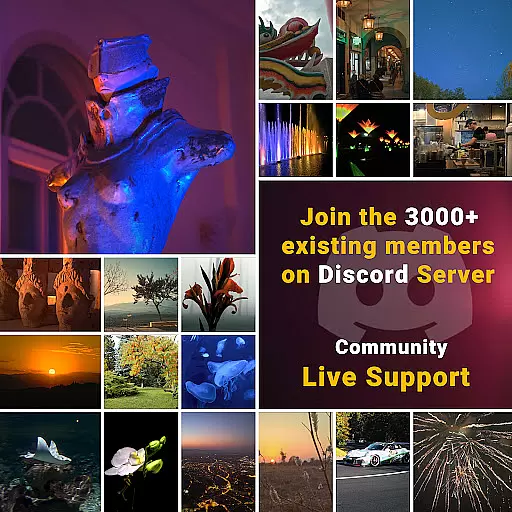
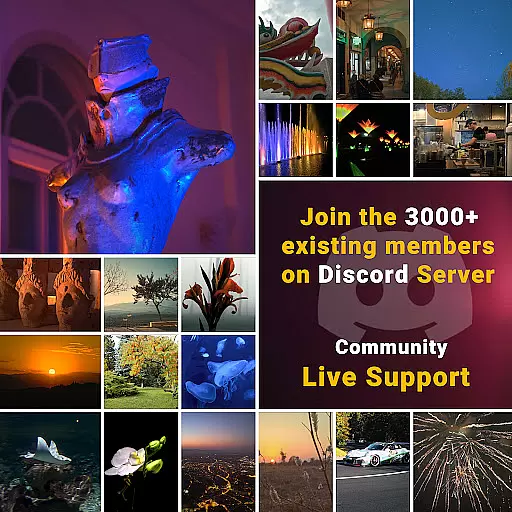
For community support and additional resources, MotionCam maintains an active Discord channel where users can share tips, showcase their work, and provide feedback to developers. This vibrant community aspect adds significant value beyond the technical features themselves.
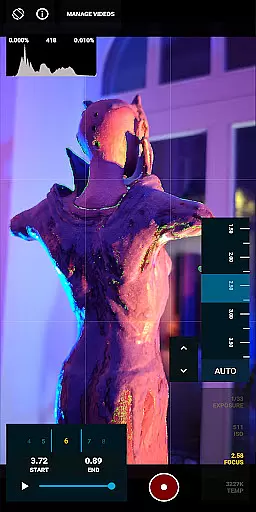
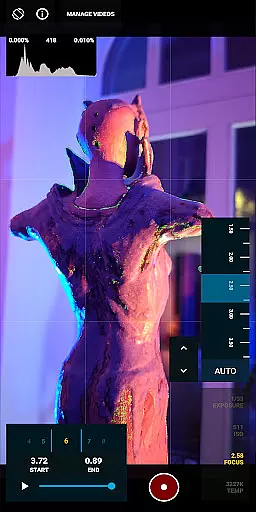
Real-time capture and preview functionality is essential for photographers who need to see the exact image they are capturing before taking the shot. MotionCam Pro excels in this area by providing users with a live view of their subject, ensuring that every detail is captured as intended.
The app utilizes advanced computational photography algorithms to enhance the preview experience. This means that users can see real-time adjustments to settings such as exposure, white balance, and focus, allowing them to fine-tune their shots with precision.
With MotionCam Pro, users benefit from an intuitive interface that makes real-time capture accessible even to beginners. The responsive controls ensure that photographers can quickly adapt to changing conditions, making it an invaluable tool for both amateur and professional use.
MotionCam Pro incorporates AI beauty and enhancement features that bring a new level of naturalness to smartphone photography. Unlike traditional filters that can appear artificial, MotionCam's AI algorithms intelligently enhance facial features while preserving the subject's unique characteristics.
The app's AI technology works by analyzing each frame in real-time, applying enhancements that complement the subject without over-processing. This results in photos that look naturally beautiful, with skin tones and textures that remain true to life.
Photographers using MotionCam Pro will appreciate the balance between enhancement and authenticity. Whether capturing portraits or group shots, the AI ensures that every photo reflects the genuine beauty of the moment, elevating mobile photography to professional standards.
First smartphone RAW video capture
Advanced computational photography
Professional-grade manual controls
Vibrant user community
Real-time image optimization
Premium pricing structure
Steep learning curve
High processing requirements
Limited device compatibility
No beginner-friendly mode

A collection of tools and reference tables for DPs, ACs, DITs and Operators.
 4.70
4.70
Effortlessly organize, view and share your photos & videos with Gallery app!
4.40
An interval timer to automate photo taking process for timelapse
2.90
Transform photos into videos! Create realistic or anime-style images easily!
4.50
Cartoon and artistic effects for your photos and videos
4.70
Turn photos into cartoons & avatars! - Photo Editor, Cartoon Face!
3.90
A unique animation app. Powerful, easy to use, and lots of fun.
4.30
Welcome to ProShot, the most powerful camera app on Android.
4.20
Edit photos with the picture generator: PS2 & AI Clay filters, cartoon effects.
4.50
Discover & download millions of art for The Frame TV or Hisense CanvasTV
4.60
AI photo enhancer with Sora 2! Enhance, descratch, and colorize your old photos.
4.50
A reflected light meter with spot metering and incident light metering.
4.40
[3DSteroid Pro] is a stereoscopic application for Android.
4.30
Shooting photos and records video easily and efficient with professional Camera
4.30
Smart, light, and fast photo and video gallery
4.30
Professional photography on your mobile phone
4.20
Create amazing frames with up to five photos. Rounded corners, effects and more!
3.60
Application for remote controlling DSLR
3.00
Photo Album Watch Face shows your favorite pictures as a Watchface.
1.90


User Reviews