
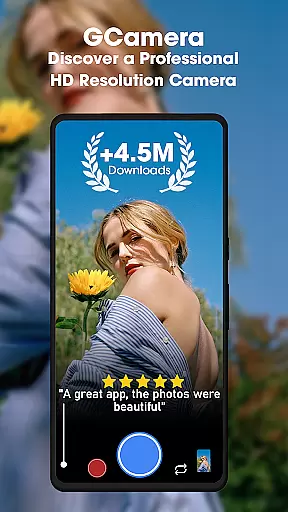
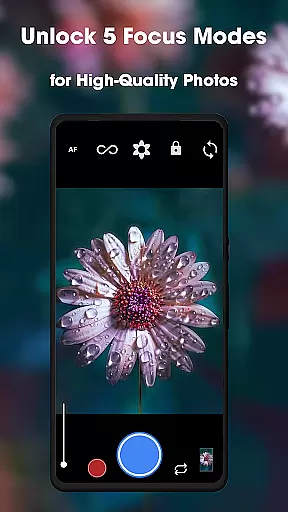
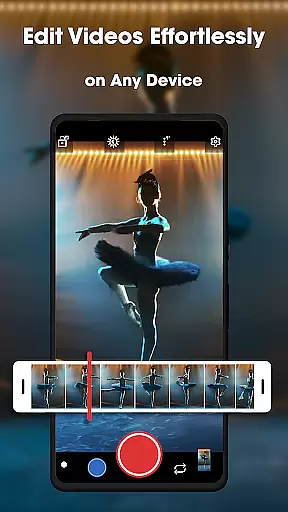
GCamera is a feature-rich photography app that transforms your smartphone into a professional-grade digital camera. With advanced modes like HDR+, Night Sight, and Astrophotography, it ensures stunning image quality in any lighting condition. Whether you're capturing landscapes, portraits, or starry skies, GCamera delivers vibrant colors, sharp details, and impeccable dynamic range.
This app is perfect for both amateur enthusiasts and seasoned photographers who want to elevate their mobile photography game. Its intuitive interface makes it easy to access powerful tools, while features like Portrait Mode and HD Camera Performance ensure every shot looks polished and professional. From low-light environments to scenic outdoor shots, GCamera adapts seamlessly to your needs.
By combining cutting-edge technology with user-friendly design, GCamera allows users to create art with every shot. It's not just about taking pictures—it's about preserving memories in crystal-clear quality, making it an ideal tool for anyone passionate about photography.
GCamera stands out with its diverse and innovative features tailored for photography enthusiasts. One of its core strengths is the HDR+ mode, which blends multiple shots using advanced algorithms to produce images with vibrant colors, enhanced details, and superior dynamic range. This ensures that even tricky lighting conditions won't compromise your photos.
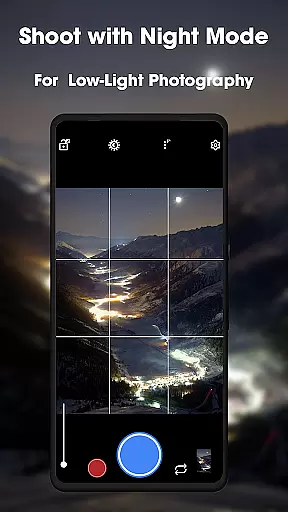
Another highlight is the Night Sight feature, designed to excel in low-light environments. By capturing stunning details without excessive noise, this mode allows users to take clear and vivid photos at night. Additionally, Astrophotography mode takes creativity to new heights by enabling users to capture mesmerizing shots of stars and galaxies, making it a favorite among stargazers.
Portrait Mode adds a professional touch by keeping subjects in sharp focus while creating a beautiful bokeh effect in the background. Combined with HD Camera Performance, these features ensure every photo is a masterpiece. The app's versatility, ease of use, and ability to adapt to various shooting scenarios make it a top choice for mobile photographers seeking pro-level results.
Real-time capture and preview functionality is essential for any photography app as it allows users to see exactly what the camera sees before taking a shot. This ensures that every photo meets the user's expectations in terms of framing, lighting, and focus.
GCamera excels in this area by providing an intuitive interface that displays a high-quality live preview. The app leverages advanced processing algorithms to deliver a smooth and responsive capture experience, even in challenging lighting conditions.
Users benefit from real-time adjustments to settings like exposure, white balance, and focus, allowing for precise control over the final image. This level of customization empowers photographers to capture their vision accurately, whether shooting landscapes or portraits.
The value of GCamera's real-time capture feature lies in its ability to turn any smartphone into a versatile tool for professional-grade photography. By offering instant feedback and control, users can consistently produce high-quality images that reflect their creative intent.
AI-powered beauty and enhancement features are increasingly important in photography apps, allowing users to refine and perfect their images while maintaining a natural look. These tools help enhance facial features, smooth skin textures, and adjust lighting for more flattering results.
GCamera incorporates sophisticated AI algorithms that intelligently analyze and enhance photos without creating artificial or overly processed effects. The app's AI beauty features work seamlessly to improve portrait shots while preserving authentic details and expressions.
Photographers using GCamera can expect natural-looking enhancements that elevate their subjects' best features without compromising the image's integrity. This approach ensures that edited photos remain true to life, enhancing rather than distorting reality.
The true value of GCamera's AI enhancement capabilities lies in its ability to deliver professional-quality retouching that anyone can use. By combining powerful AI technology with a commitment to natural results, the app empowers users to create stunning yet authentic images that capture genuine moments.
User-friendly interface
Advanced HDR+ technology
Excellent low-light performance
Versatile shooting modes
Professional-quality output
May drain battery faster
Requires high-end device
Limited manual controls
Occasional processing delays
Not all features work on older phones

Be your best in every shot! Fix, edit and retouch your face in selfies & photos.
 3.70
3.70
AI photo enhancer with Sora 2! Enhance, descratch, and colorize your old photos.
4.50
Smart, light, and fast photo and video gallery
4.30
Easily view, share, delete photos with Gallery.
4.70
Use AI Video Generator to turn your words to ai generated videos.
4.50
RAW video capture with advanced controls
4.40
PhotoSync Bundle Add-On License. Enables all features and services in PhotoSync.
4.60
Enhance, upscale, and transform your images — on your device, without limits
4.70
Solocator stamps photos you take with GPS location, Compass Direction, Date/Time
3.80
Perfect body tune & face app - photo retouch, makeup, slim body & beautify face.
4.80
AI Photo Editor with 100+ Filters, Effects! Remove BG, Retouch & Photo Enhancer.
4.80
Your personal guide to the sun and moon. Plan ahead, visualize and predict!
4.70
Easily stitch panoramas from multiple photos or video.
4.40
All-in-One Editor & AI Photo Enhancer, Beautify & Retouch, Collage, Cartoonify
4.20
Virtual makeup, hair filters & body tuner—edit from face to full body!
4.20
Create AI Photos, Improve and restore quality of blurry, old or damaged pics.
4.20
How would you look like with a differently shaped nose, chin or lips?
3.90
Turn photos into cartoons & avatars! - Photo Editor, Cartoon Face!
3.90
Long exposure camera with computational photography
2.60


User Reviews