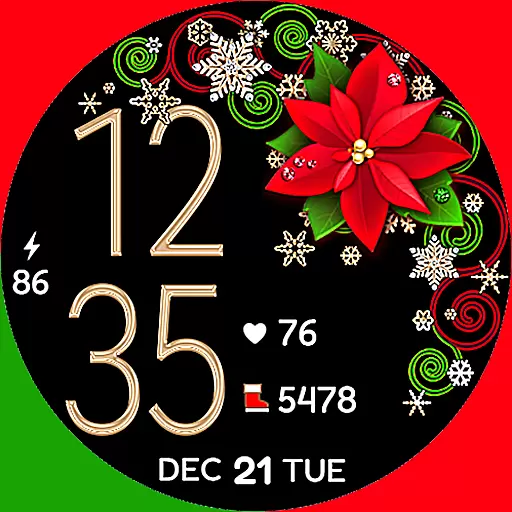
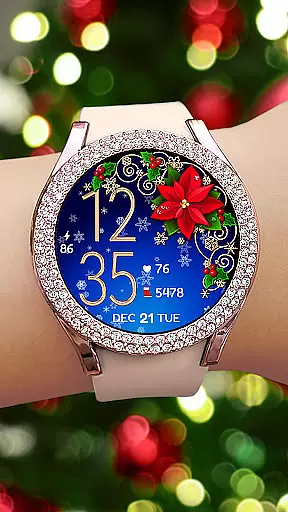
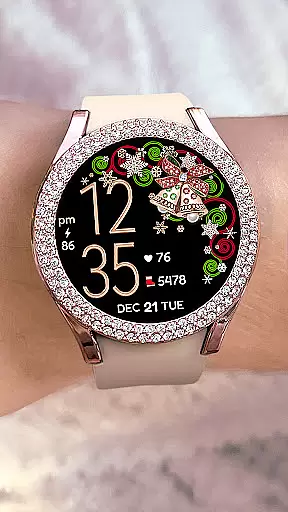
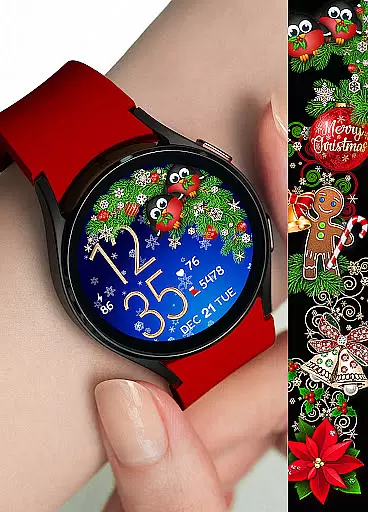
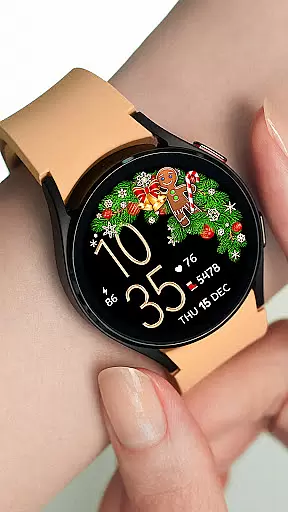

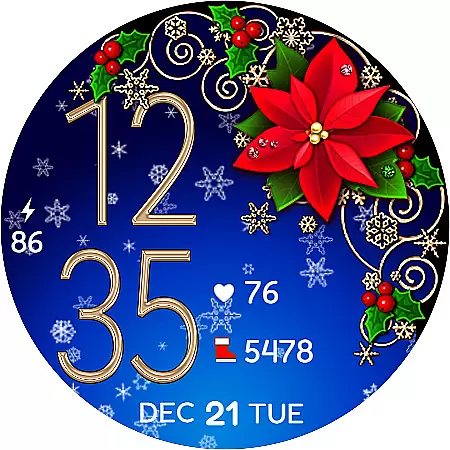
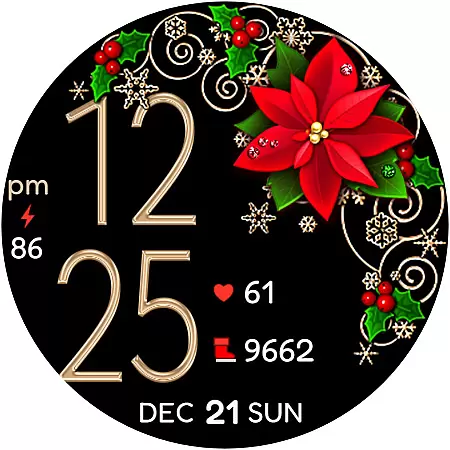
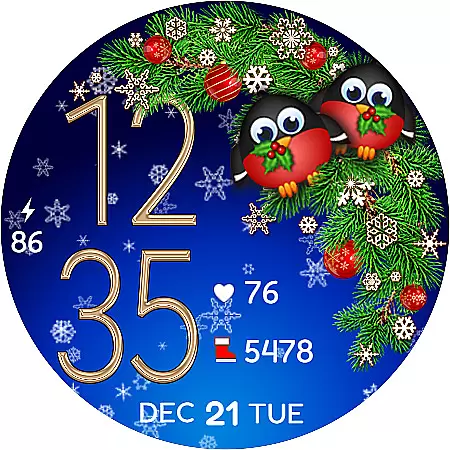
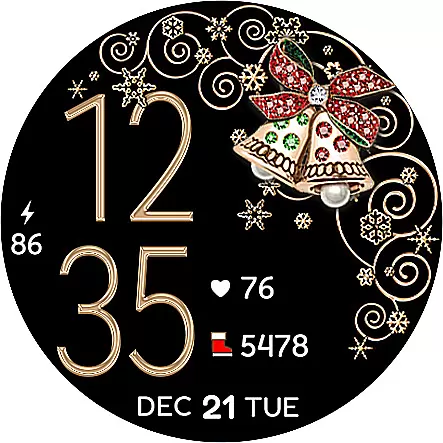
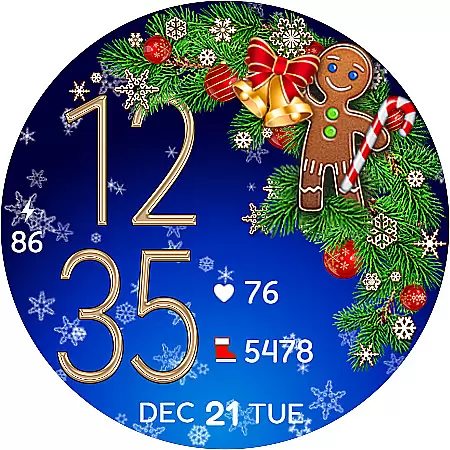
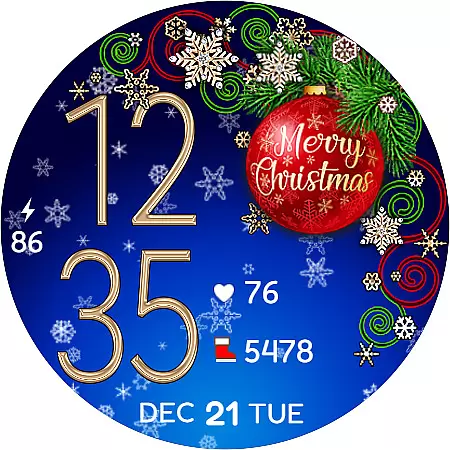
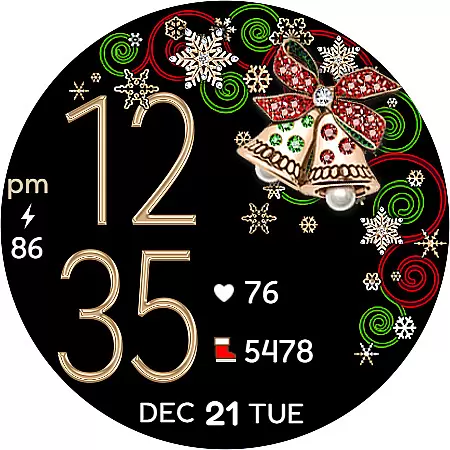
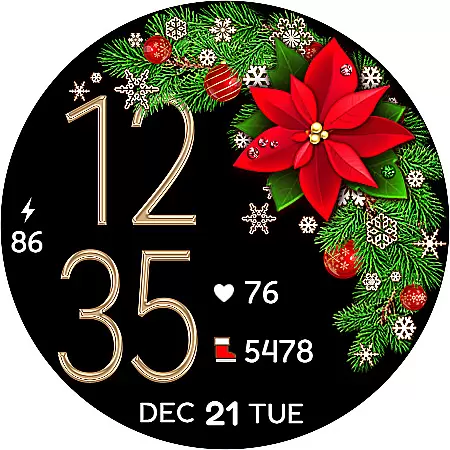
Christmas Snow On/Off Watch is a festive-themed watch face designed specifically for Wear OS devices. This application offers users the ability to customize their smartwatch display with various styles and animations that capture the essence of Christmas.
The watch face features digital time display in either 12 or 24-hour format, automatically synchronized with the paired phone's time. Users can choose from multiple decorative styles, border designs, and background options including an optional snow animation, all of which contribute to a personalized and battery-efficient experience.
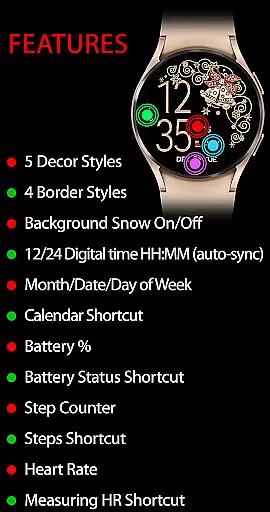
In active mode, the app provides additional functionalities such as calendar and battery status shortcuts, step counting, and even heart rate monitoring with a dedicated shortcut for measurement. The always-on display ensures essential information remains accessible at a glance, making it both practical and festive.
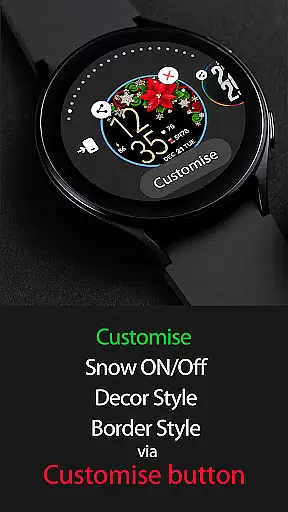
One of the standout features of Christmas Snow On/Off Watch is its extensive customization options. With five decor styles, four border styles, and a choice between black or snowing backgrounds, users can create over 30 unique combinations using the 'Customise' button.
Functionality is not compromised for aesthetics, as the watch face includes practical features like background snow animation that can be toggled on or off for battery efficiency. In active mode, users have access to date and time, battery percentage, step counter, and health-related shortcuts, including heart rate monitoring.
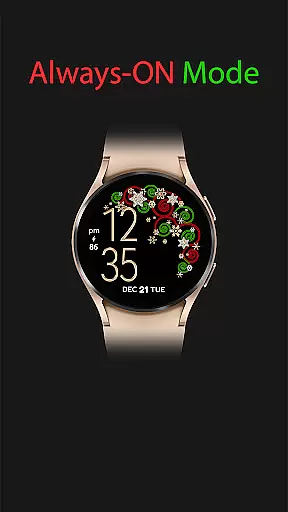
The always-on display maintains key information visibility, showing the time, day, date, month, and battery level even when the watch is not actively in use. These features collectively ensure that while the watch face is aesthetically pleasing, it remains highly functional and user-friendly.
For the Christmas Snow On/Off Watch, companion app integration is essential for a seamless wearable experience. This watch face automatically syncs with your phone's time and settings, ensuring that users always have accurate information at a glance.
The synchronization extends beyond just time; it includes battery status, step counts, and even heart rate measurements. By tapping on specific icons, users can trigger functionalities like starting a heart rate measurement directly from their wrist.
This deep integration allows for real-time updates and interactions between the Wear OS device and the paired smartphone. Users benefit from an interconnected ecosystem where data flows effortlessly between devices, enhancing both convenience and functionality.
Ultimately, this companion app integration ensures that whether you're checking the date or monitoring health metrics, all information remains current and accessible without manual updates.
The Christmas Snow On/Off Watch boasts extensive compatibility with various Wear OS devices, making it versatile for different users. Its design caters to multiple screen sizes and resolutions, ensuring crisp visuals regardless of the device specifications.
With support for over 30 combinations of decor styles, border styles, and backgrounds, this watch face offers customization options that adapt well across different hardware configurations. Whether using a round or square watch face, users enjoy consistent performance and aesthetics.
Additionally, features such as background snow animation can be toggled on or off based on user preference or device capabilities, optimizing battery usage while maintaining visual appeal. Such flexibility enhances user satisfaction by catering to individual preferences and technical requirements.
Overall, robust Wear OS/device compatibility ensures that every user enjoys a personalized yet efficient smartwatch experience tailored to their unique needs.
Highly customizable
Festive Christmas theme
Battery efficient
Heart rate monitoring
Automatic time sync
Limited to Wear OS
Requires synchronization
Premium features cost
Complex setup process
Health feature dependency

Elegant animated Christmas tree with multiple customization options
 4.20
4.20
Stunning modern digital watch face with 7 complications and strong contrast
4.2
Be an elegant and classy secret agent, with this carefully detailed watch face
4.70
Let's celebrate Thanksgiving - Wear Os watch face
4.20
sleep, alarm, snoring, stress, healing, focus, sound therapy, circadian rhythm
4.10
Hyperlocal rain alerts by MyRadar using patent-pending technology, radar & more
4.80
Connect to your Bluelink equipped Hyundai vehicle from your smartphone.
4.50
Start and succeed with PAP
4.10
Control your Samsung Smart TVs, appliances, and SmartThings-compatible devices
4.60
Digital, flexibly customizable watch face. For Wear OS 5.0, API 34+ and later.
5.00
Real-time results, stats, schedules and player profiles for all leagues
4.60
Beautiful artistic animated digital watch face, with a customizable layout!
4.40
Christmas watch face. For Wear OS devices.
4.30
Watch face for Wear OS.
4.20
Daily Weather forecast with 15 weather images for Day & Night plus Big Bold time
4.10
Connect, create, and collaborate with Gmail, part of Google Workspace.
4.10
A full-featured Amazon Alexa voice assistant that can show you things.
3.70
Wear Os Watch Face - Animated Snow - Sesonal for Christmas & Winter
4.2
3 Complications. All shadow on/off. 30 Themes color palette...
4.4


User Reviews