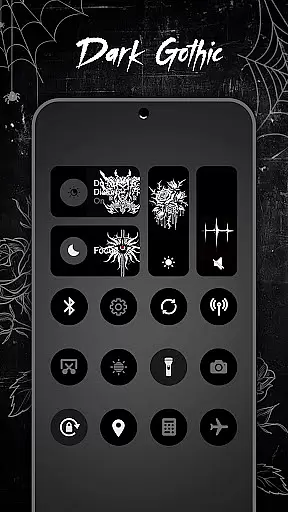
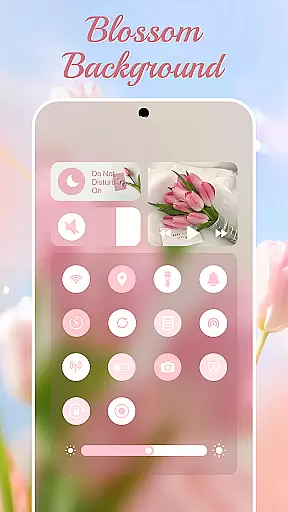
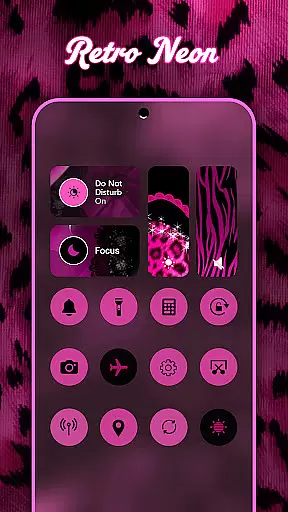
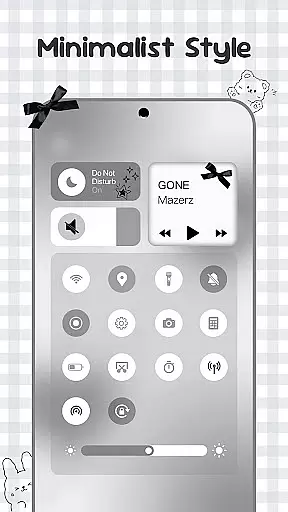
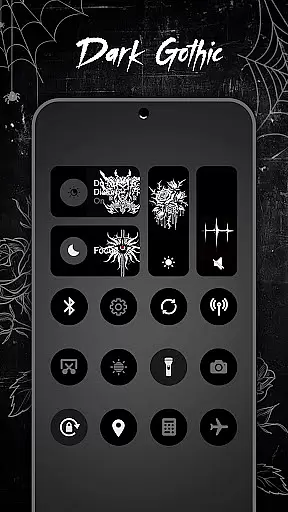
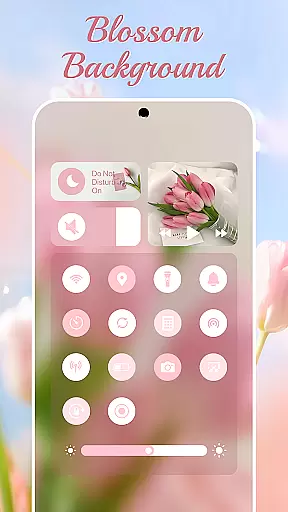
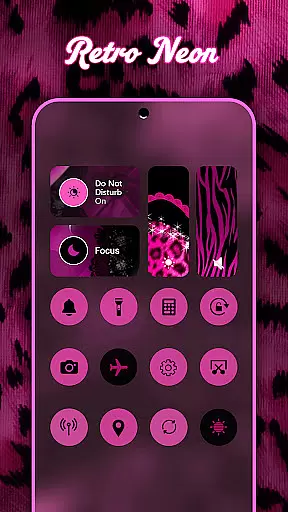
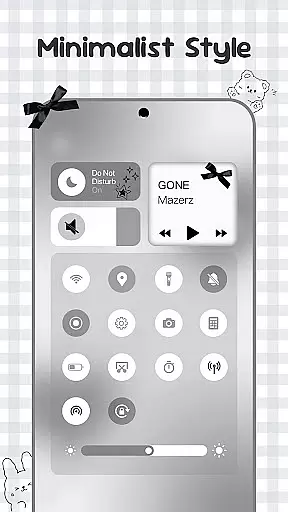
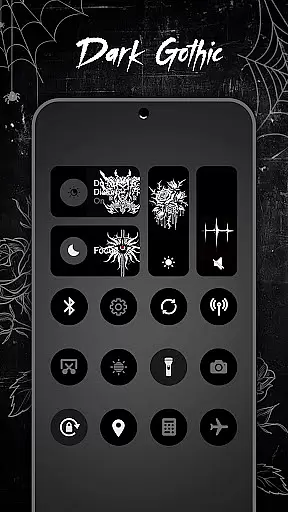
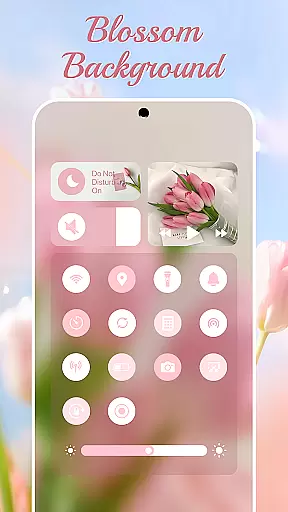
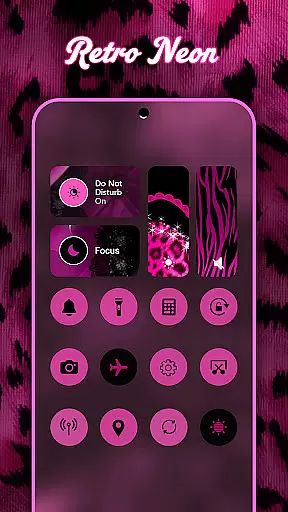
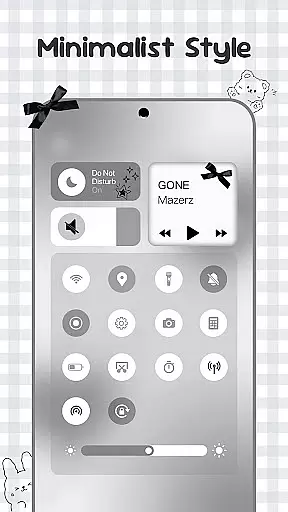
Control Widget is a highly customizable quick settings panel for Android devices, designed to merge elegant control with unlimited personalization. Inspired by modern mobile aesthetics, it transforms your device into a canvas for creativity, offering stylish one-tap access to essential controls.
The app features thousands of aesthetic themes including Anime, K-pop, neon gradients, minimalism, and more. Users can switch panels anytime to match their mood or home screen setup. With smooth sliders for brightness and volume, instant toggles for Wi-Fi, Bluetooth, and Airplane Mode, and handy tools like screenshot capture and flashlight, Control Widget provides both functionality and style.
This app is perfect for users who want to elevate their Android experience with personalized controls that complement any wallpaper or icon pack. Whether you need practical tools or simply want to enhance your device's aesthetic, Control Widget offers an all-in-one solution.
Control Widget stands out with its extensive theming options and smart tools. The app offers thousands of aesthetic collections ranging from Anime and K-pop to minimalism and soft coquette themes. These live style updates allow users to switch panels instantly, matching their current mood or home screen setup.
In terms of functionality, Control Widget provides smooth sliders for adjusting brightness and volume, along with instant toggles for Wi-Fi, Bluetooth, and Airplane Mode. It also includes essential screen tools such as screenshot capture, screen recording, and rotation lock. The built-in flashlight feature ensures convenience in low-light situations.
What sets Control Widget apart is its commitment to user customization. Users can request custom themes and participate in the design process. The sleek interface complements any wallpaper or icon pack, making it a versatile choice for personalizing your Android device while maintaining full control over essential functions.
Control Widget offers an extensive range of customization options that allow users to tailor their Android device's control panel to match their personal style. With thousands of aesthetic themes available, including Anime, K-pop, neon gradients, minimalism, and more, users can curate a unique look that resonates with their preferences.
The app provides live style updates, enabling users to switch panels anytime to align with their mood or home screen aesthetics. This flexibility ensures that the control panel is not just a tool for device management but also an extension of personal expression. The one-tap transformation feature makes it easy to apply these changes instantly, offering a seamless user experience.
By integrating functional tools like brightness and volume sliders, connectivity toggles for Wi-Fi and Bluetooth, and quick access to screen tools, Control Widget combines practicality with personalization. Users benefit from having all essential controls in one place while enjoying a visually pleasing interface that reflects their individuality.
Theme compatibility is at the heart of Control Widget's design philosophy, ensuring that every theme integrates smoothly with the user's device. Whether you prefer soft coquette aesthetics or sports-inspired designs, the app guarantees that each theme maintains visual consistency across the control panel and the rest of the device interface.
Users can expect perfect synchronization between their chosen themes and other elements such as wallpapers, icon packs, or widgets. This harmonious blend enhances the overall user experience by creating a cohesive look that elevates the deviceu2019s appearance. The app's dedication to compatibility means that no matter which theme you choose, it will complement your device's existing setup without any compromise on functionality or aesthetics.
Furthermore, Control Widget allows users to request custom themes, giving them a say in the design process. This level of personal involvement ensures that even the most specific tastes are catered to, making it the ultimate companion for those looking to personalize their Android's quick-settings panel with both style and substance.
Highly customizable
Stylish design
Extensive theme options
Smooth performance
User-friendly interface
Requires accessibility permissions
May overwhelm new users
Limited default themes
Foreground service needed
Occasional bugs

Customizable flower power digital watch face for Wear OS watches.
 4.00
4.00
Sparkle your screen with Glitter Wallpapers For Girls and Cute Backgrounds!
4.80
A launcher for Samsung Good Lock and Good Guardians modules without ads
4.70
Customizable screen pets that play, climb, and keep you company.
4.50
Zip lock screen with magic wallpaper to decorate your phone with fun zipper lock
4.60
Customize glowing edges, wallpapers, and caller screen with EdgeAura.
3.50 4.50
4.50
HappyLighting is a Bluetooth lamp control software.
3.40
One 8 icons glass color version
4.80
100+ Stylish Fonts, Emojis, Symbols keyboard for Instagram & TikTok!
4.80
Ultra realistic high quality analog watch face for Wear OS.
4.60
A retro cartoon style watch face and a punch right in the face of the copyright
4.60
Make your phone look simple & luxury, like iDevice
4.60
Unique Android Launcher
4.60
Bring adorable pets to life on your screen. Playful, interactive and full of fun
4.60
300+ widgets inspired by Material You and Material 3 expressive design.
4.60
The definitive Icon pack maker and editor
4.30
Magic fluids wallpaper 4D: Relax with stunning fluid simulation wallpaper app
4.20
Turn your lock screen into fun with smile live wallpapers & animated wallpapers!
2.50


User Reviews