
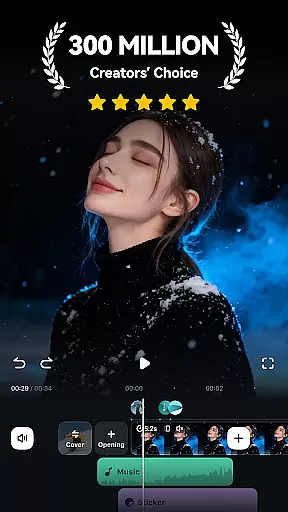
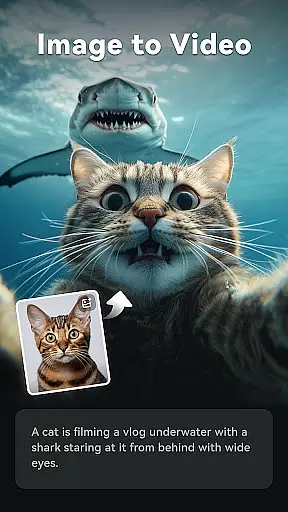
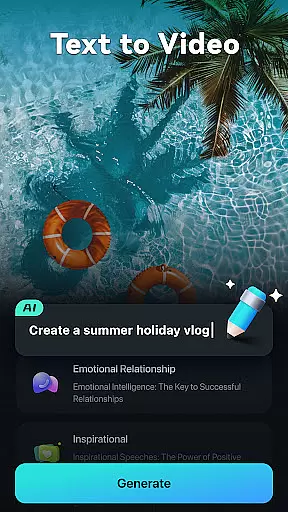
Filmora is an AI-powered video editor tailored for social creators, offering a balance between ease of use and powerful editing capabilities. It enables users to transform clips, photos, or scripts into engaging videos suitable for platforms like TikTok, Reels, and YouTube without prior editing experience.
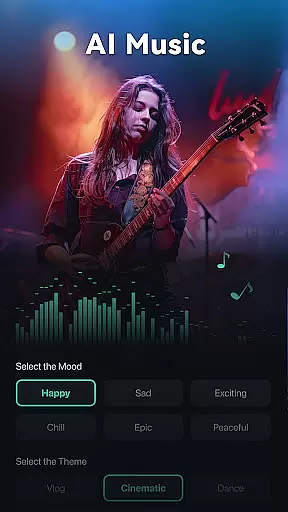
With innovative AI features such as Image to Video, Dynamic Captions, Text to Video, AI Remover, AI Auto Cut, AI Beats, VideoGen, Text to Speech, and AI Music & Sound Effects, Filmora simplifies the video creation process while delivering professional-quality results.
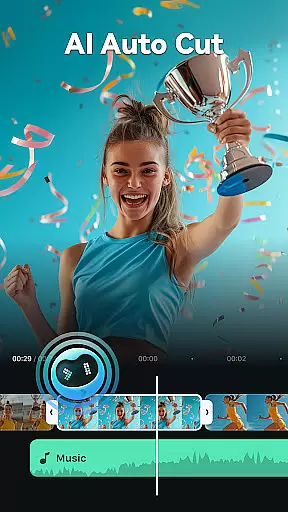
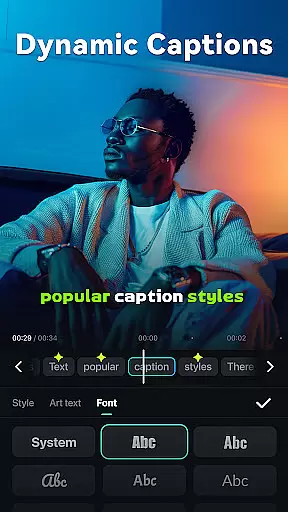
Filmora stands out with its comprehensive suite of AI-driven tools designed to enhance video editing. Features like AI Auto Cut and AI Beats allow users to create polished videos by syncing highlights with music beats effortlessly. The Dynamic Captions tool automatically converts speech to text, creating engaging word-by-word captions.
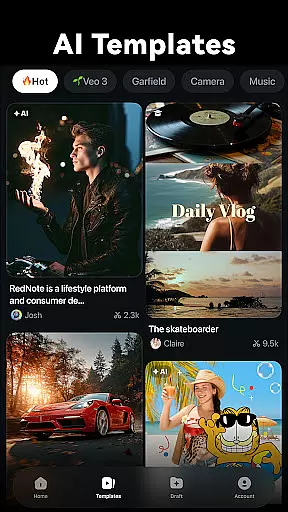
For beginners, Filmora offers user-friendly functionalities including one-click stunning templates, trimming, splitting, and adding multimedia elements without quality loss. Advanced users benefit from professional-grade features such as All-in-one Keyframe animations, customizable speed curves, PIP, masking, and smart tracking for various creative needs.
Video format compatibility is a crucial feature for any video editor as it ensures that users can work with a wide range of video files without the need for conversion. Filmora supports an extensive array of formats, making it versatile for both casual and professional editors.
The application allows seamless importing and exporting of videos in different resolutions and codecs. Whether you're dealing with MP4, AVI, MOV, or other common formats, Filmora maintains the quality while providing editing flexibility.
For content creators focusing on social media platforms like TikTok, Reels, and YouTube, this compatibility means they can quickly edit and share their videos without worrying about format issues. This saves time and enhances productivity.
Moreover, Filmora's advanced features cater to professionals who require specific formats for high-quality outputs. With support for 4K and even higher resolutions, the app meets industry standards, ensuring that your creative vision is not limited by technical constraints.
AI-powered editing features represent the cutting-edge advancement in video editing technology, allowing creators to produce professional-grade content with minimal effort. Filmora incorporates several AI tools that simplify complex editing tasks, making it accessible for beginners while still offering powerful options for seasoned editors.
One standout feature is the AI Auto Cut, which intelligently identifies and stitches together highlight moments from your footage to craft engaging narratives. This tool is perfect for creating dynamic social media content quickly and efficiently.
Filmora also includes Dynamic Captions, where AI converts speech to text and generates lively, word-by-word captions. This not only aids in storytelling but also improves accessibility for viewers who rely on subtitles.
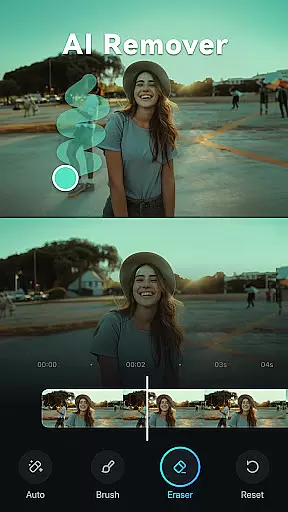
Additionally, the AI Remover effortlessly eliminates unwanted elements from videos, saving hours of manual editing. These AI-driven capabilities ensure that users can focus more on creativity and less on the technicalities of video production.
User-friendly interface
Extensive AI features
Versatile editing tools
Cross-platform support
Professional templates
Subscription required
Limited free trial
Advanced features locked
Occasional bugs
Learning curve

Video player, file manager for all formats, 4K/HD media player supports subtitle
 4.30
4.30
Fast, private downloading, video saving, social media
4.50
This app was created to edit the metadata of music files.
4.20
Turn your phone into a wireless camera!
4.20
IPTV Player - Watch live TV from m3m & m3u8 playlist, stream IPTV on mobile
3.30
Cast movies, tv shows and live streams to Chromecast, Roku, DLNA, Fire TV & more
4.60
Fast & Private HD Video Downloader with Built-in Proxy Browser and Video Player.
4.50
VLC for Android is the best open source video and music player, fast and easy!
4.10
Photo editor & video maker with music and slideshows.
4.10
Pro video editor app for Instagram, edit video with song, AI, effect & slowmo.
4.80
#1 Torrent App on Android ** No Ads Ever + Battery Saver **
4.80
Download Hub, easy and private way to download and enjoy your videos offline
4.80
Find, download, and play torrents with the official BitTorrent® Pro app
4.70
A Simple app to download Video & Music from the Internet.
4.70
Snaptubè Video Downloader app allows to download videos and music in Snaptube. .
4.60
Search & download videos from net with all video downloader, auto-detect & safe.
4.60
Create photo video with music & template. AI video maker for stunning slideshow.
4.60
Powerful, professional, versatile teleprompter. Developed by an active film crew
4.00
The essential companion to your Blue Iris PC software
2.50


User Reviews