

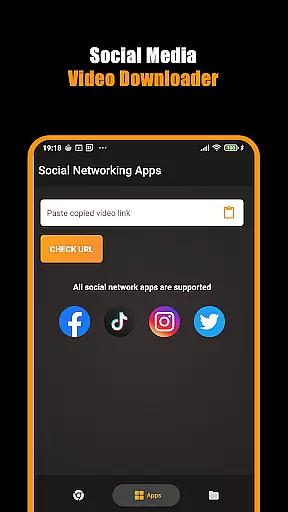
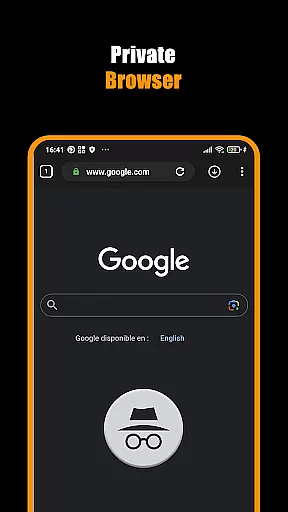
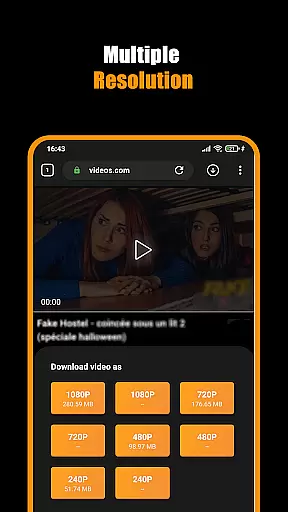

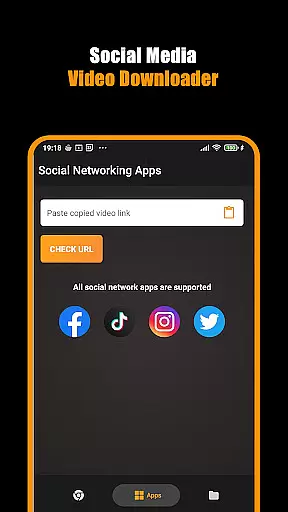
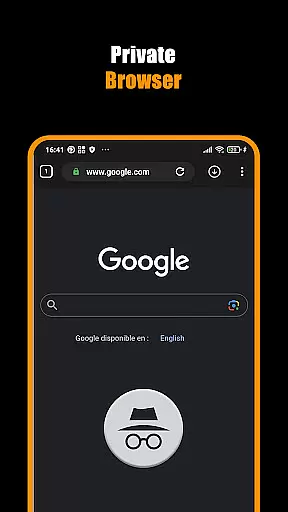
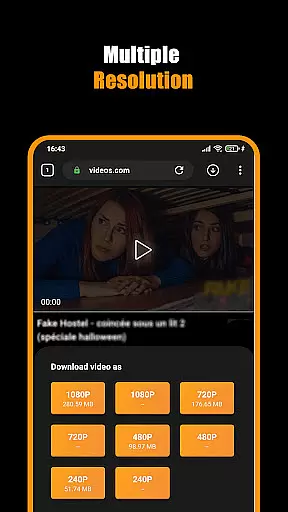

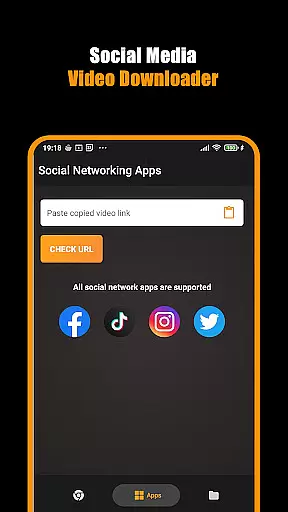
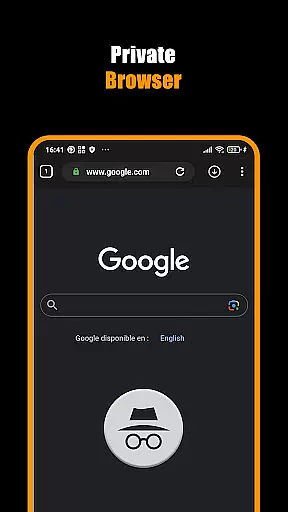
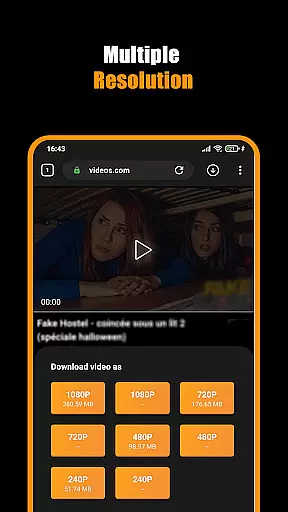

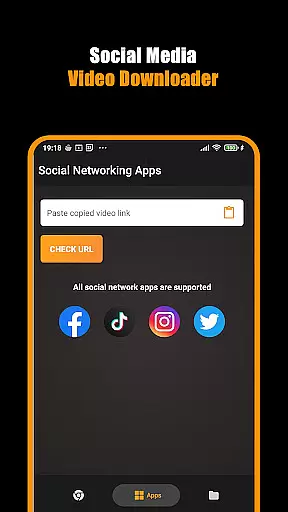
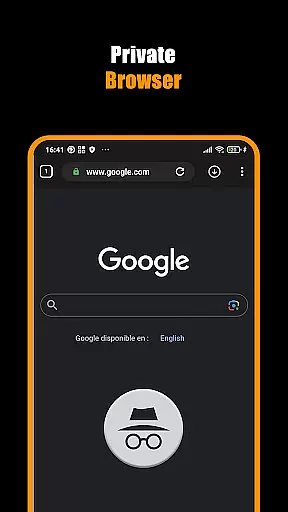
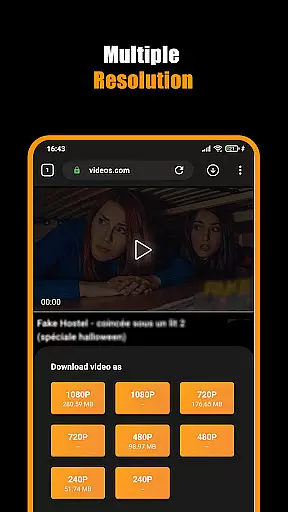

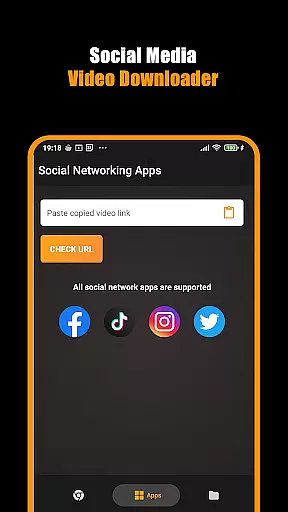
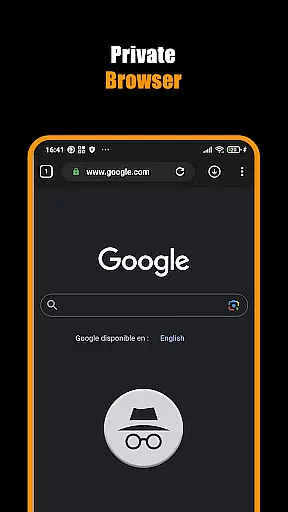
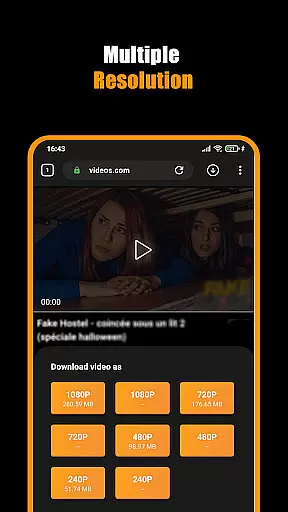
Hub Video Downloader is a versatile video downloading tool designed for users who need to save online videos directly to their devices. The app features a built-in private browser that allows users to browse the web securely while automatically detecting downloadable video content. With support for HD, 2K, and 4K video downloads, it ensures high-quality media saving capabilities.
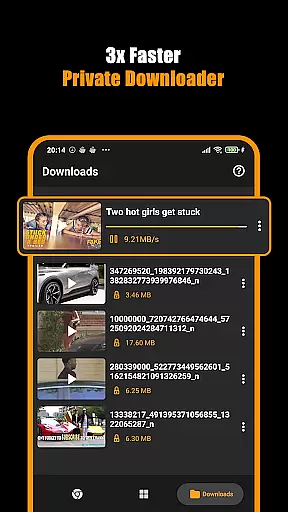
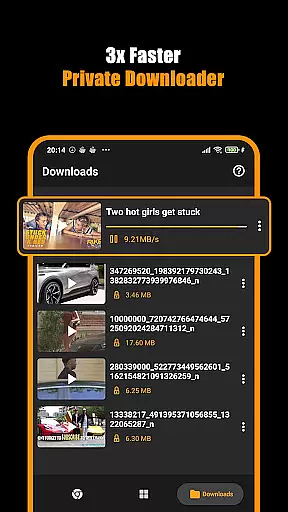
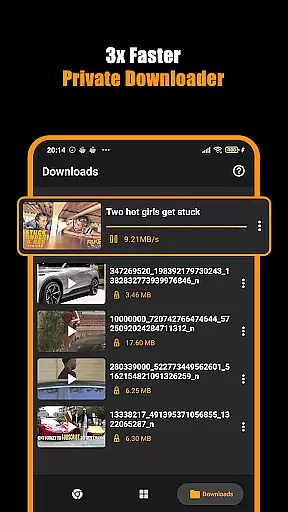
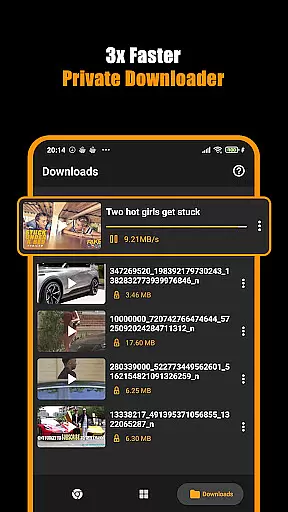
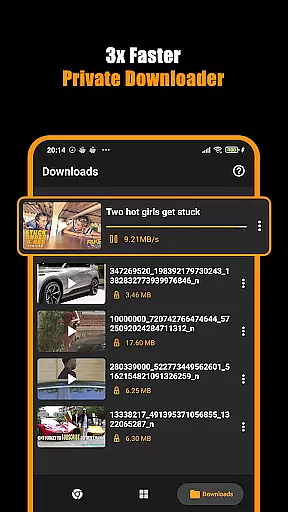
The application provides seamless multitasking options, enabling users to pause, resume, or cancel downloads as needed. Its intuitive interface simplifies the process of downloading videos from various websites, making it an ideal solution for those looking to manage their media libraries efficiently. Whether you're saving short clips or full-length movies, Hub Video Downloader offers a reliable way to store your favorite content privately and access it anytime.
Hub Video Downloader stands out with its comprehensive set of features tailored for efficient video management. One of its key functionalities is the automatic detection of downloadable videos when browsing websites, which streamlines the entire download process. This feature is complemented by the app's ability to handle multiple downloads simultaneously, ensuring that users can save several files without delay.
In addition to supporting high-definition video formats up to 4K, the app includes advanced controls for managing active downloads. Users can easily pause, resume, or cancel downloads through an intuitive interface. Furthermore, the integrated private browser enhances security by blocking intrusive elements and clearing all session data upon exit. These robust features make Hub Video Downloader a top choice for individuals seeking both convenience and privacy in their digital media consumption.
Video format compatibility is a crucial feature for any video player and editor, ensuring that users can access their content in various formats without technical barriers. Hub Video Downloader supports an extensive range of video formats, including but not limited to MP4, AVI, MKV, and MOV. This versatility allows users to download and play videos from different sources without worrying about format incompatibility.
The app's built-in browser automatically detects downloadable video content across websites, presenting users with the option to save videos in their original format or convert them into a preferred one. This flexibility ensures that whether you're downloading HD movies or short clips, the quality remains uncompromised, offering a seamless viewing experience on any device.
For users who frequently interact with international content or require specific codecs, Hub Video Downloader provides advanced settings to customize download preferences. This includes selecting specific audio tracks, subtitles, and even adjusting bitrate settings. Such detailed control empowers users to tailor their downloads precisely as needed, enhancing both convenience and playback performance.
Ultimately, by prioritizing comprehensive video format support, Hub Video Downloader positions itself as an indispensable tool for anyone looking to manage their digital media library efficiently. Whether for personal entertainment or professional use, this app guarantees that your videos are always accessible and optimized for your viewing pleasure.
AI-powered editing features represent the cutting edge of video player and editor technology, enabling users to enhance their content effortlessly through intelligent automation. Hub Video Downloader incorporates several AI-driven tools designed to streamline the editing process, making it accessible even to those with minimal technical expertise. These features include automatic video enhancement, smart trimming, and one-click background removal, among others.
One standout capability is the app's ability to analyze video content and suggest optimal editing adjustments based on context. For instance, if a downloaded clip appears too dark or lacks contrast, the AI will recommend brightness and color corrections to improve overall visual quality. Similarly, when dealing with lengthy recordings, the software can identify and eliminate silent or redundant segments, condensing the footage while preserving its essence.
Moreover, Hub Video Downloader leverages machine learning algorithms to facilitate creative experimentation. Users can apply artistic filters, generate dynamic transitions, or add animated text overlays with just a few taps. The underlying AI ensures that these modifications blend naturally with the original material, maintaining coherence throughout the edited piece. This level of sophistication not only saves time but also elevates the production value of amateur projects significantly.
By integrating robust AI-powered editing features, Hub Video Downloader caters to a broad audience ranging from casual viewers seeking quick fixes to aspiring creators aiming for polished results. Regardless of skill level, everyone benefits from having powerful editing capabilities at their fingertips, empowering them to transform raw footage into captivating stories with minimal effort.
User-friendly interface
Supports HD, 2K, 4K downloads
Private browsing mode
Multi-tasking download manager
Automatic video detection
No YouTube support
Limited to non-copyrighted material
Requires stable internet
Occasional ads
Device storage dependency

Kodi media center, a free and open source cross-platform entertainment hub
 3.60
3.60
Full HD Video mp3 Player, MP4 player play 1080p, File manager, Video Downloader
4.40
VLC Remote lets you control your VLC Media Player on Mac, PC or Linux.
4.60
Capture images & record videos for USB Camera, Webcam, Microscopes, Endoscopes
3.80
Video player with powerful streaming playback and various convenient features.
2.10
Explore the largest library of free GIFs, Stickers & Memes - or create your own!
3.90
Connect EasyCap or UVC devices for recording and broadcast video/audio stream
3.60
#1 Torrent App on Android ** No Ads Ever + Battery Saver **
4.80
Cast movies, tv shows and live streams to Chromecast, Roku, DLNA, Fire TV & more
4.60
An easy-to-use and all-round screen recorder with audio
4.80
Search & download videos from net with all video downloader, auto-detect & safe.
4.60
Cast to Chromecast, Xbox, Fire Stick, Roku, DLNA, Smart TV & No Feature Limited!
4.50
AirMirror Receiver - Screen mirroring/cast web videos to Android TV by AirPlay.
4.40
Create & edit videos with AI
4.30
Stream Web Videos to Chromecast, Samsung, LG, Sony, Roku, Fire TV, DLNA + more
4.00
Make your own Animations, Video and Photo Edits, Visual Effects, and more!
4.00
Watch full episodes of your favorite Cartoon Network and Cartoonito shows!
3.50
Stream high quality video from your camera over NDI protocol
4.5
Play and download HD videos from all sources — fast, simple, and all-in-one.
4.3


User Reviews