
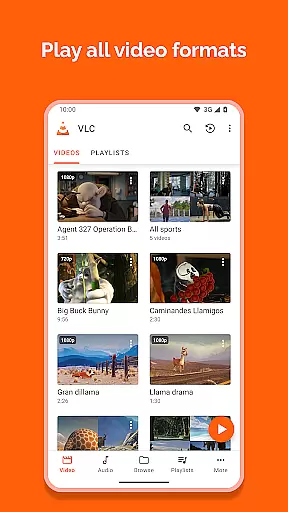
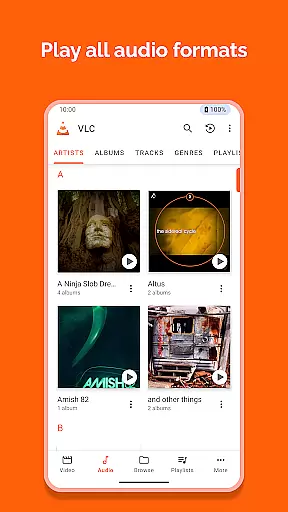
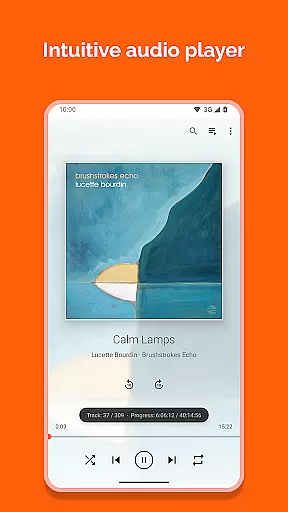
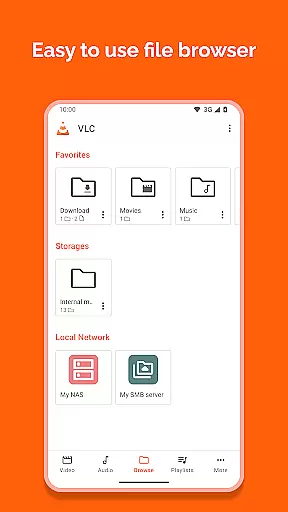
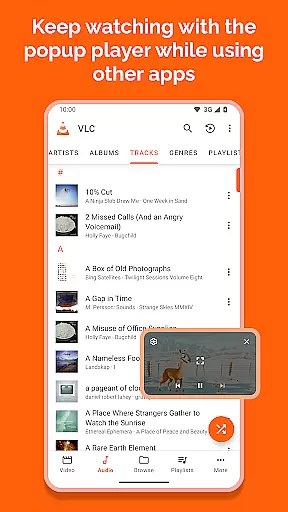
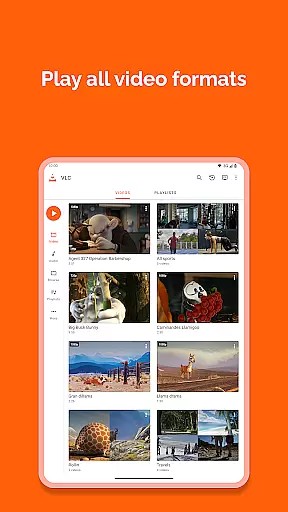
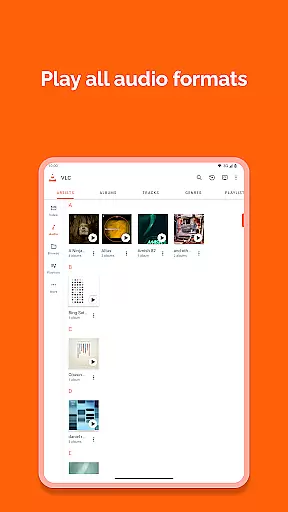
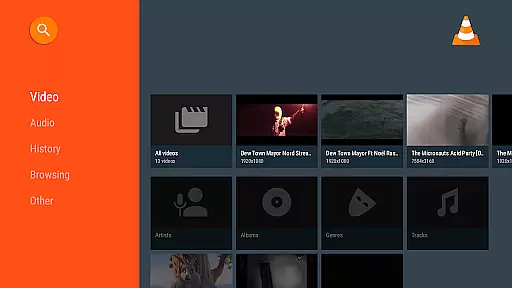
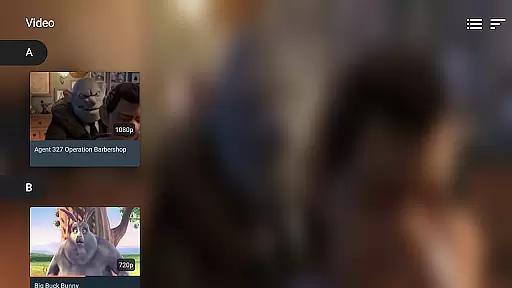
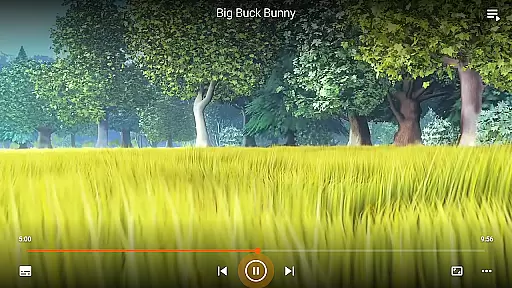
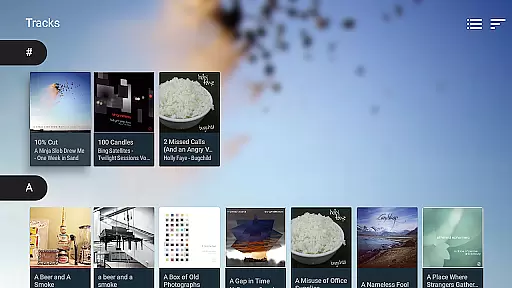
VLC for Android is a versatile, free, and open-source media player that brings the renowned VLC experience to mobile devices. It supports an extensive range of video and audio formats, including network streams, DVD ISOs, and disk shares, making it a comprehensive solution for multimedia playback.
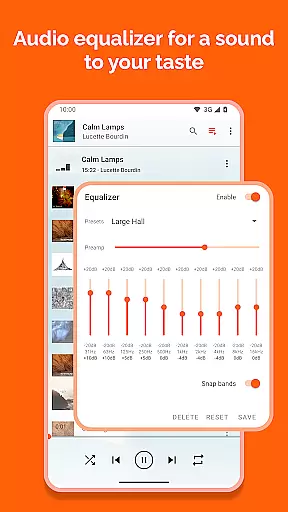
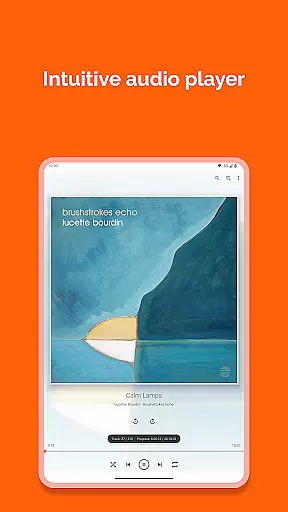
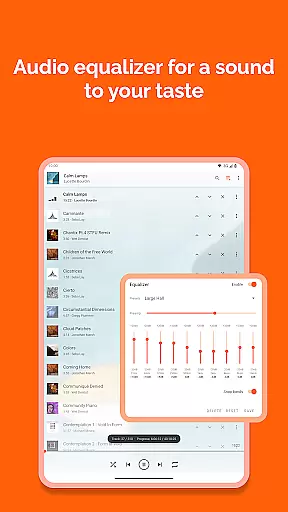
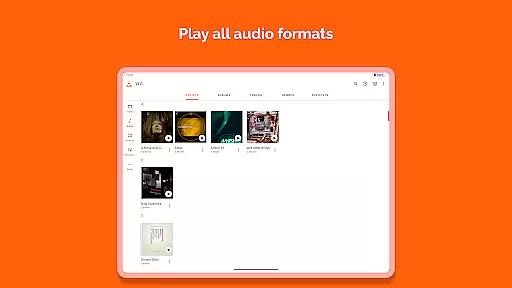
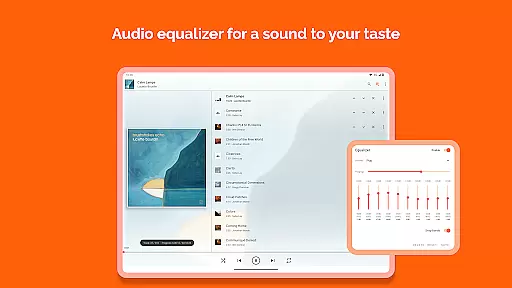
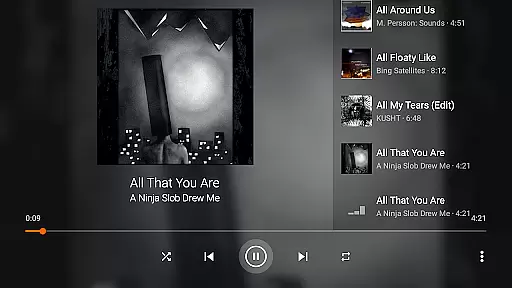
The app functions as a complete audio player with a robust database, equalizer, and filters, ensuring high-quality sound output across all file types. Its commitment to user freedom is evident through its ad-free, no-in-app-purchase model, offering a seamless experience while maintaining user privacy.
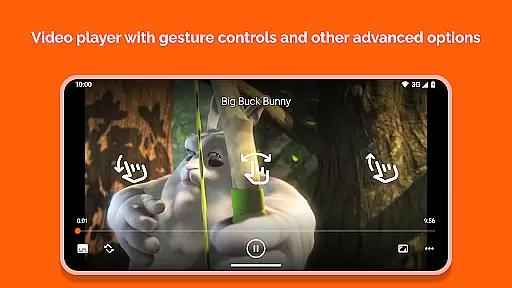
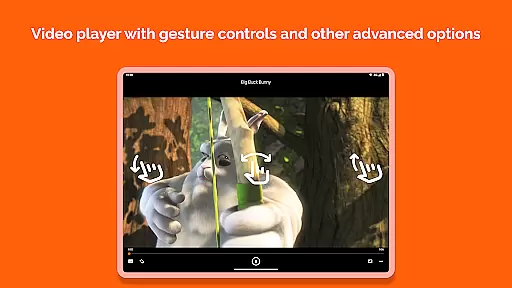
Designed for both casual viewers and audiophiles, VLC for Android provides advanced features like multi-track audio support, auto-rotation, aspect-ratio adjustments, and intuitive gesture controls. These capabilities make it ideal for users seeking a powerful yet user-friendly media player on their Android devices.
VLC for Android stands out with its comprehensive feature set tailored for diverse multimedia needs. The app supports virtually all video and audio formats, including MKV, MP4, AVI, FLAC, and AAC, without requiring additional codec downloads. This universal compatibility ensures uninterrupted playback of local files, network streams, and adaptive streaming protocols.
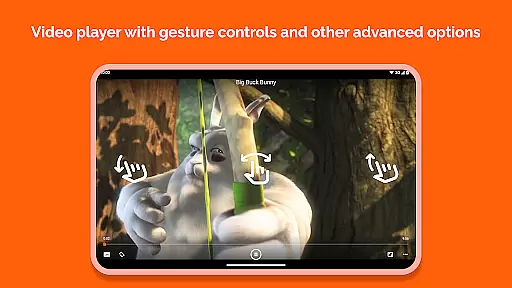
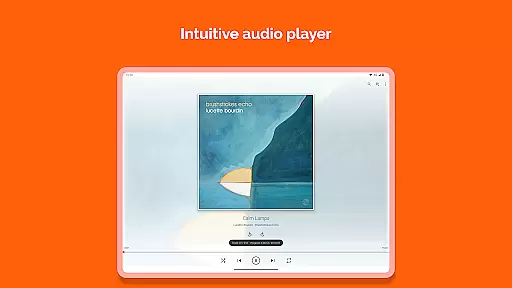
Enhancing user convenience, VLC includes advanced playback options such as subtitle support, multi-track audio selection, and closed captioning. The intuitive interface allows precise control over playback through gesture-based volume and brightness adjustments, alongside a dedicated audio widget for seamless media management.
For audiophiles, the app offers a sophisticated equalizer, complete media library organization, and support for high-resolution audio formats. These features, combined with network stream compatibility and disk share support, establish VLC for Android as a premier choice for both casual and professional media consumption.
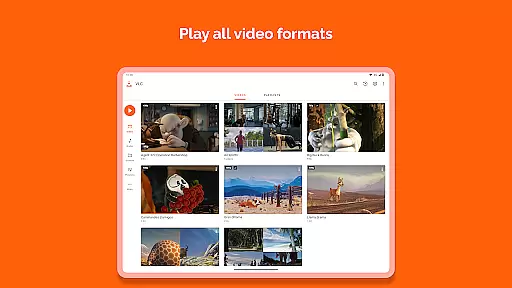
VLC for Android stands out as a versatile video player due to its extensive video format compatibility. This app supports virtually all video formats, including but not limited to MKV, MP4, AVI, MOV, Ogg, FLAC, TS, M2TS, Wv, and AAC. The inclusion of all necessary codecs without the need for separate downloads ensures that users can play any video file without compatibility issues.
The significance of this feature lies in its ability to eliminate the frustration associated with format incompatibility, which is a common issue with many media players. Users are no longer required to convert files or download additional software to play specific formats, making VLC a one-stop solution for all their video playback needs.
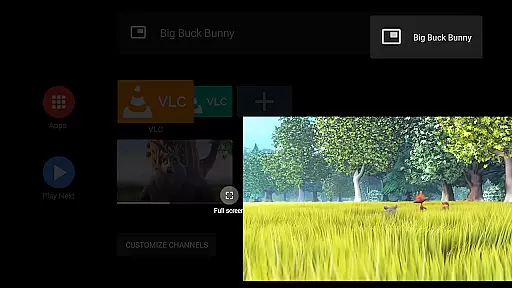
Moreover, VLC for Android's support extends beyond local files. It efficiently handles network streams, network shares, drives, and even DVD ISOs, akin to its desktop counterpart. This versatility ensures that whether you're accessing content from a local drive or streaming from the web, VLC provides seamless playback.
By offering such comprehensive video format support, VLC for Android empowers users to enjoy an uninterrupted multimedia experience, regardless of the source or format of their video files. This makes it an indispensable tool for anyone looking to consume multimedia content on their Android device.
While VLC for Android primarily serves as a media player, it incorporates AI-powered features that enhance the user's interaction with multimedia content. Although it doesn't offer traditional video editing capabilities, its intelligent playback options and media management tools provide significant value. For instance, the app includes an equalizer and filters for audio playback, allowing users to customize their listening experience according to personal preferences.
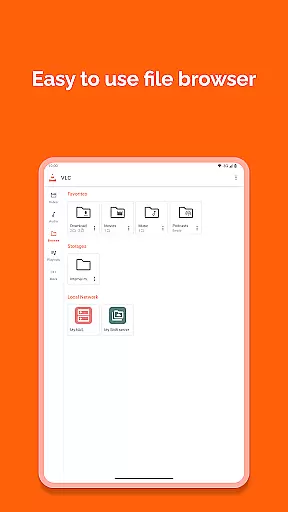
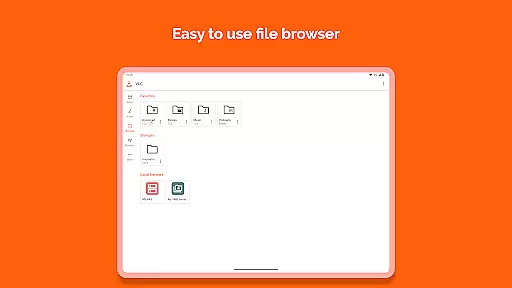
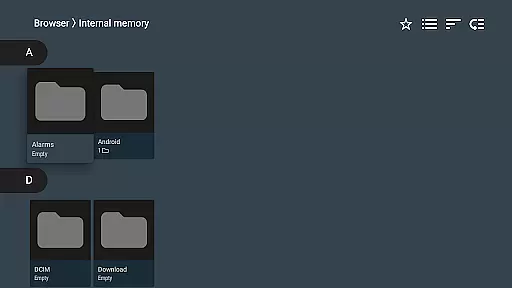
VLC's media library represents another aspect where AI-powered features come into play. The app organizes audio and video files, facilitating easy navigation and playback. Its ability to browse folders directly and manage a comprehensive database of media files showcases an intelligent system designed to optimize how users interact with their content.
Additionally, VLC for Android supports advanced playback functionalities like multi-track audio and subtitles, auto-rotation, aspect-ratio adjustments, and gesture controls for volume, brightness, and seeking. These features collectively contribute to a more intuitive and personalized user experience, adapting to individual viewing habits and preferences.
Through these AI-driven enhancements, VLC for Android not only plays media files but also enriches the overall consumption of multimedia content. By integrating intelligent features that cater to diverse user needs, VLC maintains its position as a leading choice for media playback on Android devices.
User-friendly interface
Wide format support
No ads or in-app purchases
Regular updates
Advanced playback controls
Occasional bugs
Complex settings
Heavy on resources
Limited customization
Interface clutter

Fast, private downloading, video saving, social media
 4.50
4.50
Fast video downloader & private browser. Save HD clips to watch offline.
4.40
Create photo video with music & template. AI video maker for stunning slideshow.
4.60
Support 1000+ Video Format, Subtitle Download, mp3 & Background Play, Cast On TV
4.60
KMPlayer Plus (Divx Codec) officially support Divx codec.
4.30
Seamlessly connect and control your smart devices, anytime, anywhere with ease.
4.60
Fast & Private Video Downloader App. Save all videos easily from the Internet.
4.40
Web Browser for LG TV to stream webvideos, online movies and livestreams in HD
4.20
Make videos you’re proud to share with Edits, a video editor for creators.
4.70
Cast Videos from Web Browser, IPTV to Roku, Chromecast, DLNA, Smart TV +more
4.60
Cast movies, tv shows and live streams to Chromecast, Roku, DLNA, Fire TV & more
4.60
Powerful Video Editor & Photo Editing App —— Quick Edits & Stunning Effects!
4.30
Turn your phone into a wireless camera!
4.20
LumaFusion: The Ultimate Storytelling Experience for Video Editing
4.10
Cast to Smart TV, Fire TV. Cast video, photo - Fast & Stable!
3.90
All in one multi protocols stream receiver for AirPlay, Cast and DLNA.
3.60
Download videos easily & play them all in one smart, powerful video manager.
3.40
A full editing room to accompany your Insta360 cameras and handheld gimbals.
3.30
You can play SWF format file!
2.50


User Reviews