
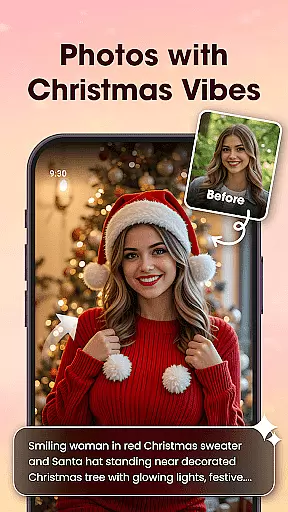

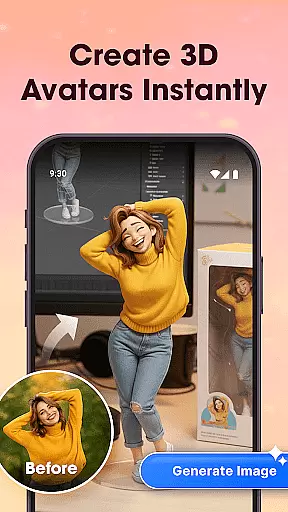
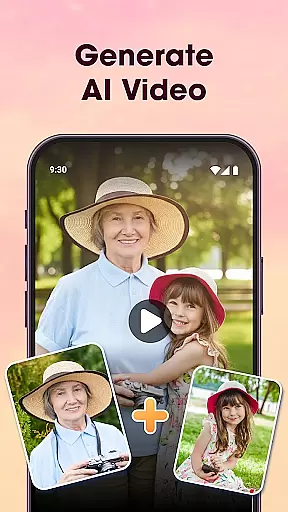
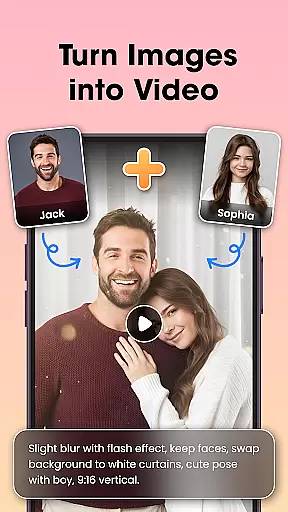
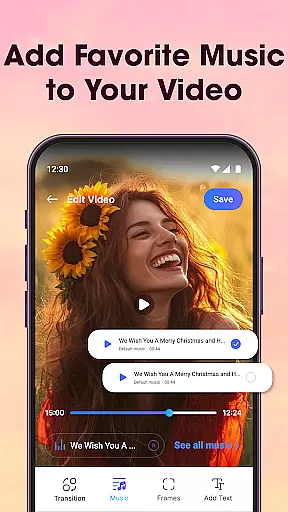
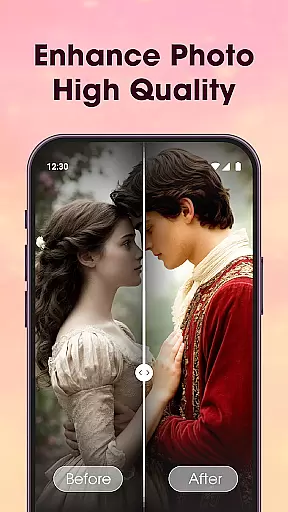
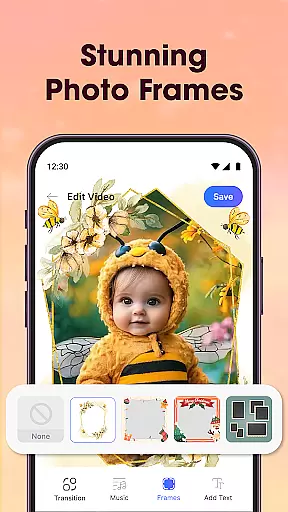
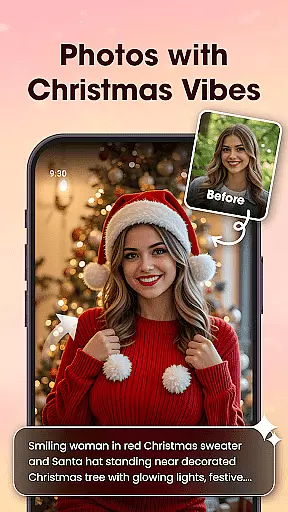

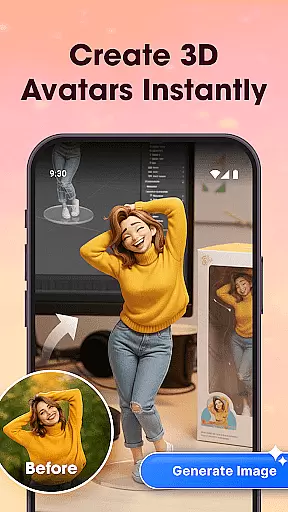
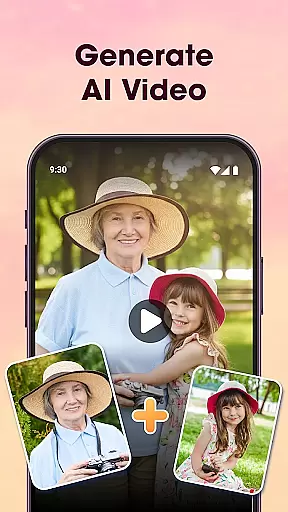
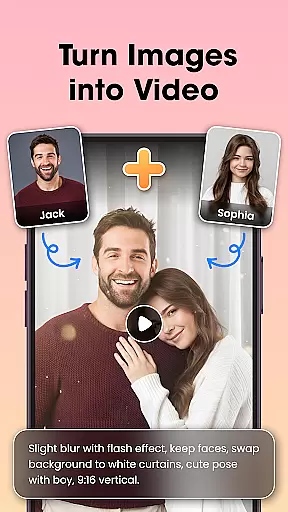
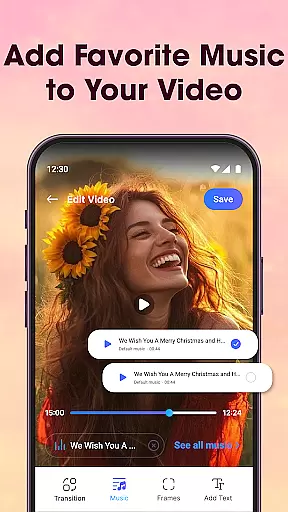
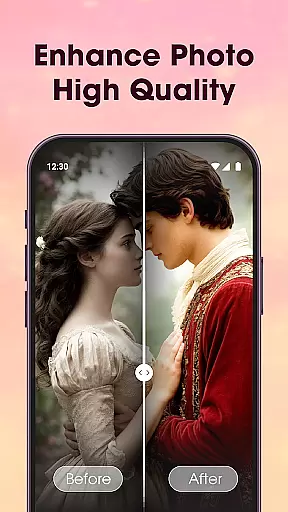
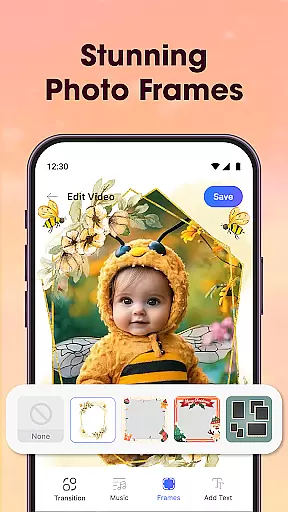
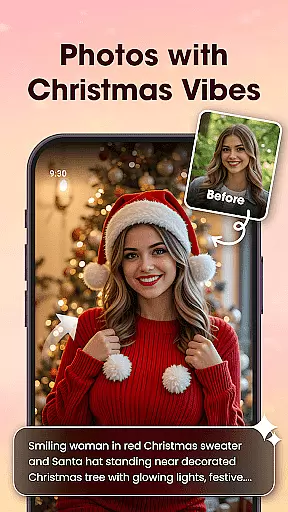

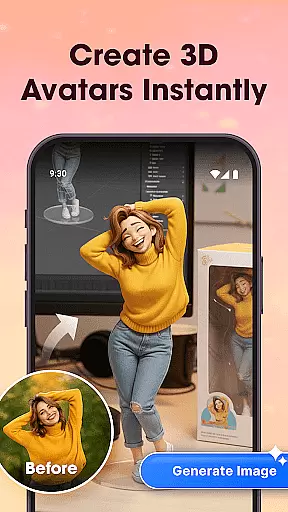
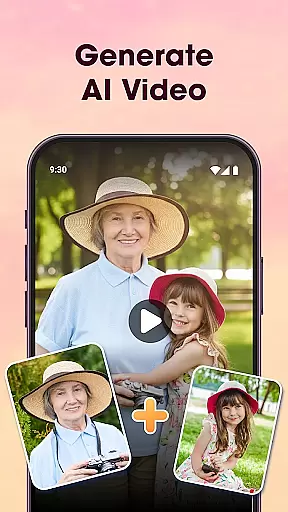
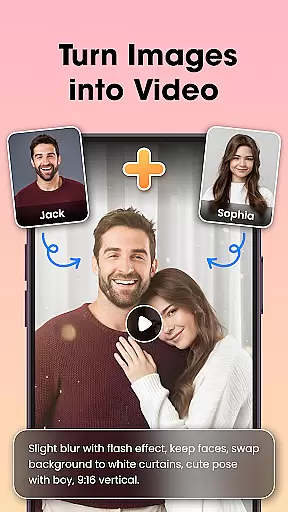
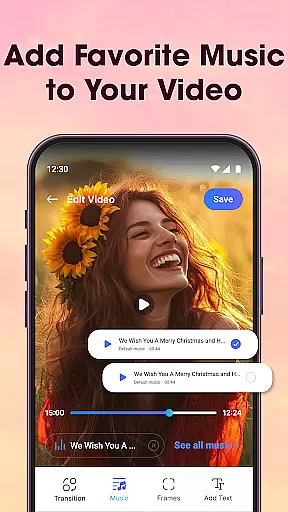
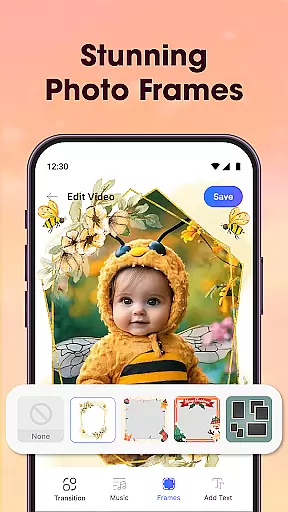
Photo Editor Video Maker Music is a versatile video editing app that transforms your photos into stunning, emotional videos with music and creative effects. The app offers an AI Video Generator that allows users to create dynamic videos using templates like AI Hug and AI Kiss. With features such as background music integration, photo editing tools, and customizable text options, it provides everything needed to craft personalized video stories.
The app stands out with its intuitive design and powerful editing capabilities. Users can enhance their images with filters, lighting adjustments, and retouching before turning them into videos. It also includes visual effects, frames, and themed borders to make slideshows more impactful. Whether you're creating content for birthdays, weddings, or everyday moments, this app helps bring memories to life through sound and visuals.
Ideal for both casual creators and professionals, Photo Editor Video Maker Music makes video creation simple yet sophisticated. Its seamless transitions, HD export quality, and trendy templates cater to various needs, from personal projects to social media content. This app is perfect for anyone looking to turn their photos into mini-movies filled with emotion and creativity.
Photo Editor Video Maker Music boasts a comprehensive set of features designed to elevate your video creation process. One standout feature is the AI Video Generator, which uses advanced algorithms to transform static photos into dynamic videos. Templates like AI Hug and AI Kiss add unique interactions, making your videos more engaging and emotionally resonant.
In addition to AI capabilities, the app offers robust photo editing tools. Users can apply filters, adjust lighting, crop images, and fine-tune details before incorporating them into videos. The built-in editor ensures every frame looks polished and professional. Furthermore, the app supports adding music tracks, voice-overs, and stylish transitions, enabling users to create visually captivating stories.
Customization is another key aspect of this app. You can add themed frames, borders, and text overlays to personalize your videos. With support for various fonts, colors, and styles, the app empowers users to tell their stories creatively. These features collectively ensure that Photo Editor Video Maker Music remains a top choice for those seeking a complete video editing solution.
One of the key strengths of Photo Editor Video Maker Music is its extensive video format compatibility. This app supports a wide range of video formats, ensuring that users can work with their preferred file types without any hassle.
The application automatically detects and adjusts to various formats, providing seamless integration for users who want to edit or convert videos. Whether you're dealing with MP4, AVI, MOV, or other common formats, this app ensures your videos are processed efficiently while maintaining high quality.
For content creators and casual users alike, having broad format support means more flexibility in video production. You can easily import videos from different sources, edit them using the app's robust tools, and export them in your desired format without losing any quality.
This compatibility feature not only simplifies the video editing process but also enhances user experience by reducing conversion time and effort. With reliable format handling, users can focus on unleashing their creativity rather than worrying about technical limitations.
Photo Editor Video Maker Music stands out with its advanced AI-powered editing features, revolutionizing how users enhance their video projects. The app incorporates artificial intelligence to automate complex editing tasks, making professional-quality edits accessible to everyone.
Among its standout AI features is the AI Video Generator, which transforms simple photos into stunning video sequences using pre-designed templates like AI Hug and AI Kiss. This tool eliminates the need for manual editing, allowing users to create visually captivating stories with minimal effort.
In addition to video generation, the app offers an AI Background Remover that lets users erase or replace photo backgrounds with just one click. This feature is particularly useful for creating clean, professional-looking visuals without requiring advanced technical skills.
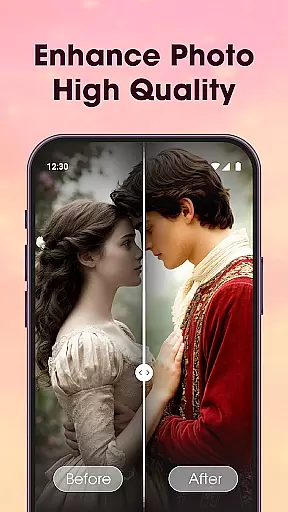
The combination of AI-driven tools, including photo enhancement and automated editing features, streamlines the creative process while maintaining high-quality results. These innovations make video editing faster, more intuitive, and more enjoyable for users of all skill levels.
User-friendly interface
AI-powered video generation
Extensive editing tools
Versatile music integration
HD quality output
Limited free features
Occasional ads
Advanced tools require learning
Export times can vary
Some templates are premium-only

A full editing room to accompany your Insta360 cameras and handheld gimbals.
 3.30
3.30
Save photos and videos from social apps in one tap.
3.60
IPTV-Smarters Player Pro M3U - Watch Live Stream TV Channels with Chromecast
4.00
Cast Videos from Web Browser, IPTV to Roku, Chromecast, DLNA, Smart TV +more
4.60
Fast video downloader & private browser. Save HD clips to watch offline.
4.40
Stream high quality video from your camera over NDI protocol
4.5
Movie maker & video editing app with AI effects and green screen
4.30
Mix with Virtual DJ directly from your phone or tablet !
3.10
Download Hub, easy and private way to download and enjoy your videos offline
4.80
A Simple app to download Video & Music from the Internet.
4.70
HD Video player all format, HD Videos, Cast & Subtitle. No annoying ads.
4.60
Seamlessly connect and control your smart devices, anytime, anywhere with ease.
4.60
Photo and Music Video Creator into Stunning Videos—Effortlessly
4.40
Create & edit videos with AI
4.30
Browser for Samsung TV to stream webvideos, online movies and livestreams in HD
4.10
Live TV, anywhere in your home
3.80
Manage your IPTV live channels and VOD playlists (no playlist included)
3.80
Connect EasyCap or UVC devices for recording and broadcast video/audio stream
3.60
This app is an emulator of some specific IPTV boxes
3.50


User Reviews