
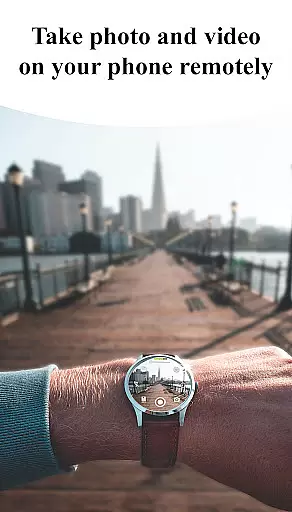
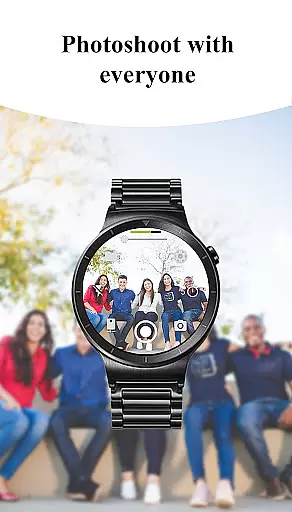
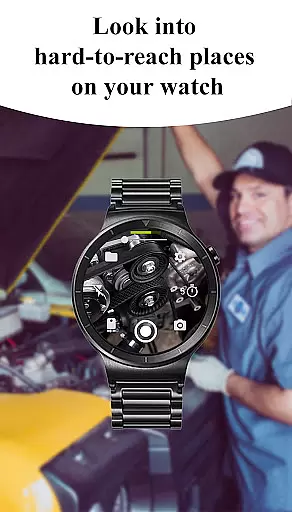
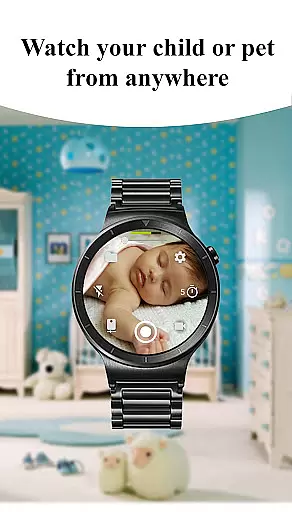
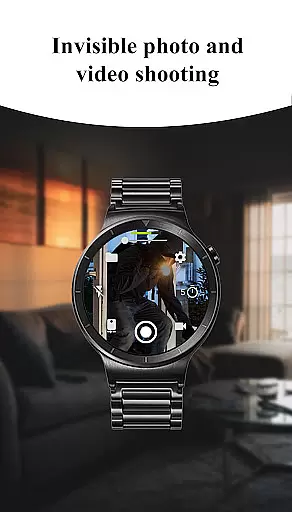
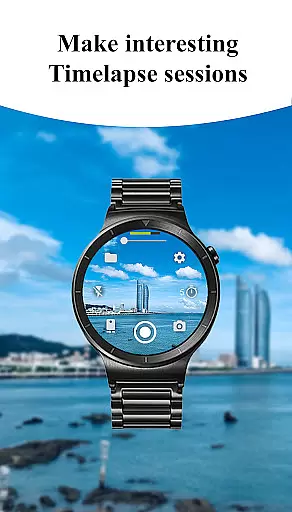
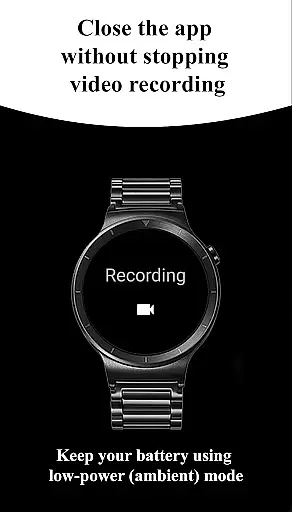
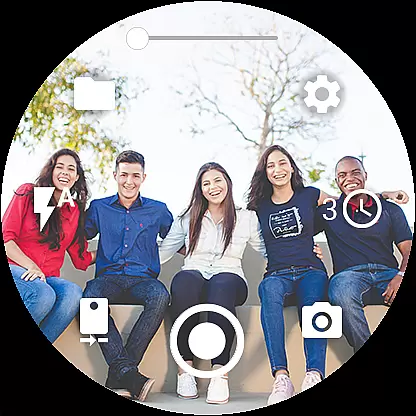
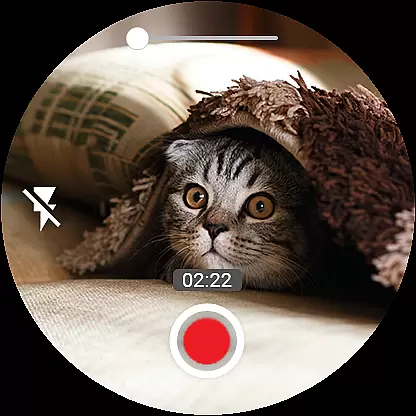

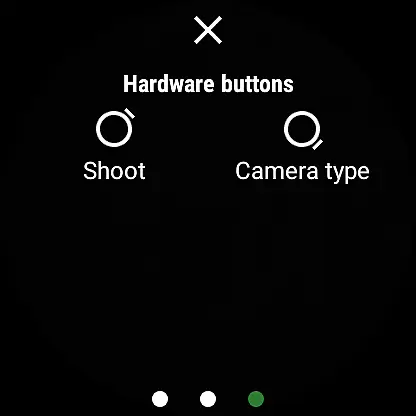
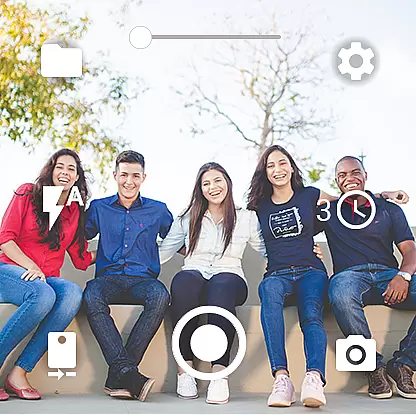
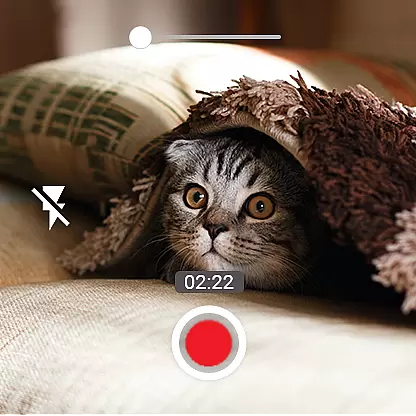
Camera Control for Wear OS is a powerful photography app that allows users to control their phone's camera directly from a Wear OS smartwatch. With this app, you can capture photos and videos effortlessly while enjoying advanced features like Bokeh, HDR, Night Mode, and more. The app supports multiple shooting modes including timelapse, video recording, and photo capture, making it versatile for various photography needs.
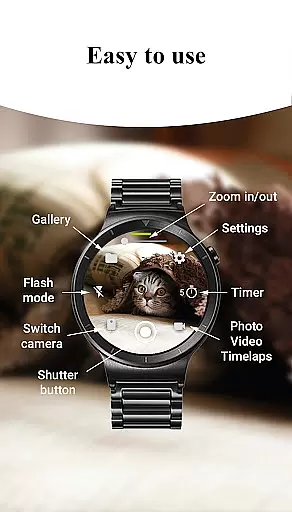
The app provides convenient controls such as flash settings, camera switching, zoom adjustment, and quality settings, all accessible from your smartwatch. It also offers additional functionalities like geotagging, wide-angle camera support, and 4K video recording on compatible devices. Whether you're an amateur photographer or a professional, Camera Control for Wear OS enhances your ability to take stunning photos and videos with ease and precision.
One of the standout features of Camera Control for Wear OS is its three distinct shooting modes: photo, video, and timelapse. Each mode is designed to give users flexibility in capturing different types of content. For instance, the timelapse feature organizes photos into session-based folders, ensuring easy access and management. Additionally, the app supports advanced camera modes such as Bokeh, HDR, and Night Mode, which significantly enhance image quality based on the environment.
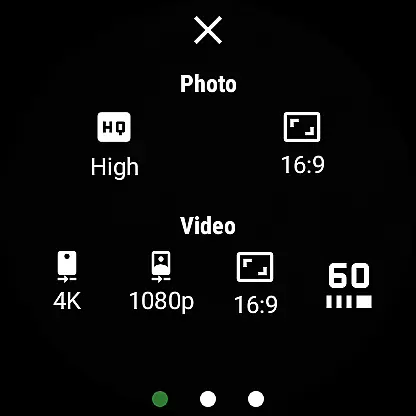
Another remarkable aspect is the ability to control various camera settings directly from the smartwatch. Users can adjust flash modes, switch between front and rear cameras, set timers, and even modify photo and video quality settings. The app also supports high-framerate video recording at 30 or 60 frames per second and offers multiple aspect ratio options. These features collectively ensure that users have comprehensive control over their photography experience without needing to touch their phones.
Real-time capture and preview functionality is essential for ensuring that every photo or video taken meets the user's expectations. With Camera Control for Wear OS, users can control their phone's camera directly from their smartwatch, providing a seamless experience. This feature allows users to see exactly what the camera sees in real time on their watch screen, making it easier to frame shots perfectly.
The app supports various advanced camera modes such as Bokeh, HDR, Night, and Auto modes, which enhance image quality based on the shooting environment. Users can also adjust settings like flash, flashlight, and camera orientation directly from their smartwatch. These capabilities ensure that users have full control over how their photos and videos turn out, without needing to touch their phone.
One of the standout features is the ability to switch between front and rear cameras effortlessly. This flexibility enables users to capture different perspectives and angles with ease. Additionally, the zoom control function lets users zoom in and out by simply interacting with their smartwatch, offering precision and convenience. Such comprehensive control ensures that users can capture high-quality images and videos tailored to their specific needs.
AI beauty and enhancement features are increasingly important in photography apps, allowing users to improve the visual appeal of their photos naturally. Camera Control for Wear OS incorporates AI-driven enhancements that automatically adjust elements like lighting, color balance, and sharpness to produce stunning results. These adjustments help users capture professional-grade photos without requiring extensive editing skills.
In addition to basic enhancements, the app offers specialized modes such as Bokeh and HDR, which leverage AI to create depth-of-field effects and optimize dynamic range. The night mode uses AI algorithms to brighten dark scenes while preserving detail and reducing noise. These intelligent enhancements ensure that every photo looks its best, regardless of the shooting conditions.
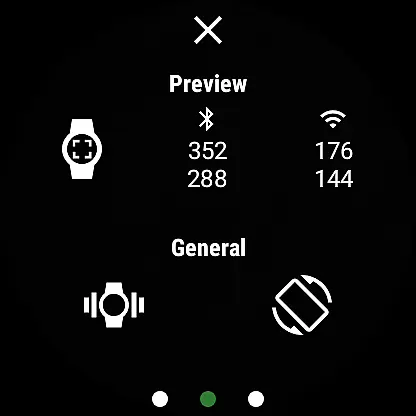
Another notable feature is the automatic image rotation on the watch, which simplifies viewing and sharing photos. Users can also enable or disable the camera preview on their phone, giving them more flexibility during shoots. By combining powerful AI enhancements with intuitive controls, Camera Control for Wear OS delivers a natural and polished look to every captured moment, enhancing the overall photography experience.
User-friendly interface
Advanced camera modes
Comprehensive control options
Supports 4K video
Convenient smartwatch integration
Limited device compatibility
Dependent on Bluetooth/Wi-Fi
Feature availability varies
Battery consumption on watch
Requires Wear OS

Gallery show photo, video, slideshow, is perfect 3D effect private photo albums.
 4.80
4.80
Professional video recording application with manual controls for filmmakers!
2.80
Photobooth mini FULL app will allow you to add more fun to your parties
4.00
Cut and paste photo editor & eraser to customize photos easy and swap faces fun
4.50
Android Native system HD camera app. Never been so simple and faster.
4.70
Gallery Slideshow is slideshow maker app for slideshow from your gallery photos.
3.90
Professional photography on your mobile phone
4.20
Easily view, share, delete photos with Gallery.
4.70
Effortlessly make high-quality GIFs from images & videos without any watermarks.
4.70
Perfect body tune & face app - photo retouch, makeup, slim body & beautify face.
4.80
Enhance, upscale, and transform your images — on your device, without limits
4.70
PhotoSync Bundle Add-On License. Enables all features and services in PhotoSync.
4.60
Effortlessly organize, view and share your photos & videos with Gallery app!
4.40
Easily stitch panoramas from multiple photos or video.
4.40
Edit like a pro with Hypic. Apply filters, AI effects, & magic touch.
4.40
AI-powered video creator by MiniMax - Where ideas meet cinema
4.20
Catch sunlight, sunrise sunset times and sun phases with the AR sun tracker.
4.10
Perfect photos with body shaping, BG changer and object remover.
3.70
An interval timer to automate photo taking process for timelapse
2.90


User Reviews