
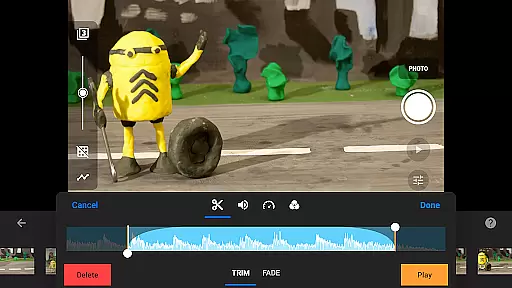
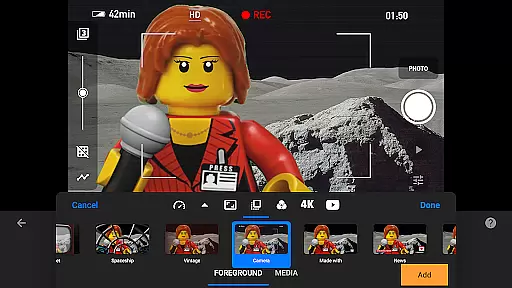
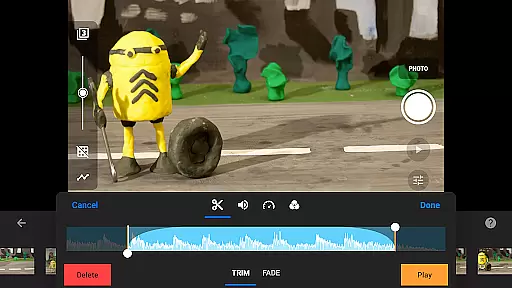
Stop Motion Studio Pro is the ultimate stop-motion animation app designed for both beginners and professionals. With its intuitive interface, users can easily create high-quality animations reminiscent of classic films like Wallace and Gromit or popular Lego shorts on YouTube. The app offers a comprehensive suite of features including overlay mode, interactive timelines, and animation guides to ensure smooth and precise moviemaking.
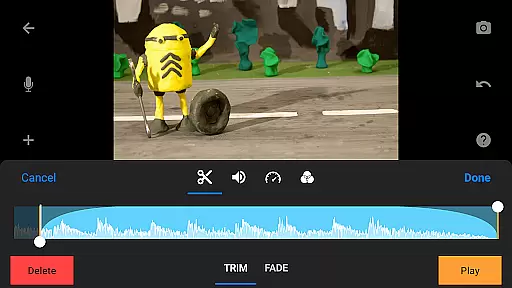
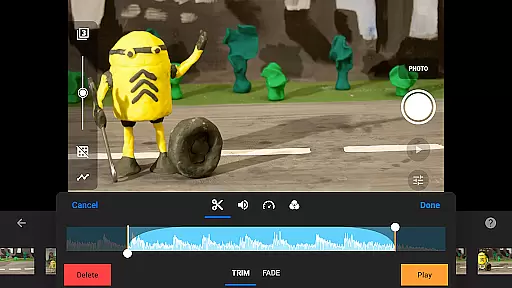
Beyond basic animation tools, Stop Motion Studio Pro provides advanced capabilities such as rotoscoping, green screen effects, and a powerful layer-based image editor. These features allow creators to produce visually stunning movies with unique titles, custom soundtracks, and various video filters. Whether you're capturing frame-by-frame animations or editing complex scenes, this app delivers professional-grade results while maintaining ease of use.
Ideal for animators, educators, and hobbyists, Stop Motion Studio Pro supports seamless project sharing across devices via Dropbox or Google Drive. Users can export their creations in multiple formats including 4K, 1080p, and animated GIFs, making it easy to share work with friends, family, or online audiences. Its robust functionality and user-friendly design make it an essential tool for anyone interested in stop-motion animation.
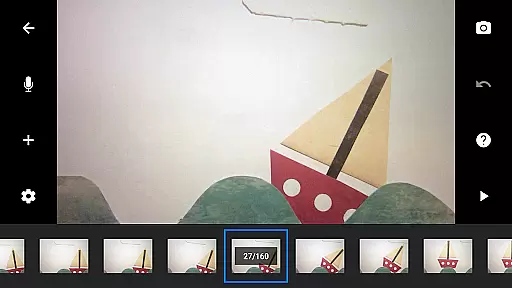
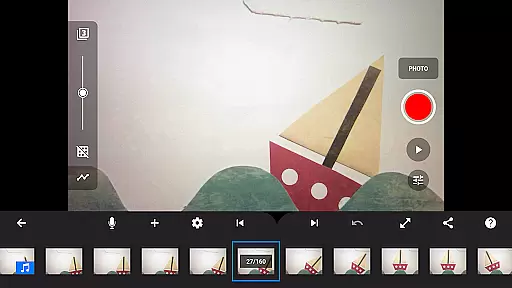
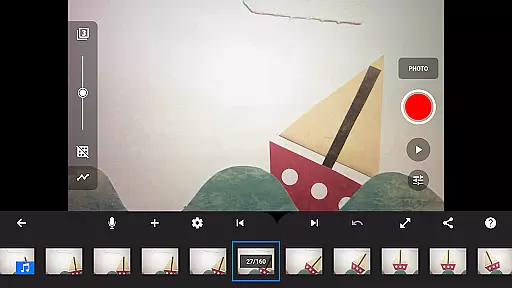
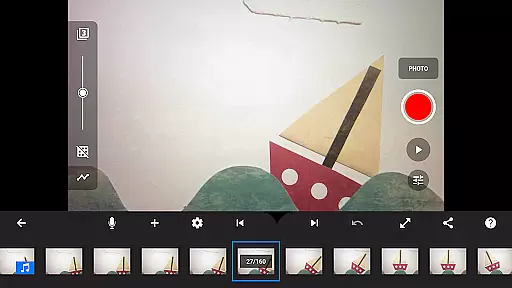
Stop Motion Studio Pro stands out with its extensive range of innovative features tailored for stop-motion enthusiasts. One of its key strengths is the intuitive interface that simplifies the animation process without compromising on power. The app includes overlay mode, which highlights differences between frames, ensuring smooth transitions and precise object placement. Additionally, the interactive timeline helps users manage hundreds of frames effortlessly, preventing confusion during complex projects.
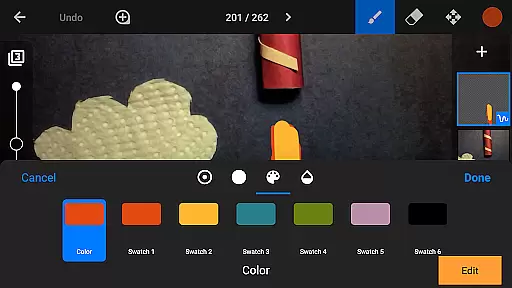
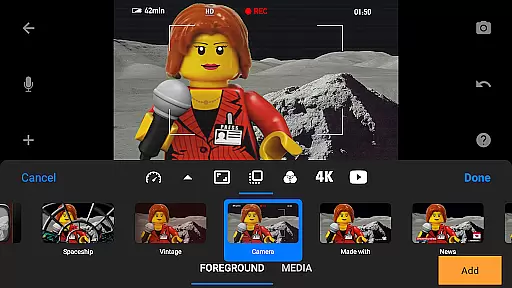
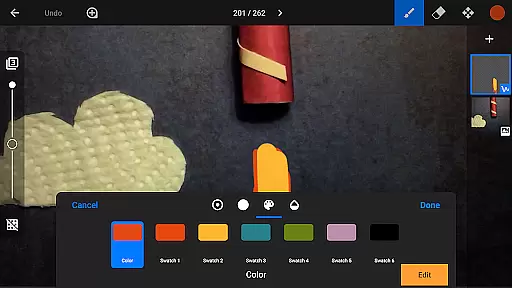
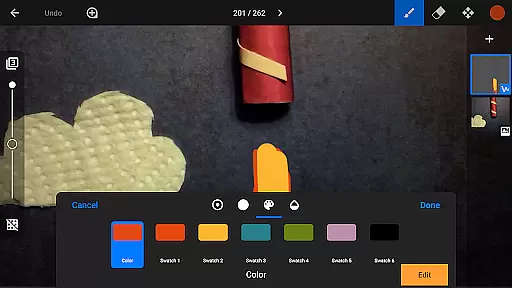
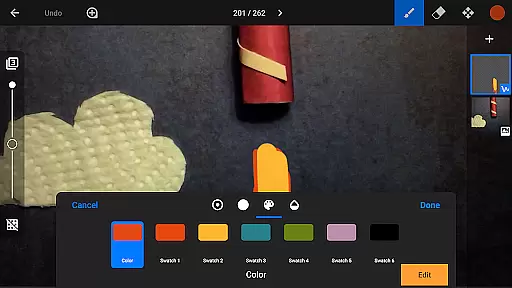
The app also excels in creative control, offering tools like rotoscoping and green screen effects. Rotoscoping allows users to import video clips and draw over them, creating unique animated sequences. Meanwhile, the green screen feature enables background replacement, opening up limitless possibilities for scene creation. Furthermore, the built-in layer-based image editor lets users add text, speech bubbles, and even touch up images with precision.
For those seeking professional-grade output, Stop Motion Studio Pro supports 4K and 1080p exports, along with animated GIF creation. It also integrates with external devices, allowing users to capture footage using a second device as a remote camera. With full camera controls, adjustable time intervals, and the ability to save all images for further processing, this app empowers creators to achieve exceptional results while maintaining complete creative freedom.
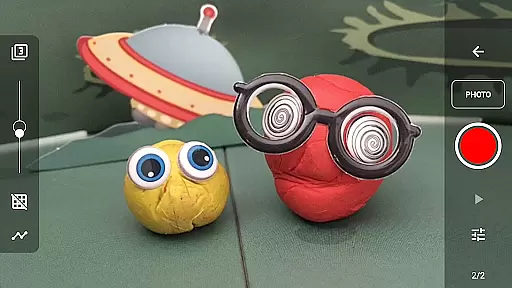
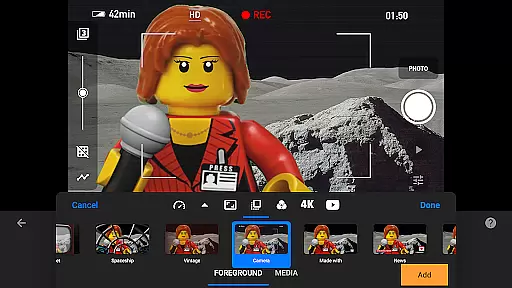
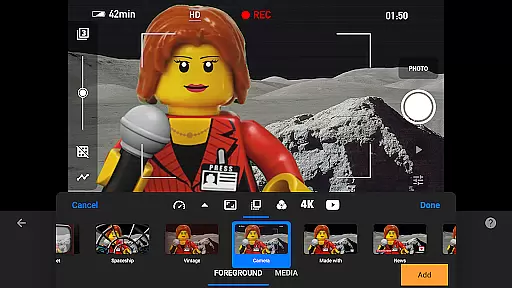
Real-time capture and preview functionality is essential for ensuring that every frame of your stop motion animation is exactly as you envision it. Stop Motion Studio Pro offers a sophisticated yet user-friendly interface that allows creators to capture frames with precision and ease.
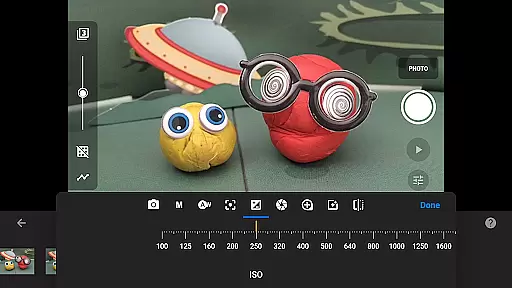
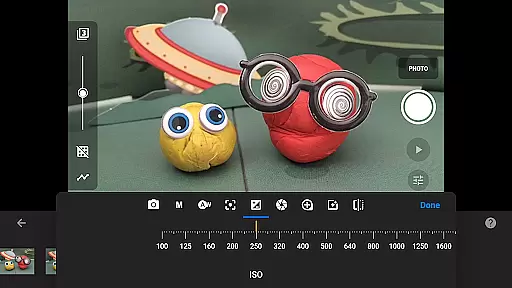
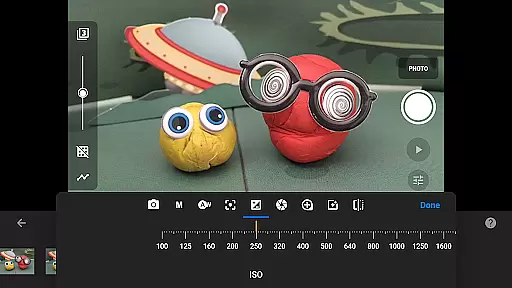
The app provides adjustable time interval features, enabling users to set specific intervals between shots, which is crucial for maintaining consistency in animations. Additionally, full camera control options such as automatic or manual white balance, focus, exposure, ISO, and shutter speed ensure that each shot meets professional standards.
With the ability to use a second device as a remote camera, animators can achieve unique angles and perspectives, enhancing the storytelling aspect of their projects. This feature not only expands creative possibilities but also streamlines the workflow by reducing the need for additional equipment.
Ultimately, real-time capture and preview empower users to produce high-quality animations efficiently. By offering these advanced tools, Stop Motion Studio Pro ensures that both beginners and experienced animators can bring their ideas to life with confidence and creativity.
While primarily focused on stop motion animation, Stop Motion Studio Pro incorporates AI beauty and enhancement features that contribute to the naturalness and professionalism of the final product. These enhancements are subtly integrated into the editing process, ensuring that animations retain their authentic charm while benefiting from modern technology.
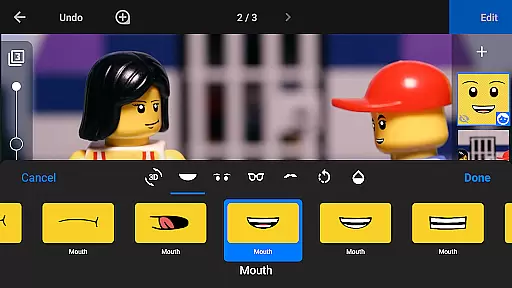
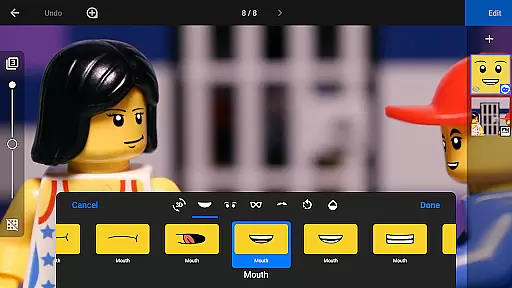
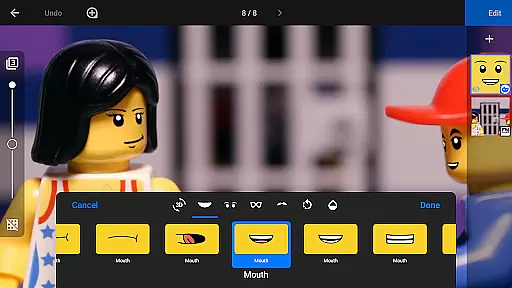
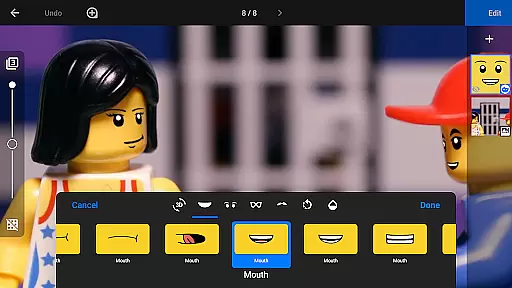
The app's powerful, built-in layer-based image editor allows users to add text, speech bubbles, and titles, as well as touch up images with precision. This capability is particularly useful for adding facial expressions to figures or removing unwanted objects without compromising the integrity of the original footage.
Moreover, the rotoscoping and green screen features leverage AI to provide seamless integration of animated elements with live-action backgrounds. This results in visually stunning scenes where characters can fly or appear in imaginative settings, all while maintaining a natural appearance.
By combining traditional stop motion techniques with AI-driven enhancements, Stop Motion Studio Pro delivers a balanced approach to animation creation. Users can enhance their projects with confidence, knowing that the end result will be both polished and true to the art form.
User-friendly interface
Advanced animation tools
Professional export options
Cross-device project syncing
Comprehensive learning resources
Higher cost than basic apps
Steep learning curve for beginners
Limited free version features
Requires significant storage space
Occasional performance lags

Photo editor: face & body editor, beauty cam, filters and quality enhancer.
 4.00
4.00
Gallery show photo, video, slideshow, is perfect 3D effect private photo albums.
4.80
Shooting photos and records video easily and efficient with professional Camera
4.30
Pet Camera
3.70
Be your best in every shot! Fix, edit and retouch your face in selfies & photos.
3.70
Transform photos into videos! Create realistic or anime-style images easily!
4.50
Turn your phone into a professional camera - full DSLR manual photography
4.30
Astrophotography with your smartphone, photo live stacking and much more!
3.90
live datamoshing
4.00
Collage your moments in one tap: 1000+ layouts, filters, stickers, and texts.
4.90
Photo editor: AI filters, photo enhancer, pic collage maker, AI art generator.
4.80
See your baby AI baby face generator AI baby maker Face generator babymaker fun!
4.70
Enhance, upscale, and transform your images — on your device, without limits
4.70
Take videos and pictures with the popular TikTok TIME WARP SCAN filter.
4.60
Automatically backup your photos and videos to computer, NAS and Cloud services
4.60
A must-have app for landscape photographers
4.60
GCamera allows all GCam features on all phone models! Better photos with GCamera
3.30
Professional video recording application with manual controls for filmmakers!
2.80
Over 800 film simulation recipes for Fujifilm. Black Friday Offer!
4.5


User Reviews