
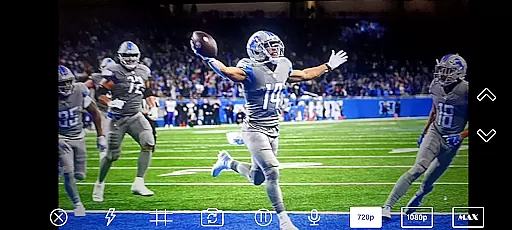
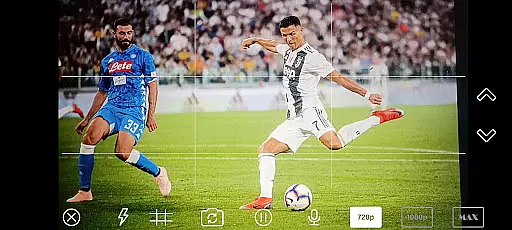
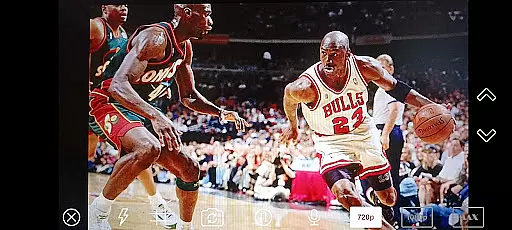
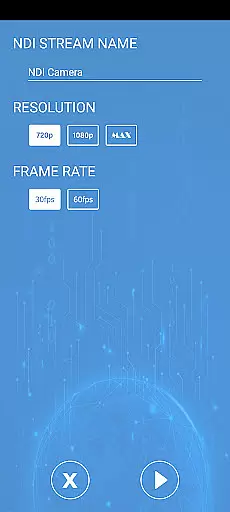
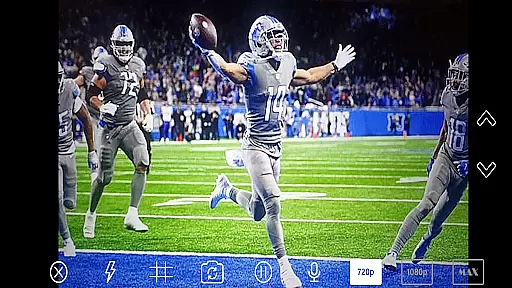
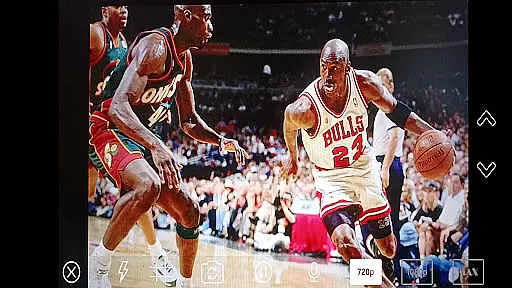
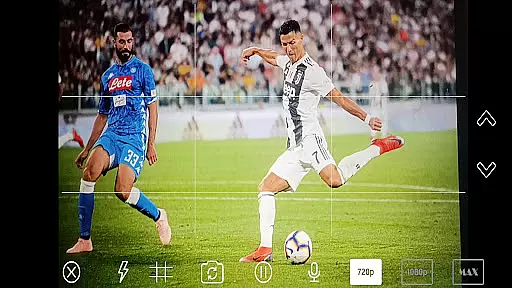
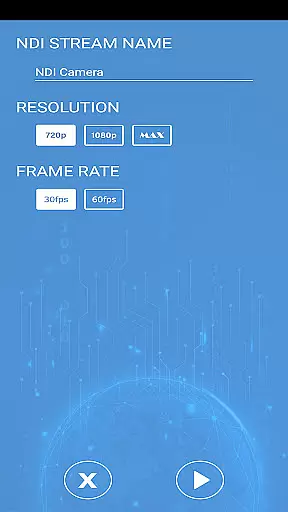
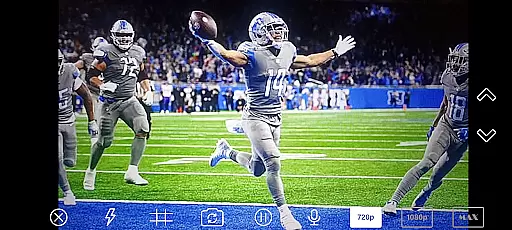
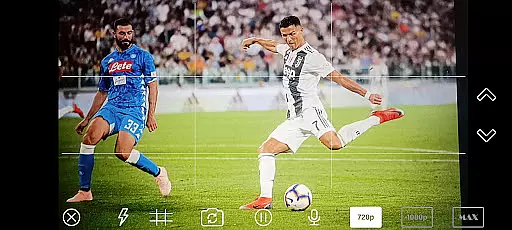
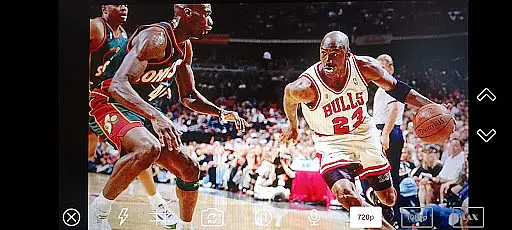
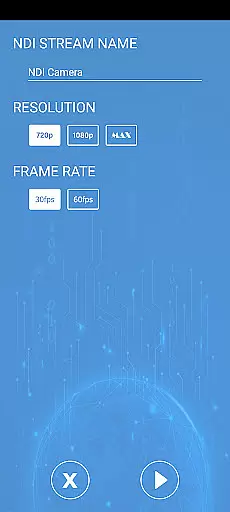
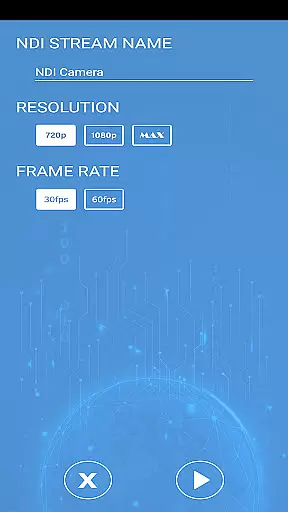
NDI Camera PRO is a powerful video streaming application designed for professional broadcasting needs. The app allows users to send high-quality NDI video streams directly from their device's camera over the NDI protocol. This makes it an ideal tool for live video production, especially when integrated with broadcasting software like OBS Studio.
With its low-latency IP video transmission capabilities, NDI Camera PRO ensures seamless video streaming in real-time. Whether you're working on live events, studio broadcasts, or any professional video production, this app provides a reliable and efficient solution for transmitting video over IP networks.
The app is particularly useful for video producers and broadcasters who require quick setup and stable streaming without compromising on quality. By supporting an extensive range of transmission systems, NDI Camera PRO offers flexibility and compatibility across various professional environments.
NDI Camera PRO stands out with its advanced features tailored for professional video production. One of its key features is the ability to stream video using the NDI protocol, which is renowned for its low-latency and high-quality video transmission. This feature is crucial for live broadcasts where timing and quality are critical.
In addition to its core streaming capabilities, the app supports integration with popular broadcasting tools such as OBS Studio. This allows users to incorporate NDI streams into their existing workflows seamlessly. The app also offers customizable settings, enabling users to adjust video parameters to suit specific project requirements.
Another notable feature is its compatibility with a wide array of transmission systems from multiple manufacturers. This ensures that users can leverage their existing equipment while benefiting from the app's cutting-edge streaming technology. Overall, NDI Camera PRO delivers a comprehensive solution for professional-grade video streaming.
Video format compatibility is a crucial feature for any video player or editor, ensuring that users can work with a wide range of video files without conversion hassles. NDI Camera PRO excels in this area by supporting the NDI protocol, which allows for low-latency video streaming over IP networks.
This application enables you to send NDI video streams directly from your camera, making it highly versatile for broadcasting applications like OBS Studio. The support for NDI means that the app can handle various video formats efficiently, maintaining high-quality video transmission across different systems.
For content creators and broadcasters, this compatibility ensures seamless integration into existing video production workflows. Whether you're streaming live events or producing studio content, NDI Camera PRO's broad format support provides the flexibility needed to focus on creativity rather than technical limitations.
AI-powered editing features are transforming the landscape of video editing by automating complex tasks and enhancing productivity. While NDI Camera PRO focuses primarily on video streaming, its integration capabilities indirectly support advanced editing functionalities through compatible software ecosystems.
The app's primary function is to stream video using the NDI protocol, which itself is a gateway to numerous AI-driven tools available in professional broadcasting applications such as OBS Studio. These platforms often include features like automated scene switching, facial recognition, and real-time effects processing.
By leveraging NDI Camera PRO's seamless streaming capabilities, editors can take full advantage of AI-powered tools within their preferred editing software. This synergy not only boosts efficiency but also opens up new creative possibilities, allowing users to produce high-quality content with minimal manual intervention.
Low-latency streaming
High-quality video output
Seamless OBS Studio integration
Wide device compatibility
Customizable video settings
Requires NDI knowledge
Premium pricing model
Limited free features
Advanced setup needed
Network dependency

Cast to Chromecast, Xbox, Fire Stick, Roku, DLNA, Smart TV & No Feature Limited!
 4.50
4.50
Create & edit videos with AI
4.30
Powerful HD video player with support for all formats & subtitles.
4.1
All format media Player, no need video converter any more!
4.00
Download website videos fast&privacy
4.40
GENRAL PRO - General Pro is the best video player that fully supports all formats.
4.70
Cast to Smart TV, Fire TV. Cast video, photo - Fast & Stable!
3.90
Browser + Remote for Roku to stream webvideos, online movies and livestreams
4.60
Web Browser for LG TV to stream webvideos, online movies and livestreams in HD
4.20
Watch IPTV on your Android device
4.60
Add date and time watermark to photos and videos
4.50
Fast & Private HD Video Downloader with Built-in Proxy Browser and Video Player.
4.50
Photo and Music Video Creator into Stunning Videos—Effortlessly
4.40
Powerful, professional, versatile teleprompter. Developed by an active film crew
4.00
1)AirPlay/DLNA Mirroring/Streaming, up to 4 connections; 2)Samba/NAS/DMS Player.
4.00
Stream Web Videos to Chromecast, Samsung, LG, Sony, Roku, Fire TV, DLNA + more
4.00
AI Video Editor:AI Music, Text to Video,Text to Speech,Auto Caption,Video Effect
4.00
Connect EasyCap or UVC devices for recording and broadcast video/audio stream
3.60
Watch full episodes of your favorite Cartoon Network and Cartoonito shows!
3.50


User Reviews