
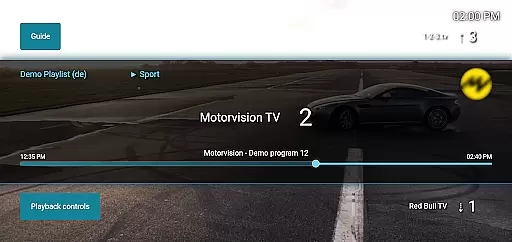
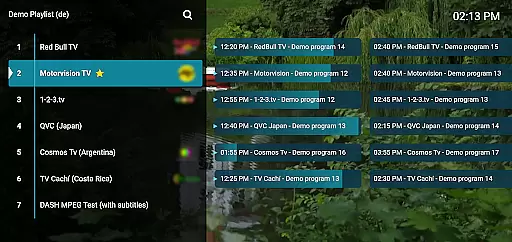
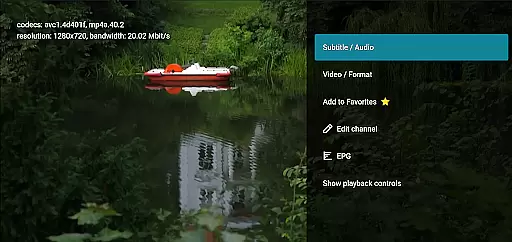
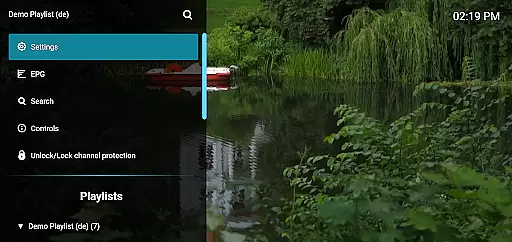
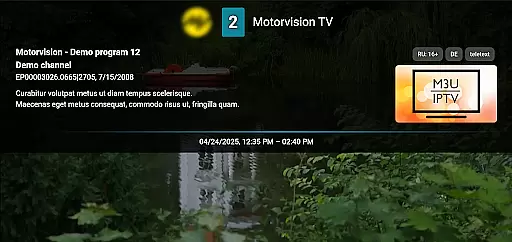
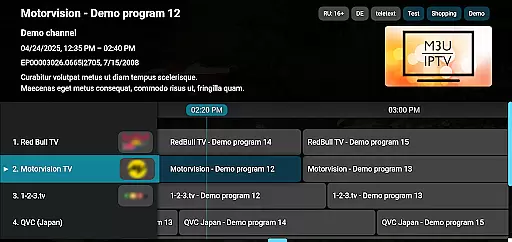
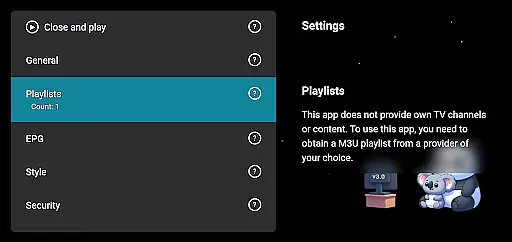
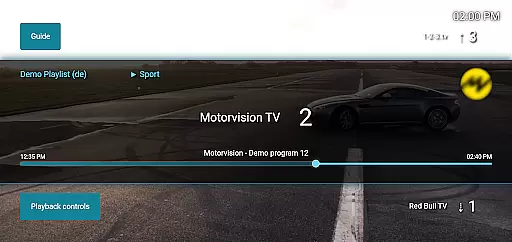
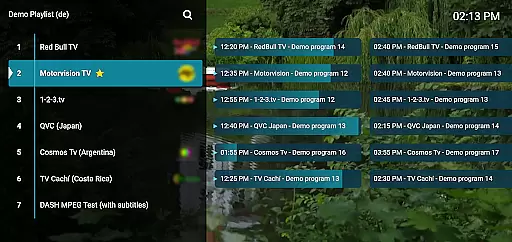
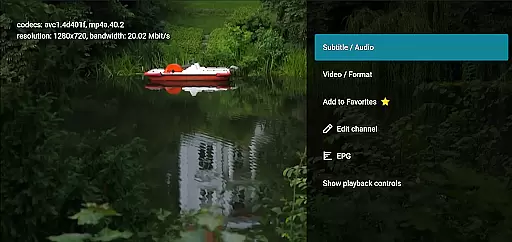
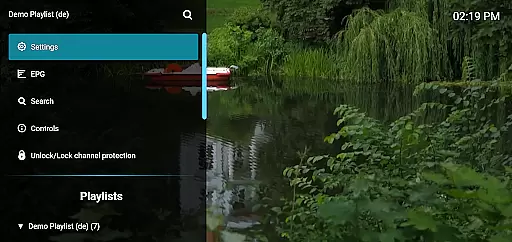
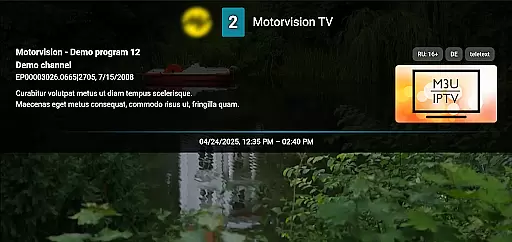
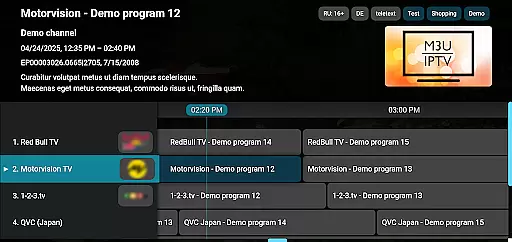
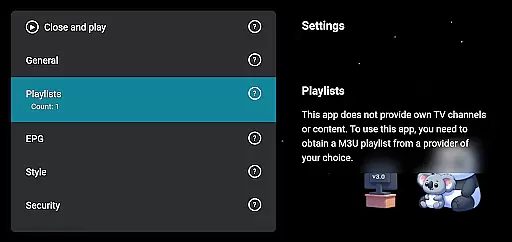
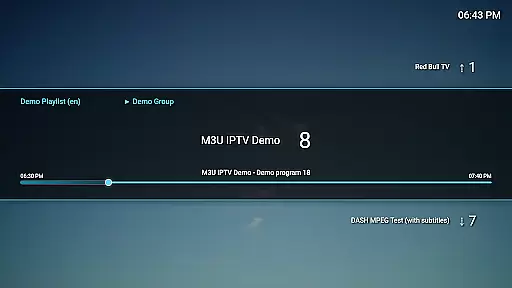
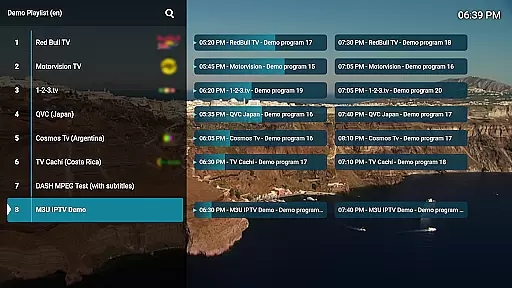
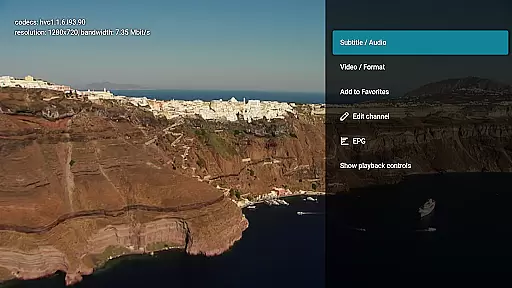
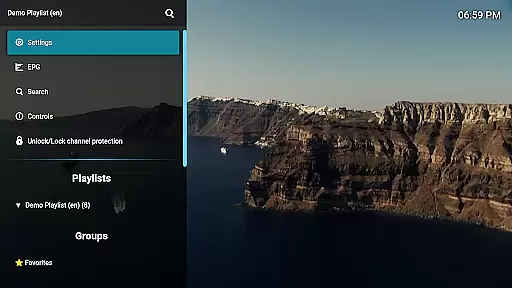
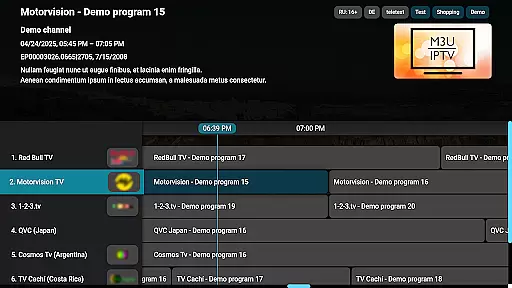
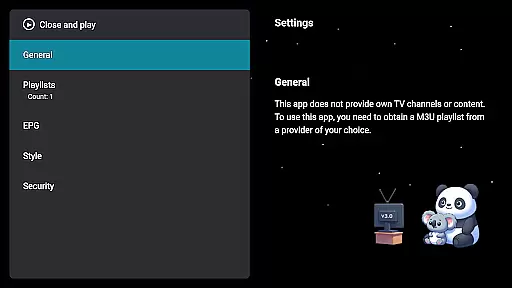
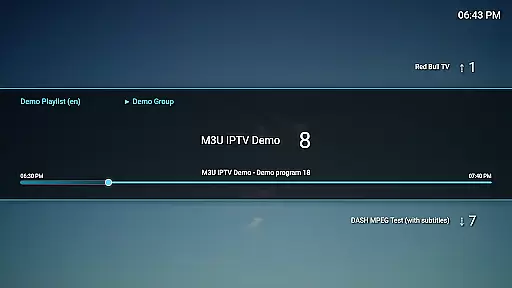
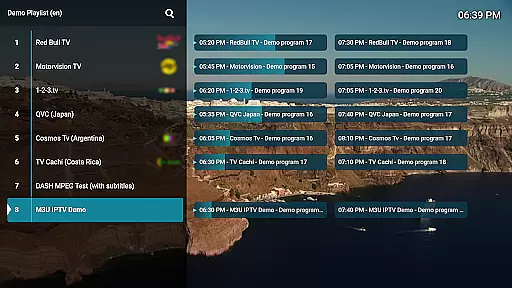
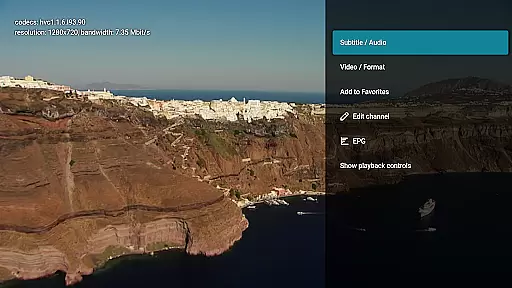
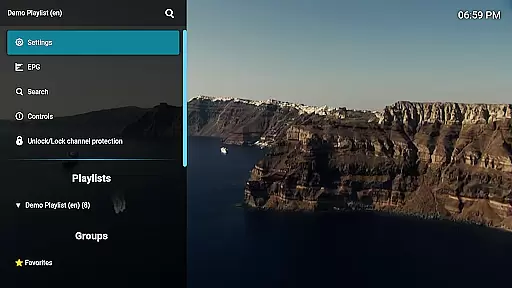
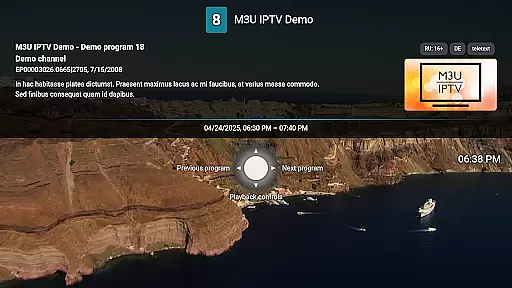
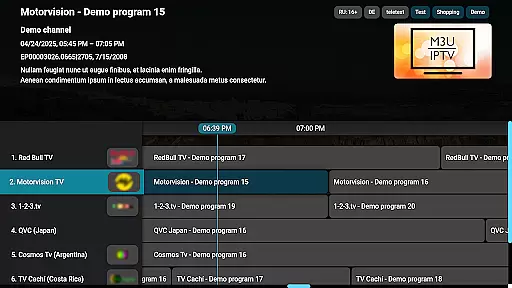
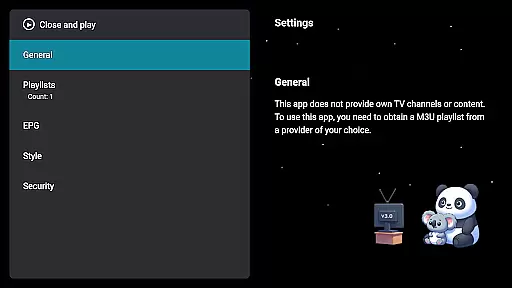
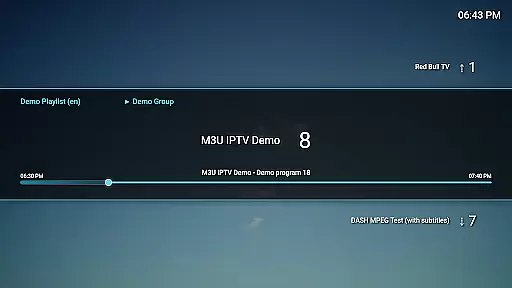
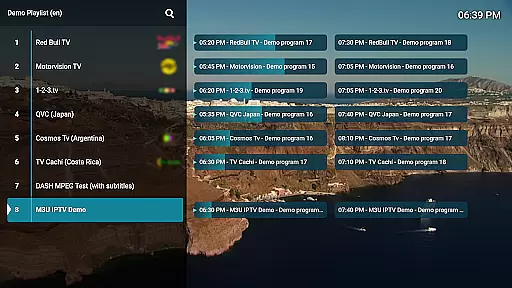
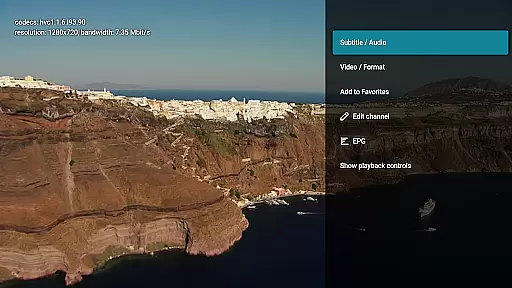
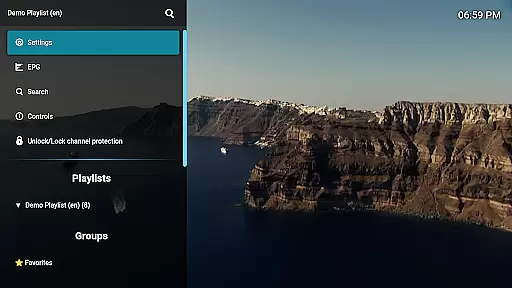
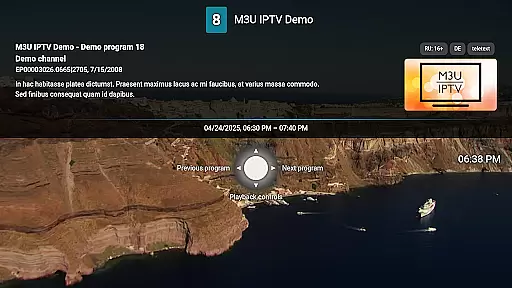
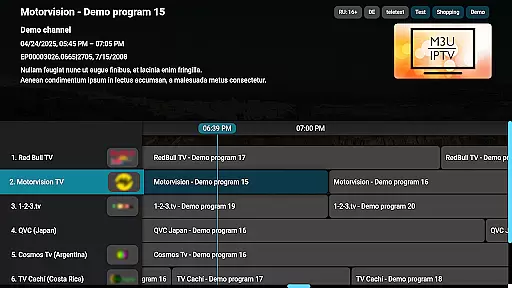
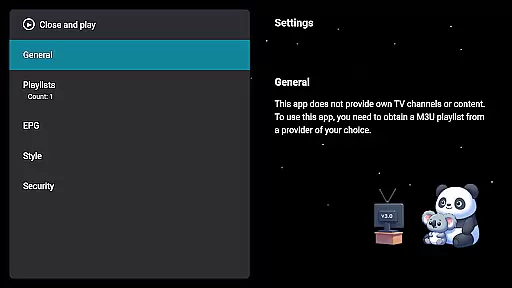
M3U IPTV Premium is a top-tier IPTV player designed for users seeking an ad-free, customizable streaming experience. It supports M3U playlists and EPG integration, offering advanced playback controls and features like catch-up functionality.
With unlimited playlists, channel editing, and UI customization options, this app provides power users with complete control over their IPTV content. The clean interface ensures ease of use while delivering high performance for uninterrupted viewing.
Ideal for IPTV enthusiasts who want to organize and personalize their streaming library, M3U IPTV Premium enhances the viewing experience by combining powerful features with user-friendly tools.
M3U IPTV Premium stands out with its comprehensive feature set tailored for IPTV users. The app removes ads entirely, allowing for seamless, interruption-free streaming sessions.
Advanced functionalities include support for unlimited M3U playlists, EPG integration for TV schedules, and customizable UI options. Users can take advantage of playback controls, catch-up capabilities, and channel protection with PIN locking.
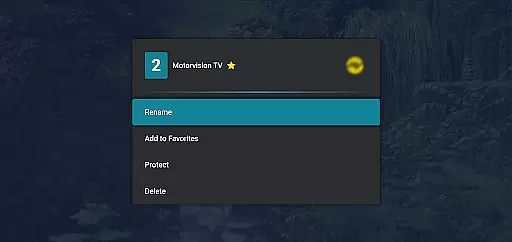
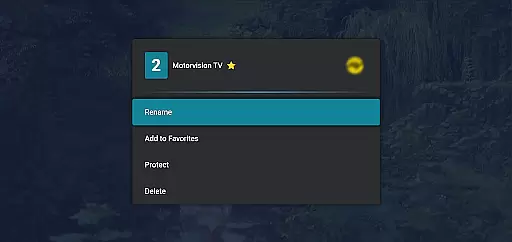
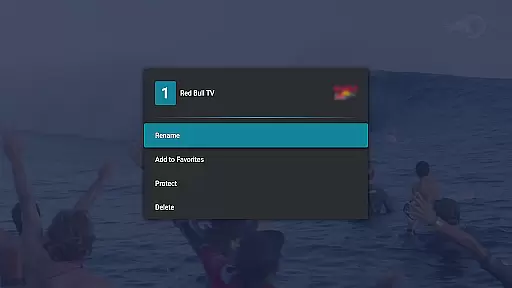
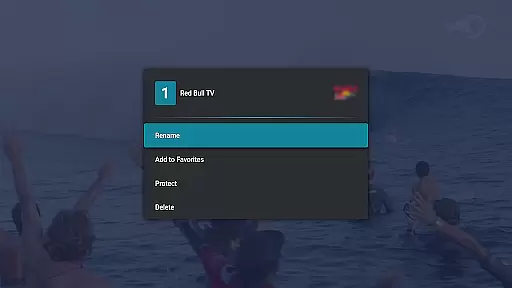
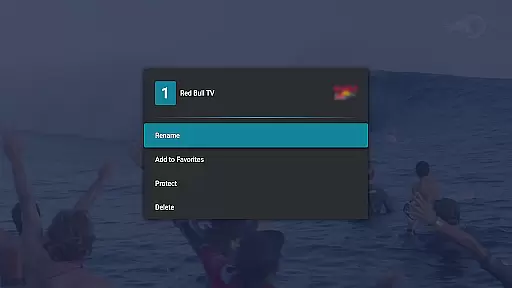
The channel editor empowers users to organize their content efficiently by renaming or reordering channels. These robust features make it a preferred choice for those wanting full control over their IPTV setup.
Video format compatibility is a crucial feature for any video player, ensuring that users can enjoy content in various formats without technical hindrances. M3U IPTV Premium excels in this area by supporting an extensive range of video formats, making it versatile for different types of IPTV streams.
The application's support for M3U playlists allows users to stream their own IPTV content seamlessly. This means whether your videos are in MP4, AVI, MKV, or other popular formats, the app handles them with ease, providing uninterrupted playback and maintaining high-quality video output.
For users, this level of compatibility translates into a hassle-free experience. There's no need to convert files or worry about format support; simply load your playlist and start watching. The app also integrates EPG sources, enhancing the viewing experience by offering a full TV schedule view alongside diverse format support.
Ultimately, M3U IPTV Premium's broad video format compatibility empowers users to take full control of their IPTV viewing. With advanced features like catch-up functionality and customizable UI, the app ensures that you never miss out on your favorite shows, regardless of the format they are broadcasted in.
While M3U IPTV Premium focuses primarily on delivering an exceptional IPTV playback experience, its AI-powered editing features add another layer of sophistication to its functionality. These features allow users to customize their viewing experience in ways that were previously unimaginable.
One standout feature is the Channel Editor, which leverages AI to let users rename, reorder, or remove channels effortlessly. This tool keeps your channel list organized and tailored to your preferences, enhancing both usability and personalization. Additionally, the app offers advanced playback controls, enabling easy pausing, rewinding, or fast-forwarding through streams.
Another innovative aspect is the catch-up and archive playback functionality. Powered by AI, this feature lets users rewatch missed content if their service supports it. Imagine being able to go back and watch a show you forgot to record; it's convenience at its best.
In summary, M3U IPTV Premium uses AI not just for editing but also for elevating user interaction with intuitive tools designed for maximum flexibility and control over oneu2019s media library.
Ad-free viewing experience
Unlimited M3U playlist support
Customizable user interface
Advanced playback controls
Parental control with PIN lock
No included IPTV content
Requires technical knowledge
Premium version is paid
Limited beginner support
Dependent on external playlists

Fast, private downloading, video saving, social media
 4.50
4.50
A Quick and Pro Video Editor
4.70
HD video maker with no watermark, no ads & vlog maker with music, PIP, text
4.50
1)AirPlay/DLNA Mirroring/Streaming, up to 4 connections; 2)Samba/NAS/DMS Player.
4.00
An easy-to-use and all-round screen recorder with audio
4.80
IPTV Loader, loads your own Playlist. DOES NOT CONTAIN ANY LIST OR CHANNELS
4.60
Browser for Sony TV to stream web videos, online movies and live tv
3.20
Livestream, news, & gaming content. Watch, chat, and upload. Join Rumble today!
3.80
Fast & Private HD Video Downloader with Built-in Proxy Browser and Video Player.
4.50
Play ALL formats in 4K & HD. Video downloader, MP3 player, Chromecast & more.
4.80
Viddo: Generate Action Figure, AI Anime, AI kiss, AI hug Video from image & text
4.40
Video Downloader is an utility that can save videos and music from web sites
4.20
Powerful video player with advanced hardware acceleration and subtitle supports
4.20
All format media Player, no need video converter any more!
4.00
HD video & music player - All format support with floating & PIP mode!
3.80
AirMirror is Receiver for Screen Mirroring and Casting from Apple Devices.
3.60
Connect EasyCap or UVC devices for recording and broadcast video/audio stream
3.60
Mix with Virtual DJ directly from your phone or tablet !
3.10
Client application for NextPVR software
3.00


User Reviews