
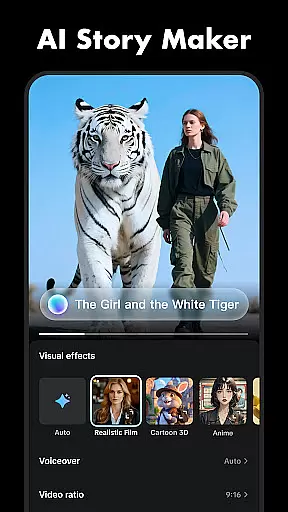
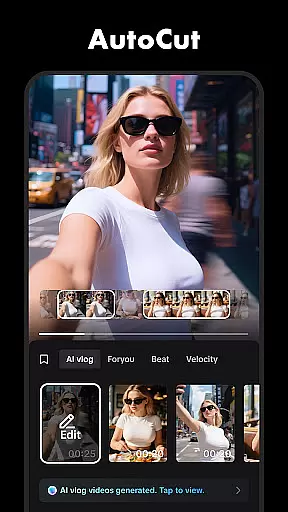
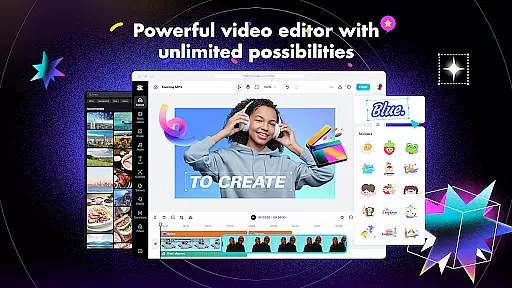
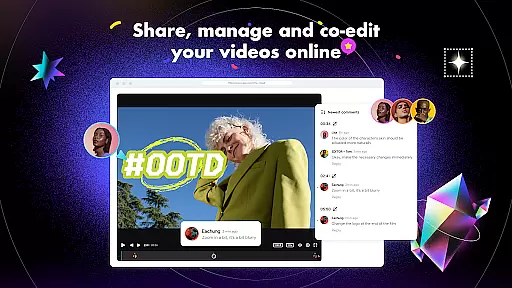
CapCut is a versatile video editing application that provides users with an extensive suite of tools to create professional-quality videos. The app offers basic editing functions such as trimming, splitting, and merging clips, alongside advanced features like keyframe animation, chroma key, and stabilization. Capable of adjusting video speed from 0.1x to 100x, it also includes smooth slow-motion effects and zoom animations.
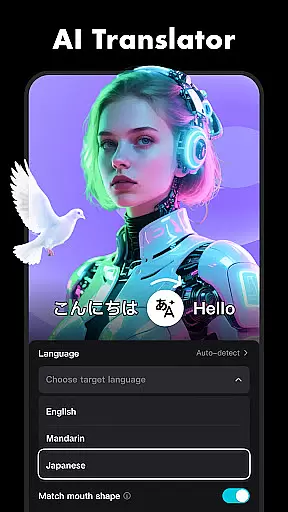
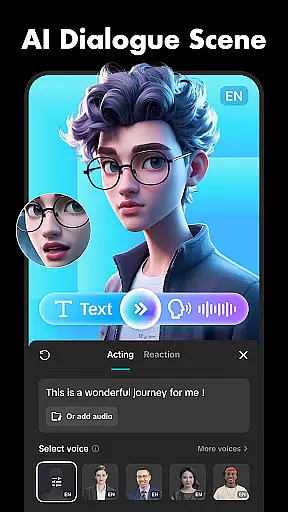
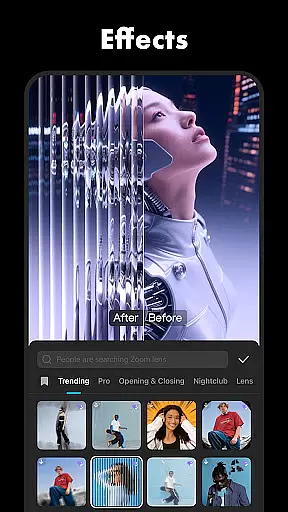
In addition to its core editing capabilities, CapCut boasts intelligent features including auto captions, text-to-speech in multiple languages, motion tracking, and background removal. Users can enhance their videos with trending effects, filters, music, and sound effects. With support for HD and 4K video exports at 60fps, CapCut ensures high-quality output suitable for sharing across social media platforms like TikTok, YouTube, and Instagram.
CapCut stands out with its comprehensive feature set tailored for both novice and experienced video editors. The app's basic video editing tools allow users to trim, split, merge, and adjust the speed of video clips with precision. It also offers creative options such as zoom effects, freeze frames, and transitions that add flair between scenes. These fundamental features are designed to be intuitive, making video editing accessible to beginners.
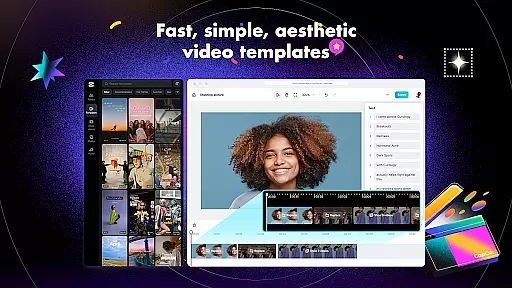
For advanced users, CapCut provides sophisticated tools such as keyframe animation, optical flow for seamless slow-motion, and chroma key for green screen effects. The multi-track timeline simplifies complex edits while the stabilization feature ensures footage remains steady. Intelligent functions like auto captions, text-to-speech, and background removal further expand creative possibilities. With weekly updates introducing new filters and effects, CapCut empowers creators to produce content that aligns with current trends.
Video format compatibility is a crucial feature for any video editing application, ensuring that users can work with a wide range of video file types. CapCut excels in this area by supporting various formats, allowing creators to import and export videos without worrying about compatibility issues.
The app's advanced format support extends to its export options, where users can customize video resolution up to 4K at 60fps, making it suitable for high-quality professional projects. This flexibility ensures that whether you're creating content for YouTube, Instagram, or TikTok, your videos will maintain their quality across platforms.
CapCut also includes smart HDR features during the export process, enhancing the visual appeal of videos. This means that colors are more vibrant, and details are sharper, providing an edge in content that stands out visually.
By offering extensive video format compatibility, CapCut empowers users to focus on their creative process rather than technical limitations, making it an ideal choice for both beginners and experienced video editors looking to produce stunning, high-quality videos.
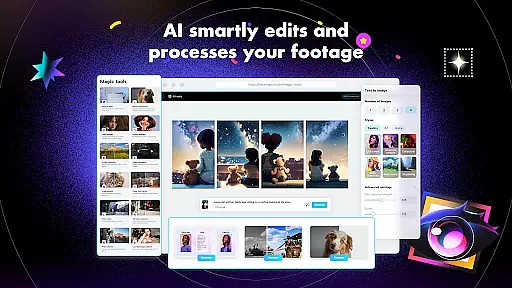
AI-powered editing features represent a significant advancement in video editing technology, enabling users to automate complex tasks and enhance their videos with minimal effort. CapCut incorporates several intelligent features that leverage AI to streamline the editing process and elevate the final product.
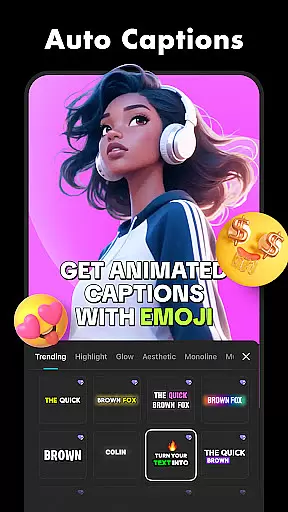
One standout feature is auto captions, which uses speech recognition technology to automatically generate subtitles for videos. This not only saves time but also improves accessibility for viewers who rely on captions. Additionally, CapCut offers text-to-speech functionality in multiple languages and voices, allowing creators to add narration without recording audio separately.
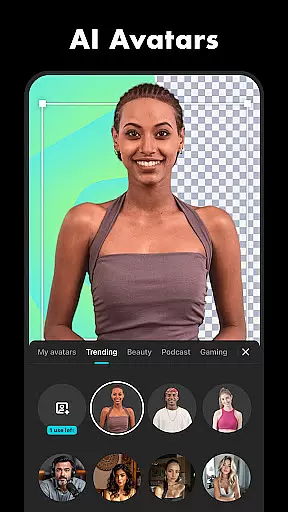
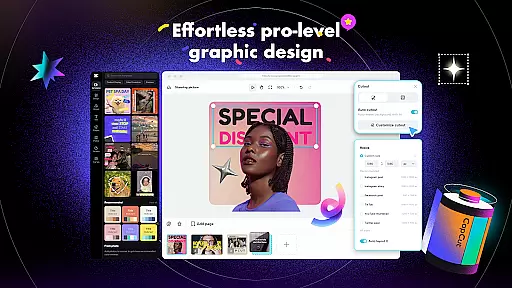
Another innovative tool is background removal, which utilizes AI algorithms to accurately separate subjects from their backgrounds. This feature opens up creative possibilities such as green screen effects or placing subjects in entirely new environments, all within the app.
These AI-powered capabilities make CapCut a powerful ally for content creators seeking efficiency and creativity in their video projects, setting it apart from traditional video editing applications.
User-friendly interface
Advanced editing tools
Regular effect updates
High-quality export options
Multi-platform sharing
Limited offline functionality
Occasional ads in free version
Advanced tools may overwhelm beginners
Export times can be lengthy
Some features locked behind paywall

The smartest M3U IPTV Player your playlists have ever seen.
 4.4
4.4
Search & download videos from net with all video downloader, auto-detect & safe.
4.60
Powerful HD video player with support for all formats & subtitles.
4.2
Support 1000+ Video Format, Subtitle Download, mp3 & Background Play, Cast On TV
4.60
All in one multi protocols stream receiver for AirPlay, Cast and DLNA.
3.60
This app is an emulator of some specific IPTV boxes
3.50
#1 Torrent App on Android ** No Ads Ever + Battery Saver **
4.80
A Simple app to download Video & Music from the Internet.
4.70
Livestream, news, & gaming content. Watch, chat, and upload. Join Rumble today!
3.80
A Quick and Pro Video Editor
4.70
Video Player - Unlimited features, 30 days money back guarantee.
4.60
Watch IPTV on your Android device
4.60
Movie maker & video editing app with AI effects and green screen
4.30
Web Browser for LG TV to stream webvideos, online movies and livestreams in HD
4.20
Video player with 4K & 1080P support, popup play, background play and subtitle.
4.20
IPTV-Smarters Player Pro M3U - Watch Live Stream TV Channels with Chromecast
4.00
1)AirPlay/DLNA Mirroring/Streaming, up to 4 connections; 2)Samba/NAS/DMS Player.
4.00
Save photos and videos from social apps in one tap.
3.60
Connect EasyCap or UVC devices for recording and broadcast video/audio stream
3.60


User Reviews