

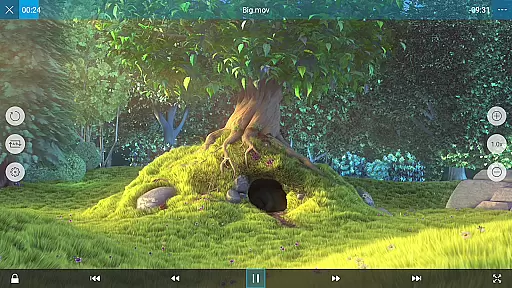
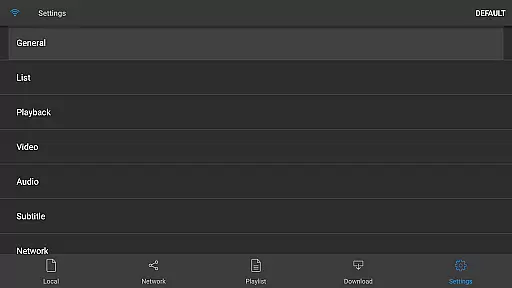
nPlayer is a versatile video player app designed for mobile devices, allowing users to play almost all video formats and codecs without the need for file conversion. With its comprehensive codec support, users can enjoy videos in their original format directly on their device.
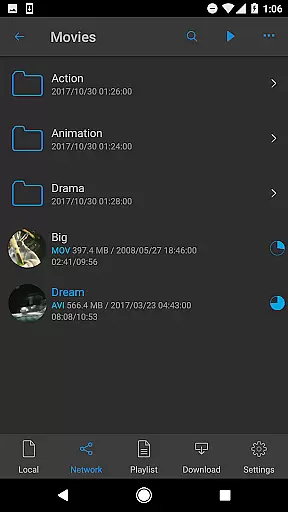
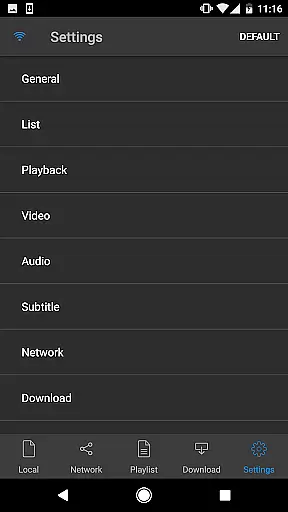
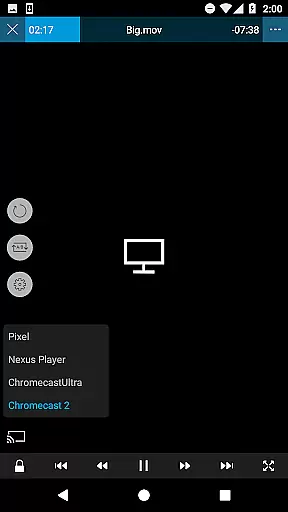
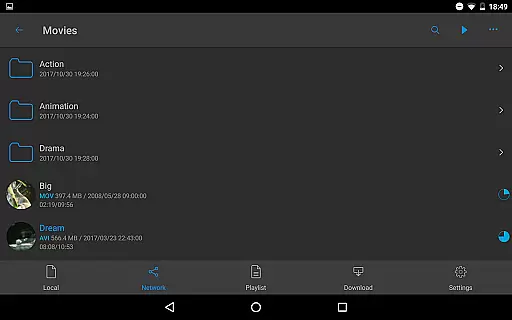
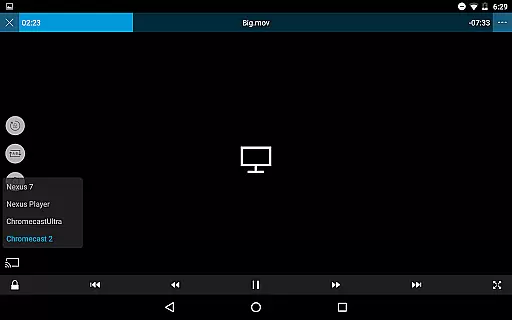
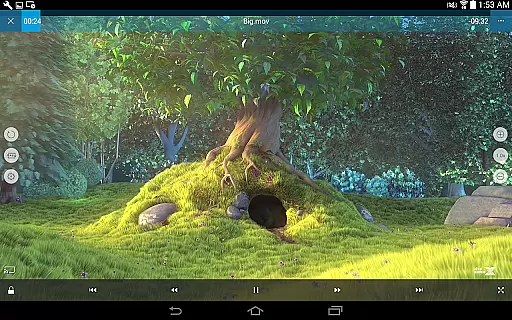
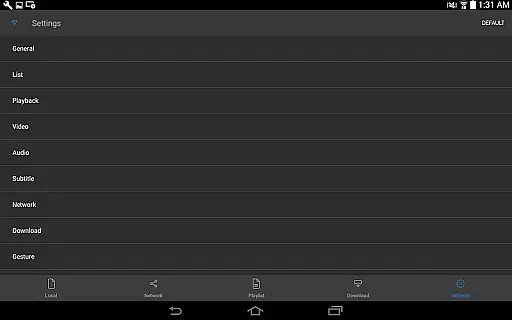
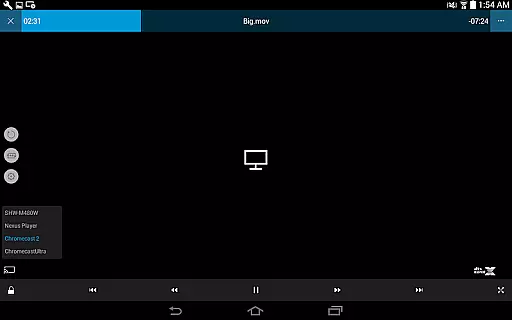
The app offers advanced playback controls, enabling users to adjust playback position, subtitle settings, volume, and brightness with simple touch gestures. Its user-friendly interface makes it easy to manage media files and access various features such as pop-up play, video casting, and HDMI output.
Whether you're watching movies, TV shows, or personal recordings, nPlayer provides a seamless viewing experience across different file types and streaming protocols. The app's robust feature set and intuitive design make it an ideal choice for both casual viewers and tech-savvy users.
nPlayer stands out with its extensive format support, covering most video, audio, subtitle, and image file types. This includes popular formats like MP4, MKV, AVI, and specialized ones like RMVB and TP. The app also handles various subtitle formats, giving users precise control over text appearance and timing.
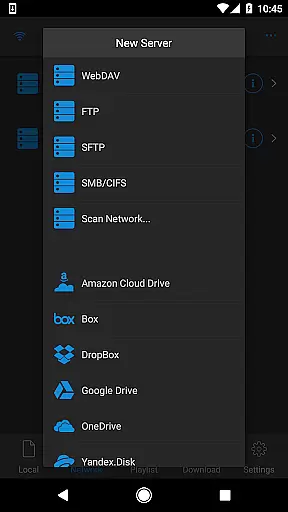
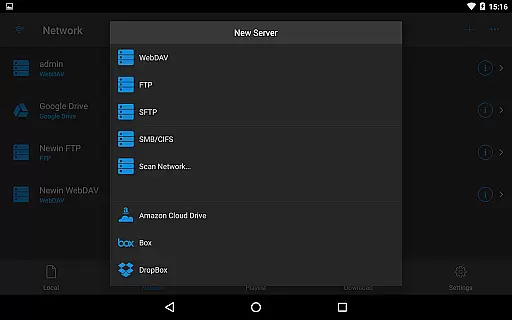
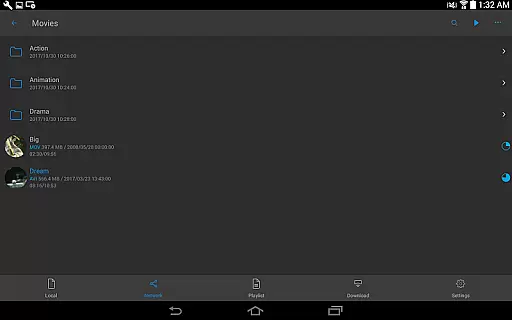
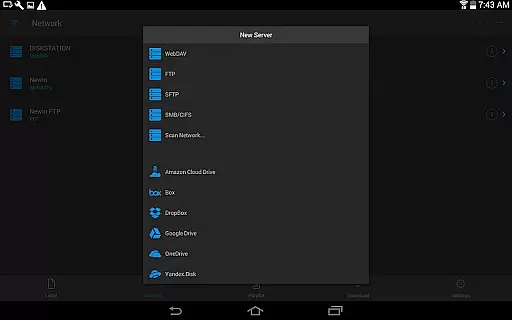
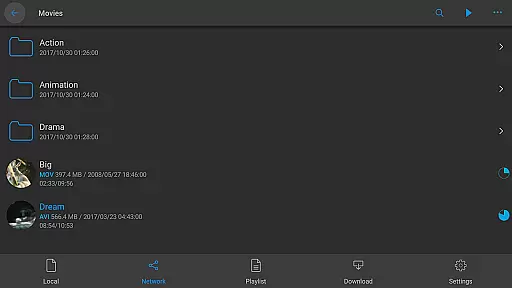
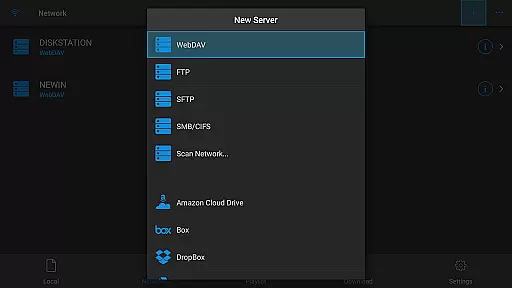
Beyond local file playback, nPlayer integrates with multiple cloud services including Google Drive, Dropbox, and OneDrive. It supports network protocols like WebDAV, FTP, and SMB/CIFS, allowing seamless access to remote media libraries. The app's multi-track audio support and audio boost feature enhance the listening experience.
Advanced functionality includes support for high-quality DTS audio codecs, SAMI tags, and SSA/ASS subtitles with full styling options. Users can create playlists using CUE, M3U, or PLS formats and enjoy features like pop-up play and Smart TV casting. These capabilities make nPlayer a comprehensive solution for managing and enjoying digital media collections.
One of the standout features of nPlayer is its extensive video format compatibility, eliminating the need for users to convert files to MP4 for playback on mobile devices. This Video Players & Editors app supports a wide array of formats including MP4, MOV, MKV, AVI, WMV, ASF, FLV, OGV, RMVB, and TP.
The ability to play almost all video formats and codecs without file conversion efforts not only saves time but also preserves the original quality of the video content. Users can enjoy seamless playback of various media files directly from their device storage or cloud services like Amazon Cloud Drive, Box, Dropbox, Google Drive, OneDrive, and Yandex.Disk.
In addition to video files, nPlayer also supports multiple audio formats such as MP3, WAV, WMA, FLAC, APE, and subtitle files including SMI, SRT, SSA, IDX, SUB, LRC, SUP, and MLP2. This ensures a comprehensive multimedia experience where users can enjoy synchronized audio and subtitles across different file types.
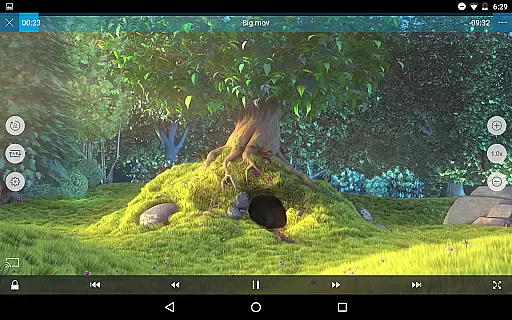
nPlayer incorporates AI-powered editing features that enhance user interaction with media files through intuitive touch controls. With simple finger gestures, users can adjust playback position, navigate between subtitles, modify subtitle location and font size, and control volume and brightness effortlessly.
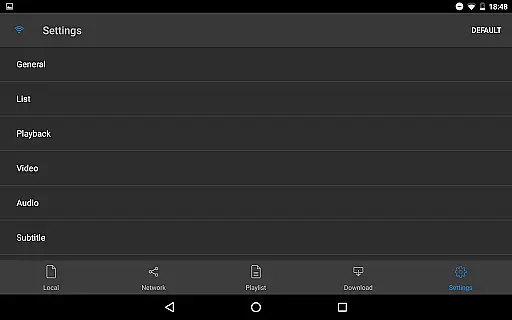
This level of customization empowers users to tailor their viewing experience according to personal preferences. The convenience of adjusting settings on-the-fly contributes significantly to user satisfaction by providing an adaptable interface that caters to individual needs during video playback.
Moreover, advanced functionalities like support for multi-track audio, embedded subtitles in SSA/ASS format with full styling options, external subtitle fonts, SAMI tags, and audio boost further enrich the playback capabilities. These features collectively ensure that nPlayer delivers a sophisticated yet user-friendly environment for managing and enjoying diverse multimedia content.
Wide codec support
Cloud integration
Advanced subtitle options
Network protocol support
User-friendly interface
Premium price point
Feature overload for beginners
Occasional compatibility issues
High system requirements
Limited free version

The smartest M3U IPTV Player your playlists have ever seen.
 4.0
4.0
Online Videos Player
3.90
Create photo video with music & template. AI video maker for stunning slideshow.
4.60
KMPlayer Plus (Divx Codec) officially support Divx codec.
4.30
Movie maker & video editing app with AI effects and green screen
4.30
Add date and time watermark to photos and videos
4.50
This app is an emulator of some specific IPTV boxes
3.50
Browser + Remote for Roku to stream webvideos, online movies and livestreams
4.60
Create, Publish & Maximize
4.70
#1 Torrent App on Android ** No Ads Ever + Battery Saver **
4.80
GENRAL PRO - General Pro is the best video player that fully supports all formats.
4.70
High-Quality USB Camera Viewer & HDMI Display
4.70
Cast to Chromecast, Xbox, Fire Stick, Roku, DLNA, Smart TV & No Feature Limited!
4.50
Fast video downloader & private browser. Save HD clips to watch offline.
4.40
Video player, file manager for all formats, 4K/HD media player supports subtitle
4.30
Powerful Video Editor & Photo Editing App —— Quick Edits & Stunning Effects!
4.30
All format media Player, no need video converter any more!
4.00
AI Video Editor:AI Music, Text to Video,Text to Speech,Auto Caption,Video Effect
4.00
Explore the largest library of free GIFs, Stickers & Memes - or create your own!
3.90


User Reviews