

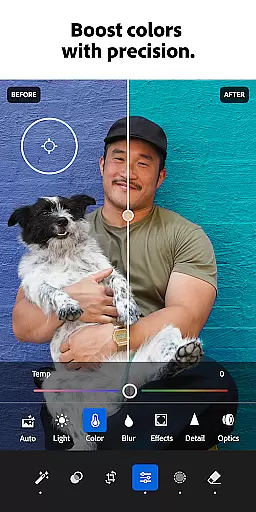






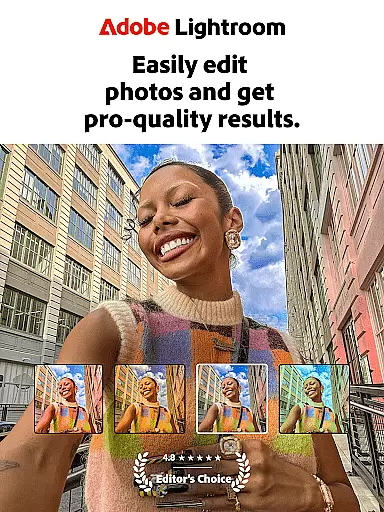
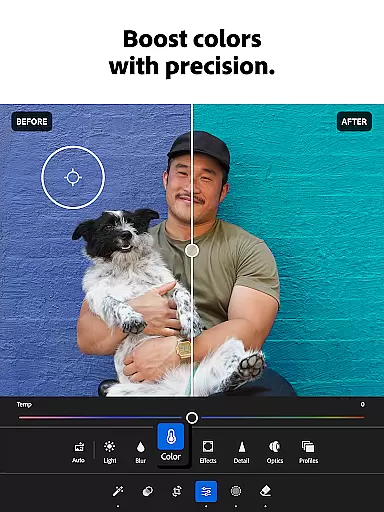
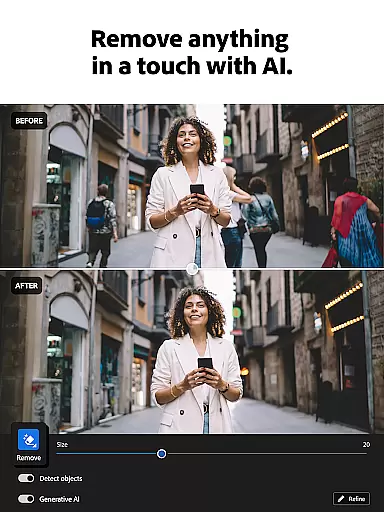
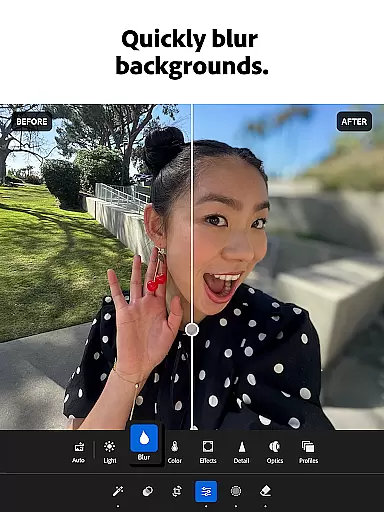
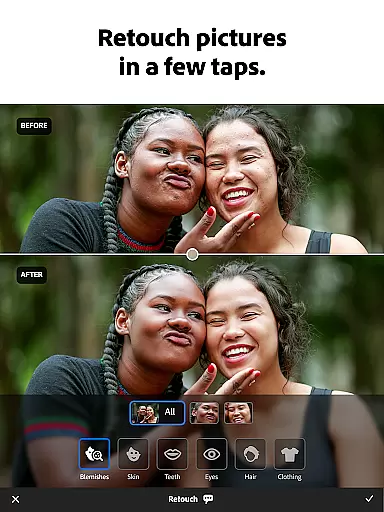
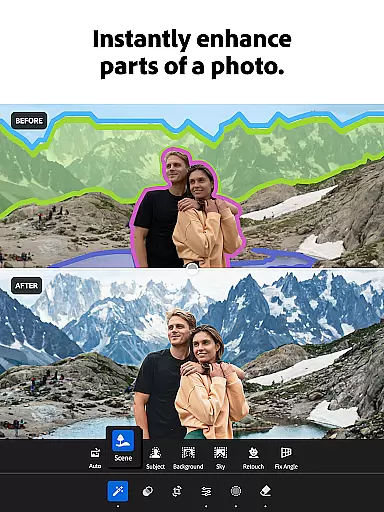

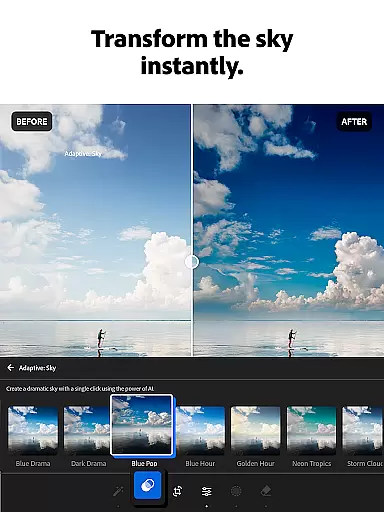
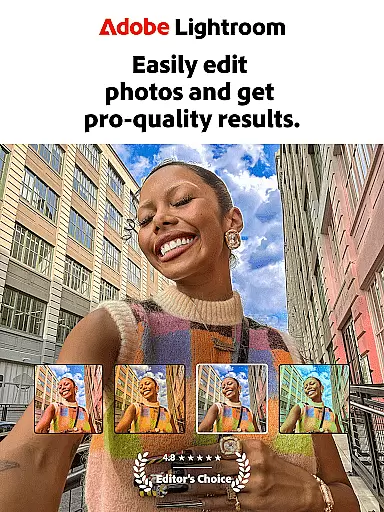
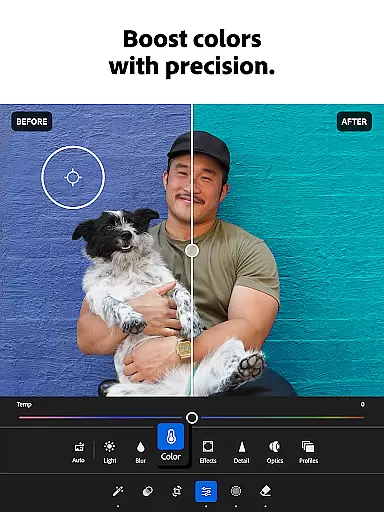
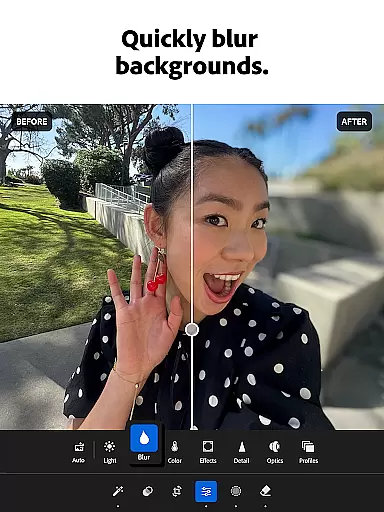
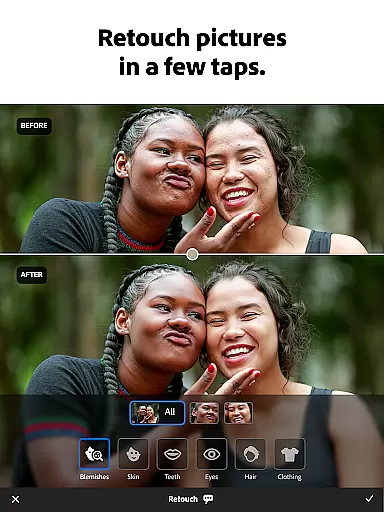
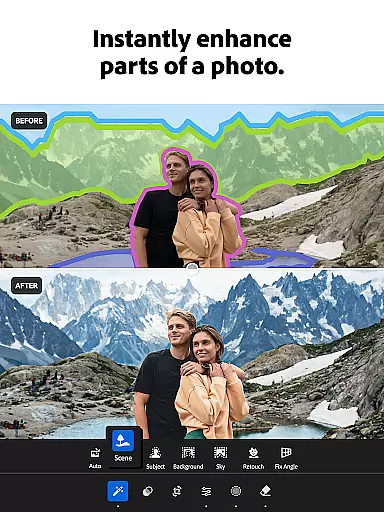

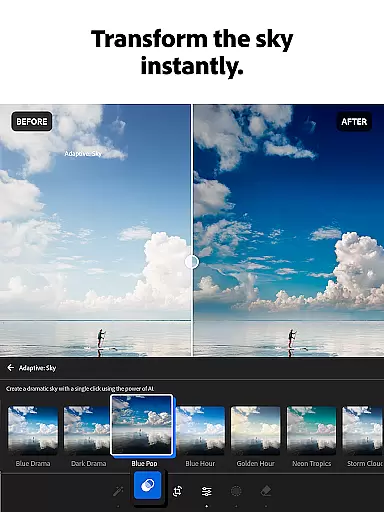
Adobe Lightroom is a comprehensive photo and video editing application designed for both amateur photographers and professionals. This powerful photo editor allows users to enhance image quality, apply creative filters, and perform advanced retouching with ease. The app's intuitive interface provides quick access to essential tools for adjusting exposure, color grading, and adding artistic effects.
One of Lightroom's standout features is its AI-powered editing capabilities. The application suggests optimal enhancements for each image while allowing users to maintain creative control. Whether you're perfecting portrait shots or editing 4K videos, Lightroom delivers professional-grade results directly from your mobile device. Its cross-platform functionality ensures seamless editing experiences across different devices.
The application particularly benefits social media enthusiasts and content creators who need to produce high-quality visuals quickly. With batch editing capabilities and customizable presets, users can maintain consistent aesthetics across multiple images. From basic adjustments to sophisticated edits, Lightroom empowers users to transform ordinary photos into share-worthy masterpieces.
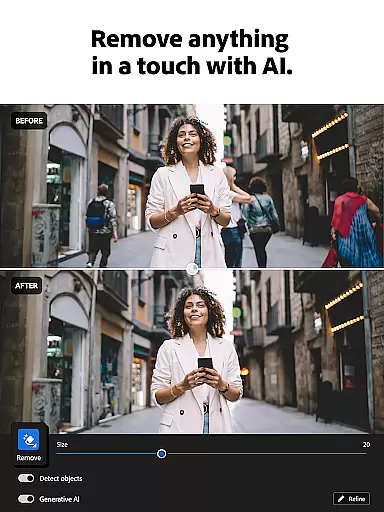
Lightroom distinguishes itself through its extensive feature set tailored for modern digital creators. The application's Quick Actions and Adaptive Presets enable users to enhance photos with minimal effort, while advanced tools allow precise control over every aspect of image editing. Its innovative Generative Remove feature lets users effortlessly eliminate unwanted objects from photos.
The app's video editing capabilities are equally impressive, offering the same level of control for video footage as it does for still images. Users can apply color corrections, adjust lighting, and utilize presets to create cohesive visual stories. The built-in community features provide access to shared presets and filters created by photography enthusiasts worldwide, fostering creativity and inspiration.
Professional photographers will appreciate the advanced RAW processing capabilities and non-destructive editing workflow. The ability to sync edits across devices through Adobe's cloud service ensures maximum flexibility. With support for batch editing and customizable workspaces, Lightroom caters to both casual users and demanding professionals seeking efficient workflows.
Real-time capture and preview functionality is essential for photographers who need to ensure their shots are perfect before they even leave the scene. With Lightroom Photo & Video Editor, users can see exactly how their adjustments will look in real time, allowing them to make precise edits on the fly.
This feature provides instant feedback on changes made to exposure, contrast, highlights, shadows, and other critical parameters. Photographers can experiment with different settings without any lag, ensuring that every photo meets their exacting standards.
The ability to preview edits immediately not only saves time but also enhances creativity. Users can try out bold new ideas knowing they can instantly revert if needed. This dynamic interaction between the photographer and their work fosters a more intuitive editing process.
Ultimately, real-time capture and preview empower photographers to produce high-quality images consistently. By offering a seamless experience from capture to final edit, Lightroom ensures that each photograph reflects the artist's vision accurately and professionally.
AI beauty and enhancement features have revolutionized digital photography by providing tools that enhance natural beauty without appearing artificial. Lightroom leverages advanced AI algorithms to offer enhancements that maintain the authenticity of the original image while elevating its aesthetic appeal.
These AI-driven tools intelligently adjust skin tones, smooth imperfections, and enhance facial features in a way that looks organic. Unlike traditional filters that might over-process an image, Lightroomu2019s AI ensures that every edit enhances the subject's natural attributes subtly and effectively.
Photographers benefit greatly from this technology as it allows them to deliver stunning portraits that still feel genuine. Clients appreciate when their photos look like an enhanced version of themselves rather than a heavily edited caricature, which builds trust and satisfaction.
By integrating AI beauty and enhancement features, Lightroom sets a new standard for photo editing software. It combines cutting-edge technology with user-friendly interfaces, making professional-grade enhancements accessible to everyone, regardless of skill level.
User-friendly interface
Powerful AI suggestions
Batch editing capability
Cross-platform syncing
Extensive preset library
Premium features locked
Subscription required
Steep learning curve
High system requirements
Limited free version

Add Watermark - Sign your pictures with a text or logo. Effective, quick, easy!
 4.50
4.50
Trendy TikTok time warp scan funny filter app brings you unique photos & videos.
4.40
Photobooth mini FULL app will allow you to add more fun to your parties
4.00
Be your best in every shot! Fix, edit and retouch your face in selfies & photos.
3.70
Superimpose one photo on top of another using the original Superimpose app!
3.20
Smart, light, and fast photo and video gallery
4.30
Fit multiple photos on one post. Create carousels & scroll layouts for Instagram
4.50
live datamoshing
4.00
PhotoSync Bundle Add-On License. Enables all features and services in PhotoSync.
4.60
Cartoon and artistic effects for your photos and videos
4.70
A must-have app for landscape photographers
4.60
Safe & smart flight with Go Fly drone controller for 40+ drone camera, zone map
4.50
Movie camera, supports pro recording settings for filming. Try it and be amazed!
4.50
Use AI Video Generator to turn your words to ai generated videos.
4.50
Virtual makeup, hair filters & body tuner—edit from face to full body!
4.20
Create & Edit with AI: AI Remove, Enhance, Retouch, Filter
4.10
Catch sunlight, sunrise sunset times and sun phases with the AR sun tracker.
4.10
Add a dreamy vibe to your selfies and videos with soft style filters
4.3
Snap photos remotely using your Garmin watch as the camera trigger
4.3


User Reviews