
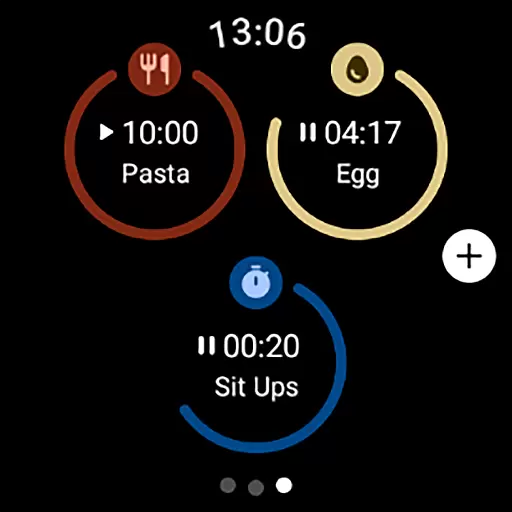
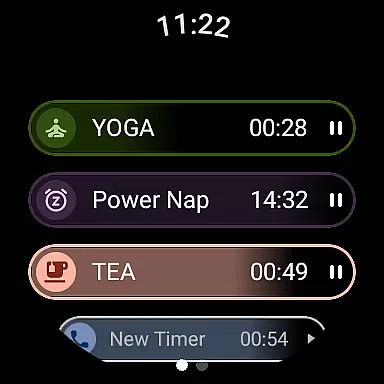
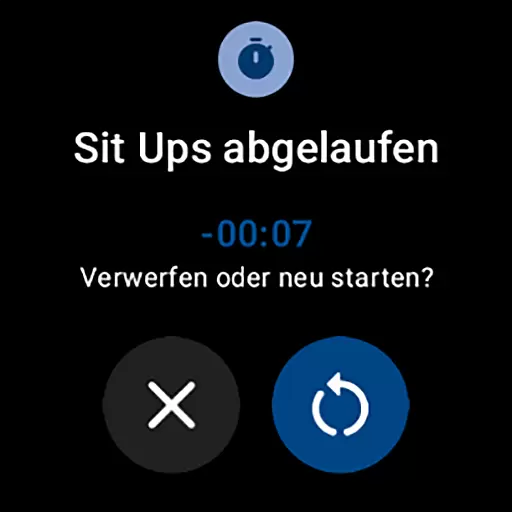
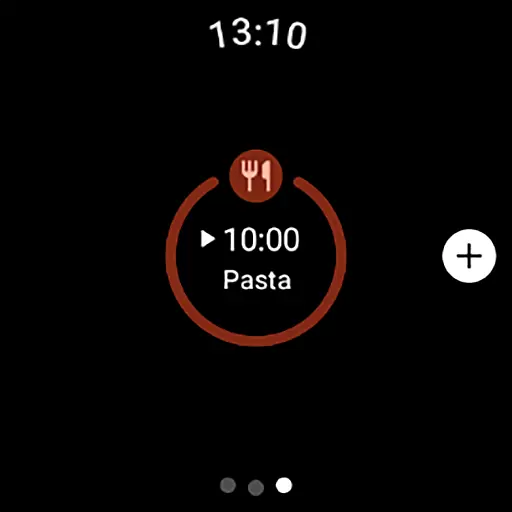
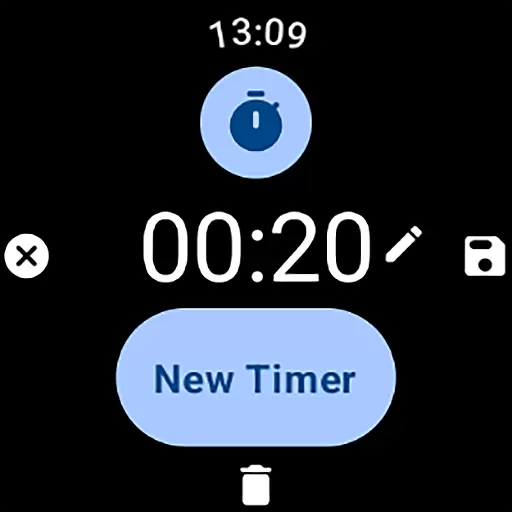
MultiTimerPro for Wear OS is a powerful productivity tool designed to help users manage their time with precision. This app allows you to run multiple timers simultaneously, making it perfect for multitasking scenarios such as cooking, exercising, or work sprints.
The app features an intuitive interface that makes creating and managing timers simple and efficient. With customizable options like names, durations, icons, and colors, each timer can be tailored to fit specific needs. Additionally, sound notifications ensure you never miss an alert.
Whether you're a busy professional or a home cook juggling multiple dishes, MultiTimerPro helps streamline your tasks and enhance productivity by keeping you on track with accurate time management.
MultiTimerPro stands out with its multi-timer functionality, allowing users to set and manage several timers at once. This feature is particularly useful for those who need to keep track of multiple activities simultaneously, something the stock timer app lacks.
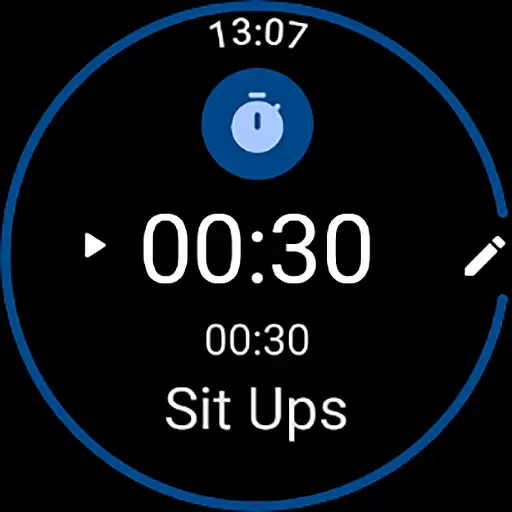
The app's intuitive interface ensures seamless navigation, enabling users to effortlessly create, edit, and manage their timers. Customization options are abundant, with the ability to personalize each timer's name, duration, icon, and color, providing a tailored experience.
Another notable feature is the sound notifications, which add an auditory layer to the visual alerts, ensuring users are promptly notified. These comprehensive features make MultiTimerPro a versatile and indispensable tool for anyone looking to optimize their time management.
Efficient task management is crucial for productivity, and MultiTimerPro excels in this area by offering advanced multi-timer functionality. This feature allows users to create and run multiple timers simultaneously, making it perfect for managing various tasks throughout the day.
The app's intuitive interface enables seamless creation and modification of timers directly from your Wear OS smartwatch. Users can easily customize each timer with specific names, durations, icons, and colors, ensuring that every activity is distinctly represented and organized.
With MultiTimerPro, you can efficiently track different activities such as cooking times, workout intervals, or work sessions without losing focus on any task. The ability to manage several timers at once significantly enhances multitasking efficiency, allowing users to optimize their daily routines.
Cross-device synchronization is essential for maintaining consistency across all your devices, and MultiTimerPro ensures reliable performance in this aspect. By integrating with Wear OS, the app provides a seamless experience where users can access their timers on both their smartphones and smartwatches.
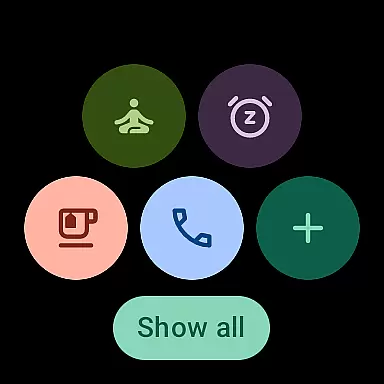
MultiTimerPro now includes Tile support, allowing quick access to favorite timers directly from the home screen. This enhancement not only improves accessibility but also ensures that important timers are always within reach, no matter which device you're using.
In addition to visual notifications, the app offers sound alerts for each timer, ensuring you never miss an important moment. These comprehensive synchronization features make MultiTimerPro a dependable tool for managing your schedule across multiple devices, enhancing overall productivity and time management.
User-friendly interface
Multiple timers support
Customizable timer settings
Sound notifications
Enhanced productivity
Limited to Wear OS
Premium version required
No web interface
Complex for beginners
Fewer customization themes

Unlock AutoNotification
 4.00
4.00
A simple, portable logger for POTA, SOTA, Field Day, and more
4.0
Customizable calendar widget for seamless event sync, planning & scheduling.
4.00
Find and delete junk files & block unwanted notifications & manage files
3.70
Best Tool for the professionals Electrician, Electrical contractors, etc.
4.90
Quickly and easily keep track of your work shifts
4.70
Lightweight PDF, Word, Excel reader.
4.60
Daily processing of PDF documents.
4.40
Seamlessly read, manage, and organize all your PDF files solution in one place
4.40
Protect and view your important info on your phone and tablet with eWallet®
4.80
App lock - lock apps with fingerprint, password, pin or pattern, protect privacy
4.70
The AI assistant that thinks with you - write, code, and solve complex tasks
4.60
Professional calendar app for Google Calendar, MS Outlook & Exchange
4.20
Easily read and manage all your PDF files
4.10
* block pre-roll ads, pop-up and forced redirect ads * Samsung certification app
4.00
Remotely view listen control and record cameras.
3.70
Auto-shutoff Alarm with Sunrise, Sunset & Fixed Options.
3.50
ID.me Authenticator is a simple and free Two Factor Authentication solution
3.50
Simple and reliable communication between inmates, friends and family
3.20


User Reviews