
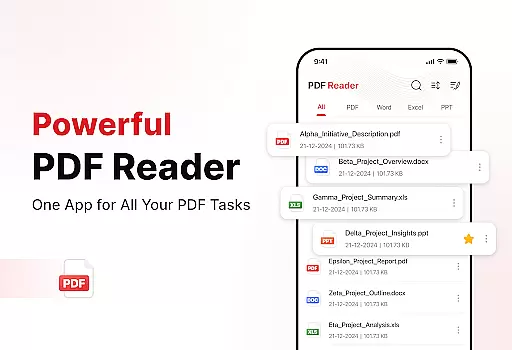
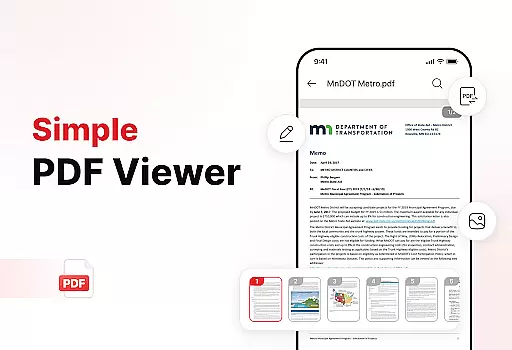
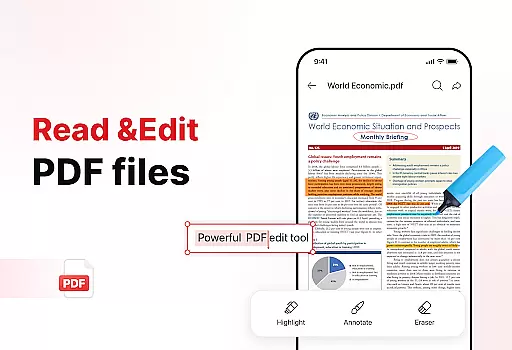
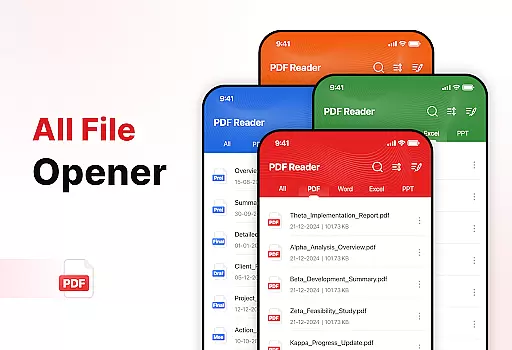
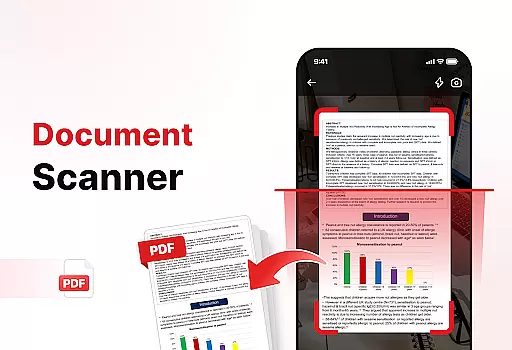
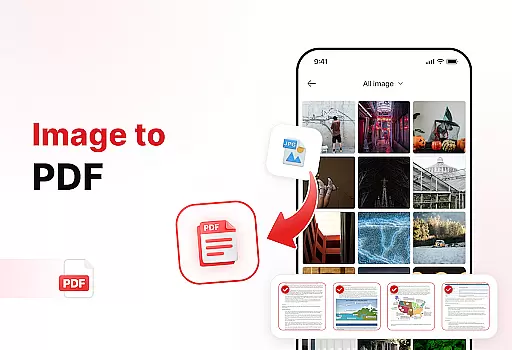
PDF Reader - Edit & View is a comprehensive document management solution designed to simplify how you handle, organize, and convert files. This productivity app offers versatile PDF reading capabilities, allowing users to open and read PDFs of any size without lag while providing easy navigation and zoom features for detailed viewing.
In addition to its core PDF functionality, the app includes powerful document conversion tools. Users can scan physical documents and convert them into high-quality PDFs or transform images and screenshots into professional PDF formats. The app also provides enhanced productivity features such as file sorting, bookmarking, and effortless sharing options, making it an essential tool for students, professionals, and anyone who frequently works with documents.
The app's standout feature is its versatile PDF reader that supports multiple file formats including XLS, DOCX, and PPT, giving users full control over their document viewing experience. Its powerful document converter allows users to capture text, images, and diagrams from physical documents and transform them into high-quality digital formats.
PDF Reader - Edit & View goes beyond basic document viewing by offering enhanced productivity tools. These include advanced file sorting options, bookmark management for quick access, and an elegant signature feature for signing PDFs. The app's intuitive interface and robust feature set make it an ideal solution for anyone looking to streamline their document management process while maintaining professional standards.
PDF Reader - Edit & View offers a comprehensive suite of tools for managing your document-related tasks efficiently. The app allows users to organize, convert, and handle files with ease, making it an essential tool for productivity.
With features like file sorting, bookmarking, and quick search, users can effortlessly manage their documents. Whether you need to sort files by name, date, or size, or quickly locate a specific PDF, this app streamlines the process, saving valuable time.
The ability to add signatures, share files instantly, and scan documents enhances workflow efficiency. These capabilities ensure that professionals, students, and anyone dealing with documents can maintain a smooth and organized workflow.
By integrating powerful productivity tools, PDF Reader - Edit & View not only simplifies document management but also boosts overall productivity, allowing users to focus on more critical tasks.
Cross-device synchronization is a pivotal feature of PDF Reader - Edit & View, ensuring that your documents are accessible across all your devices seamlessly. This functionality supports real-time updates, providing users with the most current version of their files wherever they go.
Whether you're switching from your phone to a tablet or a computer, the app guarantees that your data remains consistent and up-to-date. This reliable synchronization ensures that any changes made on one device are immediately reflected on others, maintaining continuity in your workflow.
Moreover, the app's cloud integration enhances data security and accessibility. Users can rest assured that their documents are safely stored and easily retrievable, minimizing the risk of data loss and maximizing convenience.
By prioritizing synchronization reliability, PDF Reader - Edit & View ensures a seamless user experience, allowing individuals to manage their documents efficiently regardless of the device they are using.
User-friendly interface
Multi-format support
Powerful conversion tools
Advanced organization features
Effortless sharing options
Limited free features
Occasional performance issues
Subscription required for premium
Ads in free version
Large file size

Unlock AutoNotification
 4.00
4.00
Mega cloud explorer plugin for Solid Explorer
3.80
Automates browsing any website and notifies you of important changes or events
4.30
Make your handwriting beautiful, even more than pen on paper.
3.60
App lock - lock apps with fingerprint, password, pin or pattern, protect privacy
4.70
Stay on top of your to-dos with Google Tasks, part of Google Workspace.
4.60
A simple Whisper AI keyboard for reliable speech transcription and rewording
4.60
Share files & memories safely. Keep your photos and videos secure.
4.40
Scan paperwork into PDF/JPG, generate your own e-signature and send fax or email
4.70
Great calculator for Android named one of USA TODAY's "25 Essential Apps".
4.90
Multilingual translator for text, voice, and image translation!
4.90
Protect and view your important info on your phone and tablet with eWallet®
4.80
Simple notepad & memo. Take notes, to-do list, shopping list with reminders.
4.80
A beautiful digital clock with autostart and many other functions
4.70
Subscribe to Webcal & .ics calendars and keep them up-to-date!
4.50
Tally and goal counter for Wear OS & mobile
4.50
Pwnagotchi companion app
4.20
Intelligent AI Assistant
4.10
Simple and reliable communication between inmates, friends and family
3.20


User Reviews