

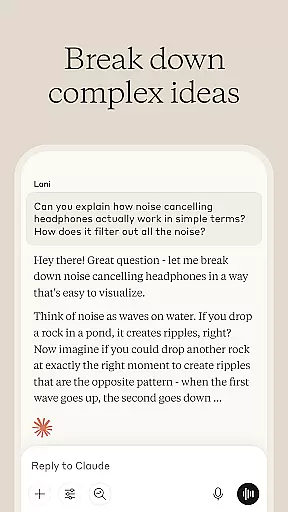
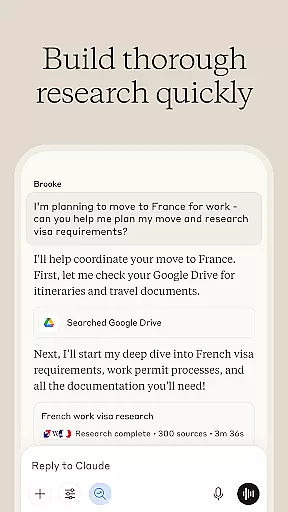
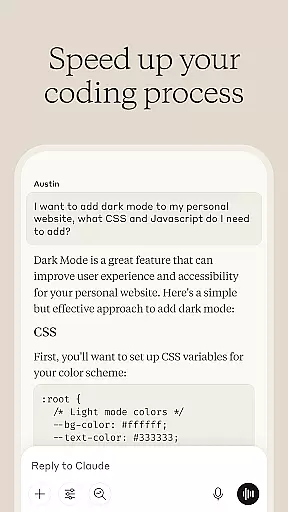
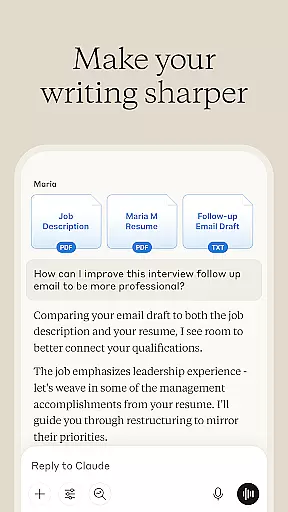

Claude by Anthropic is an advanced AI productivity tool designed to enhance your problem-solving capabilities. This versatile application serves as both a writing assistant and a collaborative thinking partner, helping users tackle complex tasks across various domains. With specialized features for writing refinement, research assistance, coding support, and visual analysis, Claude adapts to multiple professional needs.
The application particularly excels in four key areas: content creation, data research, programming assistance, and visual interpretation. Users can refine their writing through iterative collaboration, explore research with accurate citations, debug code with detailed explanations, and analyze visual content like charts and technical diagrams. These capabilities make Claude an invaluable asset for professionals in business, technology, and creative fields.
One notable use case is Claude's implementation as an AI writing assistant for developing polished professional communications. By working through tone, structure, and clarity, it helps transform rough drafts into compelling final pieces. This feature proves especially beneficial for marketing teams and content creators who need to produce high-quality written materials efficiently.
Claude distinguishes itself through its comprehensive set of productivity features tailored for modern professionals. The application's AI writing assistant goes beyond basic grammar checks by engaging in collaborative refinement of content. It works alongside users to develop various forms of written communication, from social media posts to complex reports, ensuring each piece maintains the author's unique voice while achieving optimal clarity and impact.
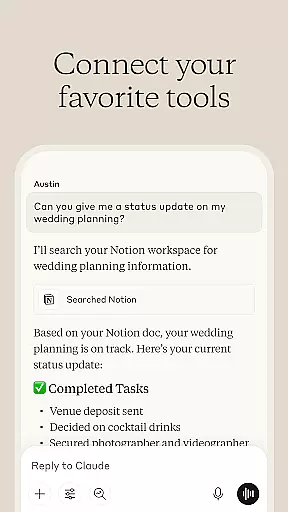
The research capabilities are equally impressive, allowing users to search across multiple platforms including Google Drive, Gmail, and the web. Claude doesn't just gather information but helps analyze and synthesize it into meaningful insights. The application's coding assistance feature provides detailed explanations of programming concepts across numerous languages, making it valuable for both novice and experienced developers.
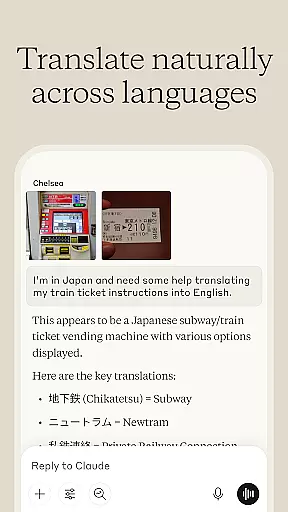
Visual analysis represents another significant advantage, enabling users to upload and interpret various file types. From extracting text from images to generating SVG code for graphics, Claude handles visual content with remarkable accuracy. The voice dictation feature further enhances accessibility, allowing hands-free brainstorming sessions in multiple languages.
At the heart of productivity lies effective task management, and Claude excels in this area. The AI assistant helps users organize their workflow by breaking down complex projects into manageable tasks. This structured approach ensures that nothing falls through the cracks and every step is accounted for.
Claude's core task management feature allows users to create, prioritize, and track tasks with ease. Whether it's drafting an email, coding a new feature, or analyzing data, Claude provides reminders and progress updates. This keeps users on top of deadlines and enables them to focus on what truly matters.
The true value of this functionality is in its collaborative nature. Users can work with Claude to refine task details, set realistic timelines, and even brainstorm solutions for task-related challenges. This partnership transforms task management from a mundane chore into an intelligent, dynamic process.
In today's multi-device world, reliable cross-device synchronization is crucial for maintaining productivity. Claude understands this need and offers seamless integration across various platforms. Users can start a task on their phone and continue working on it from their computer without missing a beat.
The application employs advanced cloud technology to ensure that all user data is consistently updated and securely stored. This means that whether you're using Claude on your Android device or accessing it via web browser, your information remains current and accessible. The synchronization process is designed to be fast and reliable, preventing data loss or delays.
This level of synchronization reliability empowers users to work flexibly and efficiently. They can trust that their work is always up-to-date, regardless of which device they choose to use. This feature particularly benefits professionals who need to stay productive while on the move, ensuring they never lose momentum in their projects.
Advanced AI capabilities
Multi-domain functionality
Collaborative refinement tools
Voice-enabled assistance
Comprehensive research features
Premium features require subscription
Occasional processing delays
Limited offline functionality
Steep learning curve
Resource-intensive operation

Secure, fast, open-source, VNC and SSH Remote Desktop for Windows, Linux and Mac
 4.70
4.70
Take control of your clipboard with Clipper!
3.90
Create study competitions, track your hours, and stay consistent with friends
4.0
Mega cloud explorer plugin for Solid Explorer
3.80
Direct Chat without saving contacts & Dual WA Account on Single Device
4.70
Planet Free VPN - The best Fast Unlimited and Secure VPN Without Logs
4.50
PDF scanner & converter for files, photos, lottery, QR codes. One swipe away!
4.50
Subscribe to Webcal & .ics calendars and keep them up-to-date!
4.50
Seamlessly read, manage, and organize all your PDF files solution in one place
4.40
Scientific calculator for Android - looks and operates like the real thing!
4.90
Simple notepad & memo. Take notes, to-do list, shopping list with reminders.
4.80
Scan paperwork into PDF/JPG, generate your own e-signature and send fax or email
4.70
Translate text/voice/photos in 150+ languages. Offline & fast translator app.
4.50
* block pre-roll ads, pop-up and forced redirect ads * Samsung certification app
4.00
The ultimate file manager for rooted devices. The original and still the best.
4.00
Access your phone's notifications, calls, apps, photos & texts on your PC
3.90
Smart PDF reader & editor to view, organize and manage PDF documents easily.
3.70
The upgraded version of Name Wheel with AI and the power to add your own wheels.
4.3
A comprehensive suite of tools designed specifically for Lactation Consultants
4.5


User Reviews