
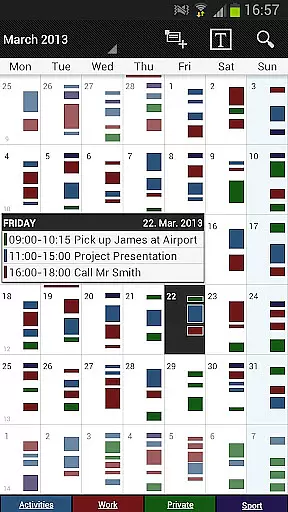
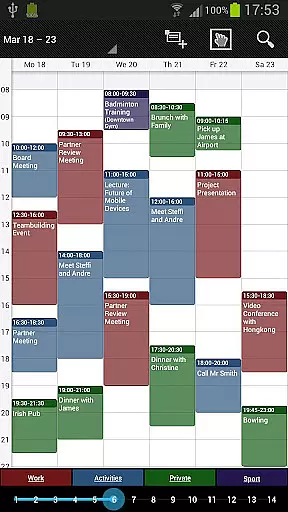
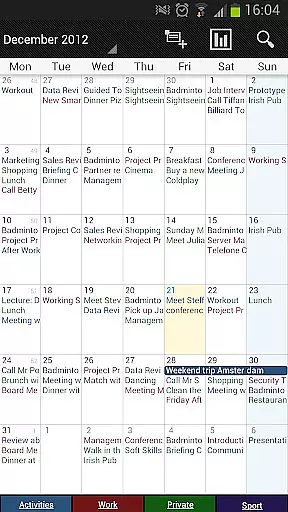
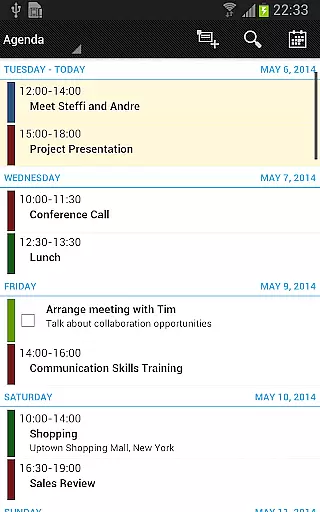
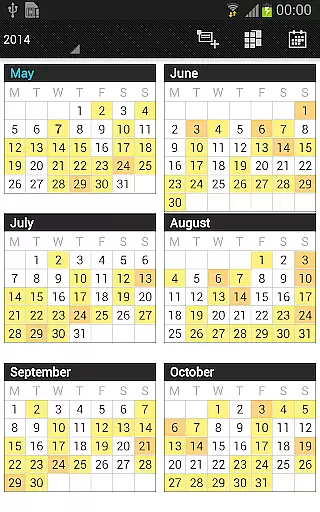
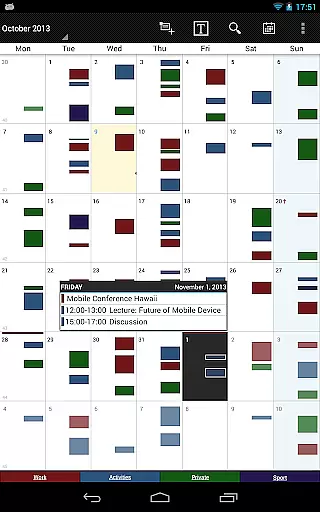
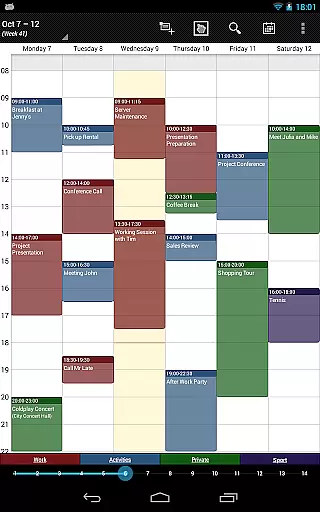
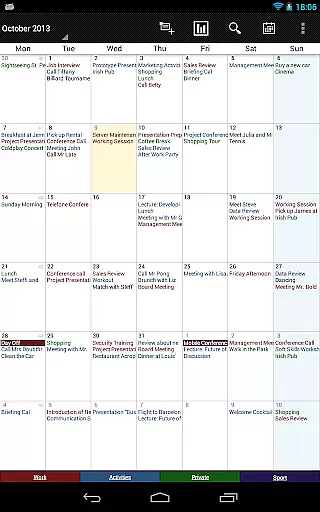
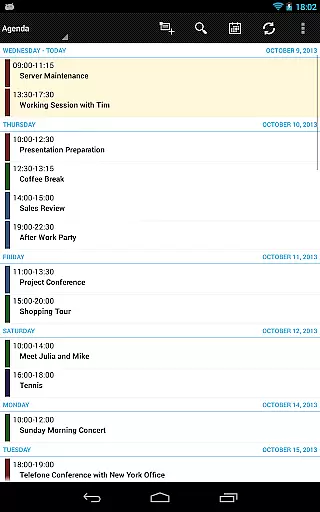
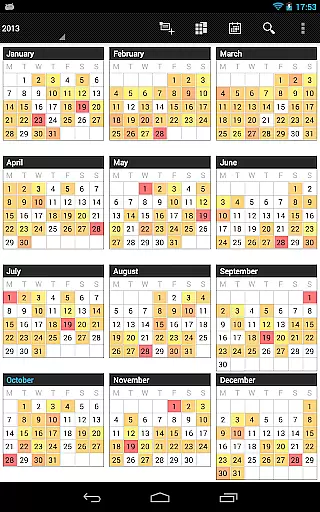
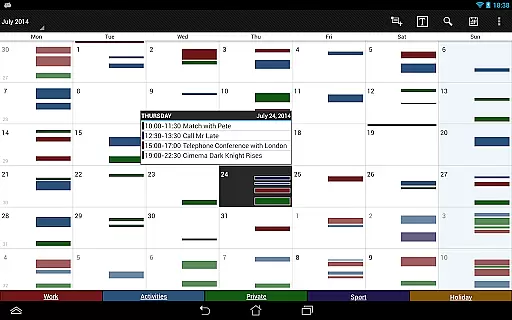
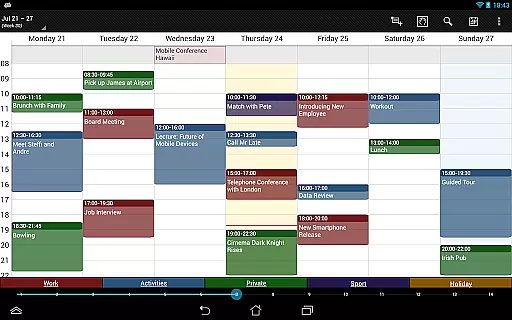
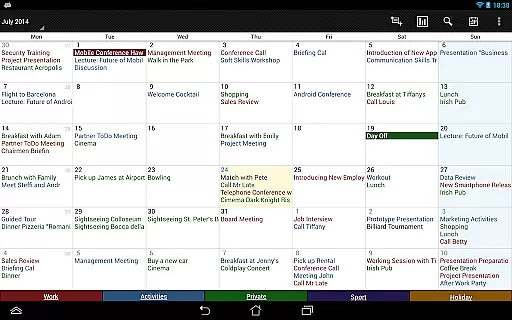

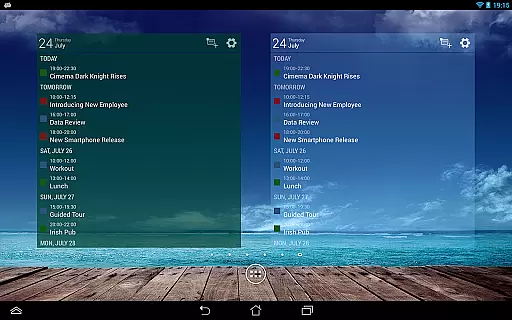
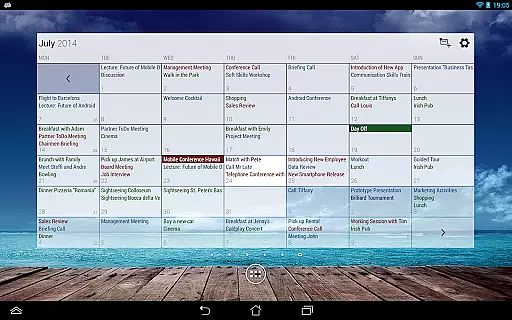
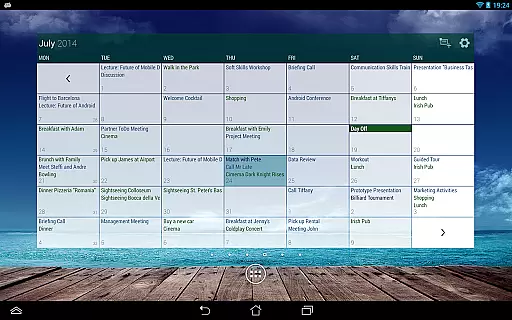
Business Calendar Pro is a comprehensive productivity tool designed for professionals who need an efficient way to manage their schedules. The app offers an intuitive interface with quick day views, smooth scrolling, and zoomable multi-day views, making it easy to navigate through appointments and events. Its powerful customization options allow users to adapt the app to their specific needs, from individual reminders to adjustable font sizes.
One of the standout features is its ability to sync with various calendar systems including Google Calendar and Microsoft Outlook, ensuring seamless integration into existing workflows. With professional widgets, color-coded year views, and advanced task management capabilities, this app provides exceptional value for users seeking a robust calendar solution. Whether you're managing personal tasks or coordinating team schedules, Business Calendar Pro delivers the tools necessary for optimal productivity.
Business Calendar Pro stands out with its extensive feature set tailored for productivity enthusiasts. The Quick Day View provides a fast overview of daily events while the Favorite Bar allows instant access to all your calendars. Smooth scroll and zoom functionalities enhance user interaction, offering an intuitive experience when navigating through different views.
Customization is at the core of this app's design. Users can adapt every aspect of the interface, from view layouts to widget appearances. Individual reminders come with options for vibration, sounds, repetitions, and LED notifications. Additionally, the app supports advanced functionalities like drag-and-drop event management, multi-selection for bulk actions, and integrated task management with Google Tasks and Toodledo. These features collectively ensure that users have complete control over their scheduling needs.
Task management is a cornerstone of productivity applications, and Business Calendar Pro excels in this area. The app provides users with powerful tools to create, manipulate, and organize their events efficiently.
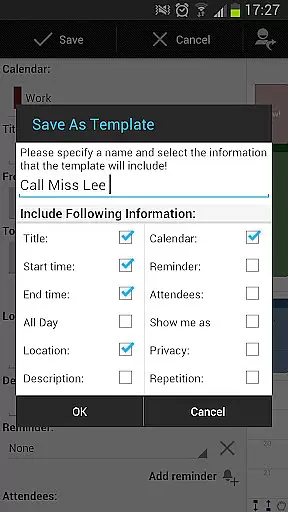
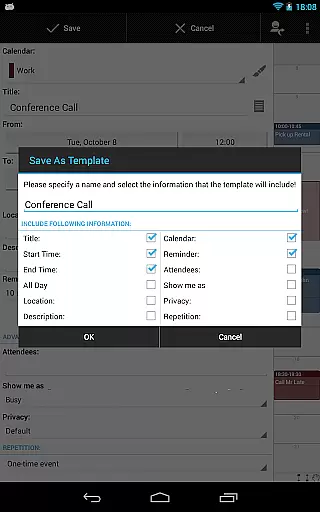
With features like customizable templates, users can design their own frameworks for new events, ensuring consistency and saving time. The ability to manage contacts by linking them to events adds another layer of utility, making sure that all relevant information is readily accessible.
The app also supports multi-selection actions, allowing users to delete, move, or copy multiple events simultaneously. This feature streamlines the process of managing busy schedules and ensures that users can make bulk changes effortlessly.
In addition, the drag & drop functionality in the multi-day view makes it easy to reschedule events, enhancing the overall user experience by simplifying complex operations into intuitive actions.
Cross-device synchronization is vital for users who rely on accessing their data from multiple devices. Business Calendar Pro offers reliable synchronization options that ensure your calendar data remains consistent across all platforms.
By syncing events with services like Google Calendar, Microsoft Outlook, and Exchange using Android's native calendar synchronization, the app guarantees that updates are reflected everywhere in real-time. This seamless integration allows users to maintain an up-to-date schedule regardless of where they make changes.
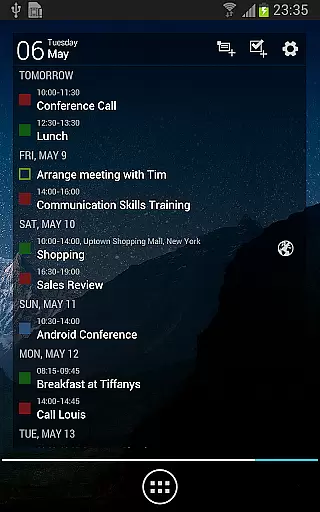
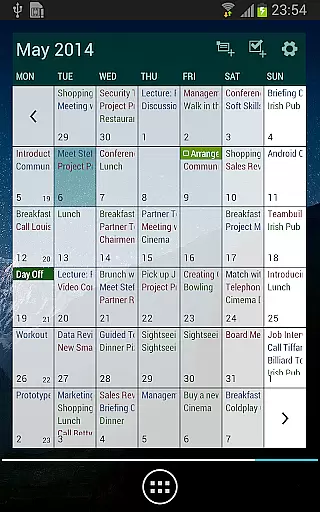
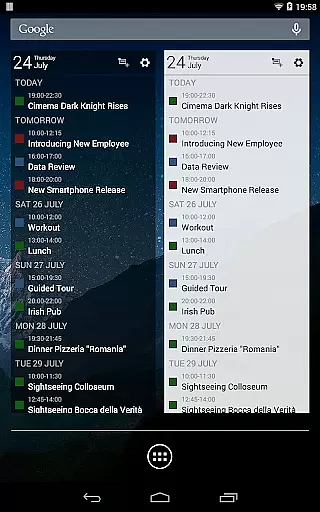
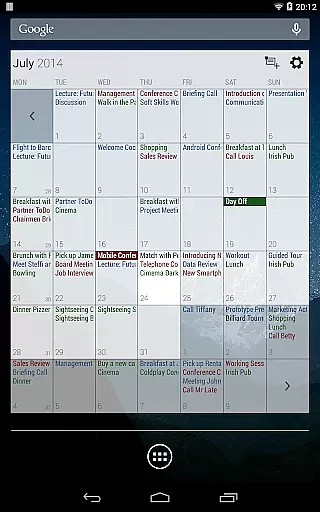
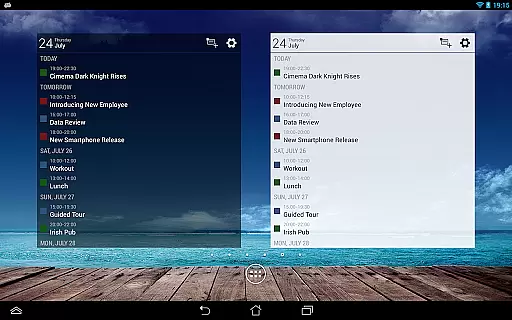
Furthermore, the app includes professional widgets for month, week, agenda, and day views which can be individually set up with specific colors, font sizes, and calendars. These widgets not only enhance usability but also provide quick access to essential views without needing to open the full application.
For those who need to back up or transfer their data, Business Calendar Pro enables importing and exporting calendars in .ics format, offering flexibility and peace of mind when transitioning between devices or backing up important information.
User-friendly interface
Extensive customization options
Seamless calendar integration
Advanced task management
Professional widgets
Paid version only
Complex for beginners
Limited free trial
No built-in email client
Occasional sync issues

Seamlessly integrate data and reports to build your presentation to impress
 4.80
4.80
Android Wallet Password Manager
4.80
Mind Map and brainstorm, note taking and idea collection
4.80
Todo reminder
4.10
Cloud storage, automatic phone backup, and more.
4.10
The AI assistant that thinks with you - write, code, and solve complex tasks
4.60
Create and edit presentations with Google Slides, part of Google Workspace.
4.00
Experience and share your SolidWorks designs on your Android® phone and tablet.
2.50
Browse and view your photos and videos from the phone with photo & video hide.
4.10
QuickBooks Workforce lets teams view pay info and track time in one place.
4.70
Quickly and easily keep track of your work shifts
4.70
Client for Nextcloud Deck
4.60
To do list widget with a notebook organizer, checklist, simple shopping list
4.60
Subscribe to Webcal & .ics calendars and keep them up-to-date!
4.50
Experience Reading - Night Mode for Documents
4.40
Make apps & sites with natural language prompts
4.10
Unlock AutoNotification
4.00
Take control of your clipboard with Clipper!
3.90
Create study competitions, track your hours, and stay consistent with friends
4.2


User Reviews