
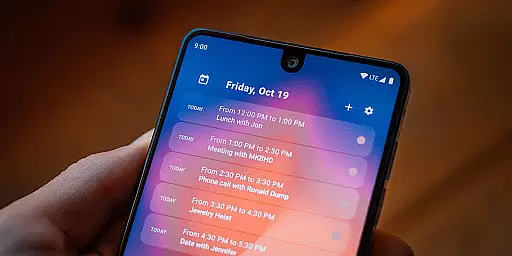
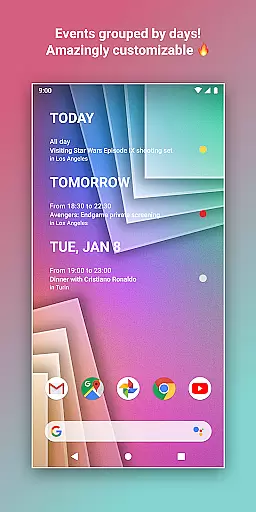
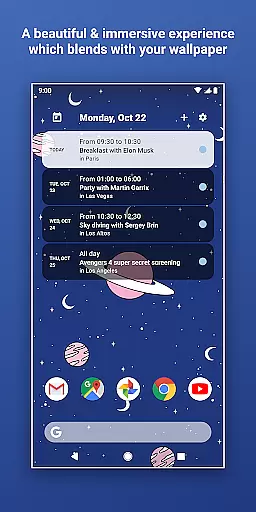
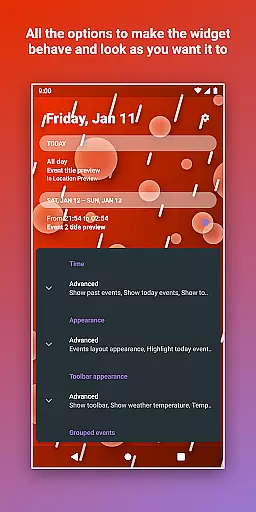
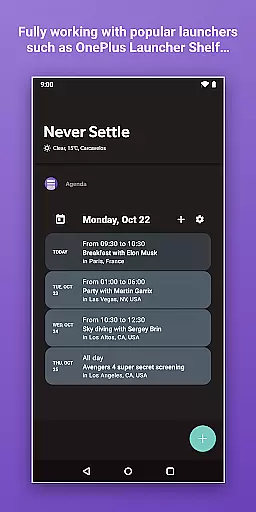
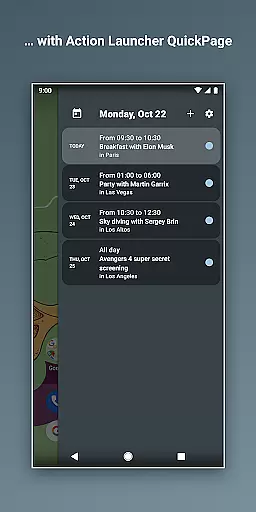
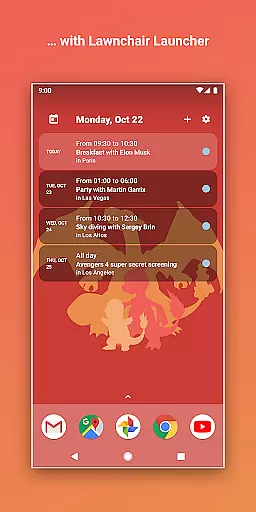
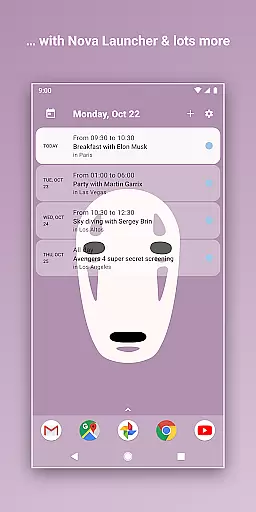
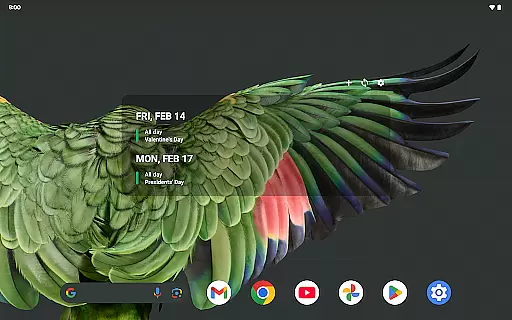
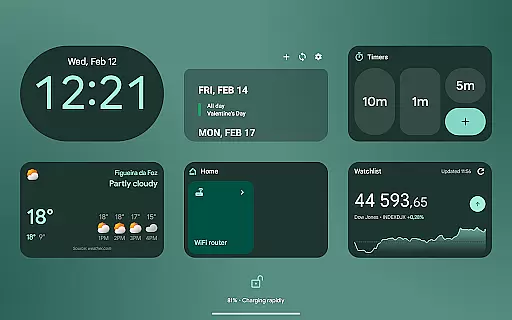
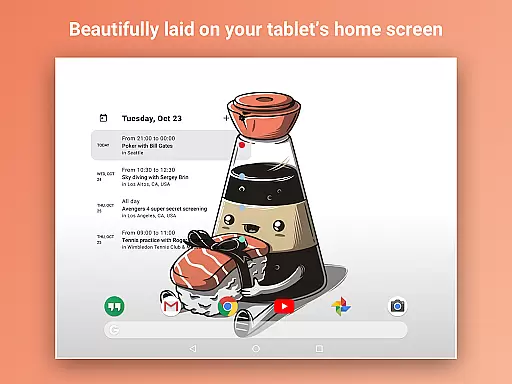
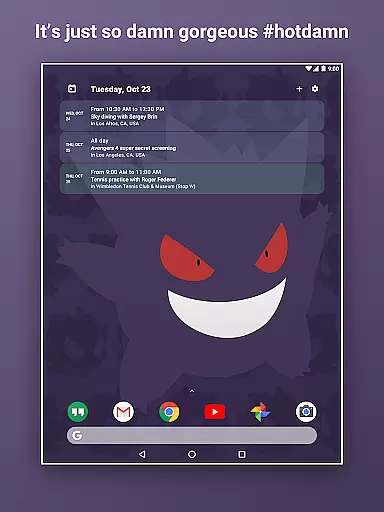
Home Agenda is a highly customizable calendar widget and planner designed to streamline your daily schedule management. This productivity tool allows users to sync events from multiple sources, including Google Calendar and Outlook, ensuring all important appointments are centralized in one accessible location.
The app stands out with its instant synchronization capabilities and personalized design options. Users can create custom themes and adjust widget sizes to match their preferences. Its modern interface transforms any Android home screen into an efficient planning hub while maintaining optimal performance with minimal battery impact.
Whether you need to quickly view your agenda or make on-the-spot edits, Home Agenda provides seamless functionality. The app's local processing ensures complete data privacy, making it an ideal solution for professionals who value both aesthetics and security in their scheduling tools.
One of the most notable features of Home Agenda is its extensive customization options. Users can personalize every aspect of their calendar widget, from color schemes to layout dimensions, creating a truly unique planning experience that matches their workflow.
The application supports real-time event synchronization across multiple calendar platforms. This ensures that whether you're using Google Calendar for personal events or Outlook for professional meetings, all information is instantly updated and readily available on your home screen.
Productivity enthusiasts will appreciate the app's streamlined event management system. With intuitive controls for adding, editing, and deleting appointments, plus instant notifications for upcoming events, Home Agenda helps maintain perfect time management while protecting user privacy through its 100% local processing architecture.
Effective task management is essential for maintaining productivity and staying organized in today's fast-paced world. Home Agenda excels in this area by offering users a customizable calendar widget that syncs seamlessly with their events from Google Calendar, Outlook, and more.
The app allows you to quickly view, add, and edit events, ensuring that your daily planning is both efficient and effortless. With instant synchronization, any changes made are reflected immediately across all devices, keeping you updated in real time.
Moreover, the clean and modern interface transforms your home screen into a dynamic planning hub. This not only boosts productivity but also ensures that you stay on schedule without missing out on important tasks or appointments.
By providing a hassle-free integration with your favorite calendars and supporting real-time notifications, Home Agenda ensures that you never miss an event. The ability to customize themes and widget sizes further enhances user experience, making it a versatile tool for managing your day effectively.
In our interconnected world, reliable cross-device synchronization is crucial for maintaining consistency and accessibility of your data. Home Agenda addresses this need by ensuring optimized performance and low battery impact for daily use.
The app provides instant sync capabilities with popular calendar services like Google Calendar and Outlook. This means that whether you're at home, in the office, or on the go, your events are always up-to-date across all your devices.
One of the standout features of Home Agenda is its commitment to privacy and local data management. Unlike many other calendar apps, it does not track your data or show ads, giving you full control over your personal information.
With real-time notifications and a customizable interface, Home Agenda ensures that you stay informed and organized. By focusing on seamless integration and user-centric design, it offers a reliable solution for managing your schedule efficiently, no matter where you are.
User-friendly interface
Extensive customization
Real-time synchronization
Strong privacy protection
Minimal battery usage
Limited reminder support
No public API access
Premium features locked
Occasional sync delays
Design learning curve

When you Focus, so will your Bean in this cozy focus timer
 4.30
4.30
Total remote control for your Android device, PC and cloud services (IFTTT)!
4.20
A lightweight JSON & XML files creator, editor and viewer (Premium Version)
4.40
The AI assistant that thinks with you - write, code, and solve complex tasks
4.60
Best Tool for the professionals Electrician, Electrical contractors, etc.
4.90
The ultimate file manager for rooted devices. The original and still the best.
4.00
Lightweight PDF, Word, Excel reader.
4.60
QuickEdit is a fast, stable and full featured text and code editor.
4.20
Note taking, handwriting, record audio, PDF annotation, planner & journal
4.20
Seamlessly integrate data and reports to build your presentation to impress
4.80
Protect and view your important info on your phone and tablet with eWallet®
4.80
Secure, fast, open-source, VNC and SSH Remote Desktop for Windows, Linux and Mac
4.70
Scan paperwork into PDF/JPG, generate your own e-signature and send fax or email
4.70
Professional calendar app for Google Calendar, MS Outlook & Exchange
4.20
Intelligent AI Assistant
4.10
* block pre-roll ads, pop-up and forced redirect ads * Samsung certification app
4.00
Experience and share your SolidWorks designs on your Android® phone and tablet.
2.50
Easiest event planning, volunteer signups & parent teacher conference scheduling
2.20
AI Video AI Image Private LLM AI Browser Llama Gemma Ollama Connect LLM Studio
4.2


User Reviews