
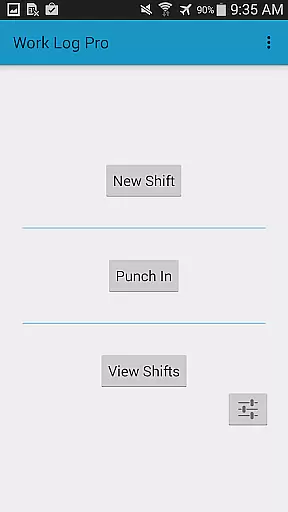
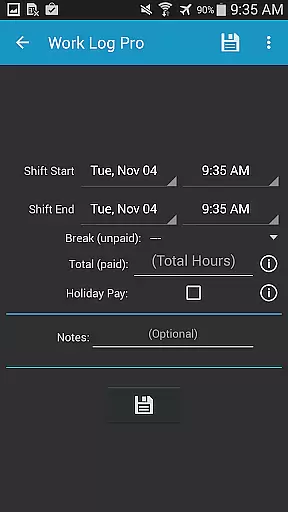
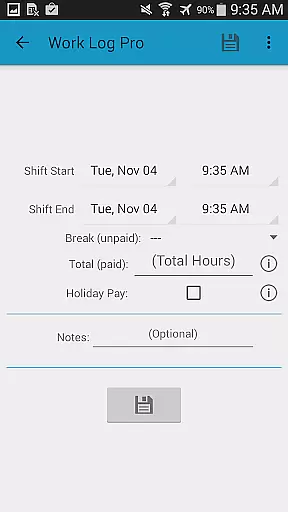
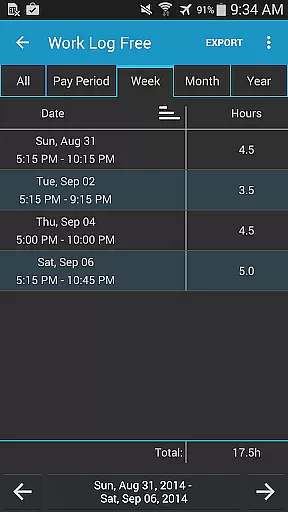
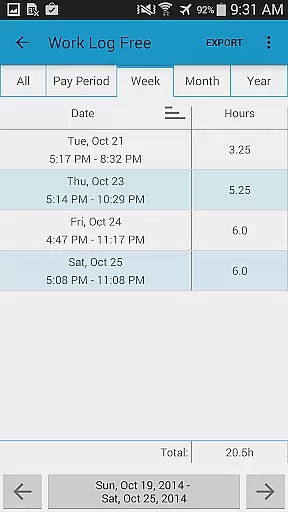
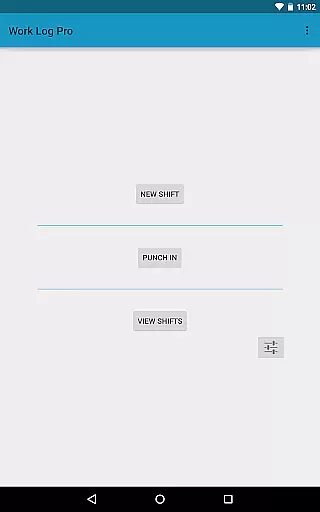
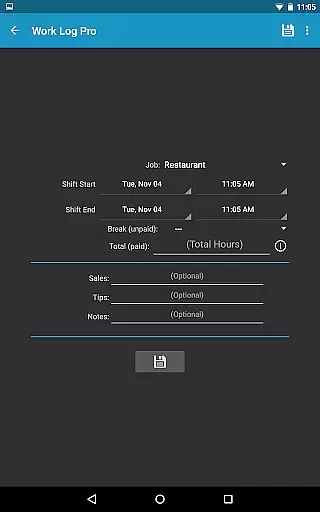
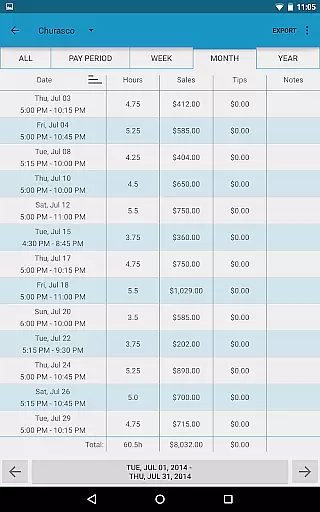
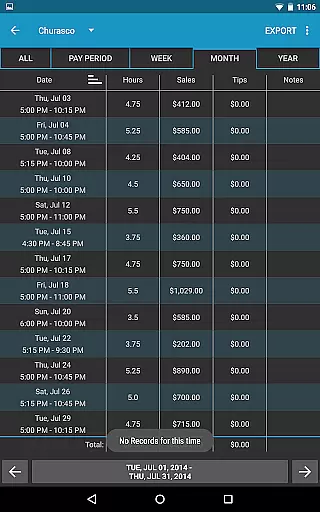
Work Log Pro is a comprehensive productivity tool designed for professionals who need to efficiently track their work hours and calculate earnings. The app offers advanced features such as exporting shifts in spreadsheet or PDF formats, importing and exporting backups, and supporting multiple jobs with customized settings. Its intuitive interface allows users to punch in and out quickly, manually enter shift hours, and view detailed statistics on hours worked and wages earned over various time periods.
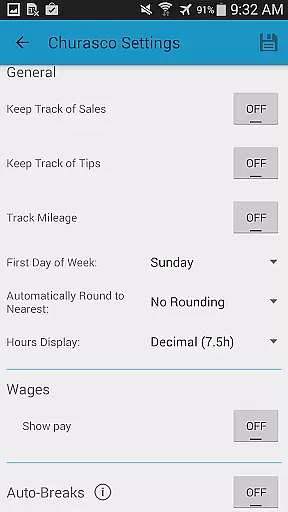
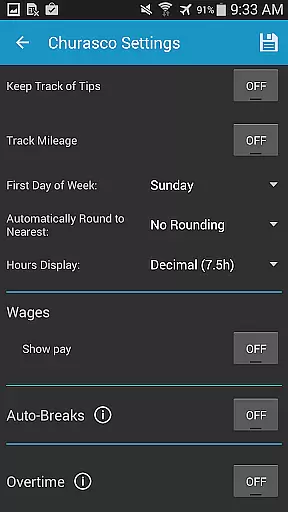
This application is particularly beneficial for individuals with variable schedules, multiple jobs, or those who need precise control over their time tracking. Work Log Pro provides extensive customization options including 24-hour formatting, overtime tracking, automatic break deductions, and customizable pay period settings. These features ensure accurate wage calculations while saving valuable time.
By using Work Log Pro, users can maintain meticulous records of their work history, which is crucial for financial planning and tax purposes. The ability to backup data and transfer it between devices adds an extra layer of security and convenience, making this app an indispensable tool for anyone serious about managing their professional life effectively.
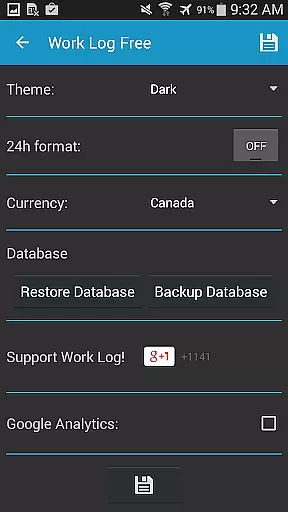
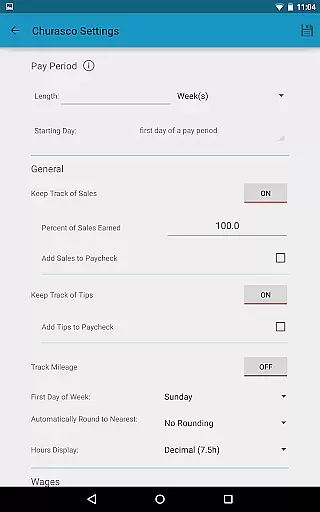
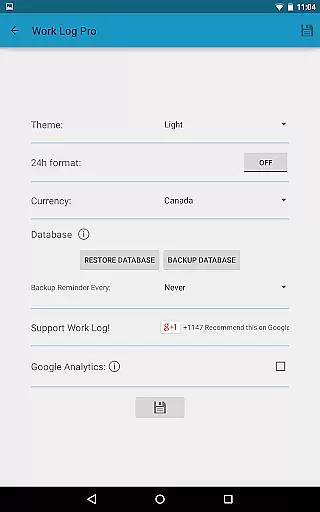
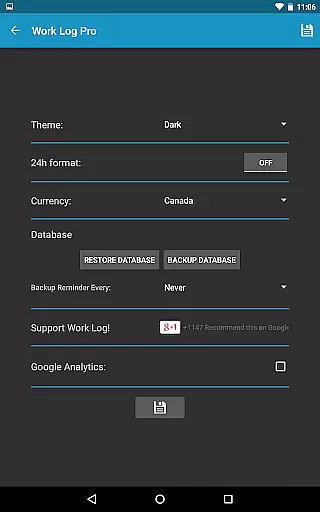
Work Log Pro stands out with its rich feature set tailored to meet the needs of diverse professionals. One of its key strengths is the ability to customize nearly every aspect of the time tracking process. Users can choose between light and dark themes, display times in 24-hour format, and select from over 100 currency symbols. This level of personalization ensures that the app fits seamlessly into any workflow.
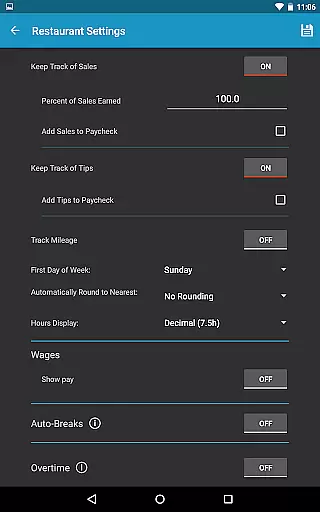
The app also excels in automation capabilities. It can automatically deduct breaks based on predefined rules, calculate wages with deductions and bonuses, and even track sales or tips. These automated processes not only save time but also reduce errors associated with manual entry. Additionally, the widget functionality allows for quick punching in and out, providing a convenient way to manage shifts on the go.
Another significant advantage of Work Log Pro is its robust reporting and export options. Users can generate detailed reports in CSV format, covering specific time frames like weeks, months, or custom pay periods. This feature is invaluable for maintaining accurate records and facilitating easy integration with other financial systems. Overall, these features make Work Log Pro a powerful ally in optimizing productivity and ensuring precise time management.
Work Log Pro excels in core task management by offering a comprehensive suite of features designed to streamline the tracking and calculation of work hours. The app allows users to punch in and out or manually enter shift hours, ensuring flexibility and ease of use.
With options for automatic break deductions and customizable pay period settings, it simplifies the payroll process. Users can easily update, delete, or add past shifts, making it an indispensable tool for managing multiple jobs with varying requirements.
The ability to track overtime hours and wages for up to two overtimes adds another layer of functionality, catering to diverse employment scenarios. This ensures that users have an accurate record of their work hours and earnings, which is crucial for financial planning and tax purposes.
Overall, Work Log Pro's robust task management capabilities empower users to maintain precise control over their work schedules, enhancing productivity and ensuring they are compensated fairly for their time.
Cross-device synchronization is a standout feature of Work Log Pro, enabling users to maintain consistency across multiple devices. By utilizing backup and restore functionalities, all shift data can be securely saved and transferred, ensuring no information is lost when transitioning between devices.
The app supports exporting shifts as spreadsheets or PDFs, facilitating easy sharing and archival. This is particularly useful for users who need to provide detailed work logs to employers or accountants, enhancing transparency and accountability.
Moreover, the Backup Database option allows users to email backups directly to themselves, streamlining the process of importing shifts onto new devices. This reliable synchronization ensures that users always have access to their most up-to-date work records, regardless of the device they are using.
By prioritizing cross-device synchronization, Work Log Pro ensures that users can seamlessly manage their work logs from anywhere, at any time, without compromising on data integrity or accessibility.
Comprehensive time tracking
Highly customizable settings
Automated wage calculations
Multiple job support
Data backup and transfer
Requires separate free version
No built-in cloud sync
Paid upgrade necessary
Complex for beginners
Limited visual analytics

Seamlessly integrate data and reports to build your presentation to impress
 4.80
4.80
Native client for Forgejo and Gitea
5.00
Send files, sync SMS, notifications & clipboard across devices via local network
4.40
Secure, fast, open-source, Remote Desktop Client for Windows and Linux with SSH
4.60
Activate Two Factor Authentication (2FA or Multi OTP), Password manager and more
4.10
Multilingual translator for text, voice, and image translation!
4.90
Lightweight PDF, Word, Excel reader.
4.60
Daily processing of PDF documents.
4.40
QuickEdit is a fast, stable and full featured text and code editor.
4.20
Protect and view your important info on your phone and tablet with eWallet®
4.80
We're working to become the best machining app on the market! www.cncdirt.com
4.80
Simple notepad & memo. Take notes, to-do list, shopping list with reminders.
4.80
Direct Chat without saving contacts & Dual WA Account on Single Device
4.70
App lock - lock apps with fingerprint, password, pin or pattern, protect privacy
4.70
Okta MFA
4.70
The Pro Version of Android's tiniest Notepad app. Just 0.3MB but feature-packed!
4.60
To do list widget with a notebook organizer, checklist, simple shopping list
4.60
Take control of your clipboard with Clipper!
3.90
⏰ Finally a timer app which can run multiple timers simultaneously on your watch
3.90


User Reviews