
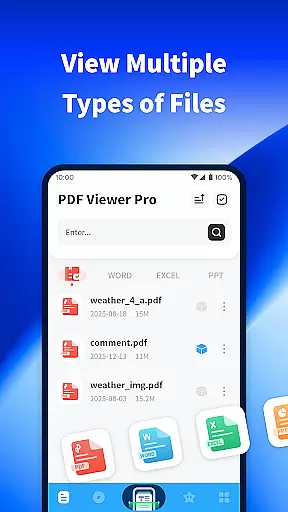
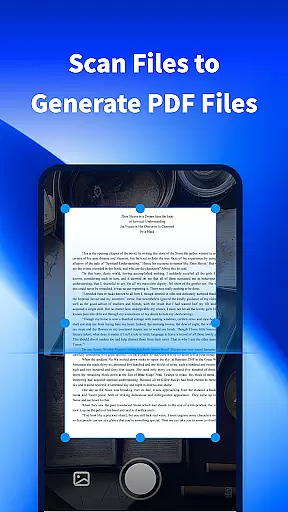
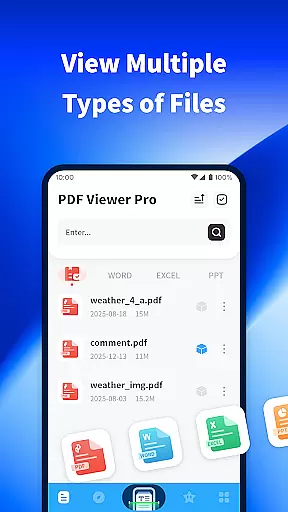
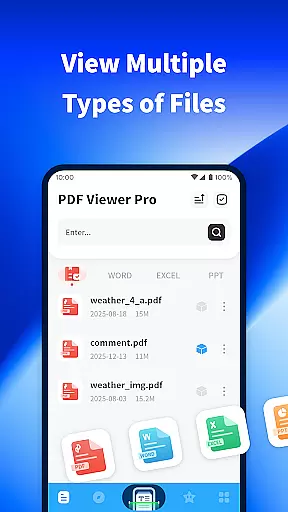
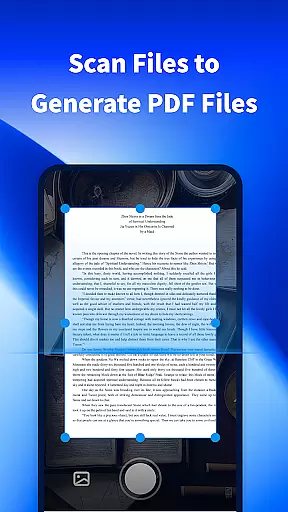
PDF Viewer Pro is a versatile productivity application designed to enhance document management and reading experiences. This app allows users to open files in various formats, making it an essential tool for both study and daily use. Its standout feature is the ability to scan physical documents and convert them into PDF format, streamlining digital document creation.
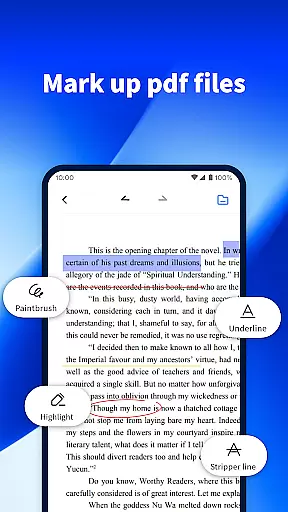
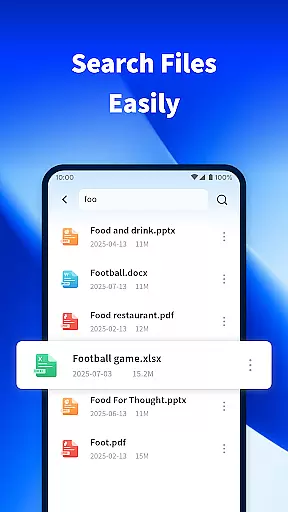
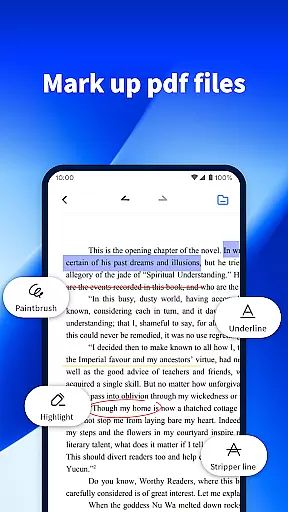
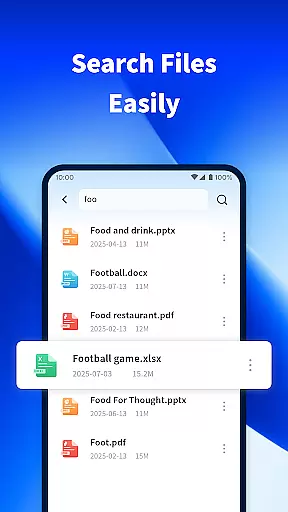
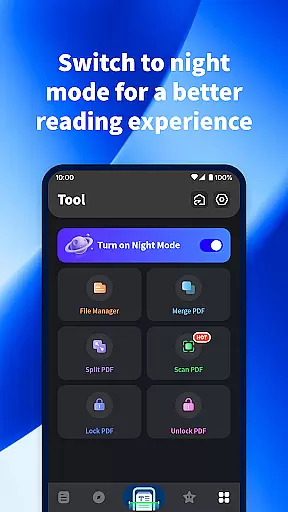
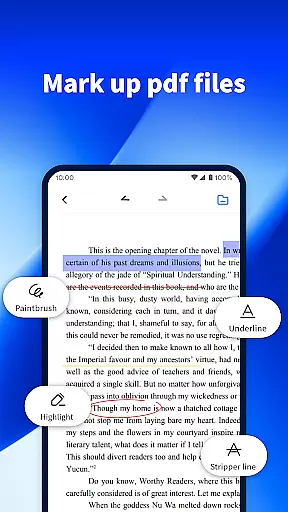
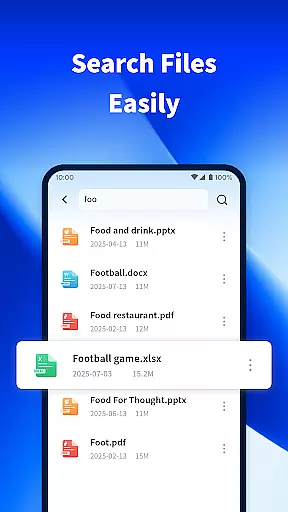
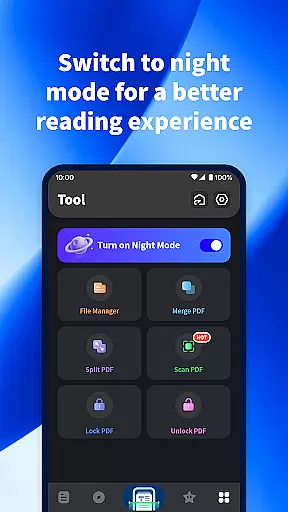
In addition to its scanning capabilities, PDF Viewer Pro offers advanced annotation tools for marking PDF documents. The app also includes a powerful search function that helps users quickly locate specific files on their devices. With a night mode feature designed for comfortable reading in low-light conditions, this app ensures an optimal reading experience at any time of day.
Whether you're a student managing research papers or a professional handling business documents, PDF Viewer Pro provides practical solutions that cater to diverse needs. By combining essential document management features with user-friendly design, this app significantly improves productivity and efficiency.
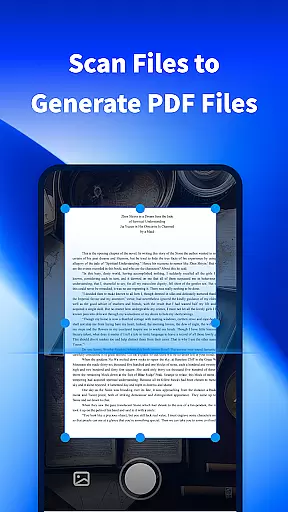
PDF Viewer Pro stands out with its comprehensive set of features tailored for document management. The app's scanning functionality enables users to capture physical documents and convert them into digital PDFs through simple photo-taking. This feature proves particularly useful for creating digital copies of receipts, notes, or official documents.
The application excels in PDF manipulation, offering robust tools for annotating and marking documents. Users can highlight text, add comments, and draw shapes directly on PDF pages. Furthermore, the built-in file search system allows for quick retrieval of documents across different folders on the device. The intelligent indexing system ensures that even large collections of files remain easily accessible.
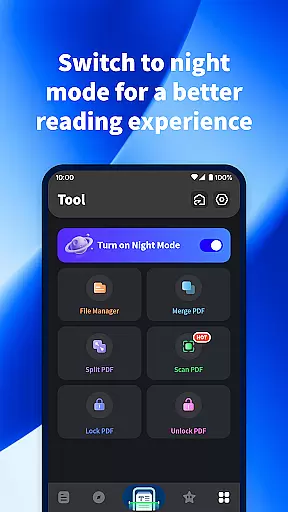
One of the most appreciated features is the customizable night mode, which adjusts screen brightness and contrast for comfortable reading during nighttime hours. The app also supports multiple viewing modes and zoom levels, providing flexibility in document navigation. These features collectively create a seamless experience for managing and reading digital documents.
PDF Viewer Pro excels in core task management by offering a comprehensive suite of tools designed to handle PDF documents efficiently. This includes the ability to scan files and generate PDFs, mark documents with ease, and switch to night mode for enhanced reading comfort.
The app's functionality extends to organizing your digital workspace. With features like easy file search, users can quickly locate the files they need, streamlining their workflow and boosting productivity. The scanning feature is particularly useful, allowing users to take photos and convert them into PDF documents seamlessly.
For students and professionals alike, these capabilities ensure that managing academic papers or business documents is hassle-free. The app's intuitive design means that even those new to PDF management can navigate its features with ease, making it an essential tool for anyone looking to enhance their document handling skills.
Cross-device synchronization is a standout feature of PDF Viewer Pro, ensuring that your documents are reliably synced across all your devices. Whether you're switching from your phone to a tablet or a computer, the transition is smooth, with all your files updated in real time.
This reliability is crucial for users who require constant access to their documents on the go. The app's ability to maintain consistency across devices means that you can start editing a document on one device and continue on another without missing a beat. This seamless integration enhances the user experience, providing peace of mind that your data is always up-to-date and accessible.
Moreover, the app supports various file formats, which adds to its versatility. Regardless of the device you're using, PDF Viewer Pro ensures that your files are not only synchronized but also compatible, thus preserving the integrity of your documents and maintaining a high level of productivity.
User-friendly interface
Powerful document scanning
Advanced PDF annotation
Efficient file search
Comfortable night mode
Limited free features
Occasional performance lag
No cloud integration
Basic collaboration tools
Ads in free version

Auto-shutoff Alarm with Sunrise, Sunset & Fixed Options.
 3.50
3.50
A simple, portable logger for POTA, SOTA, Field Day, and more
4.0
Absolutely the best CNC machinist speed and feed calculator around. fswizard.com
4.60
Multilingual translator for text, voice, and image translation!
4.90
Subscribe to Webcal & .ics calendars and keep them up-to-date!
4.50
Great calculator for Android named one of USA TODAY's "25 Essential Apps".
4.90
Scientific calculator for Android - looks and operates like the real thing!
4.90
Share files & memories safely. Keep your photos and videos secure.
4.40
Intelligent AI Assistant
4.10
Best Tool for the professionals Electrician, Electrical contractors, etc.
4.90
Seamlessly integrate data and reports to build your presentation to impress
4.80
Android Wallet Password Manager
4.80
Mind Map and brainstorm, note taking and idea collection
4.80
Scan paperwork into PDF/JPG, generate your own e-signature and send fax or email
4.70
PDF scanner & converter for files, photos, lottery, QR codes. One swipe away!
4.50
A Pixel Art watchface inspired by other iconic 90s designs for Wear OS devices!
4.40
Cloud storage, automatic phone backup, and more.
4.10
Smart PDF reader & editor to view, organize and manage PDF documents easily.
3.70
ID.me Authenticator is a simple and free Two Factor Authentication solution
3.50


User Reviews