
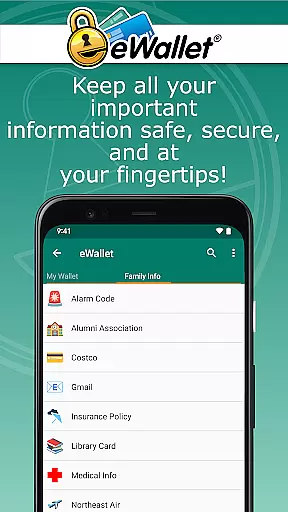
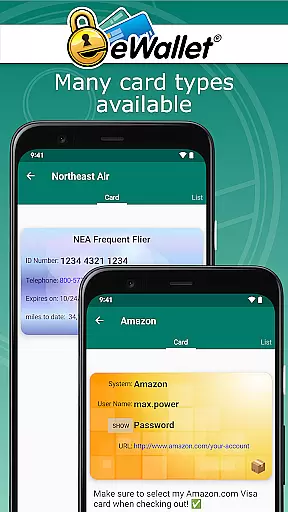
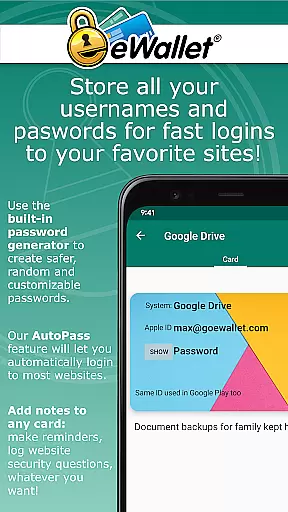
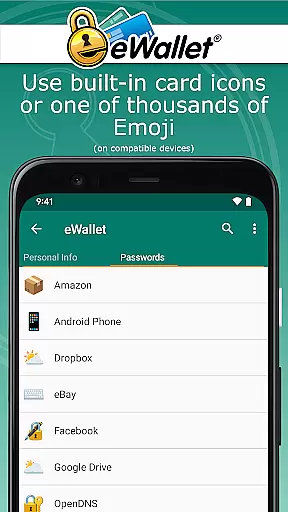
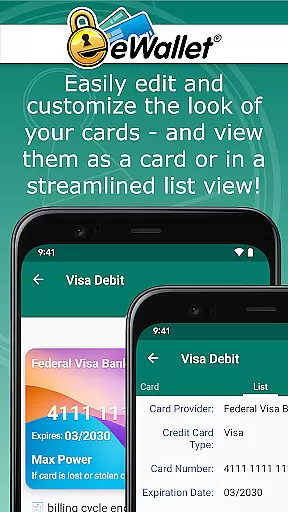
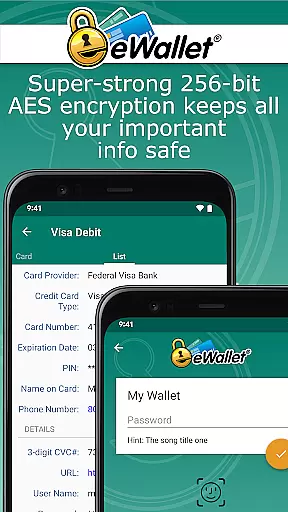
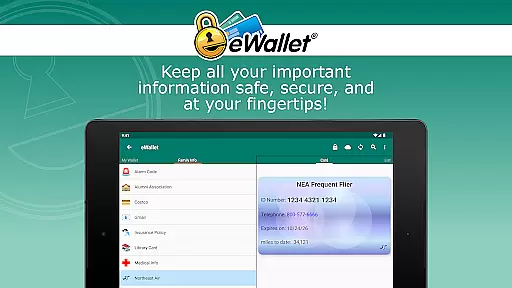
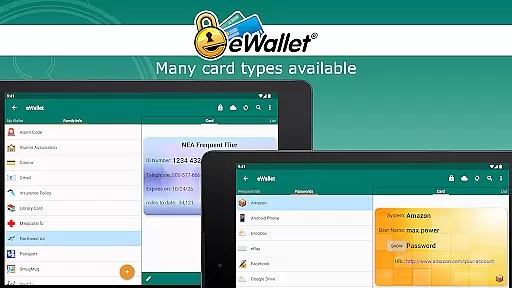
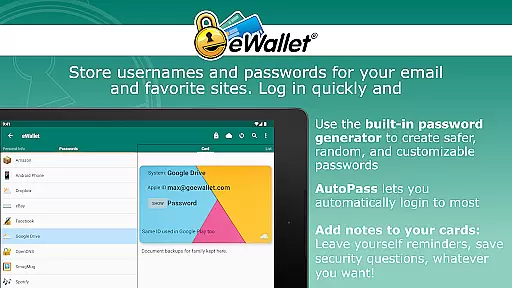
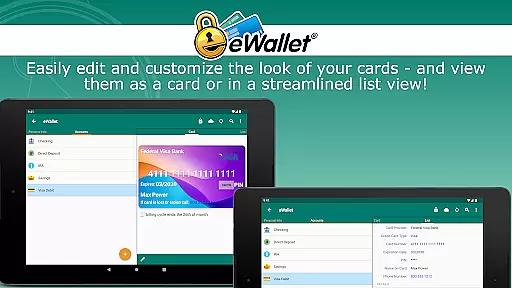
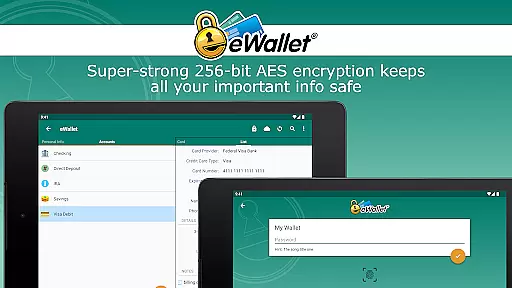
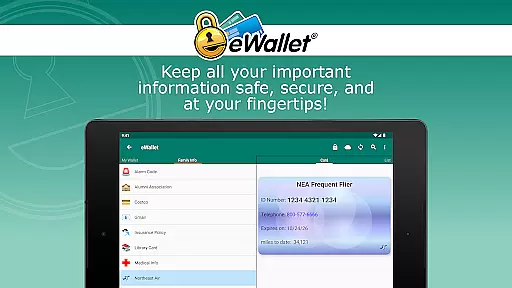
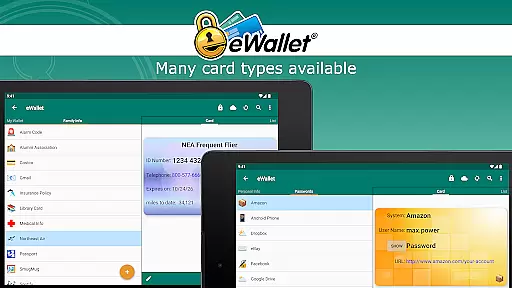
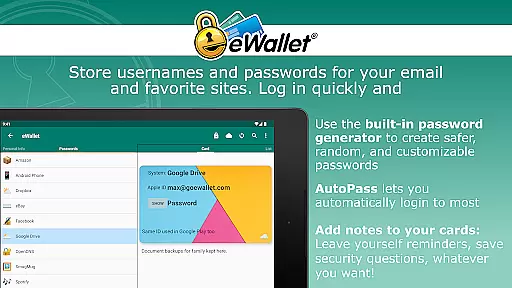
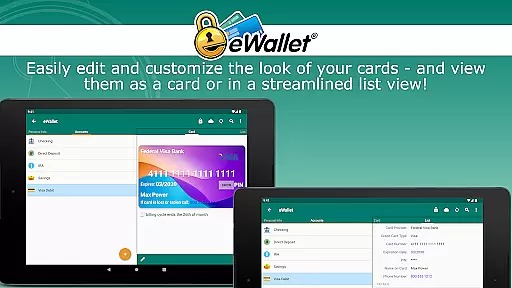
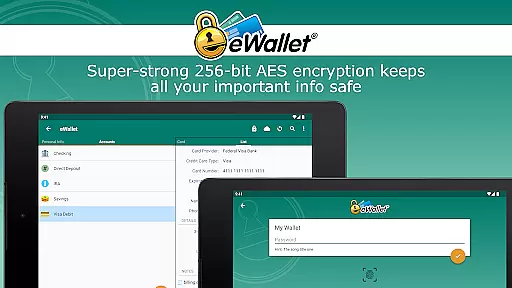
eWallet is a premier productivity app designed to securely manage your digital life. This robust password manager allows users to store sensitive information such as passwords, credit card details, and bank account numbers behind military-grade 256-bit AES encryption. With its updated biometric features, you can conveniently unlock your wallet using fingerprint, facial recognition, or iris scan based on your device's capabilities.
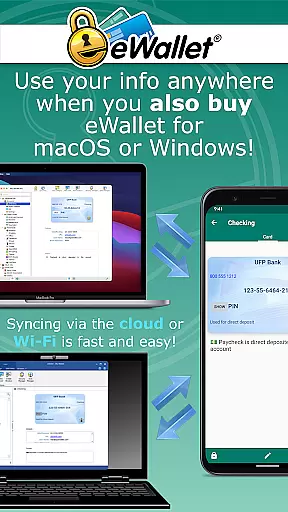
The app offers seamless synchronization options, enabling cloud or local Wi-Fi sync between Android devices and desktop computers. Whether you're at home or on the go, eWallet ensures that your data remains accessible yet completely secure. Its user-friendly interface and customizable features make it an essential tool for anyone looking to stay organized while maintaining top-notch security.
eWallet stands out with its comprehensive feature set tailored for optimal security and convenience. The app supports biometric authentication methods like fingerprint and facial recognition, ensuring quick yet secure access. It includes a random password generator to create strong, unique passwords for all your accounts, significantly enhancing your online safety.
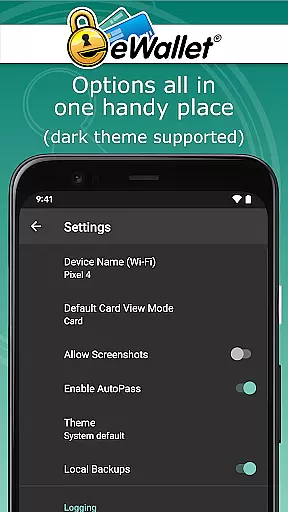
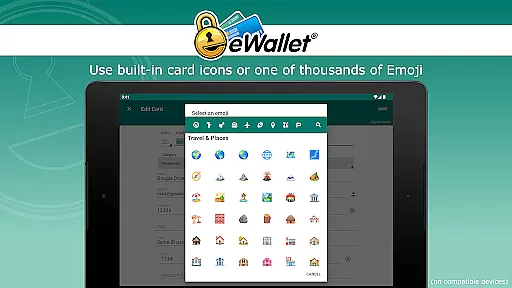
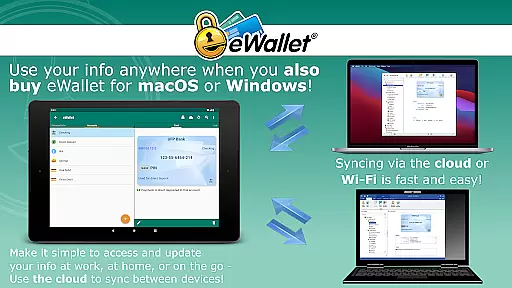
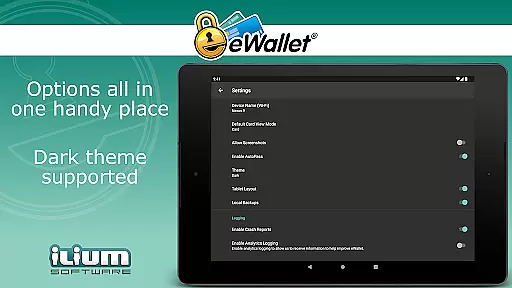
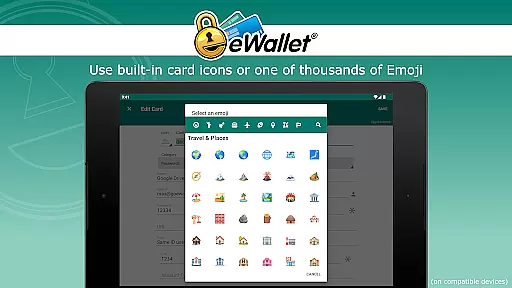
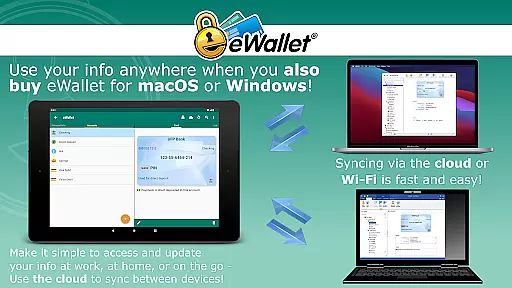
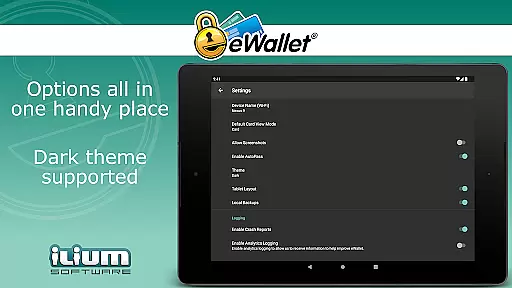
One of eWallet's key strengths is its synchronization capability. Users can sync their data seamlessly over popular cloud services like Dropbox, Google Drive, or Microsoft OneDrive. Alternatively, they can use Wi-Fi to sync with the macOS or Windows versions of eWallet. The app also features auto-locking functionality and allows creation of multiple wallets, each customizable with different themes, icons, and categories. These powerful tools ensure that managing your personal information has never been easier or more secure.
In the realm of productivity, core task management is pivotal for organizing and executing tasks efficiently. eWallet excels in this area by providing users with a comprehensive system to manage not just passwords but sensitive information like credit card details and bank account numbers.
The app employs military-grade 256-bit AES encryption, ensuring that your data remains secure while being easily accessible. This level of security empowers users to carry their digital lives in their pockets without compromising safety.
Furthermore, eWallet offers features such as random password generation and auto-locking, which contribute to a robust task management experience. These tools help users maintain strong, unique passwords for different accounts and ensure that their data is protected when they're not actively using the app.
By centralizing these critical aspects of digital management within an intuitive interface, eWallet enables users to stay organized and focused on their daily tasks without worrying about security breaches or lost information.
Cross-device synchronization is essential for maintaining consistency and reliability across multiple platforms. eWallet addresses this need by offering seamless sync options over cloud services like Dropbox, Google Drive, and Microsoft OneDrive, as well as via Wi-Fi with its macOS or Windows counterparts.
This synchronization feature ensures that any changes made on one device are immediately reflected on all others, providing a unified and up-to-date view of your data no matter where you access it from. Such reliability is crucial for users who rely on consistent information availability.
Moreover, eWallet's ability to create and sync multiple wallets between various devices adds another layer of flexibility. Users can organize different types of information into separate wallets and trust that they will be securely updated across their ecosystem.
With Ilium Software's extensive experience in mobile security, users can depend on eWallet's synchronization capabilities to keep their personal data secure and current, enhancing both productivity and peace of mind.
Top-notch security
User-friendly interface
Biometric login support
Cloud and Wi-Fi sync
Customizable wallets
No iOS compatibility
Separate desktop purchase
Limited free features
Requires Android 8+
Subscription fees apply

Wake up & get tasks done! Add alarms & reminders on the Clock Launcher.
 4.00
4.00
The upgraded version of Name Wheel with AI and the power to add your own wheels.
4.5
Remotely view listen control and record cameras.
3.70
CalenGoo is a very flexible and feature-rich calendar app
4.40
App Lock with fingerprint, password: Lock apps & hide photos with lock screens
4.60
Activate Two Factor Authentication (2FA or Multi OTP), Password manager and more
4.10
The AI assistant that thinks with you - write, code, and solve complex tasks
4.60
Intelligent AI Assistant
4.10
QuickEdit is a fast, stable and full featured text and code editor.
4.20
Use powerful, industry-leading AI tools to generate visual charts from any data
4.80
Seamlessly integrate data and reports to build your presentation to impress
4.80
Simple notepad & memo. Take notes, to-do list, shopping list with reminders.
4.80
Client for Nextcloud Deck
4.60
Absolutely the best CNC machinist speed and feed calculator around. fswizard.com
4.60
Functional QR scanner and barcode reader that requires little storage space.
4.60
A simple Whisper AI keyboard for reliable speech transcription and rewording
4.60
Share files & memories safely. Keep your photos and videos secure.
4.40
Cloud storage, automatic phone backup, and more.
4.10
Create study competitions, track your hours, and stay consistent with friends
4.1


User Reviews