

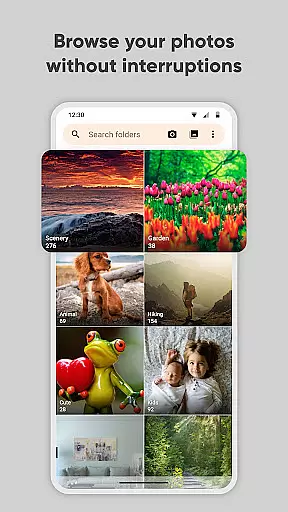
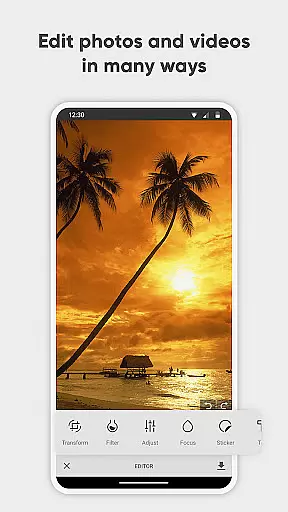
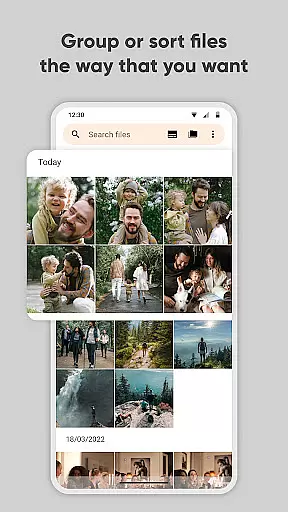
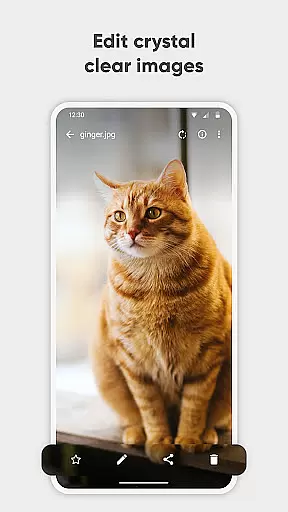
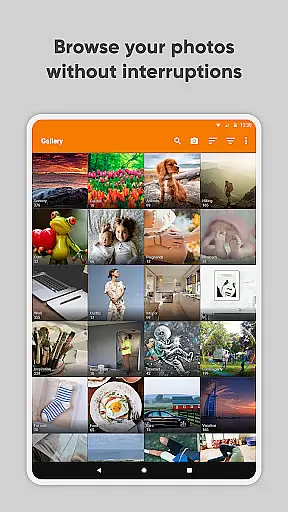
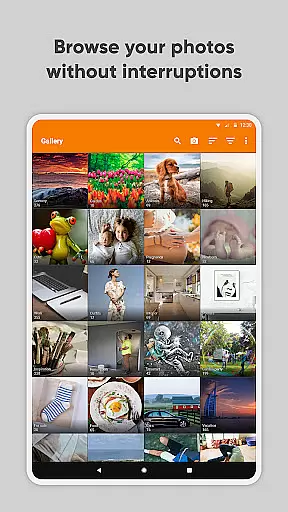
Simple Gallery Pro is a comprehensive photography app designed to enhance the way you manage and edit your media files on Android. This app combines an intuitive interface with powerful features, allowing users to browse, organize, and edit photos and videos efficiently. With support for a wide range of file formats including JPEG, PNG, MP4, and RAW, it ensures compatibility and flexibility for various user needs.
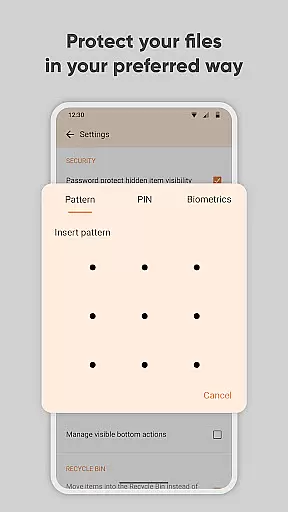
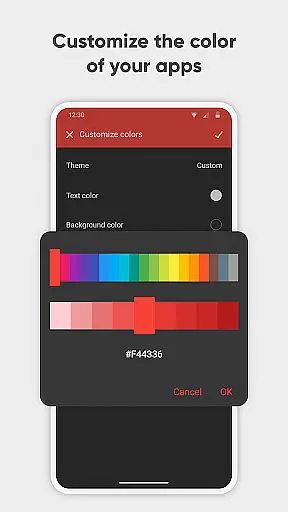
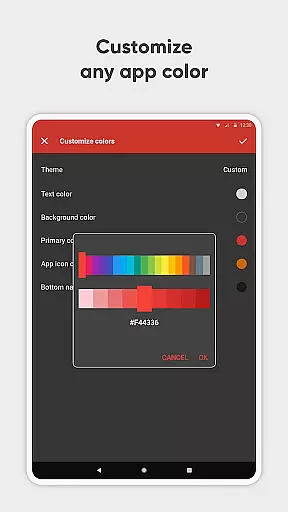
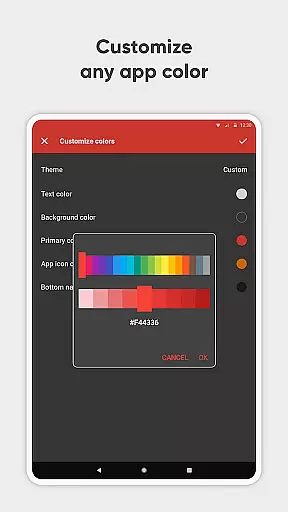
One of the standout features of Simple Gallery Pro is its advanced photo editing capabilities. Users can easily crop, rotate, flip, and resize images, as well as apply filters to enhance their photos. Additionally, the app offers recovery options for accidentally deleted files and the ability to create hidden galleries, ensuring that your most valuable memories are kept secure. Its customizable design and security features, such as PIN and fingerprint protection, further enhance the user experience by providing both personalization and privacy.
Simple Gallery Pro stands out with its extensive feature set tailored for photography enthusiasts. The app supports a multitude of file types, making it versatile for different kinds of media. Its advanced photo editor allows users to perform various editing tasks with ease, thanks to intuitive gestures and tools that simplify the process of enhancing images.
Beyond editing, Simple Gallery Pro offers practical solutions for file management and security. It includes a feature to recover deleted photos and videos, giving users peace of mind against accidental loss. The ability to create hidden galleries adds a layer of privacy, while customizable security settings, such as PIN and pattern locks, ensure that sensitive content remains protected. Furthermore, the app's open-source nature and lack of ads or unnecessary permissions make it a trustworthy choice for users seeking a seamless and secure gallery experience.
Real-time capture and preview functionality is essential for ensuring that users can accurately frame and capture their desired images without delay. Simple Gallery Pro offers a seamless experience by providing instant feedback on the screen, allowing users to see exactly what they are capturing as they adjust settings or compose their shots.
The app supports various file formats including JPEG, PNG, and even RAW files, giving photographers the flexibility to shoot in their preferred format while seeing real-time previews. This feature is particularly beneficial for professional photographers who require precise control over their image quality and composition.
By offering real-time previews, Simple Gallery Pro ensures that users can make immediate adjustments to their photos, such as exposure or focus, before taking the shot. This saves time and enhances the overall photography experience by reducing the need for post-processing corrections.
Ultimately, the real-time capture and preview feature empowers users to take better photos with confidence, knowing that what they see on the screen is what they will get in their final image. This capability significantly improves user satisfaction and engagement with the app.
AI beauty and enhancement features have become increasingly popular in photography apps, aiming to improve the aesthetic appeal of images while maintaining a natural look. Simple Gallery Pro incorporates advanced AI algorithms that intelligently enhance facial features, skin tones, and overall image quality without making the results appear overly processed or artificial.
The app's AI-driven enhancements work across various file types, including photos and videos, ensuring consistent quality regardless of the media format. Users can apply these enhancements to both new captures and existing files within their gallery, providing versatile editing options that cater to different needs and preferences.
One of the standout aspects of Simple Gallery Pro's AI enhancements is its ability to preserve the authenticity of the original image. By carefully balancing enhancement levels, the app avoids common pitfalls such as unnatural skin smoothing or exaggerated features, which can detract from the photo's genuine appearance.
With its focus on natural-looking enhancements, Simple Gallery Pro delivers a superior user experience that meets the demands of modern photographers seeking polished yet authentic results. This approach not only boosts user confidence in the app but also encourages more frequent use and sharing of enhanced images.
User-friendly interface
Extensive file support
Advanced editing tools
Secure file recovery
Customizable security
Limited social integration
No cloud backup
Premium only
Fewer filters
Android exclusive

Search, tag and rate your way to an organized image gallery
 4.40
4.40
Easily stitch panoramas from multiple photos or video.
4.40
An interval timer to automate photo taking process for timelapse
2.90
Create collages easily! Nice pic collage maker & background eraser for Instagram
4.50
Photo Exif Editor allows to view, add and modify EXIF data of multiple photos
4.50
Amazing Photo Effects - The most fun you can have with your photos!
4.70
Professional quality photo edits with the new Snapseed.
4.00
Astrophotography with your smartphone, photo live stacking and much more!
3.90
Your personal guide to the sun and moon. Plan ahead, visualize and predict!
4.70
Find time and duration of different sunlight phases at any location
4.90
Viewfinder, Light meter, Reciprocity failure time, DOF & Bellows Extension
4.60
A must-have app for landscape photographers
4.60
Add Watermark - Sign your pictures with a text or logo. Effective, quick, easy!
4.50
Fit multiple photos on one post. Create carousels & scroll layouts for Instagram
4.50
Effortlessly organize, view and share your photos & videos with Gallery app!
4.40
A reflected light meter with spot metering and incident light metering.
4.40
Turn your phone into a professional camera - full DSLR manual photography
4.30
Superimpose one photo on top of another using the original Superimpose app!
3.20
HD Photo gallery and photo manager to edit, hide private photos, videos & albums
4.1


User Reviews