
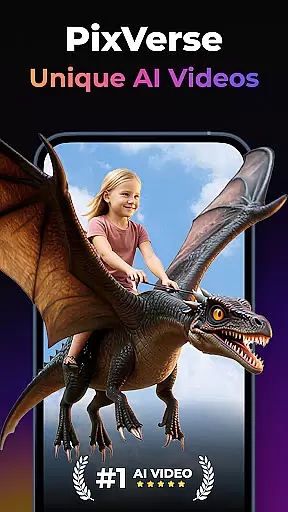

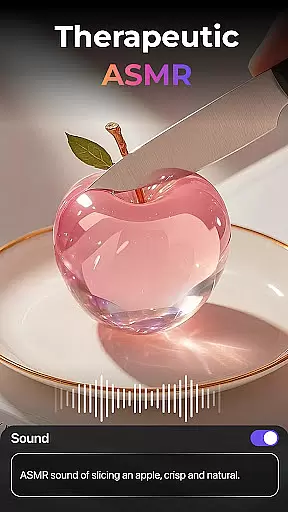
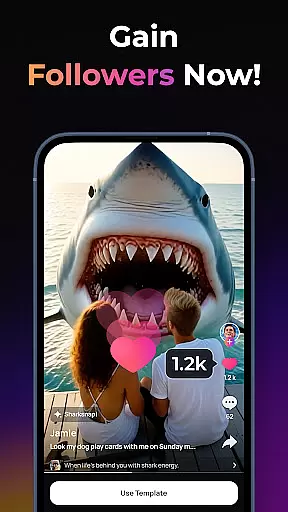
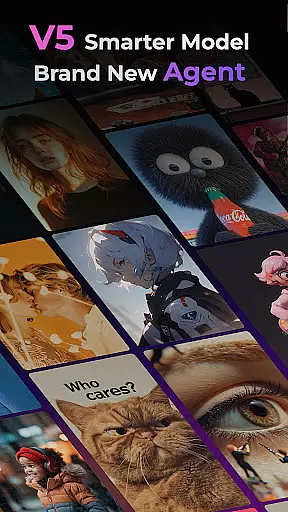
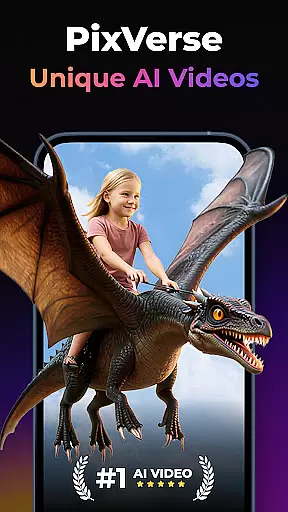
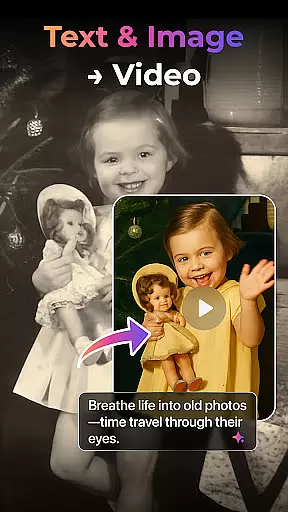

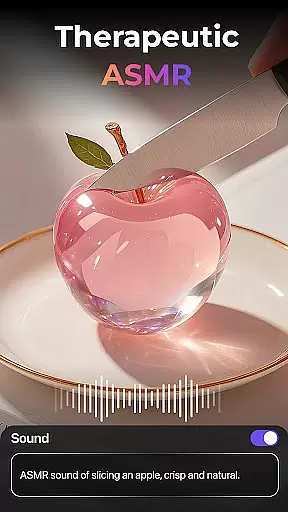
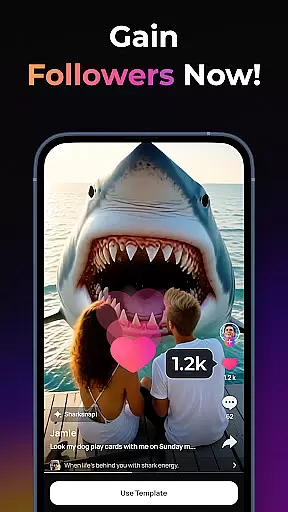
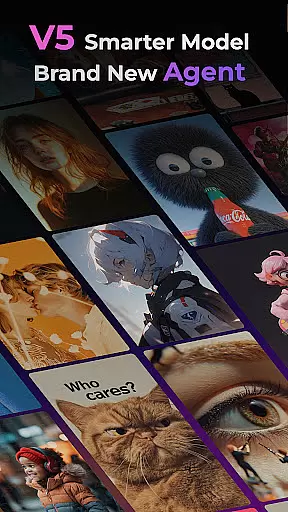
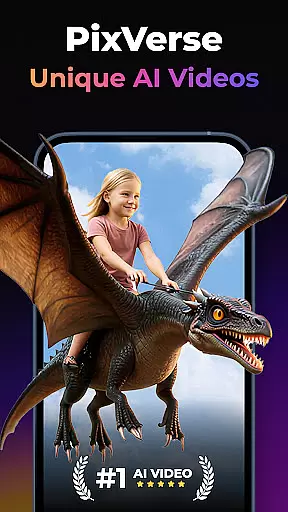

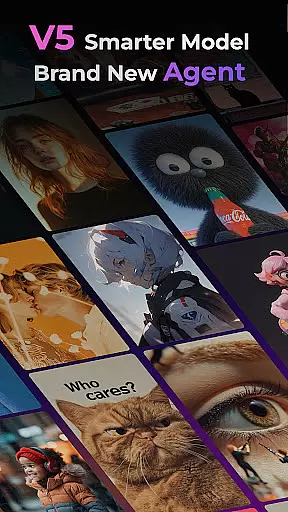
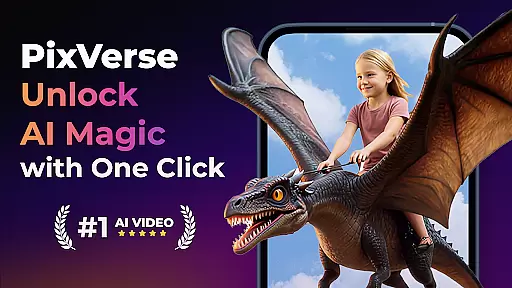

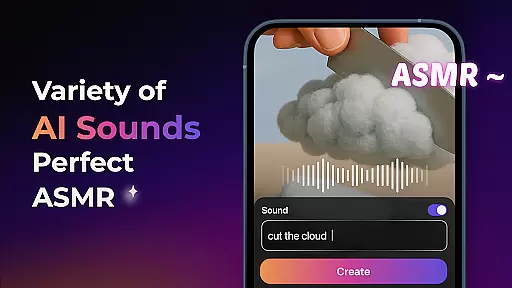
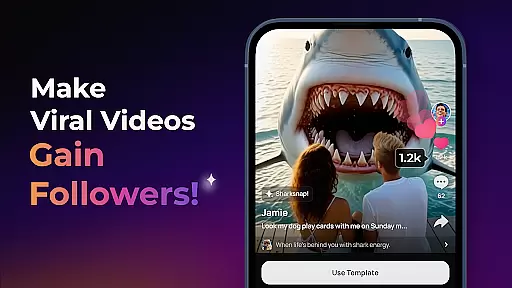
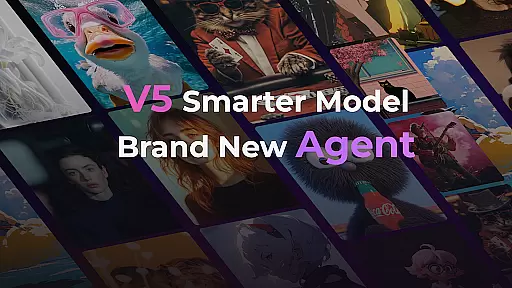
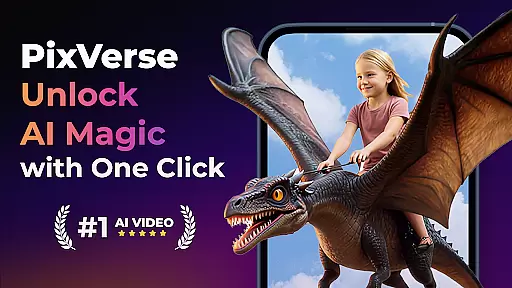
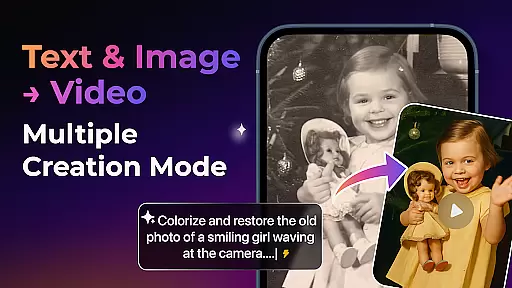

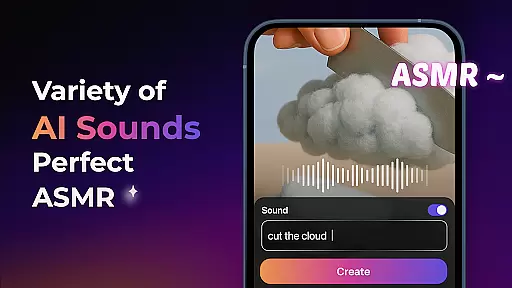
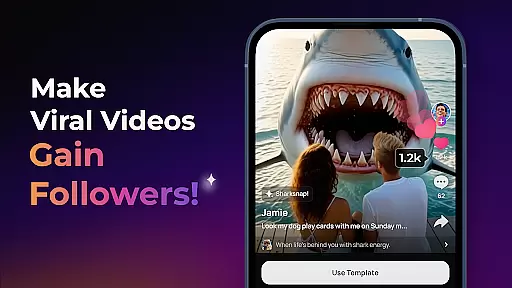
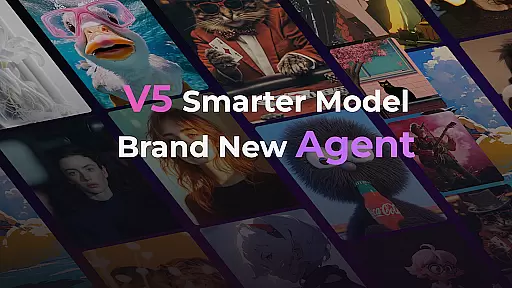
PixVerse is an innovative AI-powered video creation suite designed to transform photos, text, and videos into captivating content within seconds. This tool empowers users to explore their creativity by offering features like the Smarter V5 Model for lifelike details and natural movements, and a Brand New Agent that acts as your creative co-pilot.
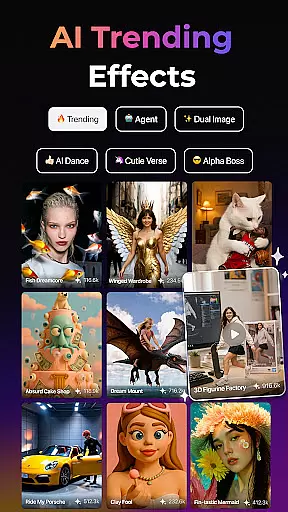
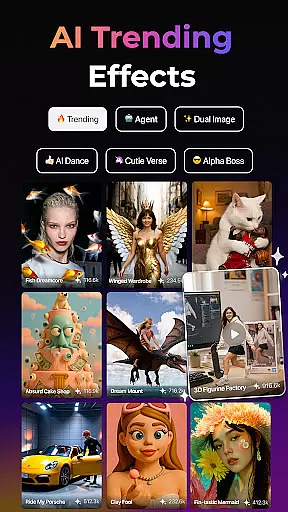
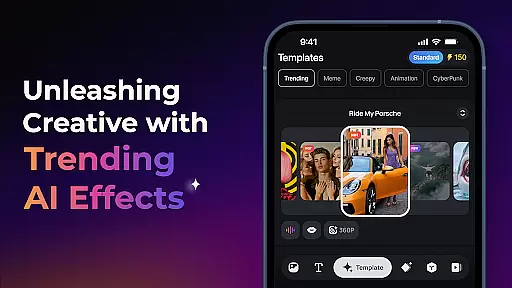
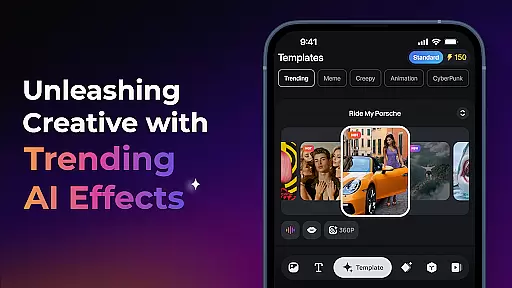
With PixVerse, you can choose from multiple creation modes such as Image to Video, Text to Video, and Video Extension, each providing unique ways to bring your ideas to life. The application also includes trending AI effects and key frame control, ensuring high-quality, hyper-realistic outputs tailored to your vision.
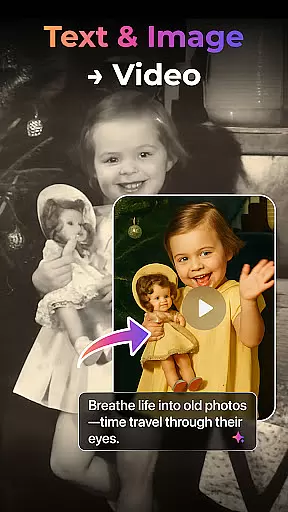
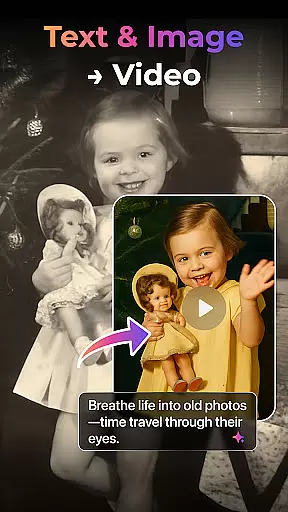
Whether you're reviving old photos or crafting cinematic masterpieces, PixVerse offers lightning speed and stunning results, making it an essential tool for creators worldwide who want to redefine storytelling with AI magic.
PixVerse stands out with its advanced features that cater to diverse creative needs. The Smarter V5 Model ensures perfect prompt alignment and smooth, natural animations, setting a new standard in AI video creation. The introduction of the Brand New Agent simplifies the creative process, helping users achieve precise and stunning results effortlessly.
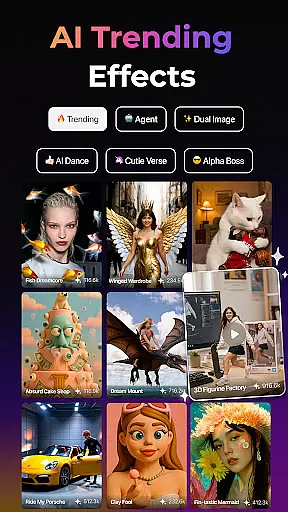
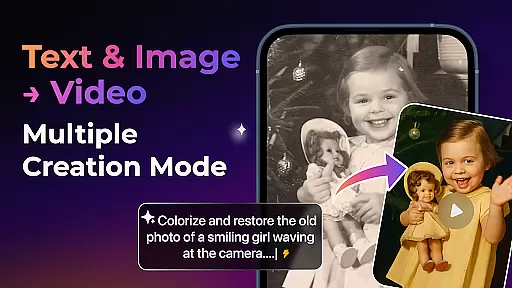
The app provides various creation modes including Image to Video, Text to Video, and Video Extension, allowing users to animate static images, generate videos from text prompts, and extend existing clips seamlessly. Additionally, PixVerse offers unique AI effects like Old Photo Revival and Earth Zoom Challenge, enhancing the visual storytelling experience.
Key Frame Control and Fusion features further expand creative possibilities by enabling custom video generation and combining multiple images into a single cohesive video. With constant updates and cutting-edge tools, PixVerse remains at the forefront of AI-powered content creation.
Real-time capture and preview functionality is essential for any photography app, allowing users to see exactly what their final output will look like before they commit to the shot. PixVerse offers this feature with a twist, integrating AI-powered animations that bring static photos to life instantly.
The app's real-time capabilities are enhanced by its V5 model, which ensures lifelike details and smooth, natural movements in every frame captured. This means that as you adjust your settings or compose your shot, you can trust that the preview reflects the high-quality result you'll receive.
With PixVerse, photographers have access to advanced physics simulations that mirror real-world conditions, providing an accurate representation of how elements such as lighting and motion will appear in the final video content. This empowers creators to make precise adjustments on-the-fly, ensuring their vision is realized without compromise.
By delivering crystal-clear HD output through real-time capture and preview, PixVerse enables users to unleash next-level creativity with confidence, knowing that what they see is truly what they get when creating extraordinary content from photos, text, and videos.
In the realm of photography apps, AI beauty and enhancement features are designed to elevate images by refining aesthetics while maintaining a natural look. PixVerse stands out with its sophisticated algorithms that ensure enhancements are both stunning and authentic.
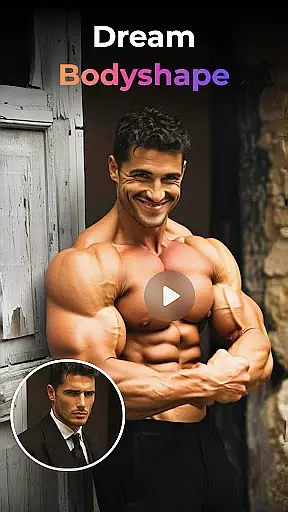
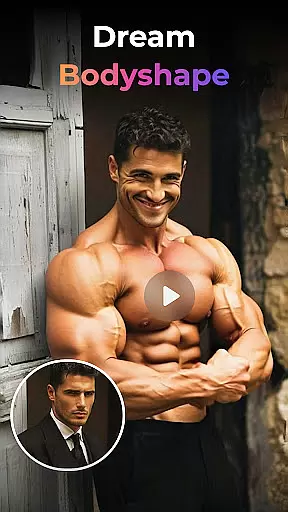
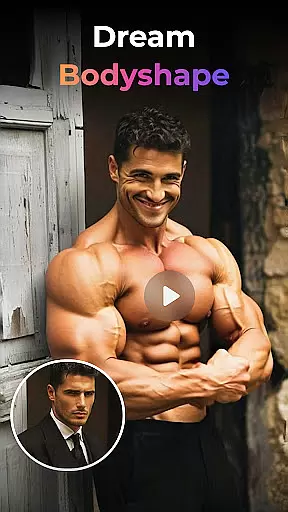
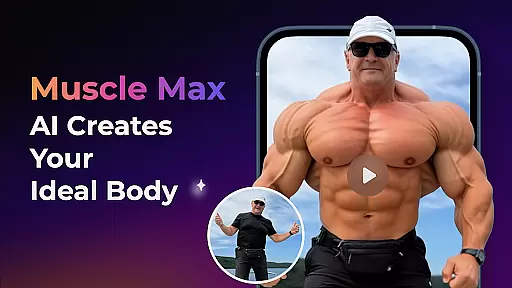
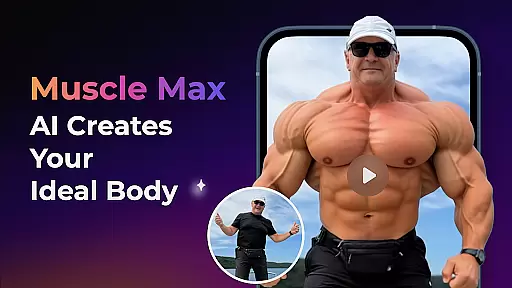
The app provides various AI effects like Old Photo Revival and Muscle Max: Bodybuilder Champion, which not only transform visuals but do so with an emphasis on preserving realism. These tools allow users to breathe new life into static photos or sculpt powerful physiques without losing the essence of the original image.
PixVerseu2019s approach to enhancement goes beyond mere filters; it intelligently interprets each photo's unique attributes, applying changes that complement rather than overwhelm. Whether reviving cherished memories or crafting cinematic masterpieces, these enhancements maintain integrity and emotional resonance.
Creators worldwide benefit from PixVerse's commitment to hyper-realistic AI processing, resulting in breathtakingly beautiful yet believable imageryu2014a testament to where imagination meets reality within this innovative platform.
User-friendly interface
High-quality output
Versatile creation modes
Innovative AI effects
Constant feature updates
Subscription fees apply
Internet connection required
Limited free trial options
Advanced features may overwhelm beginners
Privacy concerns with image uploads

Search, tag and rate your way to an organized image gallery
 4.40
4.40
Easily stitch panoramas from multiple photos or video.
4.40
Create funny photos and videos with the popular Time Warp Scan filter.
4.90
Create & Edit with AI: AI Remove, Enhance, Retouch, Filter
4.10
Luminar: Photo Editor - easy picture editing with AI
4.20
Use AI Video Generator to turn your words to ai generated videos.
4.50
Unblur, enhance & restore photos with powerful AI photo enhancer tools.
4.60
PhotoSync Bundle Add-On License. Enables all features and services in PhotoSync.
4.60
Discover & download millions of art for The Frame TV or Hisense CanvasTV
4.60
Your personal guide to the sun and moon. Plan ahead, visualize and predict!
4.70
A must-have app for landscape photographers
4.60
Easily create custom gifts, cards, photo books & more on the Shutterfly app!
4.60
AI photo editor with hair editor, retouch tools, hair color changer & filters!
4.50
Photo Exif Editor allows to view, add and modify EXIF data of multiple photos
4.50
Fit multiple photos on one post. Create carousels & scroll layouts for Instagram
4.50
Virtual makeup, hair filters & body tuner—edit from face to full body!
4.20
Transform Photos: Edit, Beautify and Craft Memories & Make Collages!
4.10
Astrophotography with your smartphone, photo live stacking and much more!
3.90
Create amazing frames with up to five photos. Rounded corners, effects and more!
3.60


User Reviews