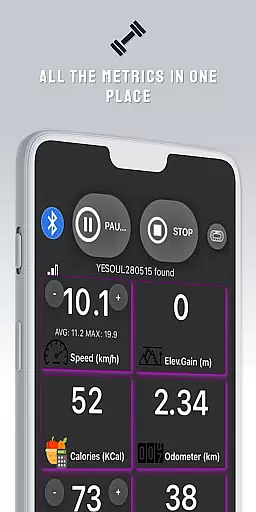
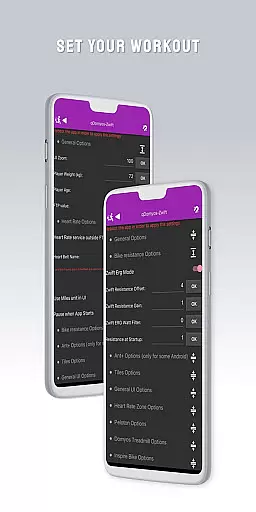
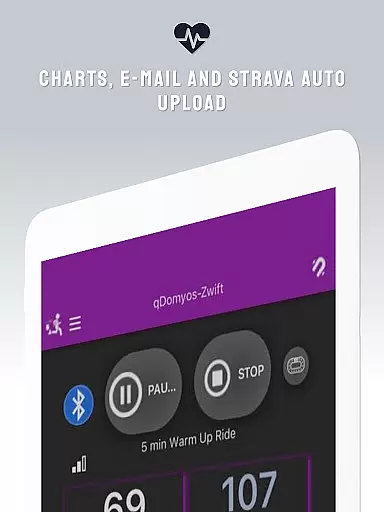
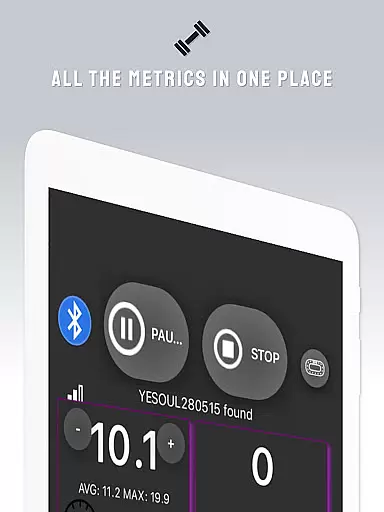
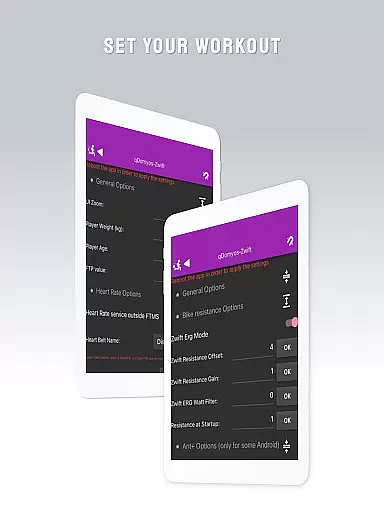
QZ is a versatile application designed to enhance your workout experience by connecting various exercise equipment to Zwift. This app breathes new life into machines from brands like Domyos, Echelon, Proform, Flywheel, Yesoul, and Toorx, allowing them to seamlessly integrate with Zwift's virtual training environment.
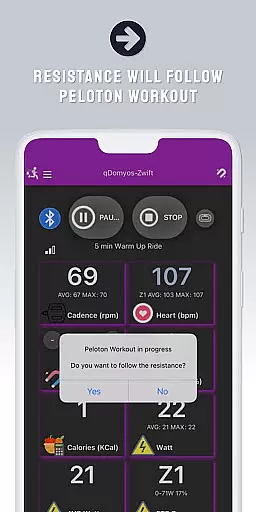
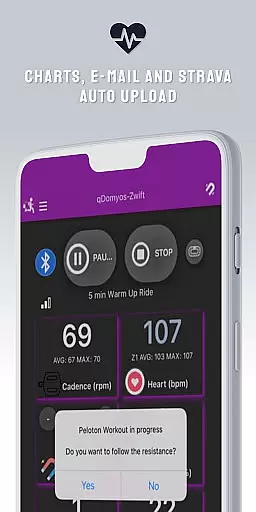
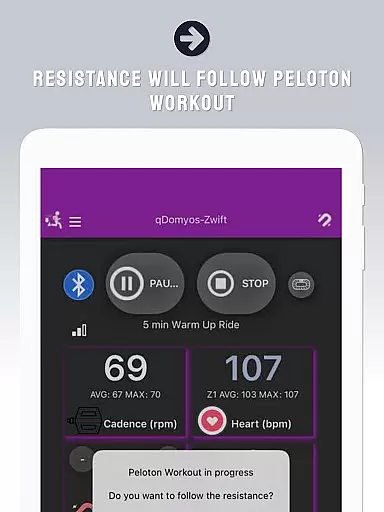
With QZ, users can enjoy automated resistance adjustments during Peloton workouts and benefit from the Strava Autopload feature. The app also supports Wear OS, enabling heart rate data transmission from a compatible smartwatch to the main app for comprehensive fitness tracking.
Whether you're cycling on a treadmill or pedaling on a stationary bike, QZ ensures that your device is recognized by Zwift, providing an immersive and interactive workout session tailored to your equipment's capabilities.
QZ stands out with its extensive compatibility list, supporting a wide range of exercise equipment including bikes, treadmills, and elliptical machines from popular brands such as Echelon, Domyos, and Keiser M3i without needing a converter.
The app's innovative features include auto-following workouts for Peloton users, which automatically adjusts resistance levels, and the Strava Autopload function for effortless activity sharing. With Wear OS support, users can download the companion app on their smartwatches to transmit heart rate data directly to QZ.
Additionally, QZ offers a calibration tool specifically designed for Flywheel bikes, ensuring precise performance metrics during each workout session.
Companion app integration is crucial for users who want a seamless experience between their wearable devices and main applications. QZ (qdomyos-zwift) excels in this area by offering robust connectivity options.
The app allows you to connect your smartphone to treadmills or bikes, making them recognizable by zwift. This means that whether you are using a Domyos treadmill, an Echelon bike, or even a Peloton setup, QZ bridges the gap effectively, ensuring all your workout data syncs effortlessly.
Additionally, QZ supports Strava Autopload, enhancing its compatibility with other fitness tracking services. By integrating these features, QZ ensures that users can enjoy a comprehensive and uninterrupted fitness tracking experience across multiple platforms.
For users invested in the Wear OS ecosystem, device compatibility is a significant factor. QZ (qdomyos-zwift) stands out by providing extensive support for Wear OS devices, ensuring a smooth user experience.
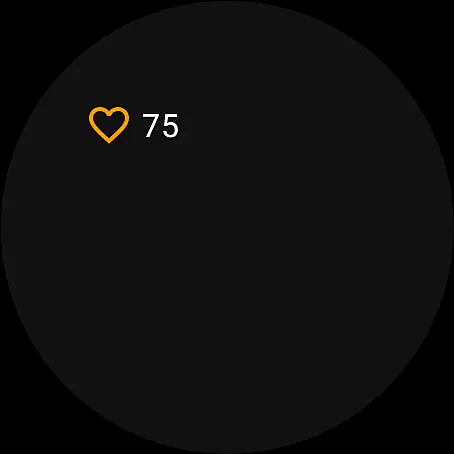
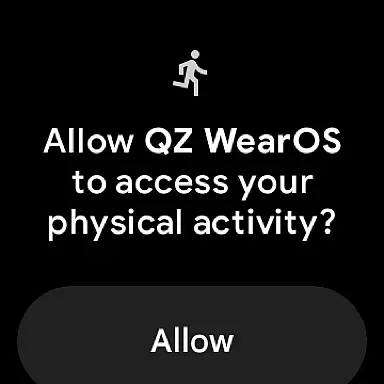
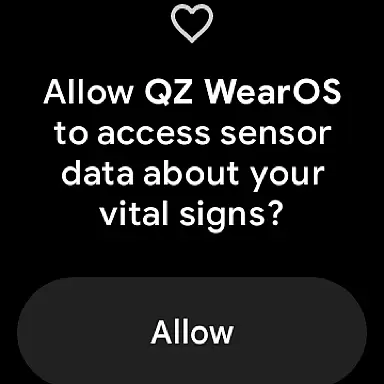
QZ not only runs on your smartphone but also offers a dedicated app for Wear OS. This means you can download the app on your smartwatch, where it will read your heart rate and send this data back to the main QZ app on your phone.
This dual-device functionality enhances the overall utility of QZ, allowing users to track their heart rate directly from their wrist. Such integration provides real-time health monitoring without needing additional hardware, thus maximizing convenience and efficiency during workouts.
User-friendly interface
Wide equipment compatibility
Auto resistance adjustment
Wear OS integration
Strava Autopload feature
Limited Proform treadmill support
No direct affiliation with equipment makers
Requires smartphone connection
Possible calibration needs
Flywheel bike calibration separate

Rose gold watch face with festive lights & customizable features.
 4.60
4.60
Current temperature, weather hourly, weather radar by the weather forecast app
4.40
Stylish digital watch face for Wear OS devices with customizable features
4.0
Monitor health with the stress test and pulse checker in the heart rate app.
4.60
Get helpful reminders, take progress photos and find answers to your questions.
3.90
Professional weather radar and more
3.90
Real-time weather radar with temperatures, warnings, hurricanes, and widgets
4.80
The most customizable hybrid watch face. For Wear OS 5.0, API 34+ and later
4.70
Retro digital watch face with customizable colors and a unique lighting effect
4.60
Be an elegant and classy secret agent, with this carefully detailed watch face
4.70
Kia Access makes getting your vehicle information easier than ever
4.60
Simple, helpful messaging by Google
4.60
Ideal for surviving in the wasteland left after nuclear fallout
4.50
Digital watch face with big numbers and many customization for Wear OS devices
4.40
Bold weather Digital watchface with forecast & optional animated background
4.40
Christmas watch face. For Wear OS devices.
4.30
Animated video-game inspired “secret agent” simulation, right on your wrist!
4.20
A full-featured Amazon Alexa voice assistant that can show you things.
3.70
Simple Analog-Digital Watchface For Wear OS 3.0 and Up Smartwatches
4.3


User Reviews