
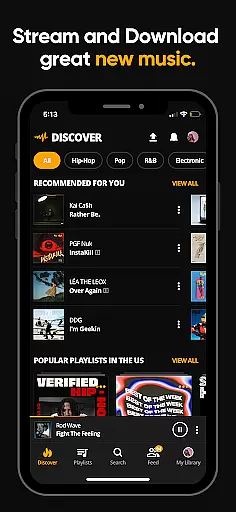


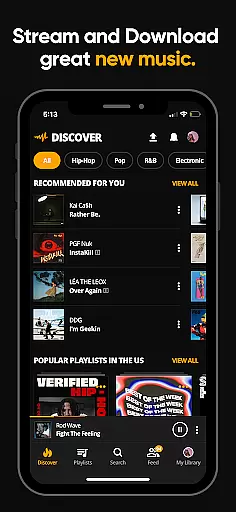
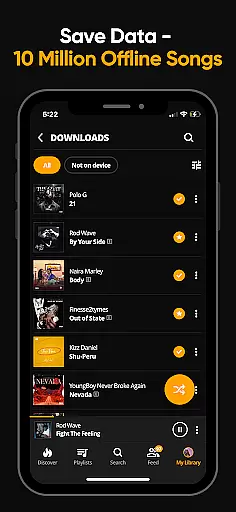
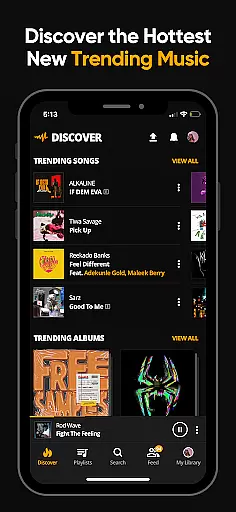


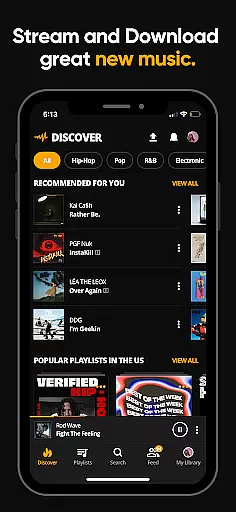
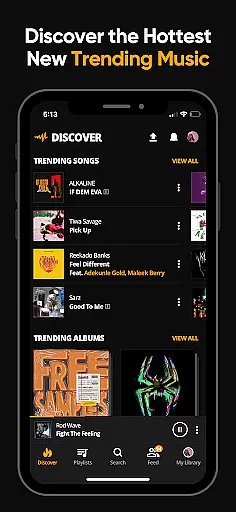


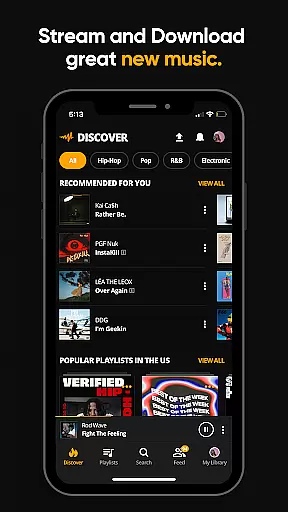
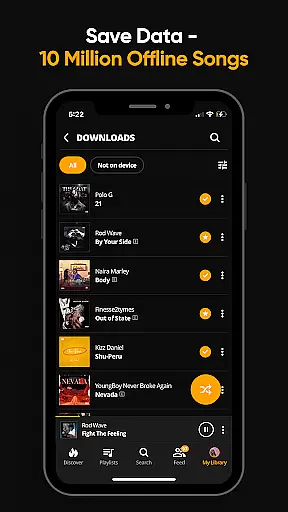
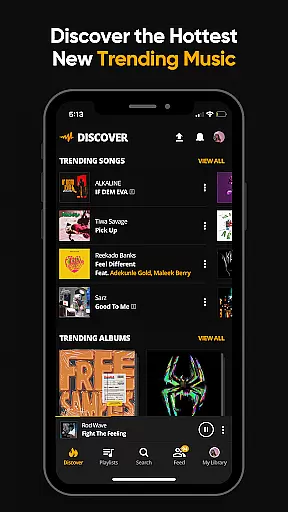
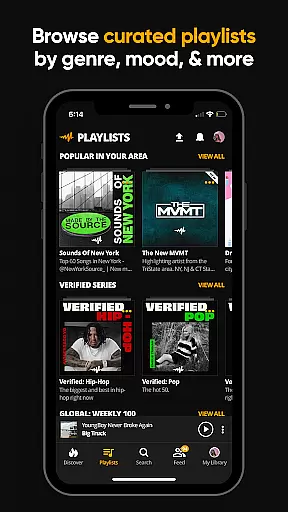
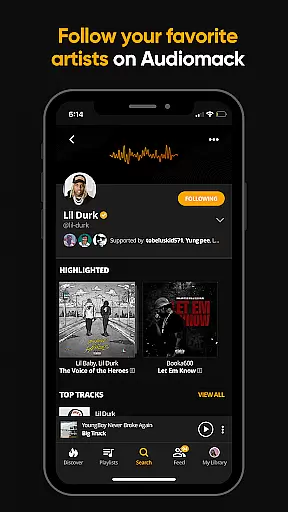
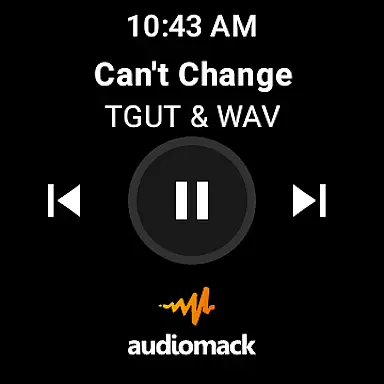
Audiomack is a premier music streaming app that provides users with access to trending and new music across various genres including Hip-Hop, Rap, R&B, EDM, Afropop, and Reggae. Available on Android Wear, it allows for seamless music discovery and offline listening.
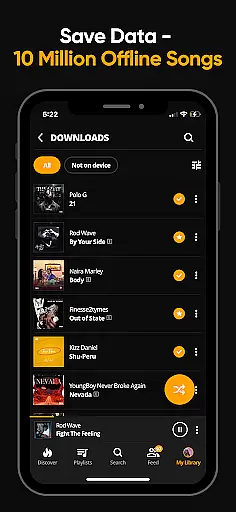
With the ability to download full tracks and albums for offline play, Audiomack makes it easy to enjoy music without an internet connection. The app also supports local file playback of MP3s, WAVs, M4A, AAC, and other formats, ensuring users can access their personal music library.
Whether you're looking to stay ahead of music trends or simply enjoy your favorite tunes, Audiomack offers a comprehensive platform for music enthusiasts who want high-quality streaming and the convenience of offline access.
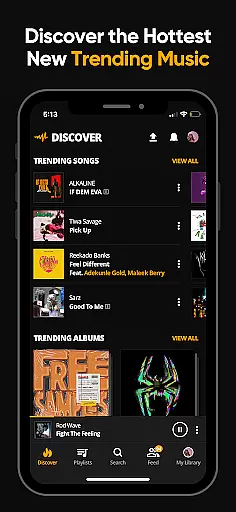
Audiomack stands out with its unlimited streaming of full tracks and mixtapes, positioning itself as a hub for discovering what's next in music. Its 'Trending' section highlights popular albums and songs, keeping users updated with current hits.
The app's offline mode lets users download and listen to music without using data, perfect for those with limited connectivity. Additionally, Audiomack integrates with Wear OS and Android Auto, providing a versatile listening experience across devices.
Users can create unlimited playlists, follow artists, and explore expertly curated content by mood or genre. With support for local music files and an ad-free option for $4.99/month, Audiomack caters to diverse listening preferences while enhancing user engagement through its intuitive interface.
Companion app integration is essential for a seamless experience across multiple devices. Audiomack excels in this area by ensuring that your music library and preferences are synchronized between your smartphone and other platforms like Wear OS and Android Auto.
The application provides users with the ability to access their favorite tracks, albums, and playlists on any supported device without losing any functionality. This means you can start listening to a track on your phone during your commute and then continue playing it on your Wear OS device when you step out for a walk.
Furthermore, Audiomack's cross-platform compatibility ensures that all features available on the mobile app are also accessible on Wear OS and Android Auto. This includes streaming, downloading for offline use, and managing playlists, which collectively enhance user convenience and accessibility.
By offering a cohesive ecosystem where data and functionalities are shared effortlessly between devices, Audiomack delivers an integrated and uninterrupted music experience tailored for the modern, connected user.
Ensuring compatibility with Wear OS and other devices is crucial for providing a versatile and accessible music streaming service. Audiomack stands out by offering extensive support for Wear OS, allowing users to enjoy their music libraries directly from their smartwatches.
This compatibility enables users to control playback, browse playlists, and manage downloads right from their wrists, which is particularly useful when smartphones are not readily accessible. Whether you're jogging, attending a meeting, or simply prefer the convenience of a watch interface, Audiomack makes it easy to handle your music with simple taps and swipes.
In addition to Wear OS, Audiomack also supports Android Auto, enhancing the driving experience by allowing drivers to focus on the road while still enjoying their favorite tunes. The app's interface is optimized for in-car displays, ensuring safety and ease of use.
Overall, Audiomack's commitment to broad device compatibility underscores its dedication to delivering a flexible and user-friendly music streaming solution that adapts to various lifestyles and technological environments.
User-friendly interface
Offline listening mode
Vast music library
Local file support
Cross-platform compatibility
Limited free version
Ads in free tier
Occasional bugs
Subscription cost
Regional restrictions

Walking app for weight loss: walk & step tracker, pedometer, indoor treadmill
 4.60
4.60
A customizable Christmas watch face for Wear OS with a countdown.
4.20
Christmas watch face. For Wear OS devices.
4.30
Snowflake Rose Gold Watch Face - Digital, modern, & sleek with GYRO effect.
4.10
A Wintery Snow Globe on Your Wrist; now celebrating Christmas!
4.0
A full-featured Amazon Alexa voice assistant that can show you things.
3.70
A heartwarming Christmas scene featuring a cute image of Santa and Rudolf
4.5
The most customizable hybrid watch face. For Wear OS 5.0, API 34+ and later
4.70
Track your active life in one place and share the journey with friends.
4.40
Gym Log & Workout Tracker | Fitness Journal, Training & Weight Lifting Planner
4.90
WTW M17 is a premium and luxurious hybrid watch face
4.70
Fast and smart typing with Emojis, GIFs, and more
4.50
Beautiful artistic animated digital watch face, with a customizable layout!
4.40
Find EV charging stations
4.30
Locate your family members by GPS phone location tracker everywhere and anytime
4.30
The #1 source of faces for your smartwatch!
4.00
Viewer for Wyze/Yi/Eufy/Arlo/ONVIF/RTSP/P2P IP cams w/ adv. features & DIY DVR
4.00
Your local weather forecast, storm tracker, radar maps & live weather news
3.40
Christmas and New Year - Themed Watchface
4.0


User Reviews