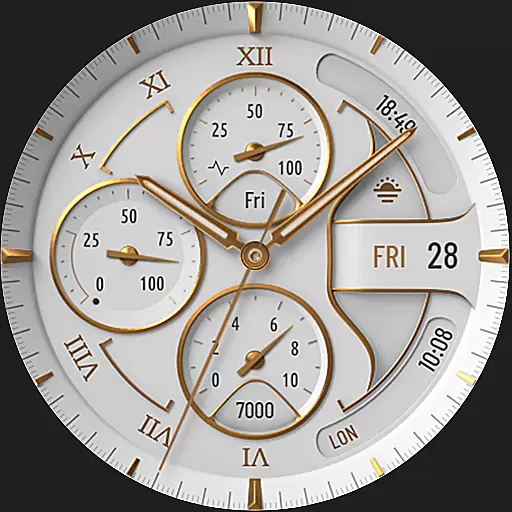
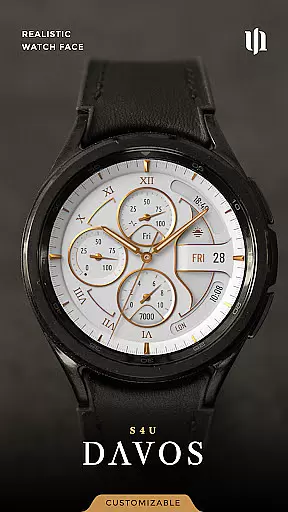
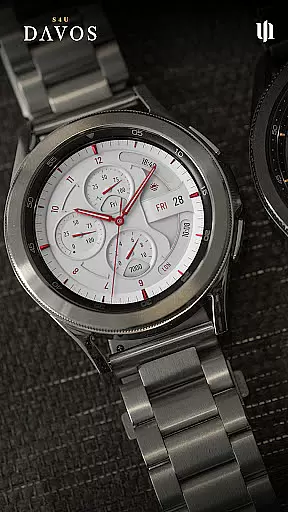
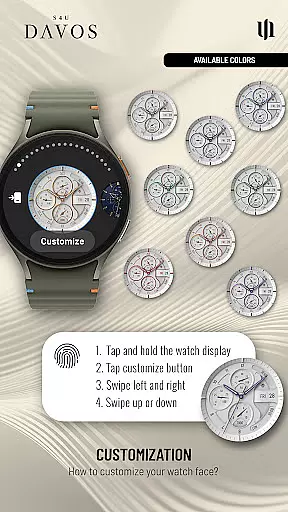
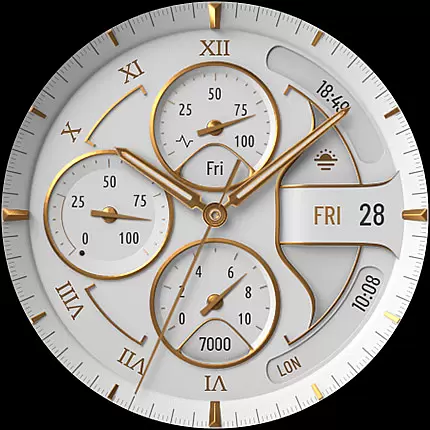
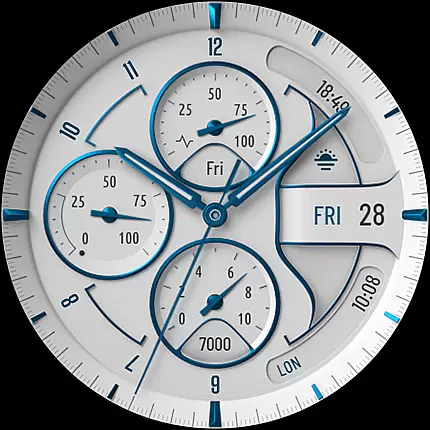
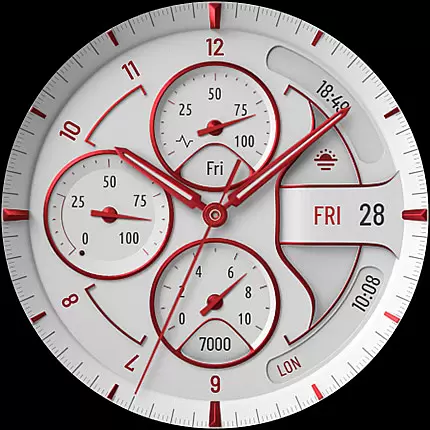
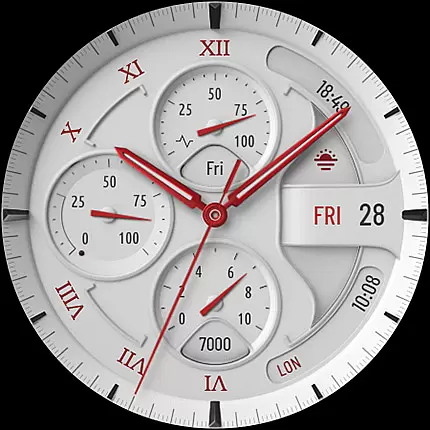
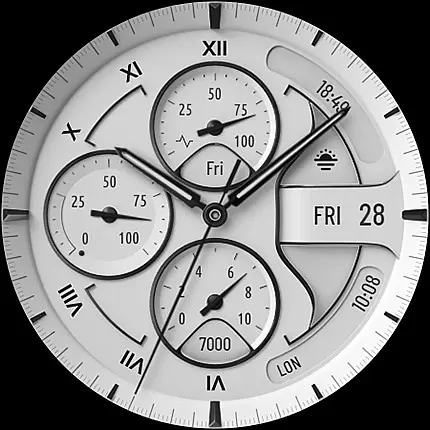
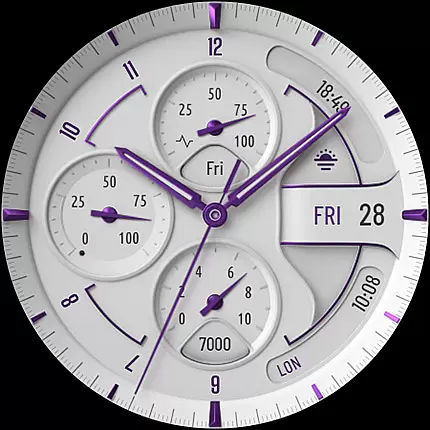
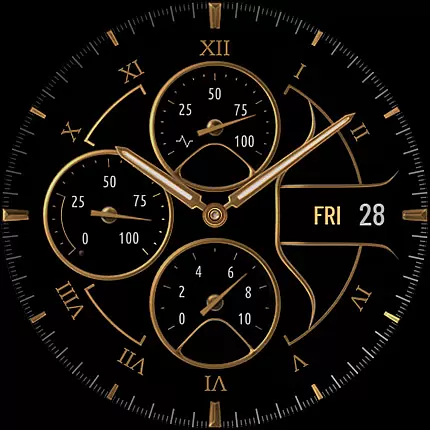
S4U Davos is a premium Wear OS watch face designed for smartwatches running Wear OS 4 or higher. It combines luxury and functionality, offering users a realistic white analog dial with customizable options to suit individual preferences.
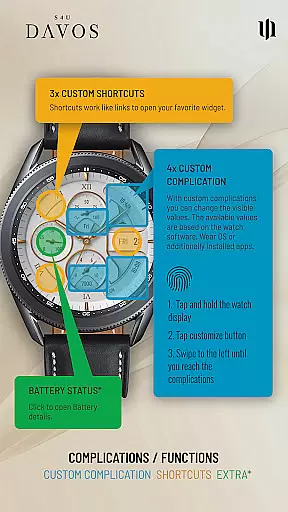
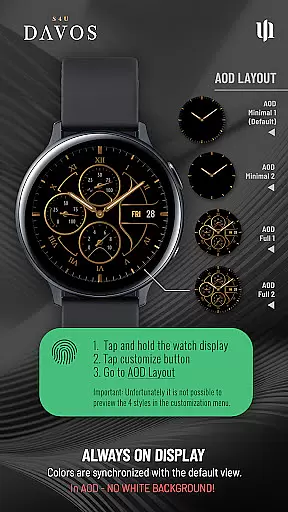
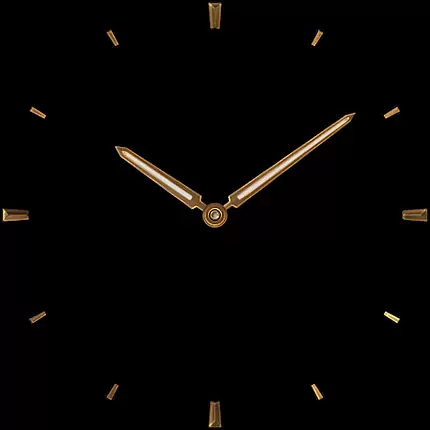
Key features include 4 editable complications, 3 app shortcuts, and an Always-On Display (AOD) with two layout choices. The customization options allow users to personalize the watch face with different colors and styles, ensuring it fits their unique style and needs.
This watch face is ideal for users who want both aesthetics and utility on their Samsung Galaxy Watch 4, 5, 6, 7, 7 Ultra, 8, Google Pixel Watch 1-3, or other compatible Wear OS devices.
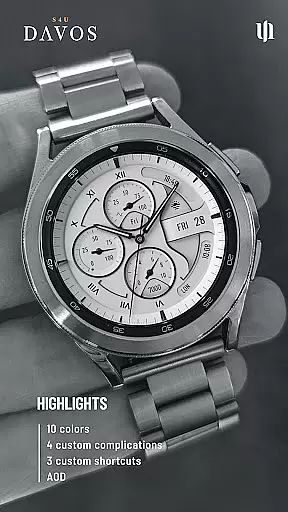
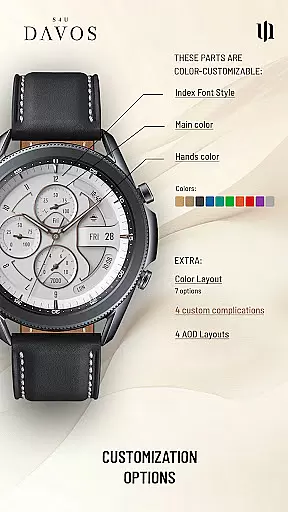
The S4U Davos watch face stands out with its beautifully realistic white analog dial that exudes timeless elegance. Users can enjoy multiple customization options including 10 main colors, 10 hands colors, 9 secondary colors, 7 color layouts, 5 index font styles, and 4 AOD layouts.
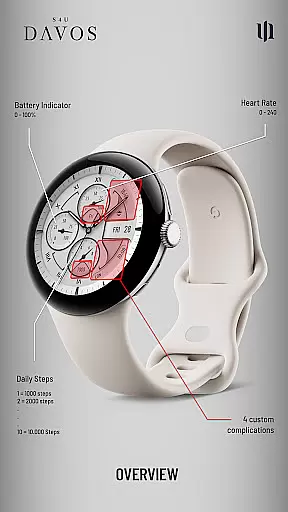
Functionality is enhanced with 4 editable complications and 3 app shortcuts, allowing quick access to favorite widgets and displaying user-defined data such as daily step count, battery level, and heart rate. The Always-On Display feature ensures continuous timekeeping with automatic color adaptation based on the standard watch face design.
These features collectively provide a personalized and efficient user experience, making the S4U Davos a top choice for those seeking both style and practicality in a Wear OS watch face.
Companion app integration is essential for Wear OS applications like S4U Davos. This feature ensures seamless synchronization between the smartwatch and its companion app on your smartphone.
S4U Davos provides a dedicated companion app that simplifies the installation process and resolves potential issues. Through this app, users can access detailed guides in the Install/Issues section to troubleshoot any problems they encounter.
The companion app also serves as a support channel, allowing users to reach out directly via wear@s4u-watches.com for further assistance. This direct line of communication enhances user experience by providing timely and relevant help.
By integrating with the companion app, S4U Davos ensures that users can fully utilize all customization options and features, making it easier to personalize their watch face according to their preferences.
Device compatibility is crucial for Wear OS applications, ensuring they function correctly across various smartwatches. S4U Davos supports devices running Wear OS 4 or higher (Wear OS API 33+), offering broad compatibility.
Compatible devices include popular models such as Samsung Galaxy Watch series (4, 5, 6, 7, 7 Ultra, 8) and Google Pixel Watch series (1u20133). This wide range of supported devices ensures that many users can enjoy the elegant design and functionality of S4U Davos.
If users encounter issues despite having a compatible device, S4U Davos offers clear troubleshooting steps through its companion app. These steps guide users to resolve common installation or downloading problems effectively.
With robust compatibility and comprehensive support, S4U Davos delivers a reliable and customizable watch face experience tailored to meet diverse user needs.
Highly customizable
Beautiful design
User-friendly interface
Multiple device support
Quick access shortcuts
Limited OS compatibility
Battery consumption
Complex setup
Premium cost
Dim AOD display

"PER27 Galaxy Digital" is a digital Wear OS watch face designed by PERSONA
 4.10
4.10
Watch the sharpness of the sky on your wrist..
3.70
Highly customizable hybrid watch face for Wear OS, perfect for everyday use.
4.60
Artistic Digital Watchface
4.2
Hyper-Realistic Airplane Dashboard Watch Face With 10 Skins and Custom AOD
4.00
A realistic hybrid watch face with many customization options.
4.60
Fast and smart typing with Emojis, GIFs, and more
4.50
Control your Samsung Smart TVs, appliances, and SmartThings-compatible devices
4.60
From periods to pregnancy & perimenopause, Flo helps you track it all. Try now.
4.70
Period, ovulation & pregnancy tracker. Fertility insights & menstrual calendar.
4.90
The Chevron App allows you to pay for fuel from the comfort of your car!
4.80
WTW M17 is a premium and luxurious hybrid watch face
4.70
Rose gold watch face with festive lights & customizable features.
4.60
Nutrition, Macro tracker: Food, fitness & healthy diet tracking for weight loss
4.60
Locate your family members by GPS phone location tracker everywhere and anytime
4.30
Animated video-game inspired “secret agent” simulation, right on your wrist!
4.20
The #1 source of faces for your smartwatch!
4.00
Precision analog watch face with 7 complications and style options
4.2
Christmas is near, let's count together the days left until Santa comes
4.0


User Reviews