










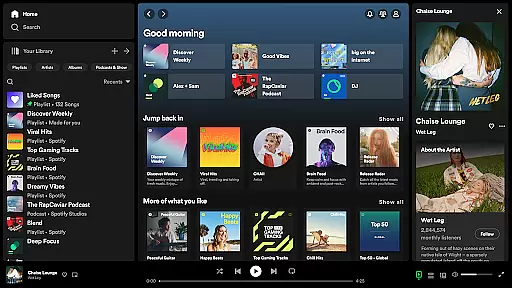




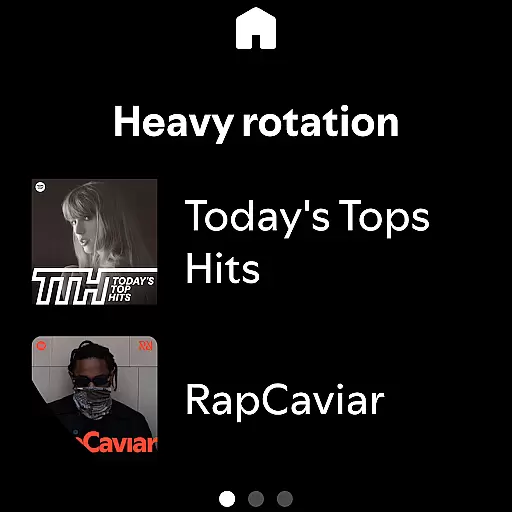
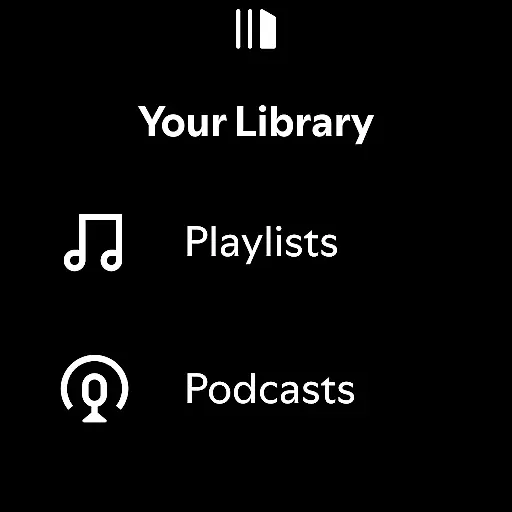
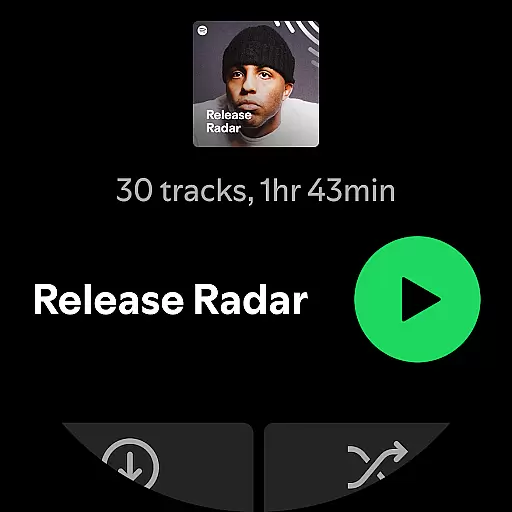




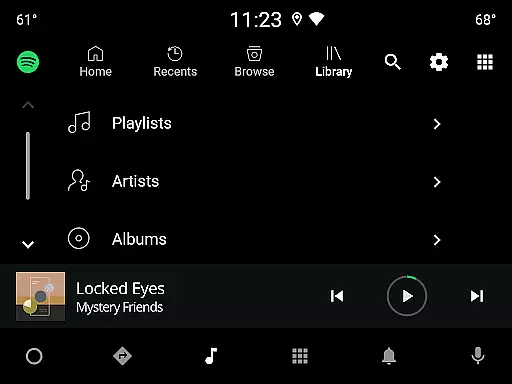
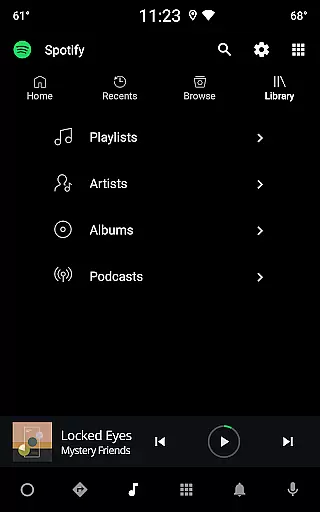
Spotify is a leading music and podcast streaming service that offers users access to millions of songs, albums, playlists, and original podcasts. Available on Android Wear devices, it allows you to enjoy your favorite music and audiobooks seamlessly across multiple platforms.
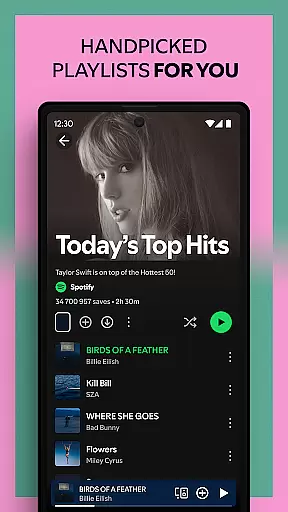
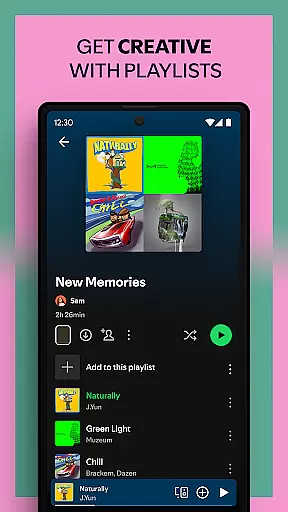
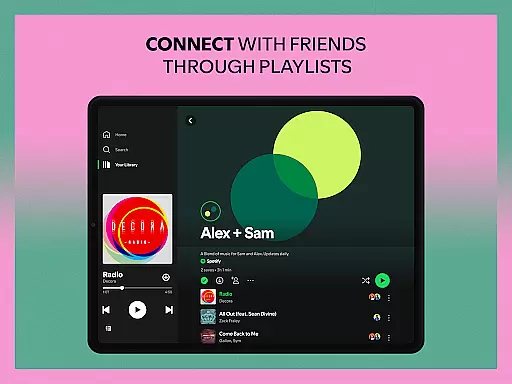
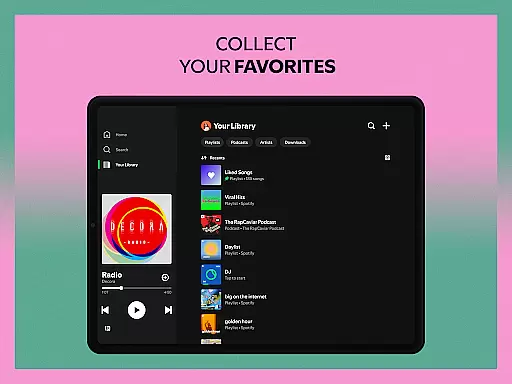
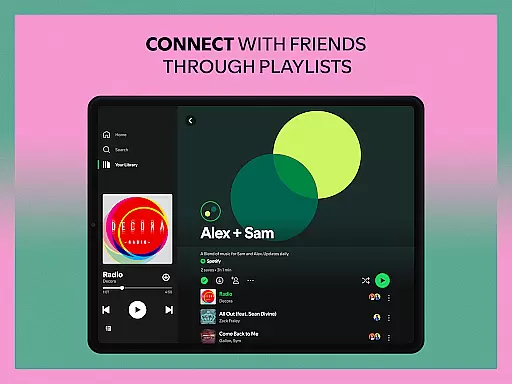
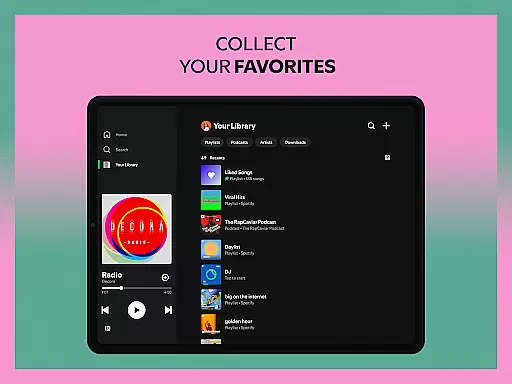
The app stands out with its personalized recommendations, curated playlists, and exclusive content from top artists worldwide. Whether you're looking for new music discoveries or want to create custom playlists, Spotify provides an immersive listening experience tailored to your preferences.
With its offline download feature and high-quality audio streaming, Spotify is perfect for commuters or anyone who wants uninterrupted access to their favorite tunes. The app's cross-device compatibility ensures you can enjoy music anywhere, anytime.
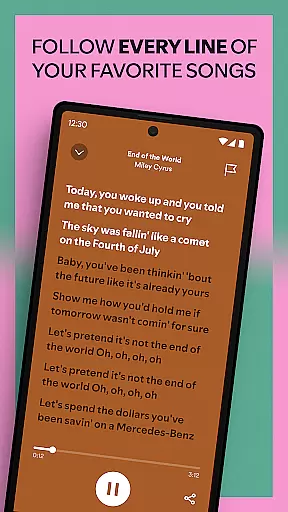
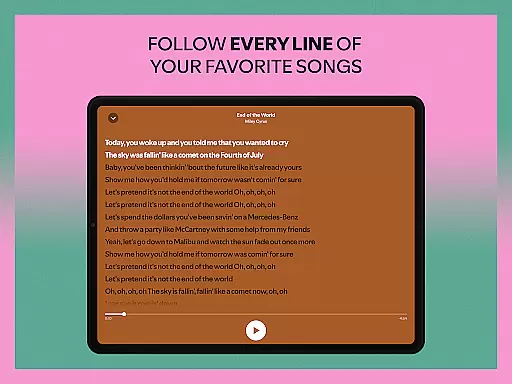
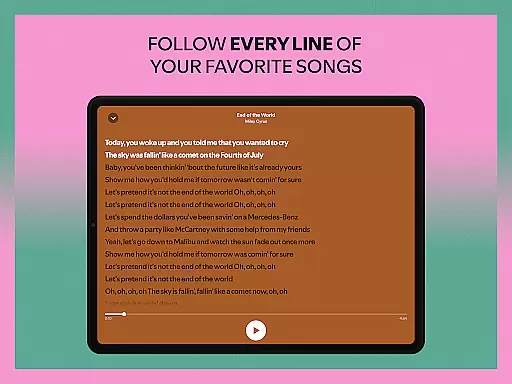
Spotify boasts an impressive range of features designed to enhance user experience. With over 80 million tracks and 4 million podcast episodes, the platform caters to diverse tastes while offering unique functionalities like lyric-based song searches and daily personalized mixes.
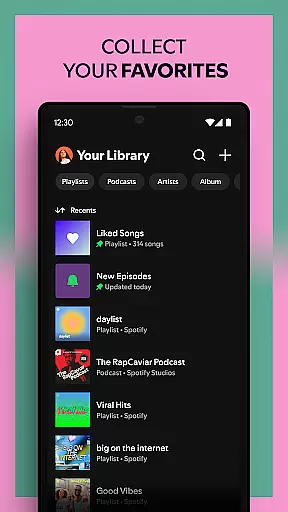
One standout feature is its integration with Android Wear, enabling hands-free control and offline playback for Premium subscribers. Users can also bookmark individual podcasts into playlists, subscribe to favorite shows, and explore thousands of audiobook titles available exclusively in select regions.
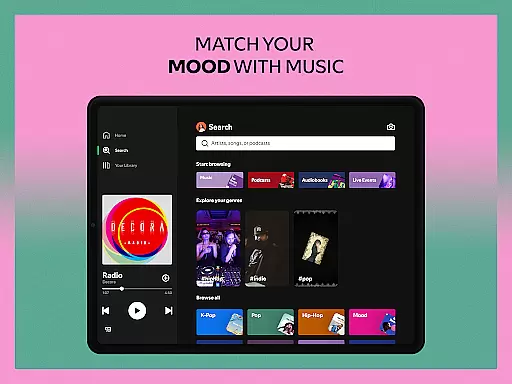
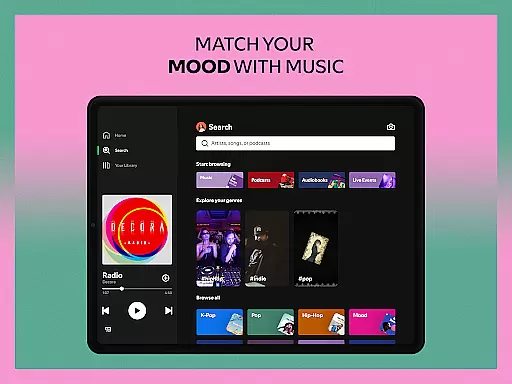
For those seeking superior sound quality, Spotify delivers consistent performance across all devices, including desktops, TVs, and wearable tech. Its intuitive interface makes it easy to discover new releases, chart-topping hits, and genre-specific playlists tailored to every mood.
Companion app integration is essential for users who want seamless connectivity between their mobile devices and wearable technology. Spotify excels in this area by ensuring that its Android Wear app works harmoniously with the main mobile application.
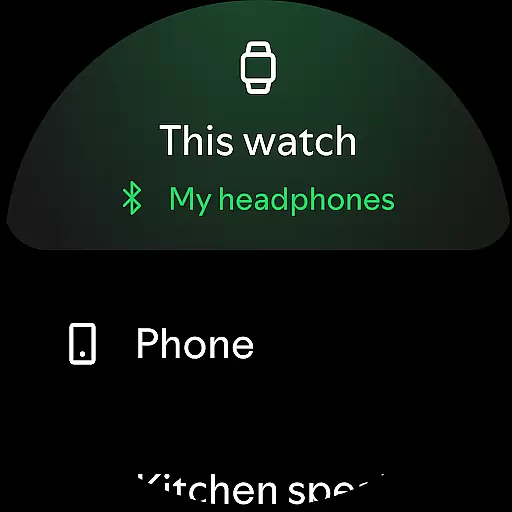
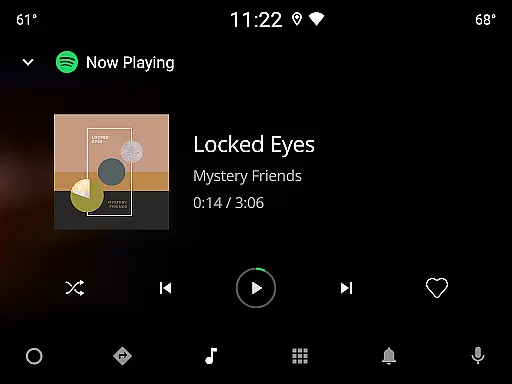
When you connect your wearable device to Spotify, you gain the ability to control music playback directly from your watch. This includes play, pause, skip, and even selecting playlists without needing your phone nearby. Such functionality enhances user convenience significantly.
The synchronization between the Spotify mobile app and its Android Wear counterpart ensures that all your preferences, playlists, and listening history are up-to-date across devices. This means you can start a playlist on your phone during your commute and continue it on your smartwatch while jogging.
Ultimately, companion app integration provides a cohesive experience, allowing users to enjoy their favorite music and podcasts effortlessly, regardless of which device they choose to use at any given moment.
Ensuring broad compatibility with various Wear OS devices is crucial for maximizing user accessibility. Spotify has been optimized to work seamlessly across a wide range of Wear OS smartwatches, providing users with consistent performance and reliability.
Spotify's Android Wear app supports features like offline listening for Premium subscribers, enabling users to download their favorite tracks directly onto their smartwatches. This feature is particularly beneficial for those times when carrying a phone isn't practical or desirable.
In addition to basic playback controls, Spotify offers enhanced functionalities such as voice commands and quick access through Tiles and Complications on compatible Wear OS devices. These features make navigating and controlling your music library intuitive and efficient.
By prioritizing Wear OS/device compatibility, Spotify ensures that whether you're using a high-end smartwatch or an entry-level model, you'll enjoy a smooth and responsive music streaming experience tailored to fit your lifestyle.
User-friendly interface
Extensive music library
Personalized recommendations
Offline listening mode
Cross-platform support
Limited free version
Ads between tracks
Premium subscription cost
Regional content restrictions
High data usage

Calming & relaxing sounds for sleeping and stress relief. Stay focused all day!
 4.20
4.20
Christmas - Festive - Christmas Village - Winter - Christmas lights
5.00
Analog watch face with 8 complications and expedition styling
4.4
Watch face designed for Thanksgiving Day. 7 Background Styles included.
3.20
Authentic military-tactical design with ZULU time! Realistic and functional!
3.80
Real-time weather radar with temperatures, warnings, hurricanes, and widgets
4.80
Track your active life in one place and share the journey with friends.
4.40
Fitbit is dedicated to helping people lead healthier, more active lives.
4.10
Back up your contacts & access them anywhere
4.30
Nutrition, Macro tracker: Food, fitness & healthy diet tracking for weight loss
4.60
Highly customizable hybrid watch face for Wear OS, perfect for everyday use.
4.60
Fast and smart typing with Emojis, GIFs, and more
4.50
Locate your family members by GPS phone location tracker everywhere and anytime
4.30
Animated Watch Face and Customizable with 24 Backgrounds. Perfect for Christmas!
3.90
Watch the sharpness of the sky on your wrist..
3.70
A full-featured Amazon Alexa voice assistant that can show you things.
3.70
Stay in touch with your friends and family using LINE!
3.40
Wear Os Watch Face - Animated Snow Effect & Christmas Lights
4.3
Christmas and New Year - Themed Watchface
4.2


User Reviews