
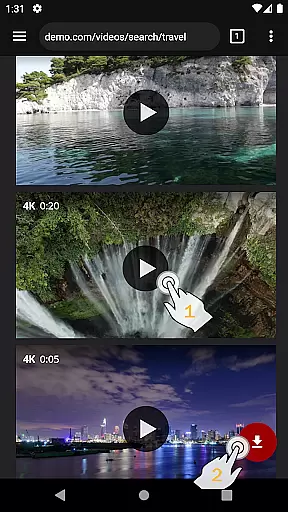
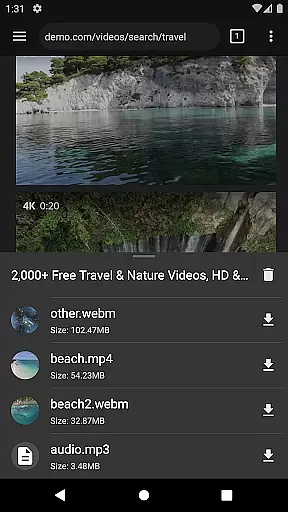
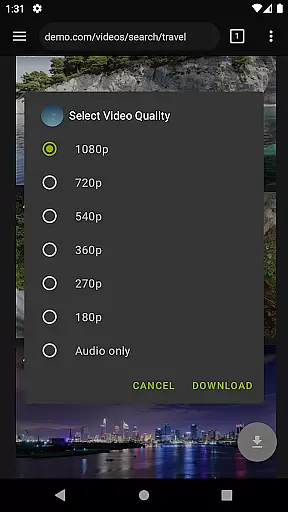
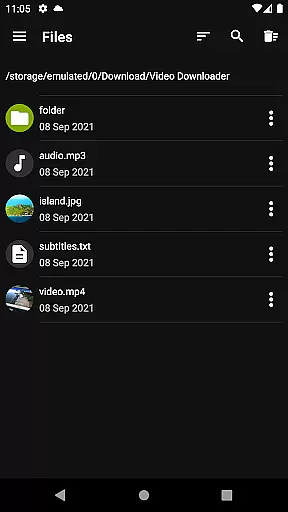
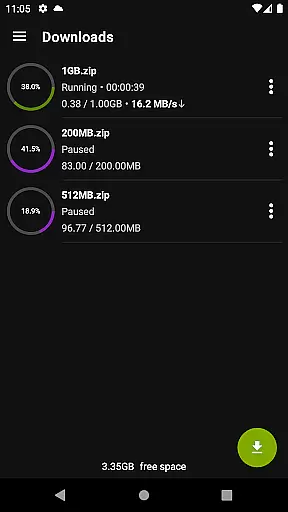

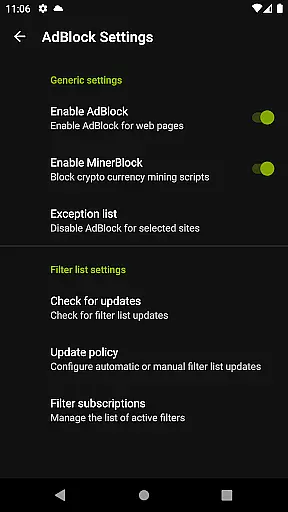
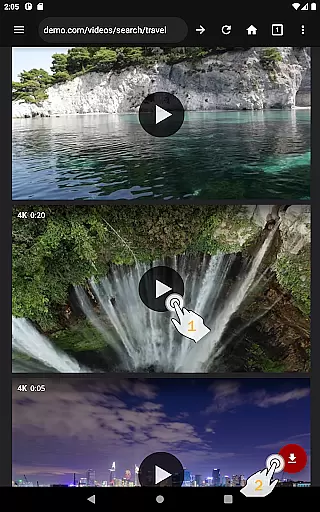
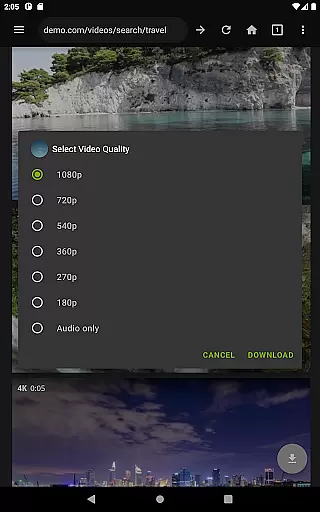
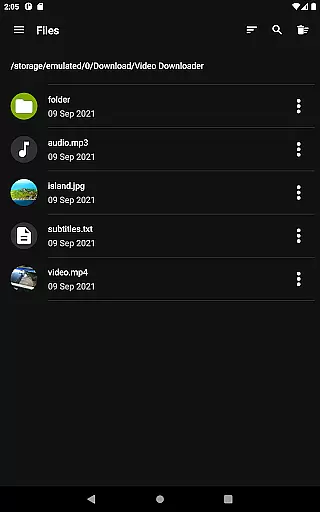
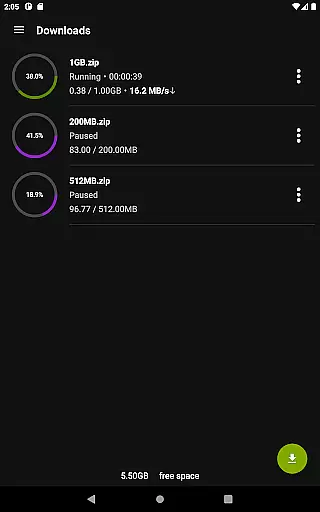
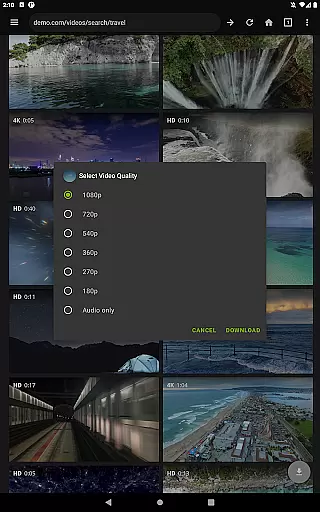
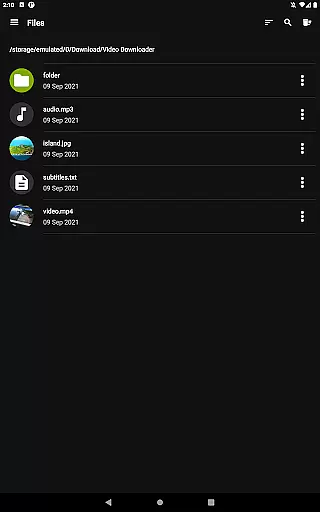
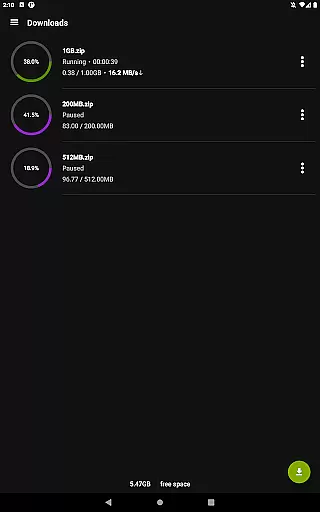
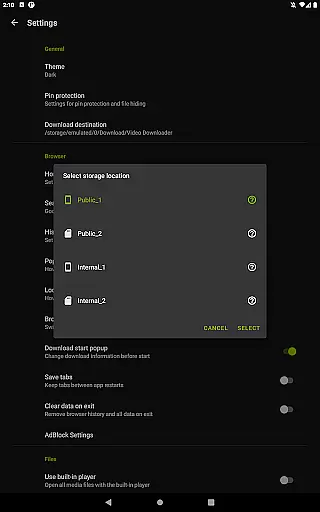
Video Downloader Pro is a premium application designed for users who need an efficient solution to download and manage video content across multiple devices. The app offers advanced features such as live video stream downloading, multi-connection download acceleration, and support for files larger than 4GB.
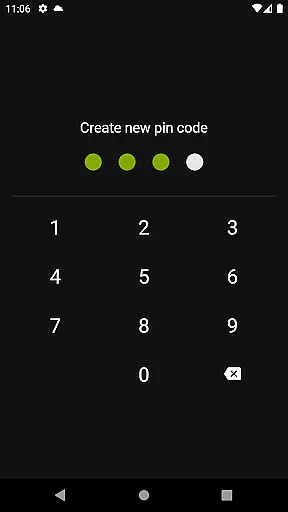
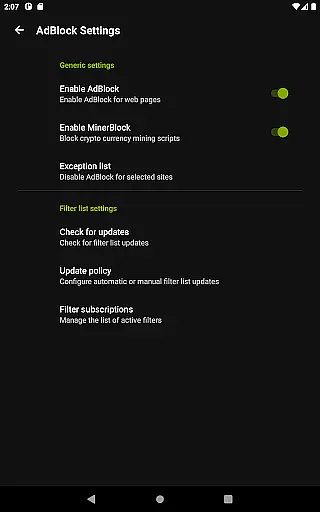
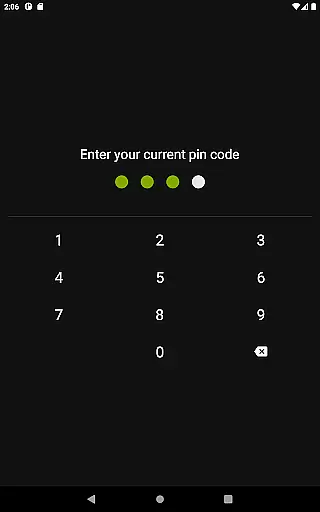
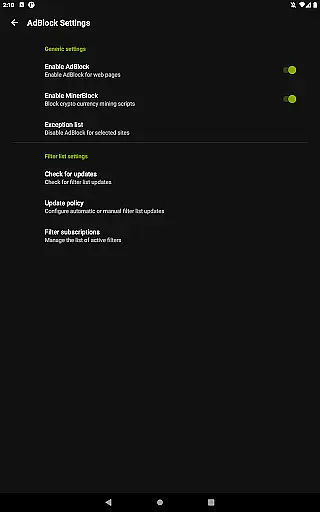
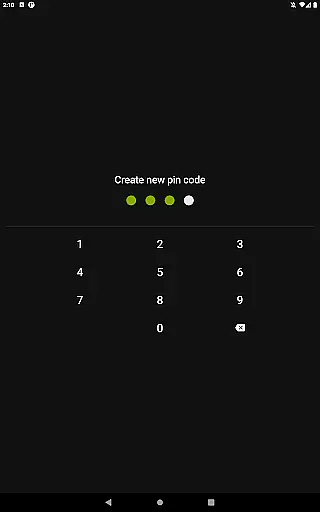
In addition to its powerful downloading capabilities, the app provides a private browsing experience with incognito mode and PIN protection. It also includes a fully featured AdBlocker, allowing users to customize filter lists for an uninterrupted viewing experience. With priority customer support and a 48-hour money-back guarantee, Video Downloader Pro ensures both quality and user satisfaction.
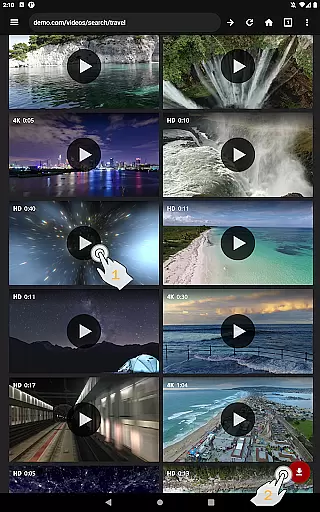
Video Downloader Pro stands out with its comprehensive set of features tailored for seamless video downloading and management. One of its key functionalities is the ability to download both static videos and live streams, which can be watched offline at any time. This feature is particularly beneficial for users with limited internet access or those who want to save data.
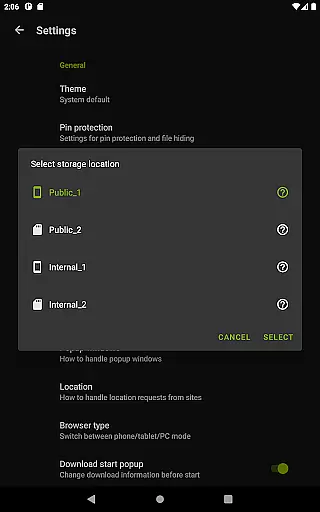
The app also includes a private web browser that operates in incognito mode and supports PIN protection, ensuring user privacy. Its built-in AdBlocker enhances the browsing experience by eliminating ads, while the multi-connection download manager significantly speeds up the downloading process. Furthermore, the app supports multiple SD cards, providing flexible storage options for large video files.
Video Downloader Pro offers extensive video format compatibility, ensuring users can download and play videos in various formats without any hassle. This feature is crucial for a seamless user experience as it eliminates the need for additional conversion software.
The application supports popular formats such as MP4, AVI, and MKV, among others. Regardless of the source, users can be confident that their downloads will be compatible with most devices and media players. This flexibility enhances the overall utility of the downloader.
Moreover, the inclusion of live video streams downloading in the premium version adds another layer of versatility. Users can capture live events or streams directly, expanding the app's functionality beyond static video content.
This comprehensive format support not only simplifies the downloading process but also enriches the playback experience. With Video Downloader Pro, users are assured of high-quality video playback across different devices, making it an indispensable tool for video enthusiasts.
While Video Downloader Pro primarily focuses on downloading capabilities, its AI-powered editing features provide added value by allowing users to enhance their downloaded videos effortlessly. These features utilize advanced algorithms to optimize video quality and offer customizable editing options.
Users can benefit from automatic video enhancement tools that adjust brightness, contrast, and color settings to improve visual appeal. Additionally, the app includes basic editing functions like trimming and cropping, enabling users to personalize their video content according to their preferences.
Although not its main selling point, these intelligent editing features complement the downloader's core functionalities. They ensure that users can not only acquire videos efficiently but also refine them to meet their specific needs or aesthetic standards.
By integrating AI-driven enhancements, Video Downloader Pro distinguishes itself in the crowded field of video players and editors. It provides a complete package for users seeking both robust downloading capabilities and sophisticated editing tools within a single application.
Ads removed
Live stream downloads
Multi-device usage
Money-back guarantee
Priority support
Paid version only
Requires permission
No automatic updates
Limited free features
Complex setup

IPTV-Smarters Player Pro M3U - Watch Live Stream TV Channels with Chromecast
 4.00
4.00
Video Trimmer, Video to MP3 Converter. Extract music from video, Easy & Fast.
4.80
KineMaster, Your Ultimate Video Editor!
4.40
Play ALL formats in 4K & HD. Video downloader, MP3 player, Chromecast & more.
4.80
VLC Remote lets you control your VLC Media Player on Mac, PC or Linux.
4.60
KMPlayer Plus (Divx Codec) officially support Divx codec.
4.30
Explore the largest library of free GIFs, Stickers & Memes - or create your own!
3.90
An easy-to-use and all-round screen recorder with audio
4.80
Manage your IPTV live channels and VOD playlists (no playlist included)
3.80
AI Video Editor with Music, Filter, Slideshow, Effect, Merge & Trim Video.
4.80
Find, download, and play torrents with the official BitTorrent® Pro app
4.70
HD Video player all format, HD Videos, Cast & Subtitle. No annoying ads.
4.60
Fast, private downloading, video saving, social media
4.50
Photo and Music Video Creator into Stunning Videos—Effortlessly
4.40
Fast video downloader & private browser. Save HD clips to watch offline.
4.40
Video player, file manager for all formats, 4K/HD media player supports subtitle
4.30
AI Video Editor:AI Music, Text to Video,Text to Speech,Auto Caption,Video Effect
4.00
IPTV Player - Watch live TV from m3m & m3u8 playlist, stream IPTV on mobile
3.30
Stream high quality video from your camera over NDI protocol
4.5


User Reviews