
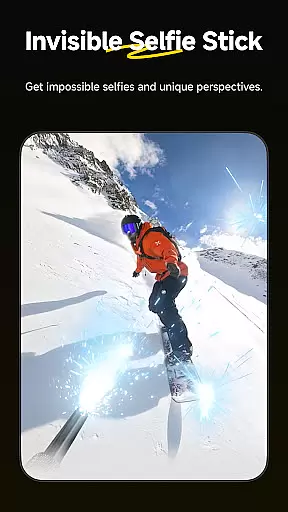
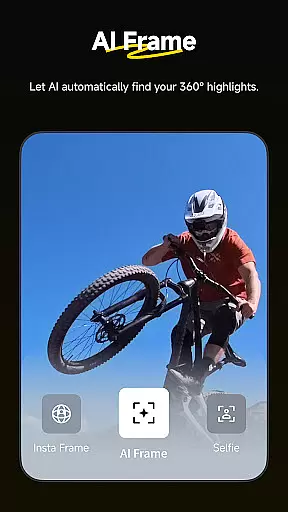
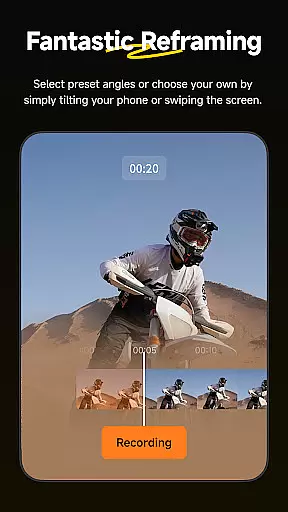
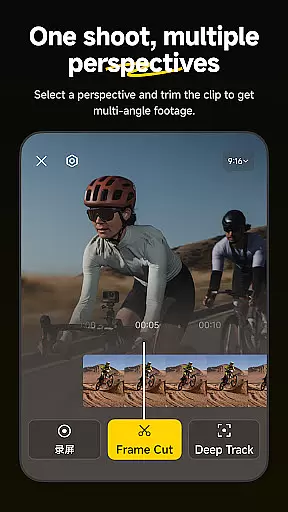
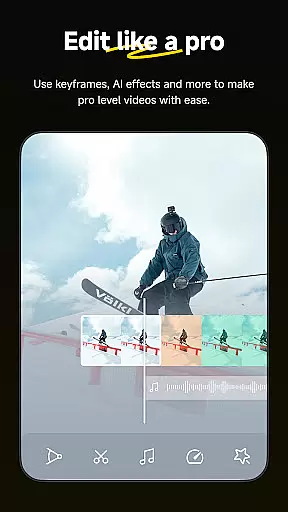
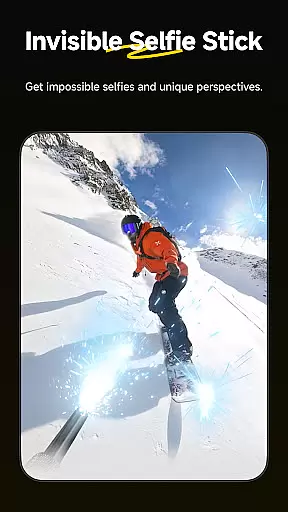
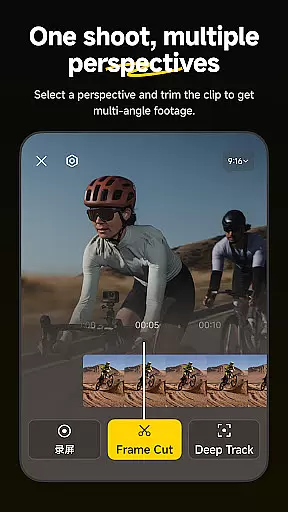
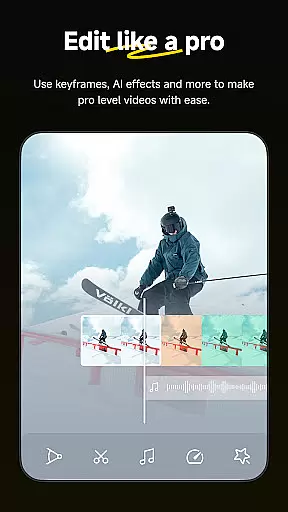
Insta360 is a powerful video editing and camera companion app designed for creators, athletes, and adventurers. It offers advanced tools like AI-powered auto-editing, 360-degree reframing, and creative templates to enhance your shooting and editing experience. Compatible with Insta360 cameras and handheld gimbals, the app ensures seamless integration between your device and smartphone.
With features such as Deep Track, Hyperlapses, and Download-Free Editing, Insta360 empowers users to create professional-quality content directly on their phones. Whether you're an action sports enthusiast or a social media creator, this app provides endless possibilities for capturing and sharing your best moments.
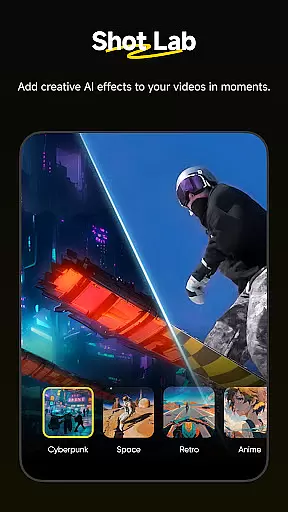
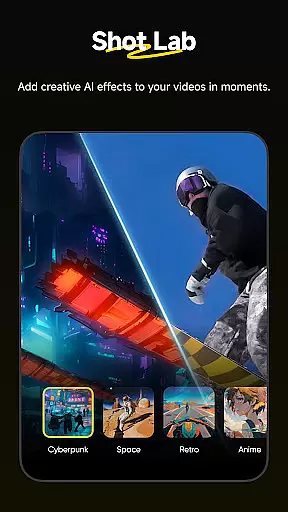
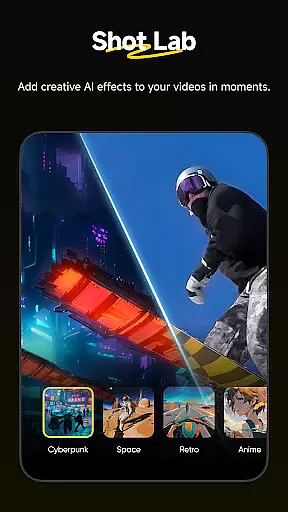
Insta360 stands out with its innovative features tailored for modern content creators. The AI Edit functionality automates the reframing process, making it easier than ever to produce high-quality edits with minimal effort. Additionally, the Shot Lab offers over 25 AI-powered templates, including unique modes like Nose Mode and Clone Trail, enabling users to craft viral-worthy clips in seconds.
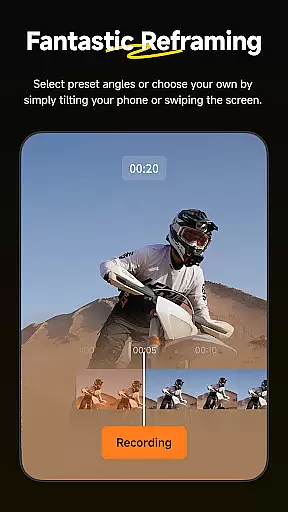
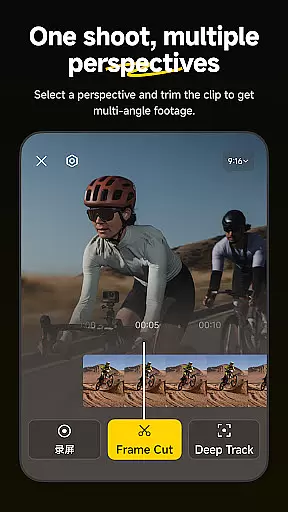
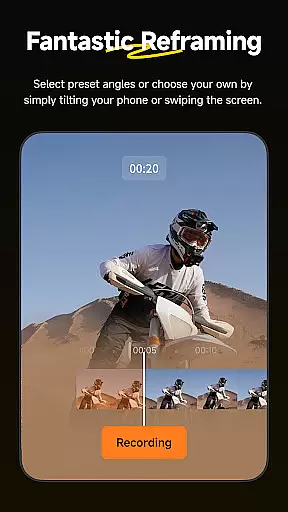
Other notable features include Deep Track for subject tracking, Hyperlapses for stabilized time-lapse videos, and Reframing tools that allow precise perspective adjustments. These capabilities ensure that users can achieve cinematic results without needing extensive technical expertise.
Insta360 supports a wide range of video formats, ensuring that creators can work with their preferred file types without any hassle. The app is designed to handle everything from standard MP4 files to more specialized 360-degree video formats, providing flexibility for various creative needs.
The application's robust compatibility allows users to import footage directly from Insta360 cameras or other devices seamlessly. This eliminates the need for prior conversion, thus saving time and preserving video quality during the editing process.
With download-free editing capabilities, users can edit and share their clips on social media platforms without first downloading them onto their phones. This feature not only optimizes storage space but also enhances workflow efficiency by enabling on-the-go edits.
Creators benefit greatly from this comprehensive format support as it empowers them to focus on storytelling rather than technical limitations, making the Insta360 app an essential tool in every videographeru2019s arsenal.
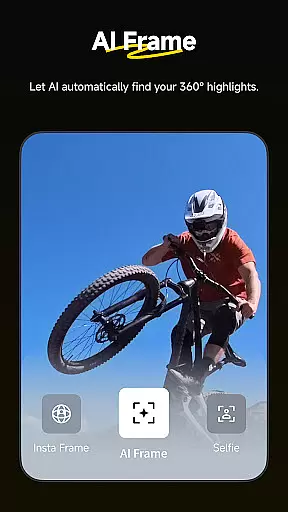
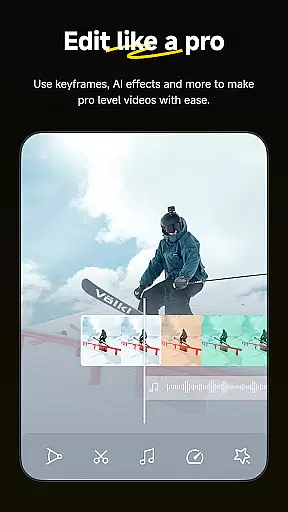
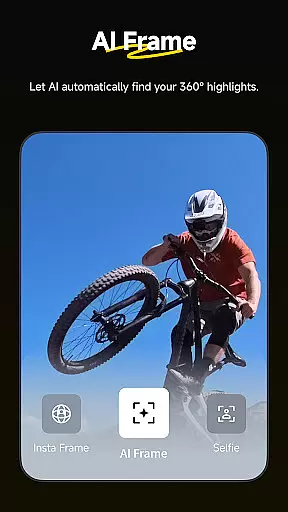
Insta360 leverages advanced AI technology to revolutionize video editing through its suite of auto-editing tools and templates. Users can now rely on AI to manage the entire reframing process, swiftly highlighting action-packed moments with enhanced subject detection for seamless edits.
The Shot Lab within the app offers over 25 AI-powered templates such as Nose Mode, Sky Swap, AI Warp, and Clone Trail that facilitate creating viral content effortlessly. These innovative features enable both novice and experienced editors to produce professional-grade videos with minimal effort.
Deep Track functionality ensures subjects remain centered in shots with just a single tapu2014ideal for tracking people, animals, or moving objects. Additionally, hyperlapses can be created at adjustable speeds using stabilized technology, granting full control over time and perspective adjustments.
This integration of artificial intelligence streamlines complex tasks while offering manual controls for precision tweaks when needed. As a result, Insta360 stands out as a creative powerhouse that simplifies high-quality video production significantly.
User-friendly interface
Advanced AI editing tools
Wide range of creative templates
Seamless camera integration
Download-free editing option
Requires compatible hardware
Occasional connectivity issues
Premium features may cost extra
Steep learning curve for beginners
Limited offline functionality

Play ALL formats in 4K & HD. Video downloader, MP3 player, Chromecast & more.
 4.80
4.80
Capture images & record videos for USB Camera, Webcam, Microscopes, Endoscopes
3.80
Live TV, anywhere in your home
3.80
Turn your phone into a wireless camera!
4.20
Explore the largest library of free GIFs, Stickers & Memes - or create your own!
3.90
Download videos and play them offline
4.70
Add date and time watermark to photos and videos
4.50
Find, download, and play torrents with the official BitTorrent® Pro app
4.70
Video player with 4K & 1080P support, popup play, background play and subtitle.
4.20
Download Hub, easy and private way to download and enjoy your videos offline
4.80
All in one HD video downloader & player for multiple formats with full privacy
4.70
IPTV Loader, loads your own Playlist. DOES NOT CONTAIN ANY LIST OR CHANNELS
4.60
Powerful Video Editor & Photo Editing App —— Quick Edits & Stunning Effects!
4.30
Browser for Samsung TV to stream webvideos, online movies and livestreams in HD
4.10
Connect 2 UVC devices for recording and broadcast video/audio stream
3.90
Cast to Smart TV, Fire TV. Cast video, photo - Fast & Stable!
3.90
Save photos and videos from social apps in one tap.
3.60
All in one multi protocols stream receiver for AirPlay, Cast and DLNA.
3.60
Video player with powerful streaming playback and various convenient features.
2.10


User Reviews