
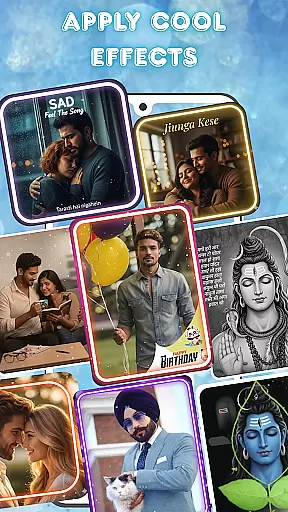
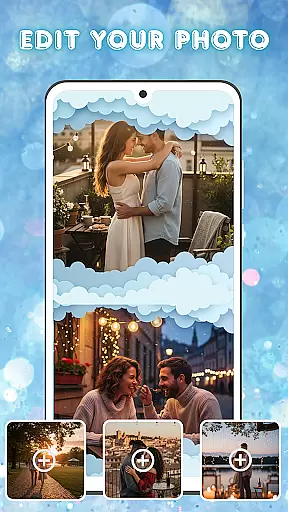
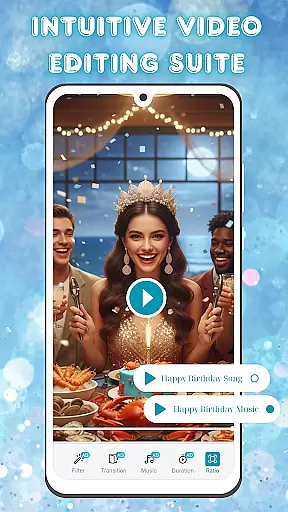
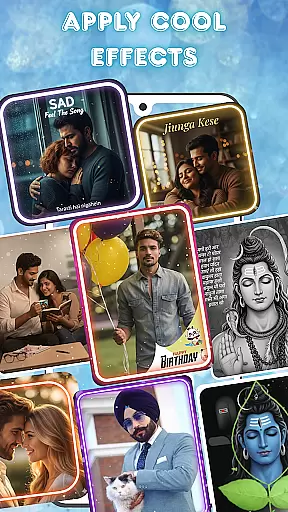
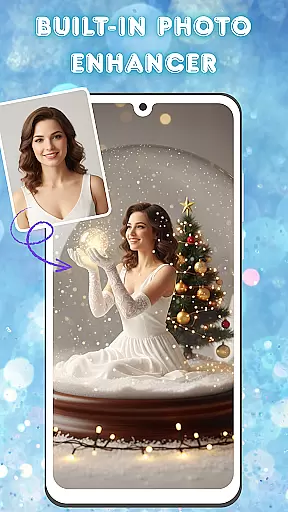
Photo and Music Video Creator is a versatile app designed to transform your photos into engaging video stories. With its user-friendly interface, the app allows you to create professional-quality slideshows or social media-ready videos effortlessly. Whether you're crafting a sentimental family montage or a trendy Instagram reel, this app provides all the necessary tools for seamless photo-to-video conversion.
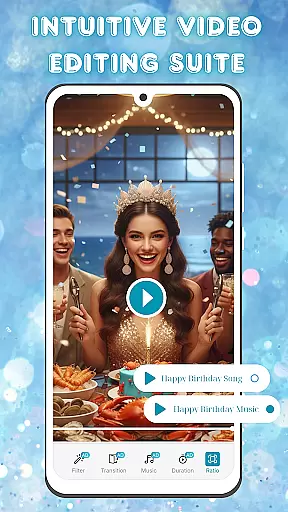
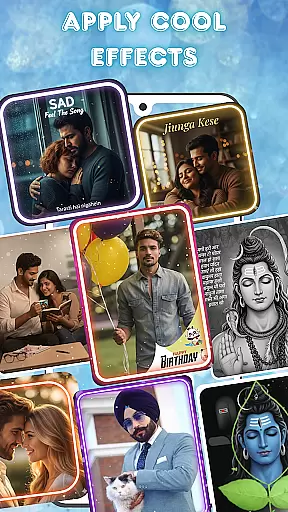
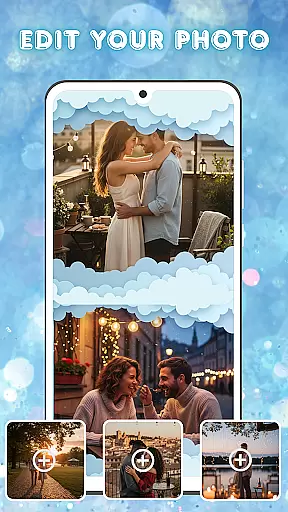
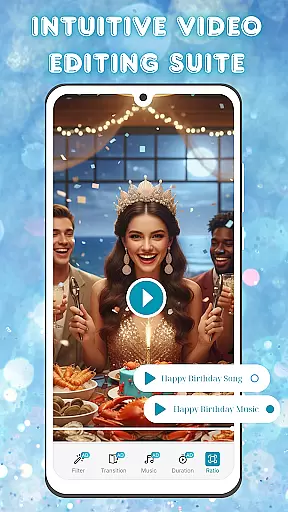
The app stands out with its advanced photo editing capabilities, enabling users to enhance their images before incorporating them into videos. You can adjust brightness, contrast, saturation, and more to ensure every frame looks perfect. Additionally, the intuitive video editing suite offers smooth transitions, stylish filters, and customizable background music, empowering you to produce polished visual content that captivates your audience.
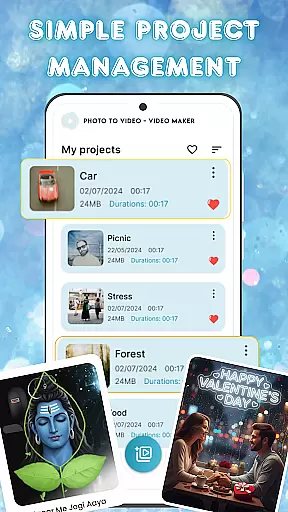
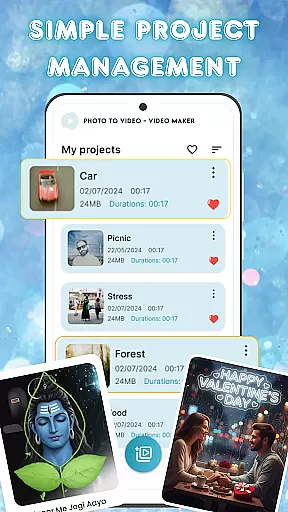
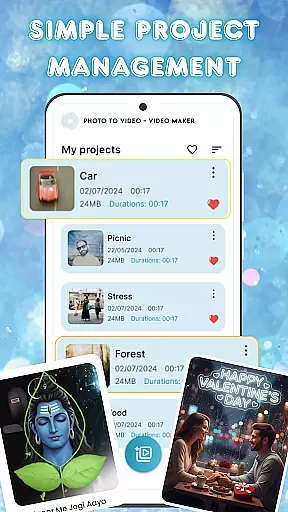
Ideal for both casual users and content creators, Photo and Music Video Creator helps you organize and manage multiple projects efficiently. Its simple project management system ensures you can access and edit your creations anytime, making it an essential tool for turning cherished memories into shareable videos.
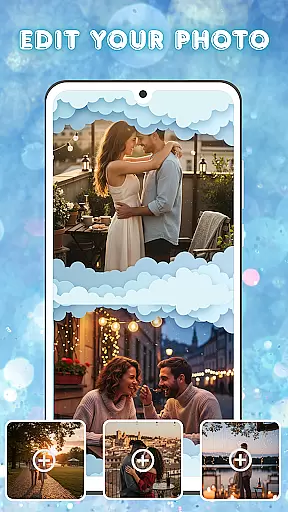
Photo and Music Video Creator boasts a comprehensive set of features tailored to simplify and enhance your video creation process. One of its standout functionalities is the easy photo-to-video conversion, which allows users to turn static images into dynamic videos with just a few taps. This feature is particularly useful for creating quick social media content or heartfelt slideshows without requiring extensive technical expertise.
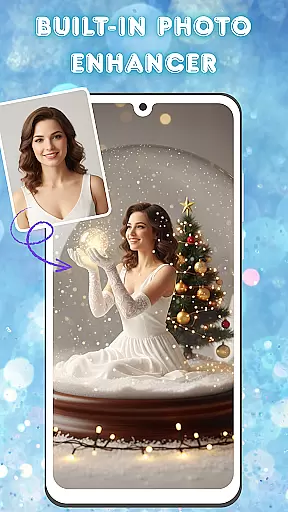
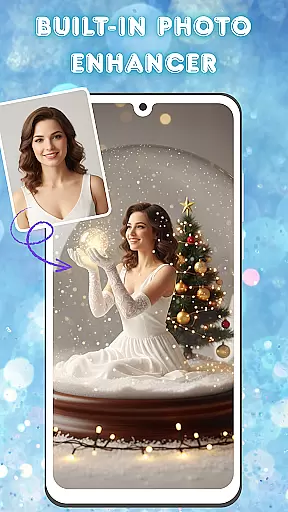
In addition to its core functionality, the app includes a built-in photo enhancer equipped with advanced editing tools. Users can fine-tune their images by adjusting brightness, contrast, saturation, and other parameters, ensuring each photo meets their creative vision before being added to a video. The intuitive video editing suite further elevates the experience by offering smooth transitions, stylish filters, and customizable background music options, enabling users to craft visually stunning and emotionally resonant videos.
For those managing multiple projects, the app's simple project management system is a game-changer. It allows users to organize, access, and edit their video projects seamlessly from one centralized location. This feature ensures that whether you're working on a single project or juggling several, you can maintain efficiency and focus on producing high-quality content.
Video format compatibility is a crucial feature for any video editing tool, ensuring that users can work with a wide range of file types without conversion hassles. Photo and Music Video Creator supports an extensive array of video formats, allowing creators to import and export projects in their desired resolutions and codecs.
This app leverages advanced decoding technologies to provide smooth playback and editing of high-definition videos. Whether you're working with MP4, AVI, or MOV files, the application maintains the quality and integrity of your footage throughout the editing process.
For users, this means freedom and flexibility. You can seamlessly integrate videos shot on different devices, from smartphones to DSLR cameras, into your projects. The app ensures that all media elementsu2014be it photos or video clipsu2014are synchronized perfectly, delivering a professional-grade output every time.
By supporting multiple formats, Photo and Music Video Creator caters to both amateur enthusiasts and seasoned videographers, making it a versatile choice for anyone looking to bring their creative visions to life.
AI-powered editing features are revolutionizing the way we create and edit videos, offering smart tools that automate complex tasks and enhance creativity. Photo and Music Video Creator incorporates cutting-edge AI technology to simplify video production while delivering stunning results.
One standout feature is the automatic photo enhancement tool, which uses AI algorithms to analyze and optimize image quality. This includes adjusting brightness, contrast, and color saturation, ensuring each frame looks its best before being turned into a video. Additionally, the app provides intelligent scene detection, which automatically applies suitable transitions and effects based on the content of your photos and video clips.
The built-in AI also assists with audio synchronization, intelligently matching background music beats with video cuts for a more dynamic and engaging final product. These smart features not only save time but also open up new creative possibilities, enabling even beginners to produce polished, professional-looking videos.
With AI-powered editing, Photo and Music Video Creator empowers users to focus on storytelling and artistic expression, leaving the technical details to the app's advanced algorithms.
User-friendly interface
Advanced photo editing
Customizable transitions
Variety of filters
Efficient project management
Limited free features
Occasional ads
Premium subscription required
Export quality limitations
Learning curve for beginners

Fast, private downloading, video saving, social media
 4.50
4.50
Connect 2 UVC devices for recording and broadcast video/audio stream
3.90
You can play SWF format file!
2.50
Snaptubè Video Downloader app allows to download videos and music in Snaptube. .
4.60
All in one HD video downloader & player for multiple formats with full privacy
4.70
Play and download HD videos from all sources — fast, simple, and all-in-one.
4.1
Download videos and play them offline
4.70
Manage your IPTV live channels and VOD playlists (no playlist included)
3.80
Browser + Remote for Roku to stream webvideos, online movies and livestreams
4.60
AI Video Editor with Music, Filter, Slideshow, Effect, Merge & Trim Video.
4.80
Flud is a simple and beautiful BitTorrent client for Android.
4.80
Download Hub, easy and private way to download and enjoy your videos offline
4.80
Find, download, and play torrents with the official BitTorrent® Pro app
4.70
Cast Videos from Web Browser, IPTV to Roku, Chromecast, DLNA, Smart TV +more
4.60
?100% FREE! Download & save videos? safely in this app. All formats supported.
4.60
Powerful video player with advanced hardware acceleration and subtitle supports
4.20
Online Videos Player
3.90
A full editing room to accompany your Insta360 cameras and handheld gimbals.
3.30
Powerful HD video player with support for all formats & subtitles.
4.2


User Reviews