
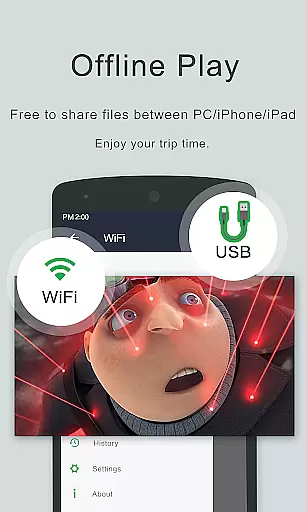
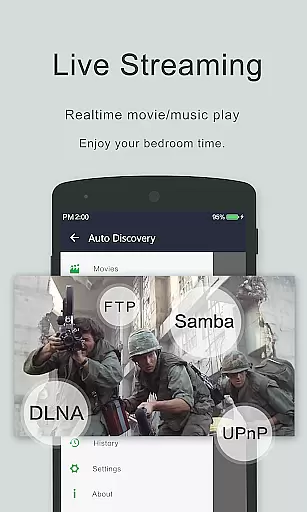
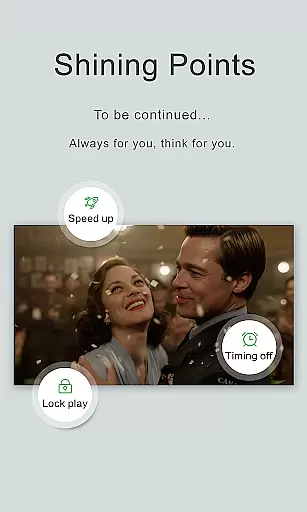
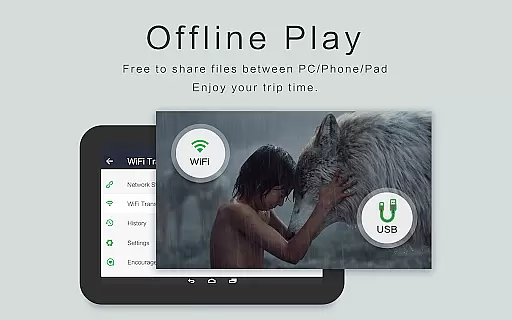
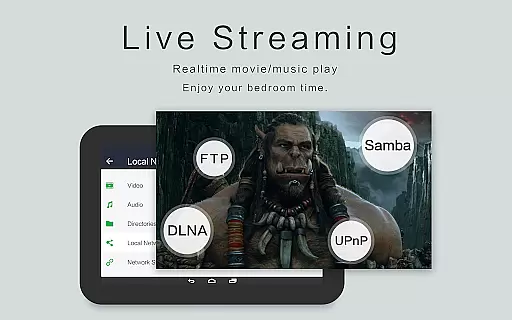
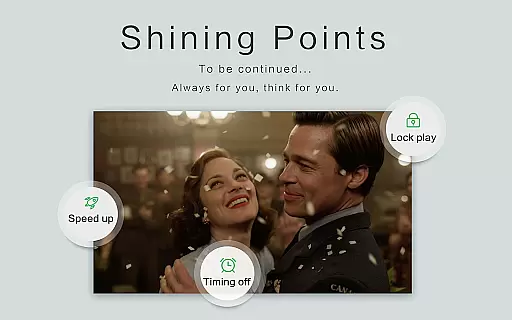
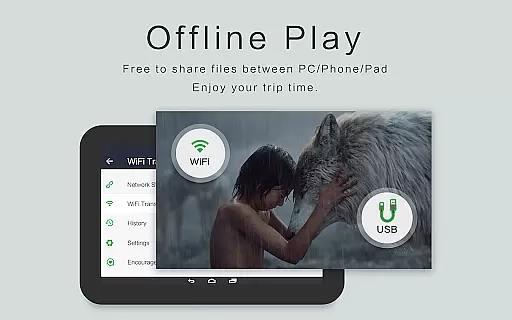
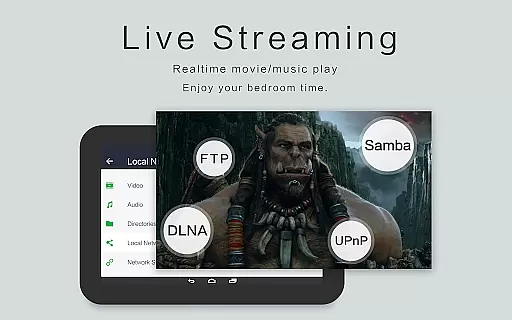
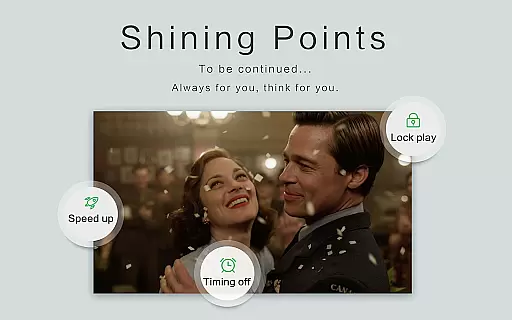
OPlayer is a professional media playback tool that has been under development for 12 years, making it one of the best HD video players for Android tablets and phones. Officially supporting DTS & DivX, this app caters to users who require high-quality video playback on their devices.
With its ability to support almost all media formats including MKV, MP4, AVI, and more, OPlayer ensures an uninterrupted viewing experience. The app also supports Ultra HD video playback, including 4K resolution, and includes features like hardware acceleration and Chromecast support for casting videos to TV.
Whether you're watching videos in pop-up windows, split-screen mode, or in the background, OPlayer provides versatile playback options. Its comprehensive file manager allows easy management and sharing of videos, while gesture unlock keeps your media secure.
OPlayer stands out with its extensive format support covering most video types such as MKV, MP4, AVI, and many others. It's not just limited to being a video player; it also functions as a capable music player supporting audio formats like WMA, FLAC, and MP3.
The app offers advanced functionalities like floating video playback, enabling multitasking by overlaying video on other apps. With background play, users can listen to videos like audiobooks. Additionally, OPlayer facilitates casting videos to TVs using Chromecast and includes a full-featured file manager for organizing media files efficiently.
Designed for ease of use, OPlayer lets users adjust volume, brightness, and playback progress through simple screen gestures. Night mode, quick mute, and customizable playback speeds further enhance user convenience, making it an indispensable tool for enjoying multimedia content on Android devices.
Video format compatibility is a crucial feature for any video player application, determining its ability to support various file types. OPlayer excels in this area by supporting an extensive range of video formats including MKV, MP4, M4V, AVI, MOV, 3GP, FLV, WMV, RMVB, and TS.
The app's comprehensive format support ensures that users can play almost any video file they encounter without the need for conversion or additional codecs. This versatility makes OPlayer one of the best HD video players available for both Android tablets and phones.
With hardware acceleration and ultra HD video playback capabilities, including 4K resolution, users can enjoy high-quality video content with smooth performance. The inclusion of advanced features like Chromecast support for casting videos to TV further enhances the user experience.
OPlayer's commitment to supporting all major video formats not only provides convenience but also guarantees an uninterrupted viewing experience across different devices, making it a reliable choice for diverse media playback needs.
While OPlayer focuses primarily on video playback, its AI-powered editing features offer users basic yet useful tools for managing their media files. Although not a full-fledged video editor, the app incorporates intelligent functions that enhance the overall user experience.
The built-in file manager automatically identifies all video files on the device and SD card, providing easy access and organization. Users can perform essential file operations such as move, cut, and paste, streamlining their media management process through smart recognition and categorization.
OPlayer's AI capabilities extend to background playback and floating window modes, allowing multitasking while maintaining video playback. These features demonstrate the app's intelligent approach to video consumption, adapting to modern users' needs for flexible media interaction.
Additionally, the app's automatic subtitle downloader and night mode activation showcase its smart features that adapt to user preferences and environmental conditions, creating a more personalized and comfortable viewing experience.
User-friendly interface
Comprehensive format support
Advanced playback options
Efficient file management
Secure media access
Occasional bugs reported
Interface may feel dated
Limited customer support
Some features require purchase
Heavy on system resources

Auto video maker with music & exclusive filters. Video editing made simple.
 4.50
4.50
Stream high quality video from your camera over NDI protocol
4.5
Live TV, anywhere in your home
3.80
AI Video Editor:AI Music, Text to Video,Text to Speech,Auto Caption,Video Effect
4.00
IPTV Loader, loads your own Playlist. DOES NOT CONTAIN ANY LIST OR CHANNELS
4.60
Add date and time watermark to photos and videos
4.50
AI Video Editor with Music, Filter, Slideshow, Effect, Merge & Trim Video.
4.80
Fast & Private HD Video Downloader with Built-in Proxy Browser and Video Player.
4.50
Manage your YouTube channel on the go
4.40
All in one HD video downloader & player for multiple formats with full privacy
4.70
Video Player - Unlimited features, 30 days money back guarantee.
4.60
AirMirror Receiver - Screen mirroring/cast web videos to Android TV by AirPlay.
4.40
Fast & Private Video Downloader App. Save all videos easily from the Internet.
4.40
Video player, file manager for all formats, 4K/HD media player supports subtitle
4.30
This app was created to edit the metadata of music files.
4.20
Browser for Samsung TV to stream webvideos, online movies and livestreams in HD
4.10
Save photos and videos from social apps in one tap.
3.60
Connect EasyCap or UVC devices for recording and broadcast video/audio stream
3.60
The smartest M3U IPTV Player your playlists have ever seen.
4.2


User Reviews