
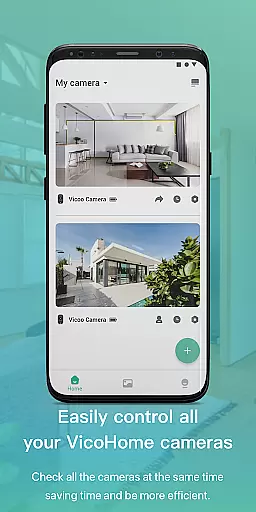
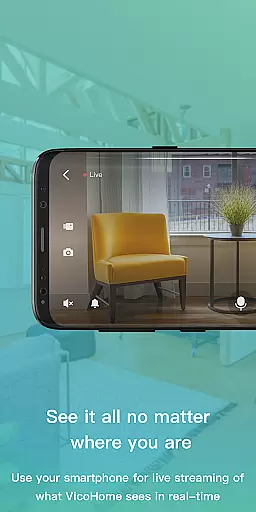
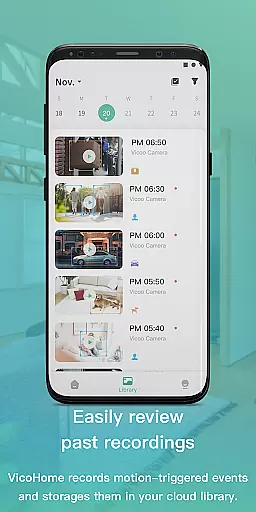
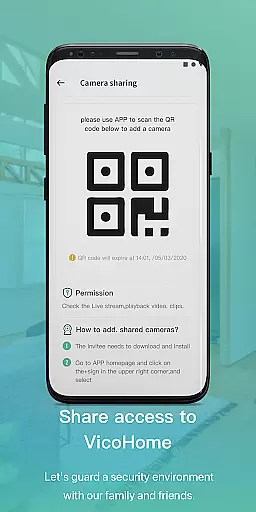
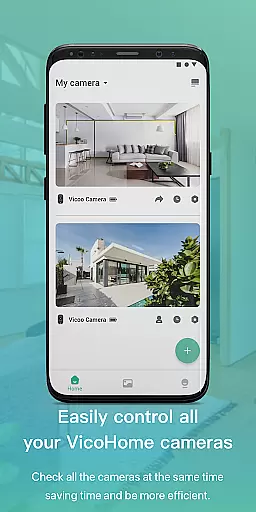
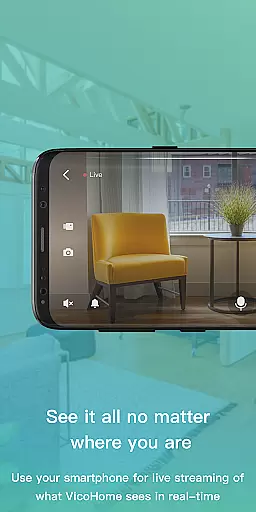
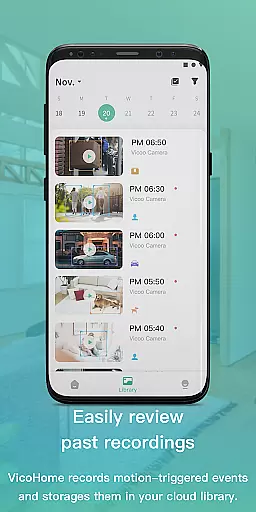
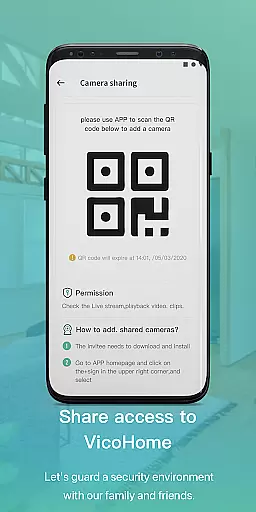
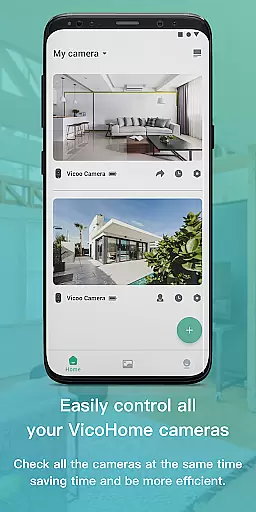
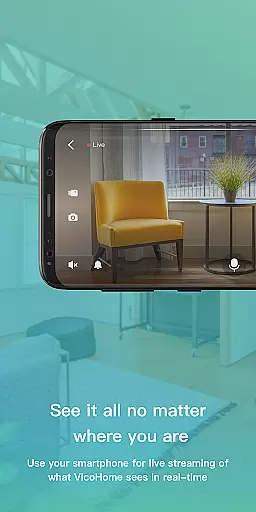
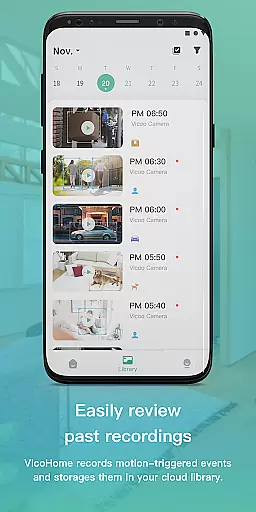
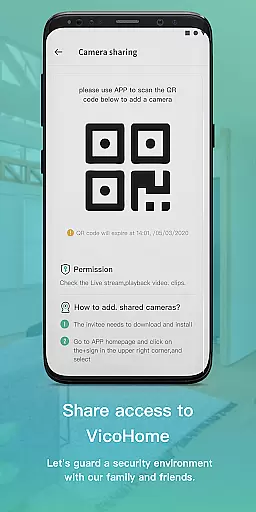
VicoHome is a smart home management application that allows users to connect with their smart devices, especially cameras. Through its live screen feature, users can access their cameras anytime and anywhere to monitor their homes. Additionally, the app provides access to past recordings, ensuring no detail is missed.
The application serves as a comprehensive video monitoring solution, offering real-time viewing and recorded footage playback. It is particularly useful for users who want to keep an eye on their property and loved ones remotely. With VicoHome, peace of mind is just a tap away.
VicoHome offers a variety of features designed to enhance smart home security. The live screen functionality enables real-time monitoring of connected cameras, providing instant access to what's happening at home. Users can also review past videos, allowing them to revisit any recorded events at their convenience.
Another notable feature is the ability to connect multiple cameras, giving users a broader view of their property. This multi-camera support, combined with intuitive navigation, ensures a seamless user experience. Whether checking in on family members or securing valuables, VicoHome delivers reliable performance and ease of use.
Video format compatibility is crucial for any video player, ensuring that users can access their content without technical barriers. VicoHome supports a wide range of video formats, allowing seamless playback of videos recorded by your smart devices.
The application ensures that whether you're viewing live footage or recorded videos, the format will not hinder your ability to monitor your home. This flexibility in format support means you won't miss any important details captured by your cameras.
By providing extensive video format support, VicoHome enhances user experience, making it convenient to switch between different camera feeds and recorded videos. Users can enjoy uninterrupted monitoring, regardless of the device used to capture the footage.
AI-powered editing features are transforming how we interact with video content by enabling smarter and faster editing processes. VicoHome incorporates intelligent tools that assist users in managing their video footage efficiently.
With AI assistance, users can easily sift through hours of recorded video to find specific moments or details. The smart editing capabilities allow for quick highlighting, cutting, and organizing of video segments, saving time and effort.
This feature not only streamlines the process of reviewing past recordings but also empowers users to focus on what matters most. By leveraging AI technology, VicoHome provides an intuitive way to handle large volumes of video data, enhancing both security monitoring and personal content creation.
User-friendly interface
Real-time camera access
Multi-camera support
Reliable video playback
Remote home monitoring
Limited device compatibility
Occasional connectivity issues
No advanced analytics
Basic UI design
In-app purchases required

Connect 2 UVC devices for recording and broadcast video/audio stream
 3.90
3.90
Your media, on your terms.
4.10
Snaptubè Video Downloader app allows to download videos and music in Snaptube. .
4.60
Capture images & record videos for USB Camera, Webcam, Microscopes, Endoscopes
3.80
An easy-to-use and all-round screen recorder with audio
4.80
Play and download HD videos from all sources — fast, simple, and all-in-one.
4.1
Fast & Private Video Downloader App. Save all videos easily from the Internet.
4.40
VLC for Android is the best open source video and music player, fast and easy!
4.10
Manage your YouTube channel on the go
4.40
AI Video Editor with Music, Filter, Slideshow, Effect, Merge & Trim Video.
4.80
Find, download, and play torrents with the official BitTorrent® Pro app
4.70
Watch a large amount of high-definition short drama content
4.60
Search & download videos from net with all video downloader, auto-detect & safe.
4.60
Create photo video with music & template. AI video maker for stunning slideshow.
4.60
Auto video maker with music & exclusive filters. Video editing made simple.
4.50
HD video maker with no watermark, no ads & vlog maker with music, PIP, text
4.50
Browser for Fire TV to stream webvideos, online movies, livestreams in HD
4.40
AI Video Editor:AI Music, Text to Video,Text to Speech,Auto Caption,Video Effect
4.00
Fast private browser with secure, seamless access & supported video downloads!
4.00


User Reviews