
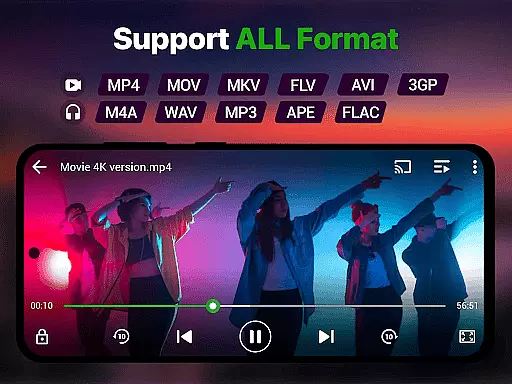
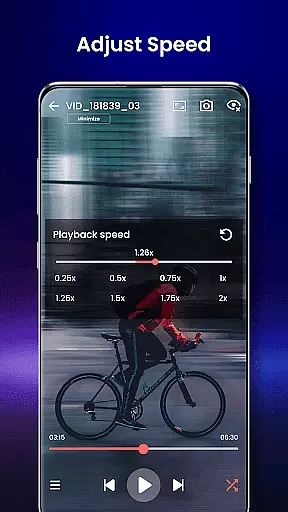
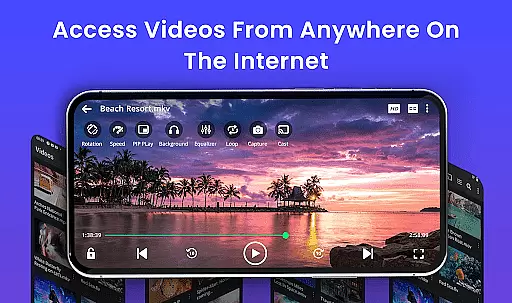
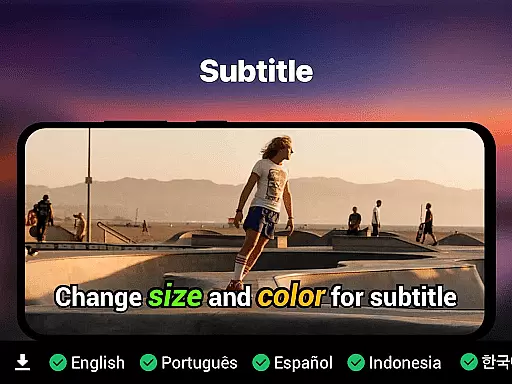
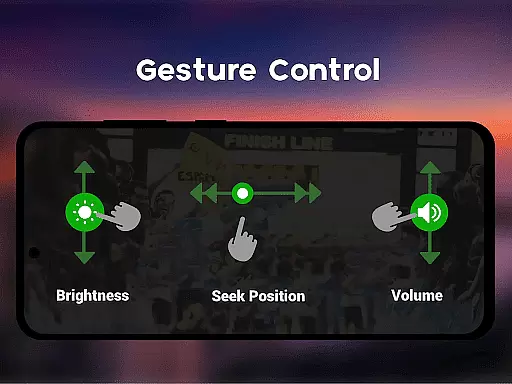
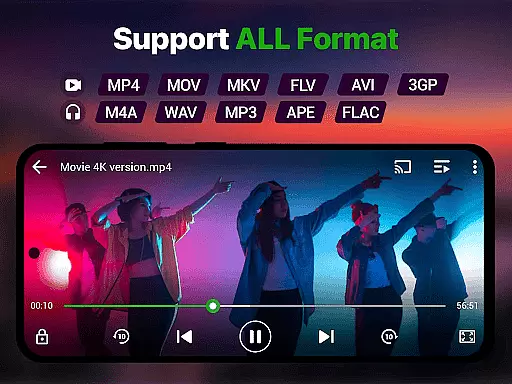
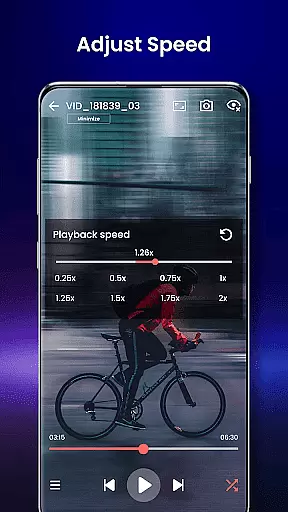
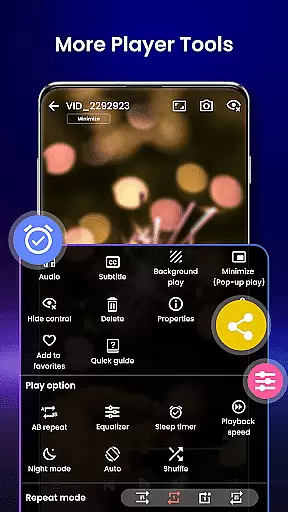
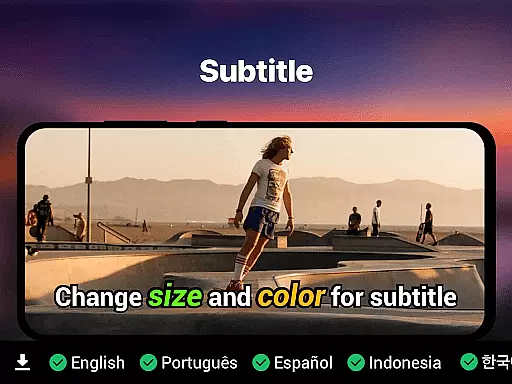
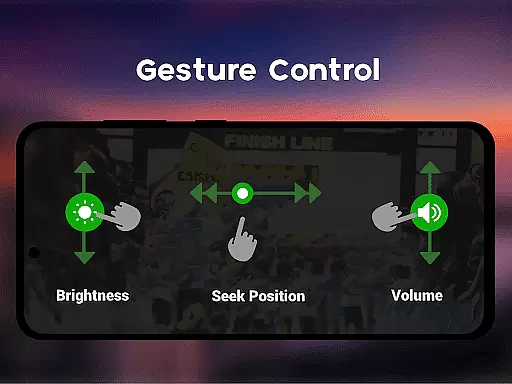
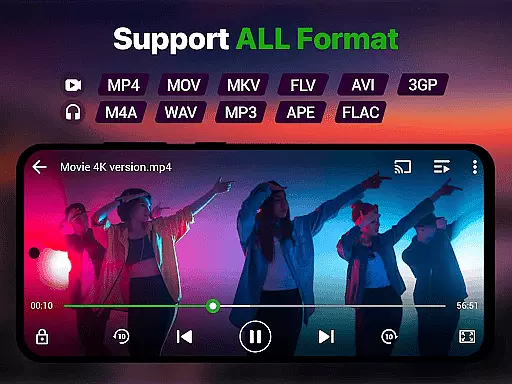
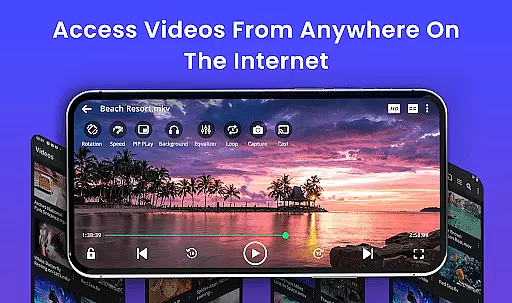
Video Player is a feature-rich application designed for seamless video playback on Android devices. Supporting all major video formats including MP4, MKV, AVI, and 4K resolution files, it ensures smooth performance with advanced decoding technology. The app offers smart gesture controls, subtitle support, and speed control from 0.25x to 4x playback.
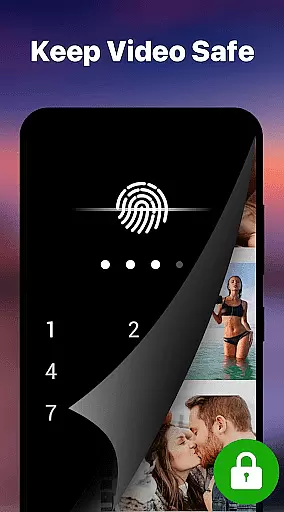
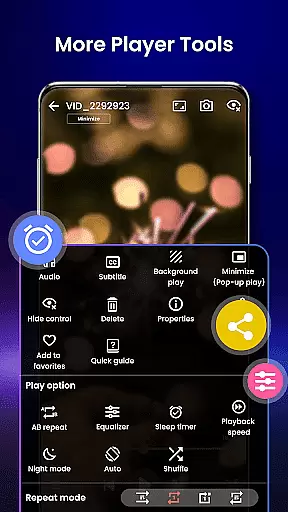
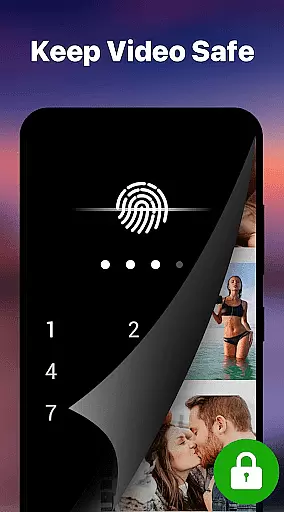
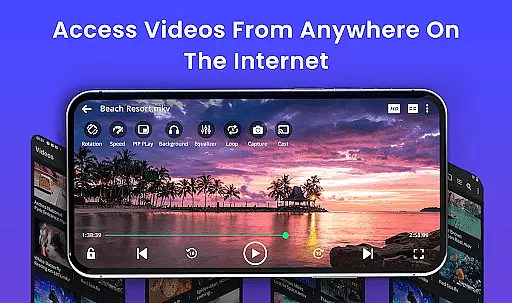
With Chromecast integration, users can stream content directly to their TVs while background play and pop-up window modes allow multitasking. A private folder feature provides PIN protection for sensitive videos, making it ideal for secure media viewing. Whether watching movies, tutorials, or managing collections, this app transforms your Android device into a cinema-grade experience.
Video Player stands out with its comprehensive format compatibility, supporting everything from MP4 to WMV files. Its Ultra HD and 4K playback capabilities ensure stunning visuals, while AI-enhanced rendering optimizes clarity for high-resolution videos. Smart gesture controls let users adjust volume, brightness, and seeking effortlessly.
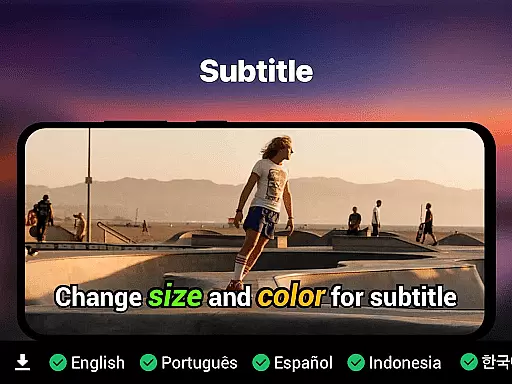
The app includes robust subtitle support (SRT, SSA, ASS, VTT) with automatic track detection and synchronization. Additional features like night mode, resume playback, and file manager integration enhance user convenience. With no ads and lightweight design, Video Player delivers uninterrupted entertainment tailored for both casual viewers and media enthusiasts.
Video format compatibility is a crucial feature for any video player application, ensuring that users can play videos in various formats without the need for conversion. Our Video Player app supports an extensive range of video formats including MP4, MKV, AVI, MOV, FLV, 3GP, WMV, and more. This wide compatibility ensures that no matter what type of video file you have, our app will handle it with ease.
The importance of this feature cannot be overstated. With the diversity of video formats available today, having a video player that can seamlessly play all these formats means users are not limited by file type. Whether you're watching movies, recorded clips, or downloaded files, our Video Player app provides a smooth playback experience without the hassle of converting files to a compatible format.
Our app uses advanced decoding technology to ensure high-quality playback across all supported formats. This means that whether you're enjoying content in standard definition or high-resolution 4K, the video quality remains top-notch. The result is an uninterrupted viewing experience that caters to both casual viewers and videophiles alike.
Ultimately, the comprehensive video format support in our Video Player app offers convenience and peace of mind. Users can focus on enjoying their content rather than worrying about technical limitations, making it the perfect entertainment companion for Android devices.
AI-powered editing features represent the cutting edge of video player functionality, enhancing the user's ability to manipulate and improve their video content directly within the player. Our Video Player app incorporates AI-enhanced rendering to boost clarity and optimize frames, ensuring a seamless viewing experience even with lower quality source material. This technology intelligently enhances video playback, providing users with an improved visual experience without manual intervention.
The significance of AI-powered editing becomes apparent when dealing with diverse video sources. By automatically adjusting settings such as brightness, contrast, and sharpness, the app delivers optimized video quality tailored to individual content. This feature is particularly beneficial for users who frequently watch videos from different sources or in varying formats, as it ensures consistent quality across all playback sessions.
In addition to playback enhancements, our app also includes smart controls like speed adjustment from 0.25x to 4x, allowing users to customize their viewing experience further. These intuitive gesture controls for volume, brightness, and seeking make interacting with your videos effortless and enjoyable. Such innovations set our Video Player apart from traditional players by offering dynamic control over how content is consumed.
By integrating AI-powered editing features, our Video Player app not only meets but exceeds modern expectations for digital media consumption. It empowers users to enjoy premium video quality with zero lag while providing tools that enhance accessibility and personalization. This positions our app as a versatile solution suitable for everything from casual viewing to managing extensive media collections.
Supports all video formats
Ultra HD & 4K playback
Smart gesture controls
Private folder with PIN lock
No ads
Limited iOS support
Advanced features locked
Occasional bugs
Heavy on memory
Interface not intuitive

Video Downloader is an utility that can save videos and music from web sites
 4.20
4.20
Full HD Video mp3 Player, MP4 player play 1080p, File manager, Video Downloader
4.40
HD video maker with no watermark, no ads & vlog maker with music, PIP, text
4.50
Explore the largest library of free GIFs, Stickers & Memes - or create your own!
3.90
Play and download HD videos from all sources — fast, simple, and all-in-one.
4.1
Make your own Animations, Video and Photo Edits, Visual Effects, and more!
4.00
All in one multi protocols stream receiver for AirPlay, Cast and DLNA.
3.60
Web Browser for LG TV to stream webvideos, online movies and livestreams in HD
4.20
Fast private browser with secure, seamless access & supported video downloads!
4.00
Play ALL formats in 4K & HD. Video downloader, MP3 player, Chromecast & more.
4.80
All in one HD video downloader & player for multiple formats with full privacy
4.70
Download videos and play them offline
4.70
Watch a large amount of high-definition short drama content
4.60
Auto video maker with music & exclusive filters. Video editing made simple.
4.50
Video Downloader, Multiple Resolution Options, Video Player
4.50
Download website videos fast&privacy
4.40
Browser for Fire TV to stream webvideos, online movies, livestreams in HD
4.40
Video player, file manager for all formats, 4K/HD media player supports subtitle
4.30
AirMirror is Receiver for Screen Mirroring and Casting from Apple Devices.
3.60


User Reviews