
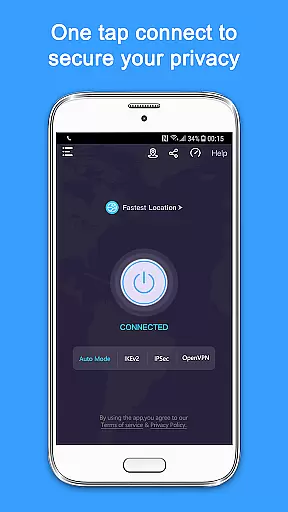
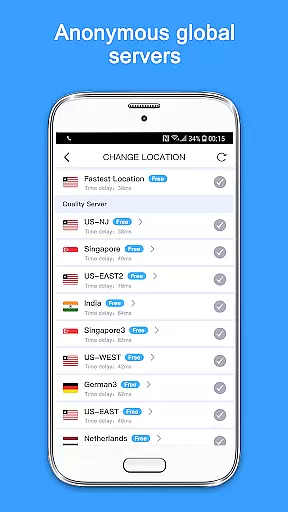
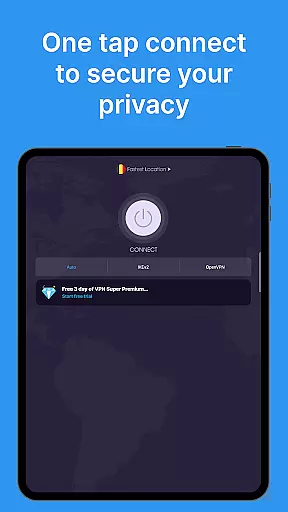
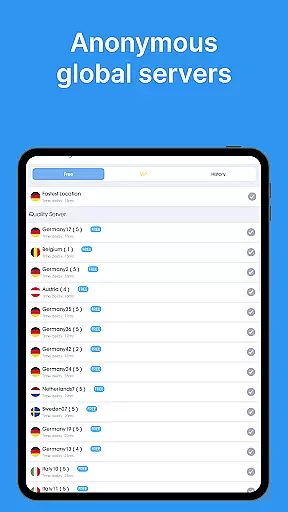
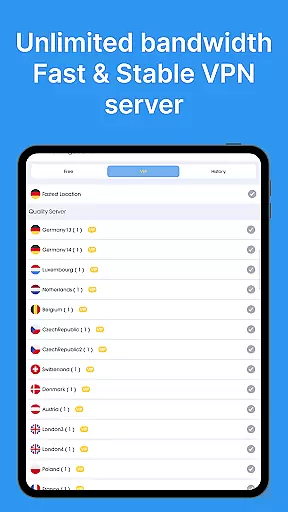
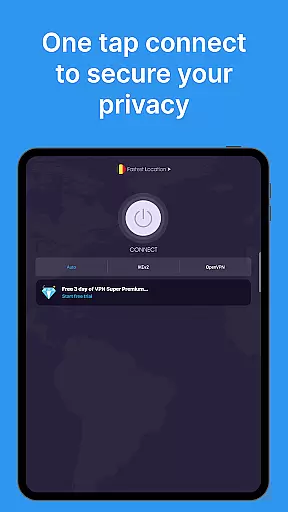
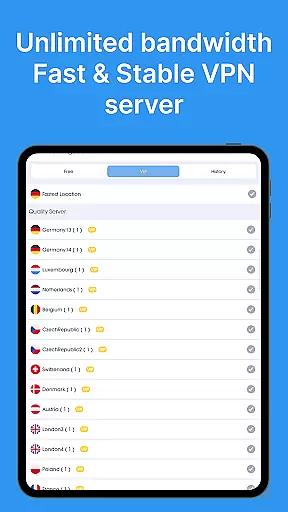
VPN - Super Unlimited Proxy is a robust and user-friendly virtual private network (VPN) application designed to provide secure internet access for Android users. With its core focus on privacy, this app allows you to connect with just one tap, offering unlimited bandwidth and turbo-fast speeds across thousands of servers worldwide. Whether you're using public Wi-Fi, streaming content, gaming, or browsing privately, the app encrypts your connection, hides your IP address, and ensures your online activities remain confidential.
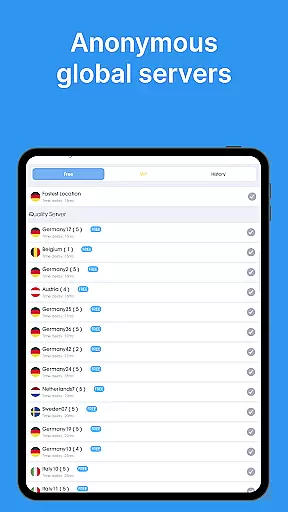
The app provides free features such as unlimited speed, bandwidth, and usage without ads, time limits, or speed caps. It supports connections from over 5,000 servers in 55+ countries, ensuring optimal performance through smart server selection. Additionally, it offers advanced protocols like OpenVPN, IKEv2, and V2Ray, making it versatile for different network environments. For those seeking premium features, the app offers ultra-fast 10 Gbps servers, ad-free browsing, and extended device protection.
One of the standout features of VPN - Super Unlimited Proxy is its completely free model, which includes no ads, unlimited speed, and unrestricted bandwidth. This makes it highly accessible for users who need reliable VPN services without financial commitment. The app also boasts military-grade encryption and a strict no-logs policy, ensuring that your online activities are never tracked or stored. These security measures are crucial for protecting sensitive data, especially when connected to public Wi-Fi networks.
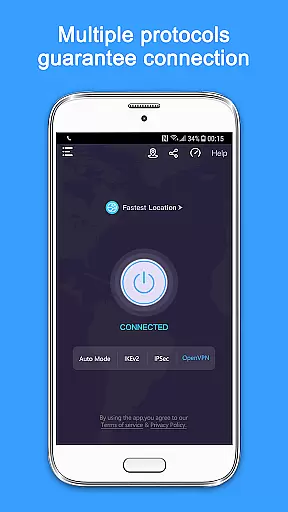
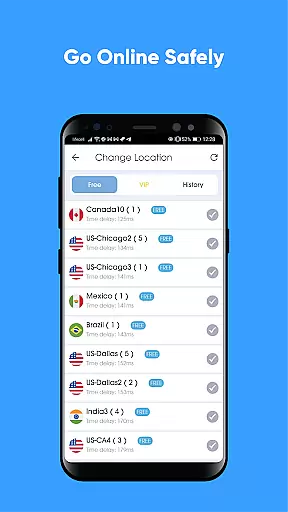
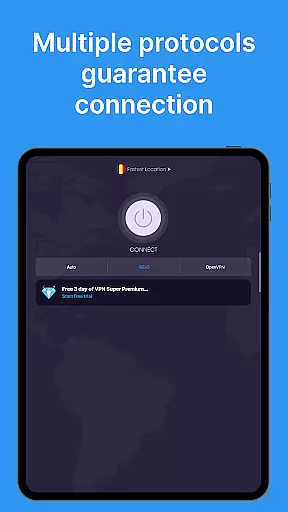
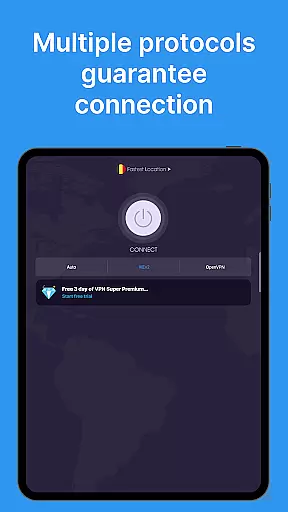
Another key feature is the extensive server network, covering 55+ countries and 25+ server locations, including major U.S. cities. This global reach allows users to bypass geo-restrictions and access content from virtually anywhere in the world. Moreover, the app supports multiple VPN protocols, giving users flexibility in choosing the best option for their specific needs. The Auto Mode feature further enhances user experience by automatically selecting the fastest protocol available, optimizing speed and reliability.
When it comes to a VPN application, core function accuracy and effectiveness are paramount for ensuring user privacy and security. The VPN - Super Unlimited Proxy app excels in this area by providing military-grade encryption that safeguards users' internet connections, effectively hiding IP addresses and protecting online activities from prying eyes.
The app offers unlimited speed, bandwidth, and usage without any time limits or speed caps, which is crucial for maintaining an uninterrupted browsing experience. With access to over 5,000 servers across more than 55 countries, the application ensures optimal performance through smart server selection, allowing users to connect instantly with just one tap.
Users benefit from the app's ability to work seamlessly on various networks including Wi-Fi, 5G, LTE/4G, and 3G, making it versatile for different connectivity scenarios. This reliability means that whether you're streaming content, gaming, or simply browsing privately, your connection remains secure and fast.
By supporting multiple protocols such as OpenVPN, IKEv2, Super, and V2Ray, the application provides flexibility in choosing the best protocol for each location, enhancing both security and speed. This comprehensive approach guarantees that all data transmitted via the app is protected against unauthorized access while maintaining high-speed connections.
A straightforward interface can significantly enhance user experience, especially when dealing with technical tools like a Virtual Private Network (VPN). The VPN - Super Unlimited Proxy app boasts an intuitive design that requires no registration or login, enabling users to establish a secure connection instantly upon opening the app.
This ease of use extends to its functionality; with features like automatic server selection based on performance metrics, even novice users can enjoy optimized network speeds without needing to manually configure settings. Such automation simplifies what could otherwise be complex processes into seamless operations within the appu2019s environment.
Moreover, the absence of ads contributes to a cleaner and less cluttered interface, allowing users to focus solely on their privacy needs without distractions. This minimalist yet effective layout ensures that all essential functions are easily accessible, promoting efficient navigation throughout the application.
For those seeking additional customization options, upgrading to premium unlocks further enhancements but does not detract from the fundamental simplicity offered by the free version. Overall, the balance between advanced capabilities and user-friendly presentation makes this tool both powerful and accessible for everyday use.
Free unlimited bandwidth
No activity logs stored
Wide server coverage
Advanced encryption protocols
Instant connection without registration
Limited free server options
Premium features require payment
Occasional connection drops
Ads in free version
Complex settings for beginners

Just one-tap to easy translate in any language after calls within seconds.
 4.20
4.20
Unit and currency converter with easy and simple UI.
4.80
An open-source APK explorer for Android!
4.10
Unleash gamepad precision for ultimate mobile gaming dominance.
3.90
The Ultimate Bluetooth Keyboard & Mouse. Securely control your PC, Mac, and more
4.50
Support Fossify apps with a warm thank you!
5.00
Screen Mirroring for Roku Sticks, Roku TCL TV and Roku Hisense TV
4.50
The ultimate tool for network analysis, wifi scanning and problem detection.
4.90
The Ultimate Flex Drivers Utility App - Convenient Tapping & Block Filters
4.70
Learn the vast amount of system information about device and monitor it's state
4.70
Keep track of your Palia friendships, tasks, and inventory with Palia Notebook
4.60 4.50
4.50
Quickly switch to an encrypted DNS server on Android TV
4.50
Game Booster, GFX Tool is now compatible with newer game update
4.50
Making emulation easy for everyone!
4.30
pdf merge, word to pdf, jpg to pdf, edit pdf, convert to pdf and much more!
4.20
Effortlessly run ADB commands directly on your device without a PC.
4.20
Automate everything from settings to photos, SMS to speech. ADC2 prize winner.
4.10
Transfer Files, APK from Phone to Watch & Install.
4.0


User Reviews