
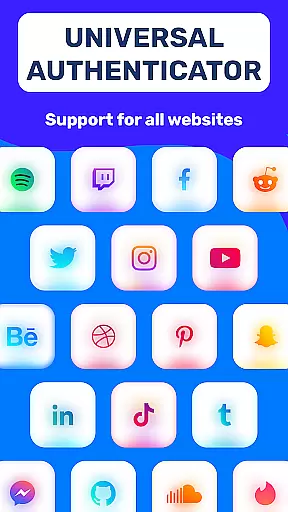
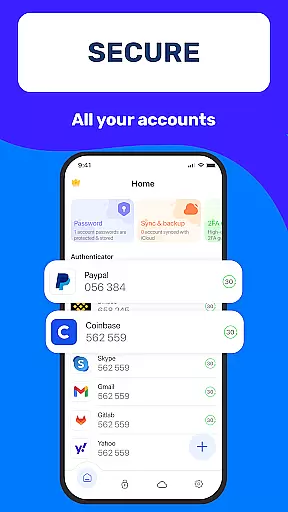
Authenticator App 2FA - Password Manager is a comprehensive productivity tool designed to enhance both security and convenience in managing digital accounts. The app integrates two-factor authentication (2FA) with advanced password management, ensuring users can protect their online presence while simplifying login processes.
Key features include QR code scanning for 2FA, secure password storage with autofill capabilities, and multiple device synchronization through backup and cloud storage options. These functionalities are particularly beneficial for individuals who manage numerous online accounts and require seamless access across devices without compromising security.
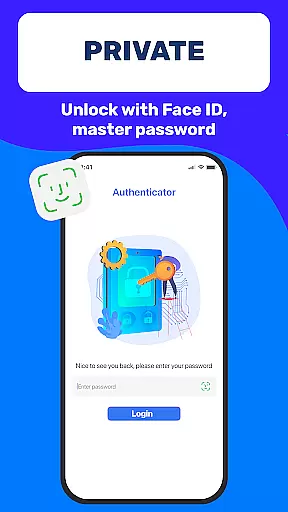
The app also supports biometric authentication such as Touch ID, providing an additional layer of protection. Its user-friendly interface and robust feature set make it an ideal solution for professionals and everyday users seeking to streamline their digital workflows while maintaining top-tier security standards.
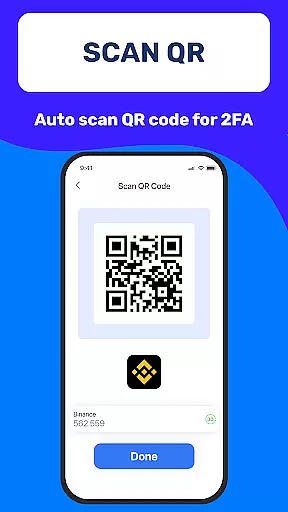
One of the standout aspects of Authenticator App 2FA - Password Manager is its multifaceted approach to account security and management. The app offers a secure Scan QR 2FA feature that simplifies the login process by generating time-based one-time passwords directly from scanned QR codes.
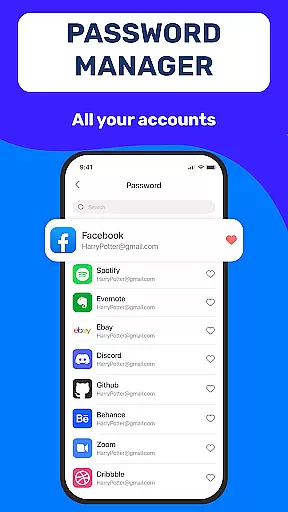
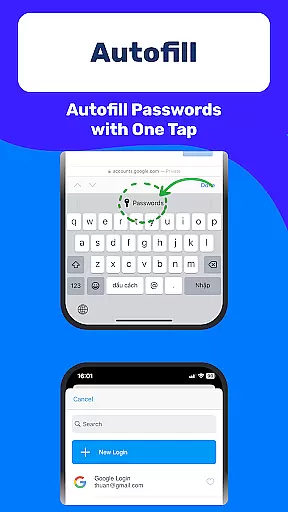
In addition to 2FA, the app provides a reliable Password Manager equipped with Autofill functionality. This allows users to store complex passwords and automatically populate login fields on websites, significantly reducing the risk of manual entry errors. The inclusion of Master Password and Touch ID ensures only authorized access to sensitive information.
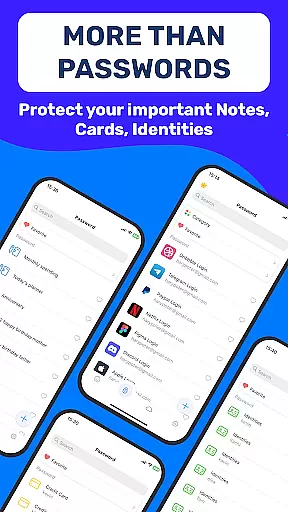
Furthermore, the app facilitates smooth data transitions with Import and Export Data features, supporting migration from other authenticator apps. With Dark Mode and Credit Card Note functionalities, users benefit from both aesthetic customization and secure storage for vital personal information, making this app a versatile tool for modern productivity needs.
Task management is a cornerstone of productivity applications, and Authenticator App 2FA - Password Manager excels in this area. The app integrates various features that streamline the way users handle their account credentials and sensitive information.
With functionalities such as Password Manager and Autofill, the app takes the hassle out of remembering complex passwords. It securely stores your login details and automatically fills them in on websites, which not only saves time but also minimizes the risk of typing errors during manual entry.
The inclusion of a Master Password and Touch ID feature for unlocking the app adds an extra layer of security while ensuring that only authorized access is permitted. This means users can focus on their tasks without worrying about unauthorized breaches.
Furthermore, the Backup & Sync feature ensures that all critical data is preserved across device changes or reinstalls, allowing users to maintain continuity in their task management efforts. This comprehensive approach to managing digital tasks makes Authenticator App 2FA a reliable tool for anyone looking to enhance their productivity while keeping their information secure.
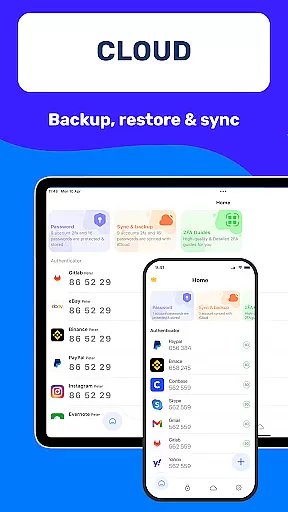
Cross-device synchronization is vital for users who operate on multiple platforms or devices throughout their day. Authenticator App 2FA - Password Manager addresses this need with robust features designed to keep your data consistent and up-to-date wherever you are.
The Backup & Sync functionality ensures that no matter what device you're using, your data remains intact and accessible. Whether switching phones or reinstalling the app after an update, users can rest assured that their information will be exactly where they left it.
In addition to local backups, the app offers Cloud Data Storage options which provide peace of mind against physical device loss or damage. By storing important details off-site, users have one less thing to worry about when managing their digital lives across different gadgets.
This seamless integration between devices underscores the app's commitment to providing a dependable service that supports modern work habits without compromising on security or convenienceu2014a true asset for those seeking efficient cross-device operations.
Enhanced Security
User-Friendly Interface
Multi-Device Sync
Efficient Password Management
Flexible Data Import/Export
Premium Features Locked
Occasional Sync Delays
Limited Free Storage
Biometric Glitches
Complex Setup

Experience Reading - Night Mode for Documents
 4.40
4.40
Unlock AutoNotification
4.00
All in One PDF Reader: Manage, Read and Edit your Documents
4.20
Cloud storage, automatic phone backup, and more.
4.10
Tally and goal counter for Wear OS & mobile
4.50
Experience and share your SolidWorks designs on your Android® phone and tablet.
2.50
Intelligent AI Assistant
4.10
Lightweight PDF, Word, Excel reader.
4.60
Browse and view your photos and videos from the phone with photo & video hide.
4.10
Direct Chat without saving contacts & Dual WA Account on Single Device
4.70
aCalendar+ makes your day, week and month
4.70
A beautiful digital clock with autostart and many other functions
4.70
Quickly and easily keep track of your work shifts
4.70
PDF scanner & converter for files, photos, lottery, QR codes. One swipe away!
4.50
Font maker keyboard with your own handwriting
4.10
Find and delete junk files & block unwanted notifications & manage files
3.70
Code on-the-go with VScode for Android. Edit,debug and collaborate from mobile!!
3.10
Easiest event planning, volunteer signups & parent teacher conference scheduling
2.20
Create study competitions, track your hours, and stay consistent with friends
4.3


User Reviews