
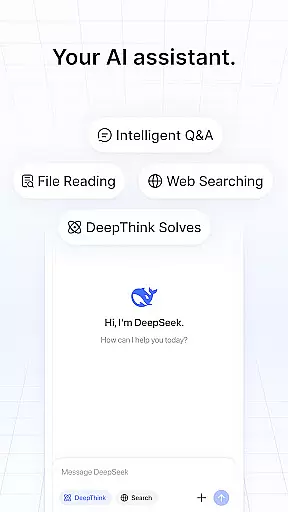
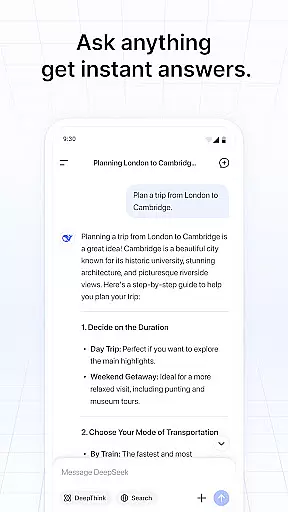
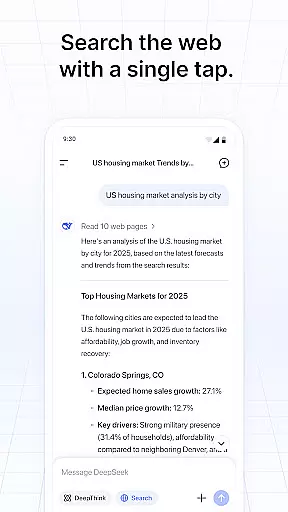
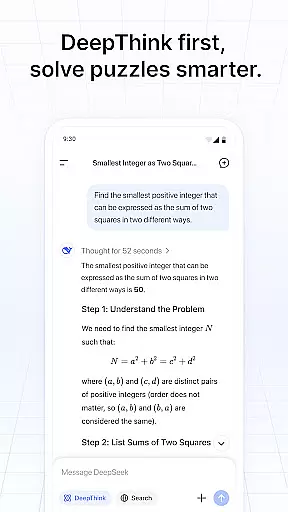
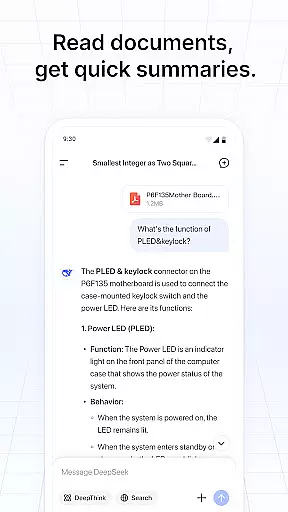
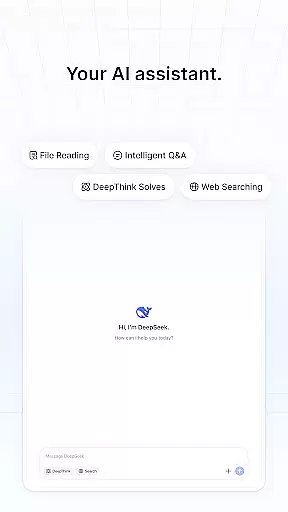
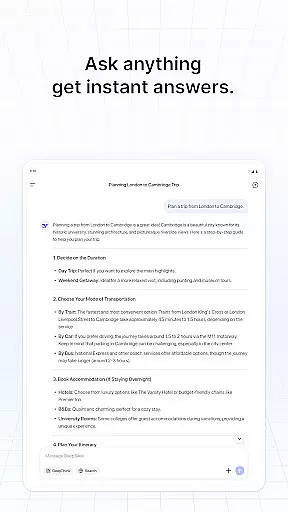
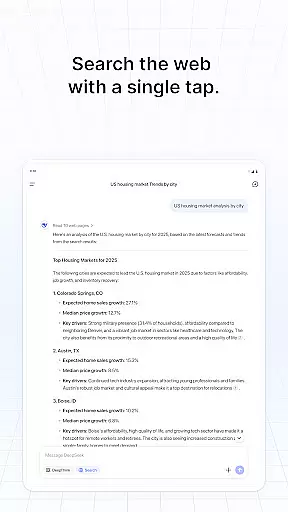
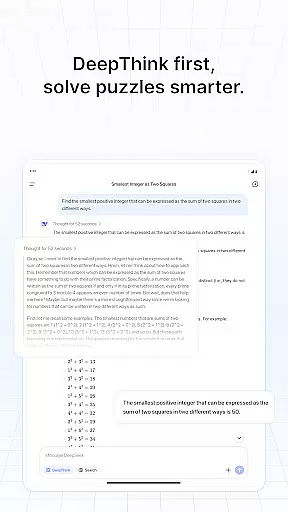
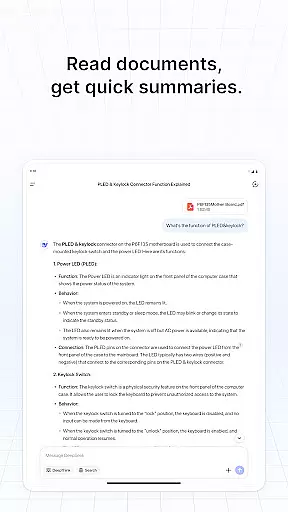
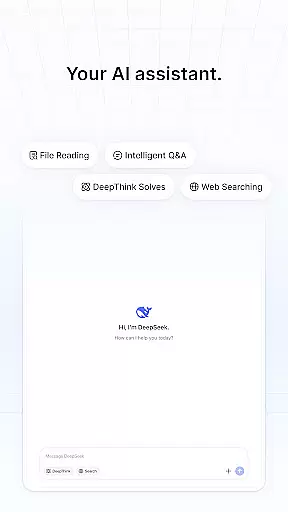
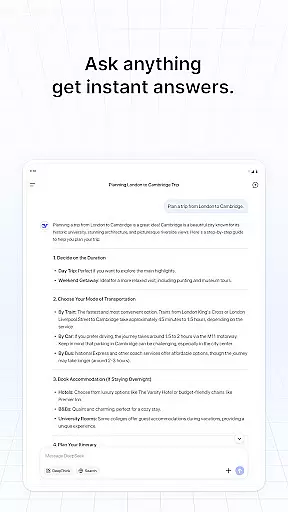
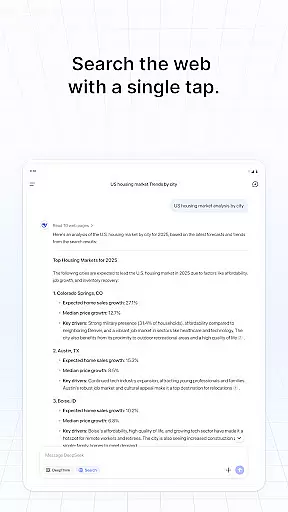
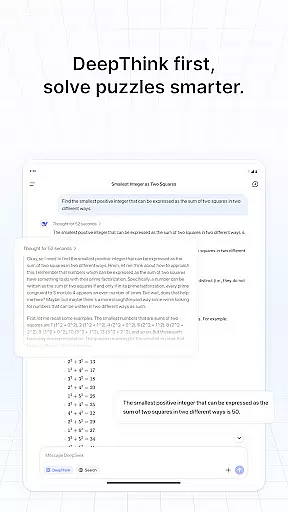
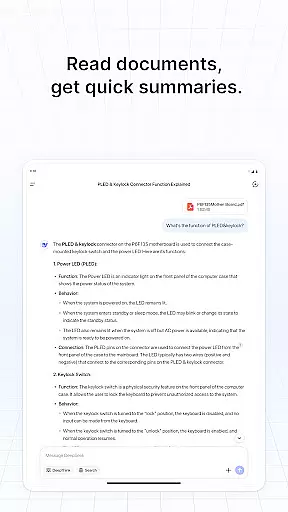
DeepSeek is a cutting-edge AI assistant designed to enhance productivity through seamless interaction. Powered by its latest flagship model, the app delivers faster responses and more powerful features, making it an ideal tool for problem-solving and efficiency improvement.
The application supports various tasks, from answering complex questions to assisting with daily routines. Whether you're a professional seeking to optimize workflows or an individual looking to simplify life, DeepSeek offers tailored solutions that adapt to your needs.
DeepSeek stands out with its advanced AI capabilities, providing users with accurate and swift responses. The app integrates natural language processing to understand and execute commands effectively.
Customization options allow users to tailor their experience, while the intuitive interface ensures ease of use. With continuous updates, DeepSeek remains at the forefront of AI technology, offering new features and improvements regularly.
Task management is a cornerstone of productivity applications, and DeepSeek excels in this area by offering users an intuitive way to organize their tasks. The app leverages advanced AI algorithms to help categorize, prioritize, and schedule tasks efficiently.
DeepSeek's AI assistant provides real-time suggestions for task allocation based on user behavior and preferences. This ensures that each task is assigned an appropriate priority level and deadline, streamlining the workflow process significantly.
Users benefit from enhanced focus and reduced cognitive load as the app handles the intricacies of task management. With features like natural language processing, tasks can be added or modified through simple conversational commands.
The true value lies in its seamless integration into daily routines, empowering users to accomplish more with less effort. By automating repetitive aspects of task management, DeepSeek allows users to concentrate on what truly matters, boosting overall productivity.
Cross-device synchronization is vital for maintaining consistency across multiple platforms, and DeepSeek ensures reliable data syncing for uninterrupted productivity. The app employs robust cloud-based infrastructure to keep all devices updated in real time.
Whenever a change is made on one device, DeepSeek's system immediately propagates the update across all linked devices. This guarantees that whether you're switching from your phone to your tablet or desktop, your information remains current and accessible.
This reliability extends to various types of data, including messages, task lists, and settings configurations. Users can trust that their work environment will be identical regardless of the device they choose to use at any given moment.
By prioritizing synchronization accuracy and speed, DeepSeek enhances user experience by providing peace of mind and eliminating potential frustrations associated with data discrepancies. This cohesive ecosystem supports a seamless transition between devices, promoting flexibility and efficiency.
User-friendly interface
Fast response times
Advanced AI technology
Regular updates
Customizable settings
Limited offline functionality
Requires internet connection
Premium features may require subscription
Occasional bugs
Privacy concerns

A Revolutionary All-in-One Artificial Intelligence Tools
 3.80
3.80
Experience real multitasking on your Android!
4.00
The upgraded version of Name Wheel with AI and the power to add your own wheels.
4.2
Absolutely the best CNC machinist speed and feed calculator around. fswizard.com
4.60
Todo reminder
4.10
Enjoy classic gameplay with customizable features and retro-style graphics.
4.30
This small app MUST BE INSTALLED after purchase, else license won't work
4.40
Scan paperwork into PDF/JPG, generate your own e-signature and send fax or email
4.70
2026 USPS Alpha/Color coded calendar Sunday/Rotating day off schedules
4.3
Understand anything with a personalized AI research assistant
4.80
Lightweight PDF, Word, Excel reader.
4.60
To do list widget with a notebook organizer, checklist, simple shopping list
4.60
PDF scanner & converter for files, photos, lottery, QR codes. One swipe away!
4.50 4.20
4.20
* block pre-roll ads, pop-up and forced redirect ads * Samsung certification app
4.00
Access your phone's notifications, calls, apps, photos & texts on your PC
3.90
Mega cloud explorer plugin for Solid Explorer
3.80
All in one sketching tool. Technical and General drawing. Online Maps support.
3.70
Smart PDF reader & editor to view, organize and manage PDF documents easily.
3.70


User Reviews