
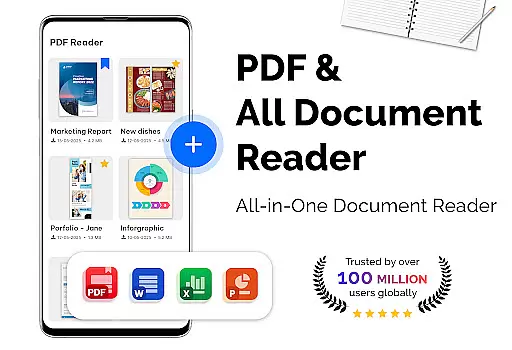
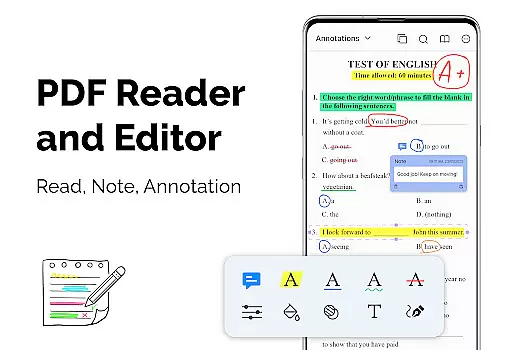
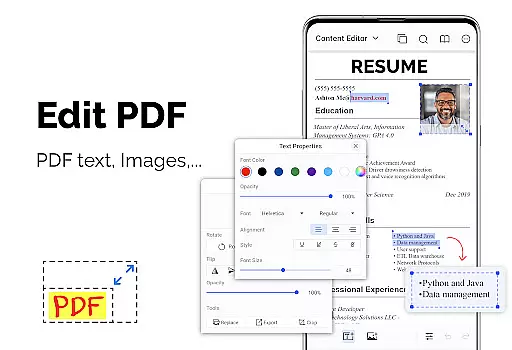
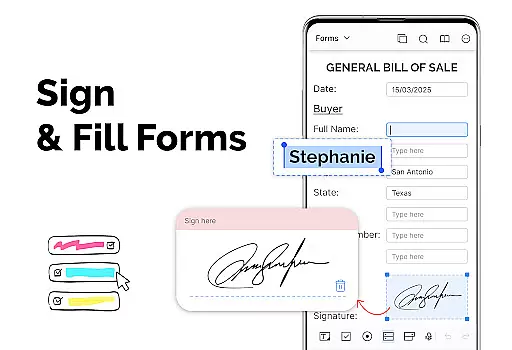
PDF Reader - PDF Viewer is a versatile productivity app designed for seamless document management. This application allows users to read, manage, and convert PDF files with ease. It supports all types of PDF documents, including password-protected files, ensuring comprehensive access to information stored locally on your device.
The app's standout feature is its advanced technology that enables quick loading and display of even large PDF files. With multiple viewing modes such as single page, two-page, book mode, and full-screen options, users can customize their reading experience. Additionally, the app offers intuitive navigation tools like bookmarks and quick page-moving functions, making it an ideal choice for professionals and students who need efficient document handling.
PDF Reader - PDF Viewer boasts an array of powerful features tailored for productivity. The app provides various display modes including vertical and horizontal views, allowing users to adjust the orientation for optimal comfort. Its quick page-moving functionality lets users navigate directly to specific pages or swiftly move through lengthy documents.
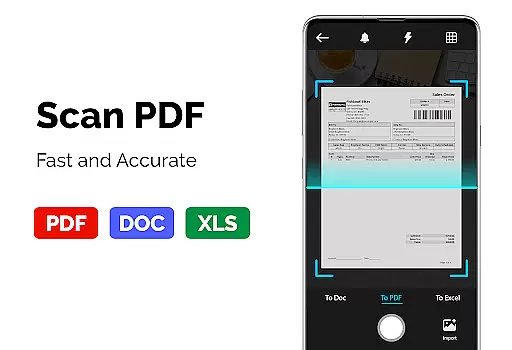
For enhanced usability, the app includes robust PDF conversion tools. Users can effortlessly convert images to PDFs, transform PDFs into JPGs with annotations, and create new PDFs from multiple image formats. These capabilities make it an indispensable tool for anyone needing to digitize receipts, notes, or other important documents while maintaining high-quality output.
For a productivity app like PDF Reader u2013 PDF Viewer, core task management is essential for organizing and handling documents efficiently. This app provides multiple features that streamline the process of managing PDF files.
The app supports various display modes including single page, two-page, book mode, or full-screen reading, which allows users to customize their reading experience according to their preferences. Additionally, quick page moving and bookmarks make navigating through lengthy documents effortless, enhancing the overall document management process.
PDF Reader u2013 PDF Viewer also offers theme customization with dark and light themes, ensuring comfort during long reading sessions and adapting to different lighting environments. These features collectively contribute to an effective task management system within the app.
Users benefit from having a structured approach to viewing and managing their PDFs, which saves time and increases productivity. The ability to handle large files quickly ensures that users can focus on the content rather than the tool, making it an invaluable asset for anyone dealing with PDF documents regularly.
Cross-device synchronization is a pivotal feature for users who operate on multiple devices and need consistent access to their documents. PDF Reader u2013 PDF Viewer addresses this by ensuring reliable and real-time updates across devices.
While the current feature set of PDF Reader focuses heavily on local device functionality, such as reading PDFs stored locally and supporting password-protected files, there's an implied potential for cloud-based services that could enable seamless transitions between devices.
Although explicit cross-device sync features are not detailed in its description, the speed and efficiency of loading large PDFs suggest that incorporating cloud capabilities would maintain high performance. Users seeking these functionalities may look forward to future updates that could integrate such synchronization features.
In practice, reliable synchronization means users can start reading or editing a document on one device and continue on another without missing a beat. This reliability is crucial for maintaining workflow continuity and ensuring that all changes are updated across every device instantaneously.
User-friendly interface
Advanced PDF rendering
Comprehensive file support
Customizable themes
Fast document processing
Limited cloud integration
No OCR functionality
Premium features locked
Occasional bugs
Ads in free version

A Revolutionary All-in-One Artificial Intelligence Tools
 3.80
3.80
Client for Nextcloud Deck
4.60
A customizable calendar for your Wear OS watch
4.20
The long-awaited modern gallery app for your Nextcloud server
4.70
Send files, sync SMS, notifications & clipboard across devices via local network
4.40
To do list widget with a notebook organizer, checklist, simple shopping list
4.60
Quickly and easily keep track of your work shifts
4.70
Share files & memories safely. Keep your photos and videos secure.
4.40
Set up, print, and get support—in one place
4.20
Scientific calculator for Android - looks and operates like the real thing!
4.90
Subscribe to Webcal & .ics calendars and keep them up-to-date!
4.50
Cloud storage, automatic phone backup, and more.
4.10
Easily read and manage all your PDF files
4.10
Take control of your clipboard with Clipper!
3.90
Access your phone's notifications, calls, apps, photos & texts on your PC
3.90
Simple and reliable communication between inmates, friends and family
3.20
Ads Free App! Editor, Hide File, Copy, Move, Delete and Rename.. all facility av
1.70
A simple, portable logger for POTA, SOTA, Field Day, and more
4.1
IP Camera Viewer - Android TV : RTSP Surveillance camera viewer for Android TV
4.0


User Reviews